Jim QR code download badge
Download
JIM App
Download JIM App
1.99% PER SALE

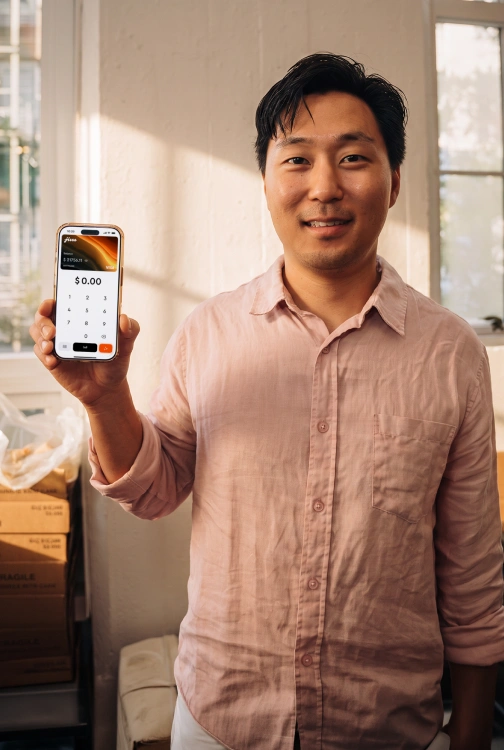
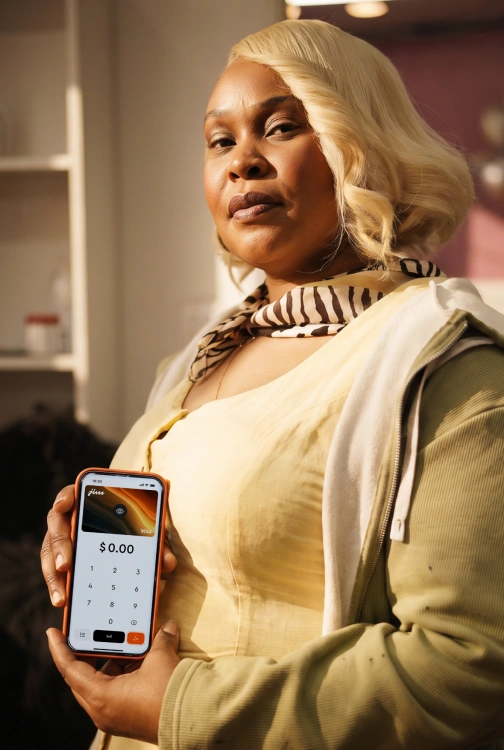
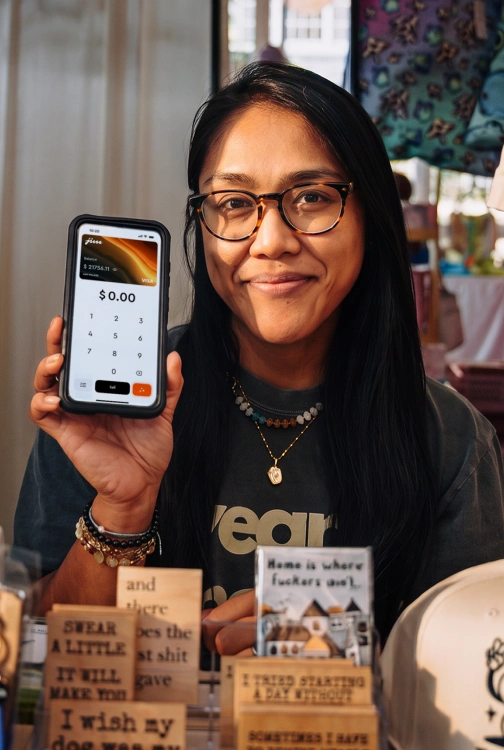
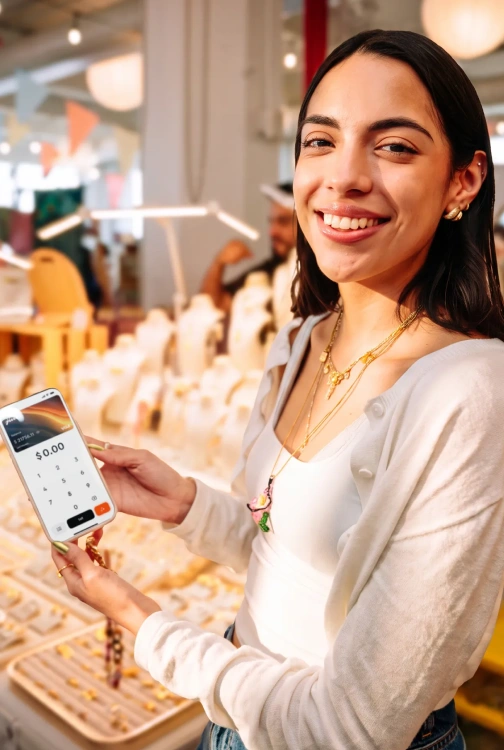
Your phone is your POS

Accept contactless card payments using just your phone and get paid in seconds*. No extra hardware, no hidden costs.

Get started

1.99% per sale

Sell $2 or $2,000 – you always pay the same fee

Get paid in seconds*

Your money is available in seconds*  after the sale is done

No hidden costs

No extra costs. You only pay 1.99% fee on each transaction

Tap metal icon

Simple and secure

It works like a card reader – powered by NFC

Support major card brands and digital wallets for payments

Discover Flag LogoAmex Flag LogoJCB logo, featuring stylized white letters 'JCB' on three vertical stripes colored blue, red, and green."Diners Club International logo, featuring a blue circular emblem containing a stylized 'D' beside the words 'Diners Club INTERNATIONAL' in dark text, enclosed within a rectangular border with rounded corners.Visa logo, displaying bold blue capital letters spelling 'VISA' on a transparent background.Mastercard logo, consisting of two overlapping circles, one red and one yellow-orange, on a transparent background.Apple Pay LogoGoogle Pay LogoSamsung Pay Logo

Payments made simple. For you and your customers.

Your client taps, you get the money. It's that fast.

With JIM, you sell and get paid in seconds*.

Let your customers decide how they want to pay: debit, credit, Apple Pay or any digital wallet. JIM's got you covered.

Get started

One tap and done:
you just got paid

Download the App for free, set up your account and that's it: your phone is a pocketable POS, ready to take payments anytime, anywhere.

1
Enter the sale amount

Open the JIM App, type in the amount and add a tip if you want to.

Smartphone screen displaying the JIM app with a virtual Visa card and a numeric keypad for entering transaction amounts, showing a balance of 42.00 USD.
2
Tap to sell

Hit sell and ask your customer to tap their card or device on your phone.

Smartphone screen displaying a contactless payment prompt with a glowing effect, instructing the user to 'Hold Here to Pay' and showing a pending payment of $48.30 to Johnny Mustard.
3
Get your money

Your funds are ready in your JIM Visa Prepaid Card – no waiting.

Smartphone screen displaying a transaction summary for a 42.00 USD payment, including details such as card type (Mastercard ending in *2345), recipient name (Johnny Mustard), date and time and a 1.99% fee.
1
Enter the sale amount

Open the JIM App, type in the amount and add a tip if you want to.

2
Tap to sell

Hit sell and ask your customer to tap their card or device on your phone.

3
Get your money

Sale complete! Your cash is ready to use right away – no waiting.

Start selling

Crystal clear pricing:
1.99% per sale – always

When you sell with JIM, you've got more earnings to work with – thanks to our low, single fee of 1.99%.

Sell $2 or $2,000. Sell everyday or once in a while. It doesn't change.

1.99% for each payment you accept with JIM. Nothing more than that.

No set up costs, no monthly taxes, no different fees for different cards

Get started

Sale done. Money's ready to roll.
No waiting around.

Get paid in seconds*

No high fees, no waiting. Your money is ready to use the second* the sale is done. 

No transfers needed

Forget bank transfers: your money is instantly* available right on your JIM Card.

Spend anywhere
with your JIM Card

Add it to your digital wallet and use your earnings wherever Apple Pay is accepted.

Start selling

Secure by design.
From tap to payout.

Payments with JIM run on NFC – the same secure tech behind Apple Pay, digital wallets and contactless cards.

When a customer taps their card or phone on your iPhone, the sale is processed instantly and encrypted on the spot.

No terminals. No data stored. Just a secure tap and you're paid.

Get started
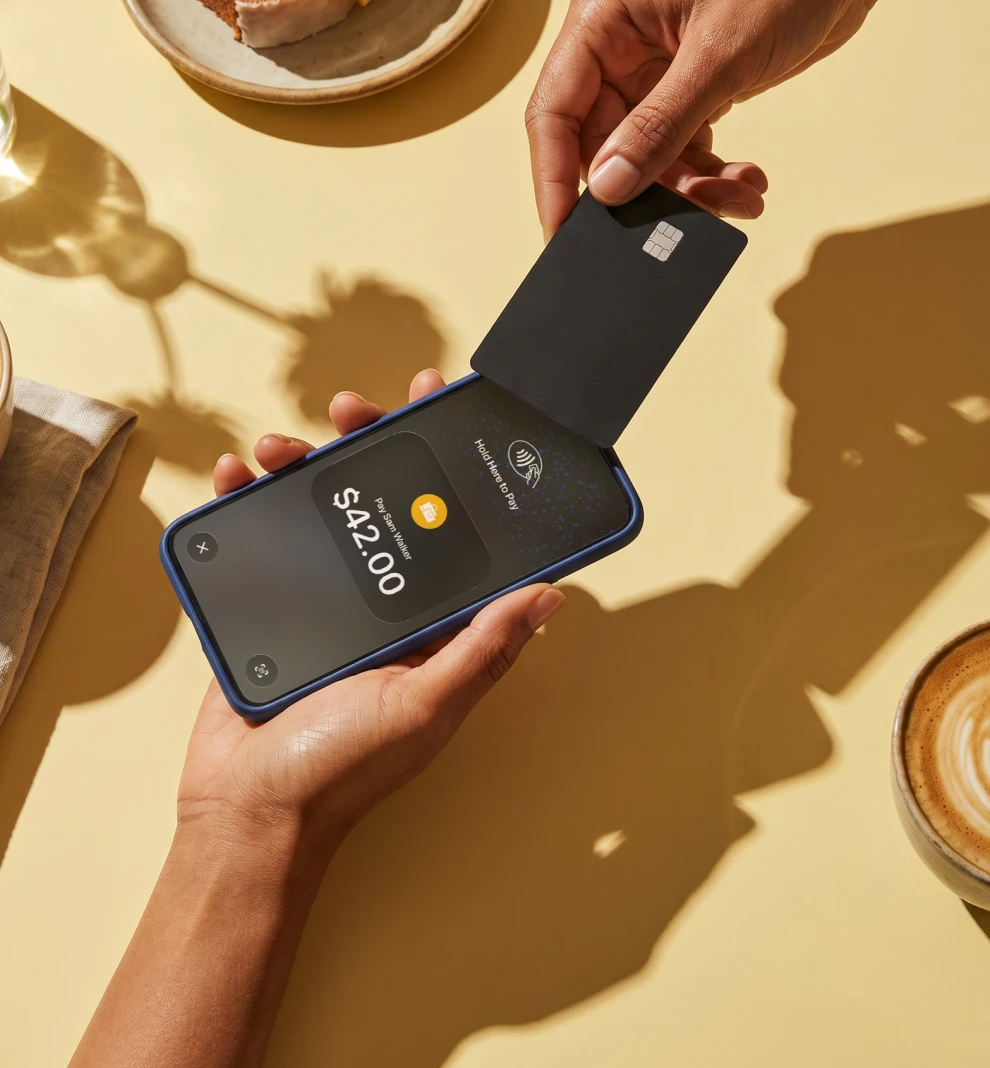
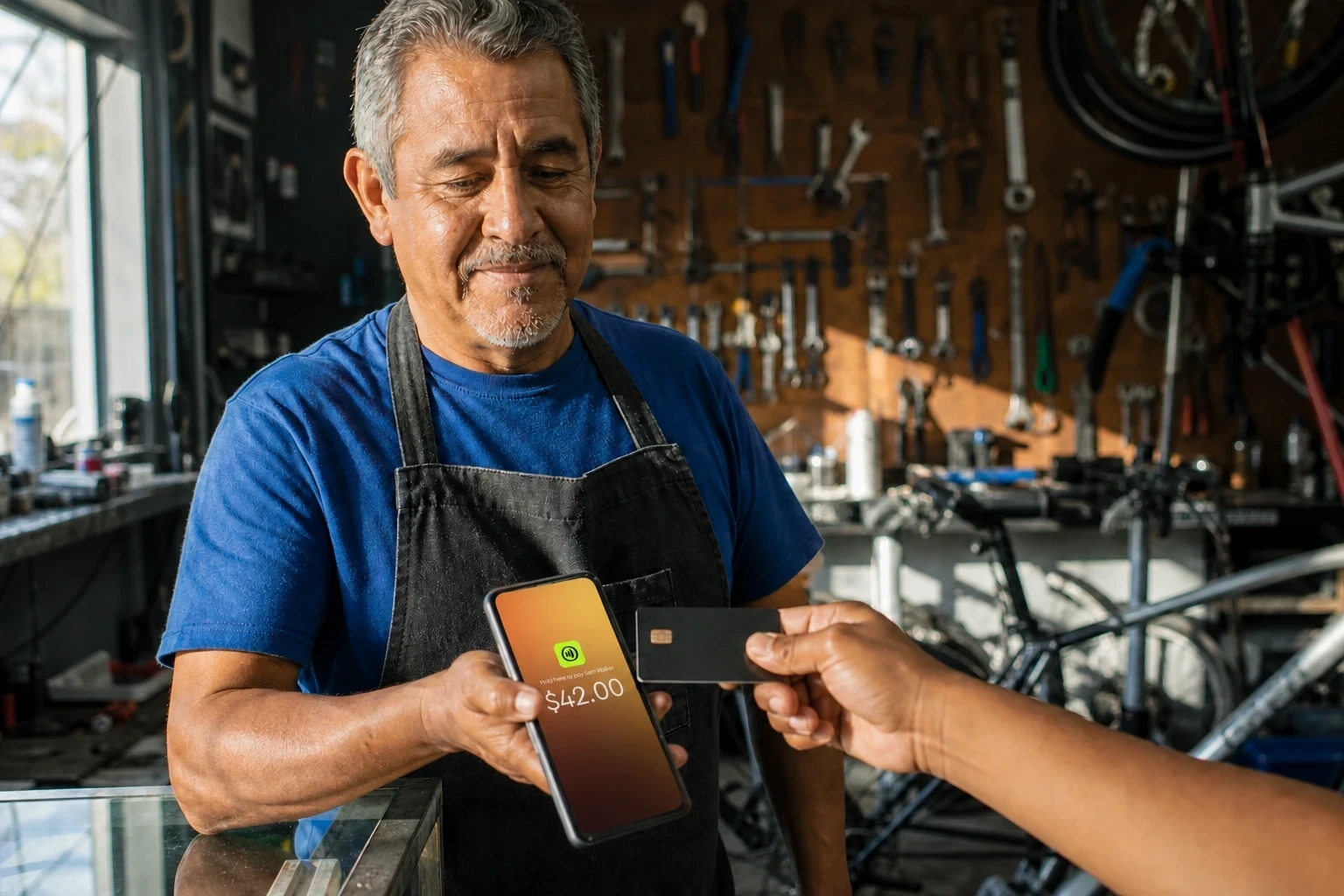
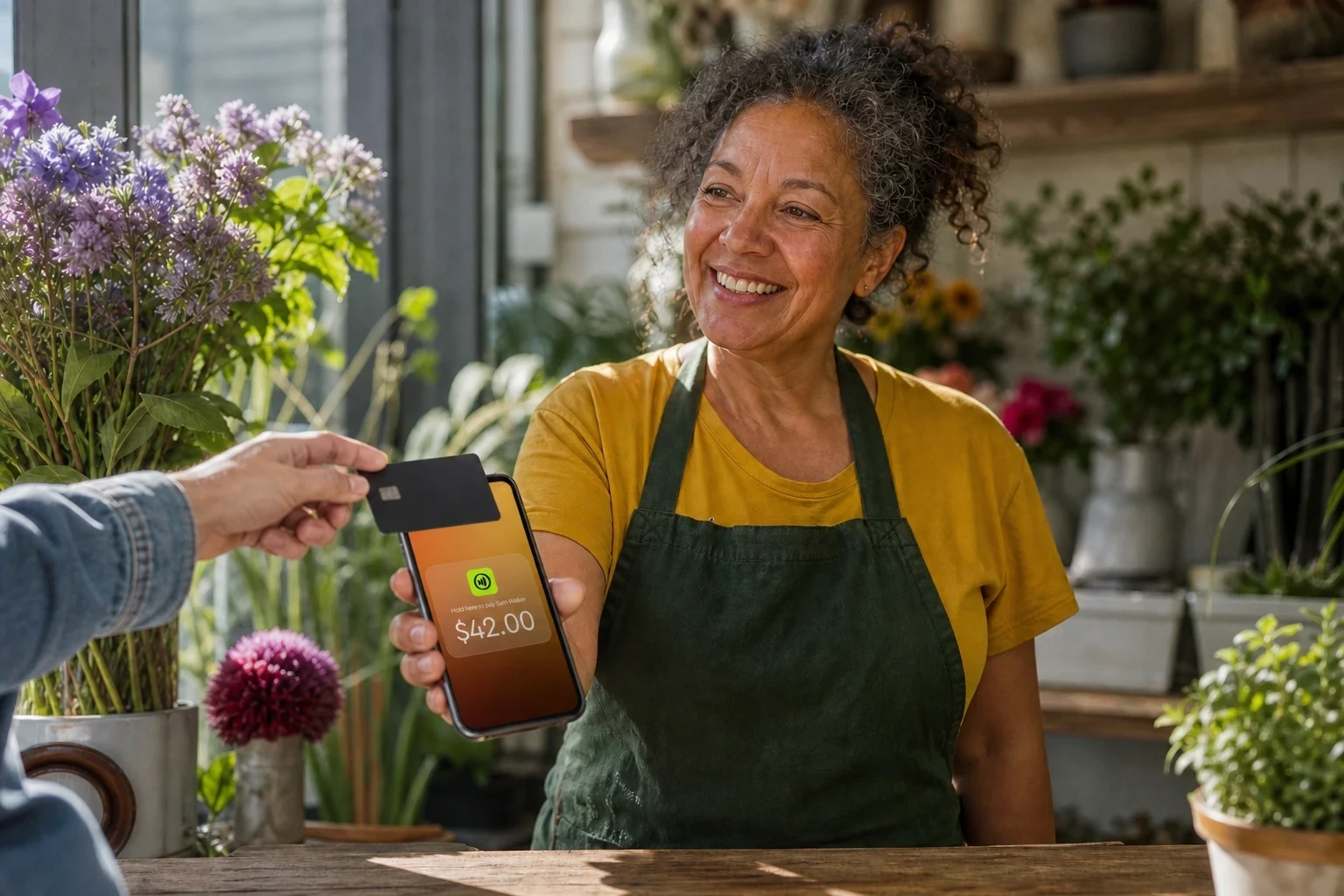
A person holding a smartphone running the JIM app, displaying a payment confirmation screen for $42.00, while another person taps a Visa card on the phone's card reader to complete the transaction.
JIM Payment Link

Sell from anywhere. Get paid instantly.

Create and send payment links with JIM. 

Your customer just clicks and pays: no apps or sign-ups required.

You get paid in seconds, straight to your JIM Card.

JIM payment link stays simple: pay just 4.99% + $0.30 per sale. No surprises.

Get started

The reviews are wild.
The results? Even better.

Works Really Well

Thought the app is seamless and really helps as a merchant being able to accept card. Was easy to sign up and start accepting payments ASAP.

CheeseHead2010

Seamless Functionality

" The app is amazing. Collecting credit card payments on your own device has never been easier. "

JohnW97

Really fast and easy to use

"This is a great app and really simple to use. I make a sale, and the money is available immediately to spend via the JIM card built into the app. If I need to check historical sales or send receipts, I can do that really easily by asking the AI chat assistant to produce that for me."

TeveTorbes1

JIM: easy sale, fast payment, more money in your pocket

Start selling
Fees
Payout speed
Account setup
Equipment needed
Mobility
Fees
Just a single fee of 1.99% per transaction
Payout speed
Instant payouts1
Account setup
Simple setup with minimal requirements
Equipment needed
Only your phone —
no extra hardware needed
Mobility
Sell anywhere, anytime with your phone

Traditional solutions

Fees
Often around 3% per transaction + a fixed fee of $0.10 to $0.15
Payout speed
Payouts take 1 to 3 business days
Account setup
Complex setup, may require extensive documentation
Equipment needed
Requires a physical card reader or terminal
Mobility
Limited to specific locations or hardware
JIM Fees
1.99% per transaction
Others:
3% + $0.10 per transaction
JIM Payout speed
Instant payouts
Others:
Payouts take 1 to 3 business days
JIM Account setup
Easy setup with minimal requirements
Others:
Complex setup
JIM Equipment
Only your phone — no extra hardware
Others:
Requires a physical card reader
JIM Mobility
Accept payments anywhere, anytime
Traditional
Limited to locations and hardware

FAQ

How do I receive the funds from my sales using Tap with JIM?

Payments in seconds are our standard. So, whenever you get paid, your money is available in seconds in your account. No more waiting 1-2 business days.

How do I use my money with JIM?

Just issue your JIM Visa® Prepaid Card and start spending your money right away. That simple: After each sale, your money will be available and you can use it with your JIM Visa® Prepaid Card.

How do I use Tap with JIM?

Simply download the JIM app and enable contactless payments on your device.

At the time of payment, ask the customer to hold their contactless credit or debit card, or any digital wallet-enabled device, near your phone. The payment will be securely completed using NFC technology, with the antenna located near the top of your device.

What payment methods does Tap with JIM accept?

JIM accepts all contactless payment methods, including contactless credit and debit cards, as well as digital wallets, using your NFC-enabled device with the JIM app.

What are the fees for Tap with JIM?

The fees are 1.99%. They're always the same regardless of the merchant's revenue.

What is the minimum payment amount I can receive using Tap with JIM?

The minimum sale amount for Tap with JIM is $1.

Is it safe to sell and pay using Tap with JIM?

Security is a priority for both sellers and buyers. JIM is designed to be fully fraud-resistant. When a payment is processed, card numbers or PINs are never stored on the device or servers, ensuring your transactions remain secure.