Spend less money making money.
Jim’s pricing is low and transparent, so you can run your business without fees getting in the way.

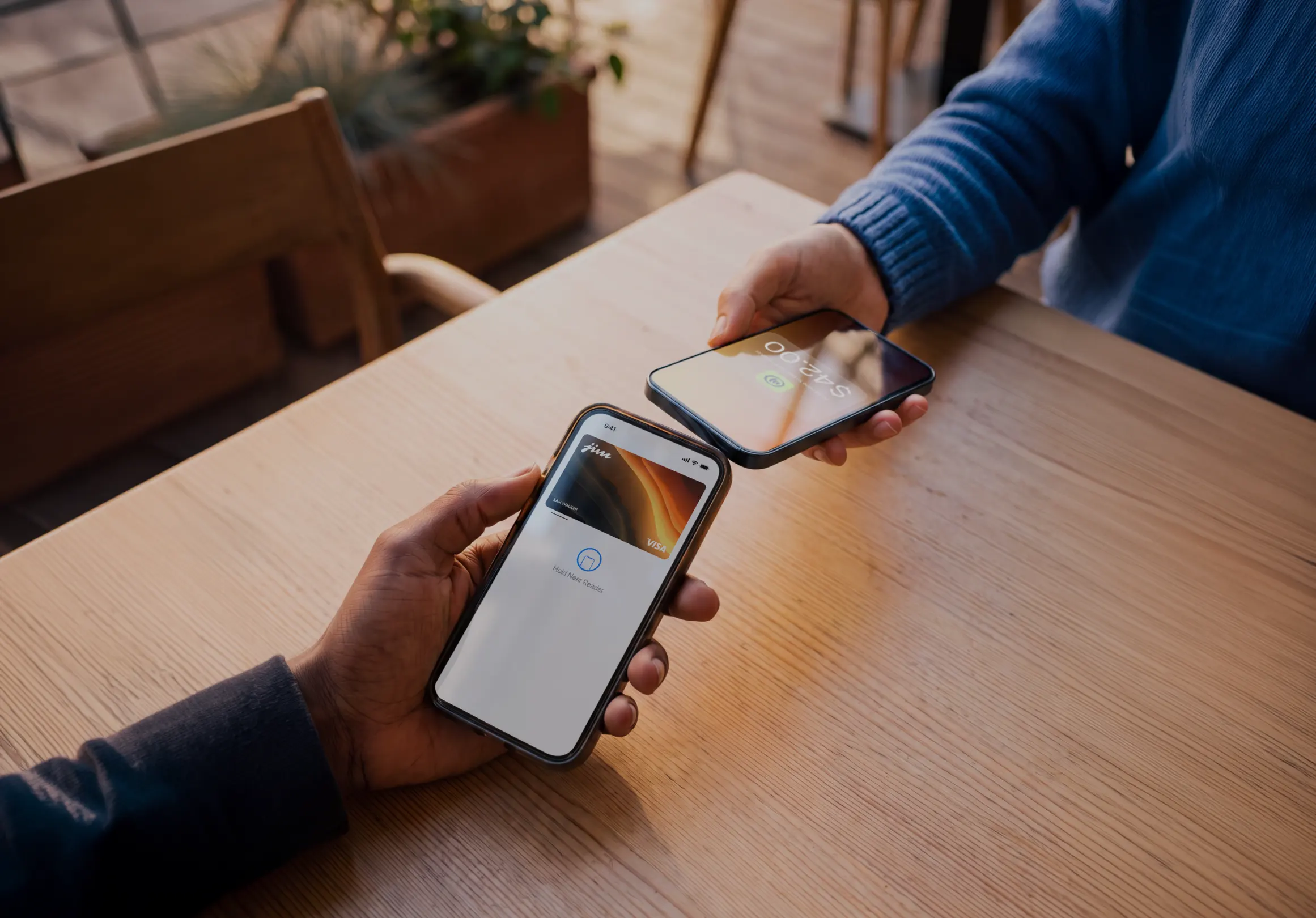
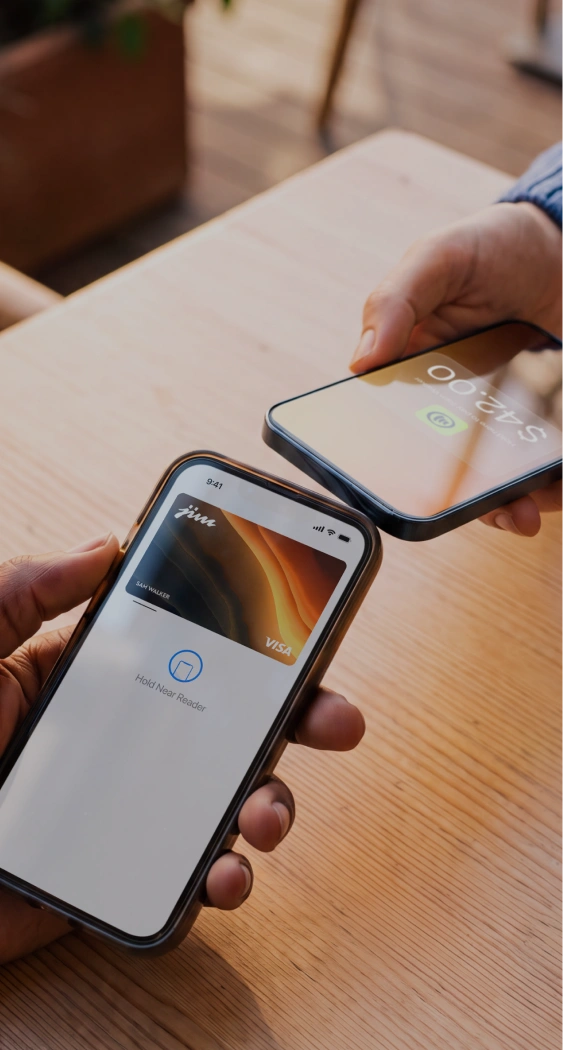
Pay simple, flat fee rates for any type of transaction.
Using Tap to Pay
1.99

service fee per tap transaction
Using Payment Links or Website
4.99
+ $0.30 service fee per sale by link
With Jim, you’ll keep more of what you earn.
Calculate how much you could take home:
Thank you! Your submission has been received!
Oops! Something went wrong while submitting the form.
With Jim Tap to Pay, you'd get:
$5,000.00
after 1.99% service charge
Transfer fees to customers

Access everything else for free, for life.
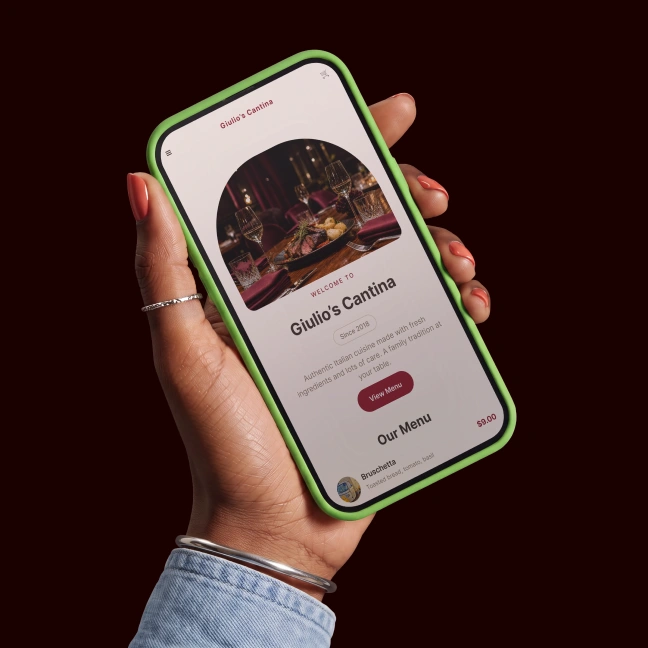
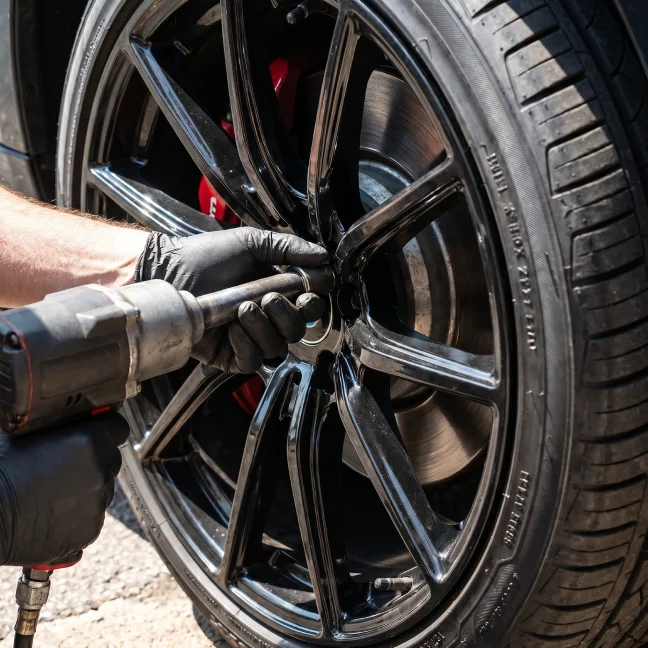




Jim is for:
Nail Techs
Handymen
Dog Walkers
Bodega Owners
Clothing Sellers
Jim works harder than most and costs you very little.
Simple flate-rate fees
Instant payouts1
Simple account setup
No extra hardware needed
Sell anywhere, anytime
with your phone
with your phone
Tap to Pay: 1.99% per sale
Payment Link: 4.99% + $0.30 per sale
Payment Link: 4.99% + $0.30 per sale
1Instant settlements subject to terms.
Traditional solutions
Often around 3% per transaction
+a fixed fee of $0.10 to $0.15
+a fixed fee of $0.10 to $0.15
Simple flate-rate fees
Instant payouts1
Simple account setup
No extra hardware needed
Sell anywhere, anytime
with your phone
with your phone
Tap to Pay: 1.99% per sale
Instant payouts¹
Simple setup
with minimal requirements
with minimal requirements
Only your phone—
no extra hardware needed
no extra hardware needed
Sell anywhere, anytime
with your phone
with your phone
1Instant settlements subject to terms.
Traditional solutions
Often around 3% per transaction
+a fixed fee of $0.10 to $0.15
+a fixed fee of $0.10 to $0.15
Payouts take 1 to 3 business days
Complex setup, may require
extensive documentation
extensive documentation
Requires a physical
card reader or terminal
card reader or terminal
Limited to specific
locations or hardware
locations or hardware
Fees
Tap to Pay: 1.99% per sale
Payment Link: 4.99% + $0.30 per sale
Payment Link: 4.99% + $0.30 per sale
Payout speed
Instant payouts1
Account setup
Simple setup with minimal requirements
Equipment needed
Only your phone —
no extra hardware needed
no extra hardware needed
Mobility
Sell anywhere, anytime with your phone
1Instant settlements subject to terms.
Trusted by thousands across all 50 states
Frequently Asked Questions
What are the fees for Tap to Pay with Jim?
Jim charges a flat 1.99% per tap to pay transaction. The rate is always the same regardless of your revenue, card type, or transaction size.
Are there any monthly fees for Tap to Pay on iPhone?
No. Jim's tap to pay has no monthly fees, no setup costs, and no hidden charges. You only pay 1.99% per contactless payment.
What's the minimum Tap to Pay transaction amount?
The minimum tap to pay sale amount with Jim is $1.
Does Jim charge extra for premium cards with Tap to Pay?
No. Whether customers use a regular credit card or a premium rewards card for tap to pay, you always pay the same 1.99% rate.
When do I get access to my money from Tap to Pay sales?
Your money from tap to pay transactions is available in seconds on your Jim Visa® Prepaid Card after each sale. No transfers needed, no wait for bank processing.
How does Jim's pricing compare to other Tap to Pay processors?
Most traditional tap-to-pay processors charge 2.6%–3.5%, plus additional fees, sometimes in the form of monthly costs or extra charges for premium cards. Jim's pricing is simple: just 1.99% with no extra costs.
How do Same-Day ACH transfers work?
You can transfer your Jim balance directly to your bank.
1. Go to your Balance screen
2. Tap Cash out
3. Choose ACH Bank Transfer
4. Enter the amount
5. Add the bank account details
6. Review the details and fee
7. Confirm with your Jim Card PIN
8. Done! You'll get a receipt right after
Transfers made after business hours, on weekends, or on holidays will be processed the next business day. There's a fee of 1.99% + $0.99 per transfer – and the minimum amount you can transfer is $15.00.
1. Go to your Balance screen
2. Tap Cash out
3. Choose ACH Bank Transfer
4. Enter the amount
5. Add the bank account details
6. Review the details and fee
7. Confirm with your Jim Card PIN
8. Done! You'll get a receipt right after
Transfers made after business hours, on weekends, or on holidays will be processed the next business day. There's a fee of 1.99% + $0.99 per transfer – and the minimum amount you can transfer is $15.00.