
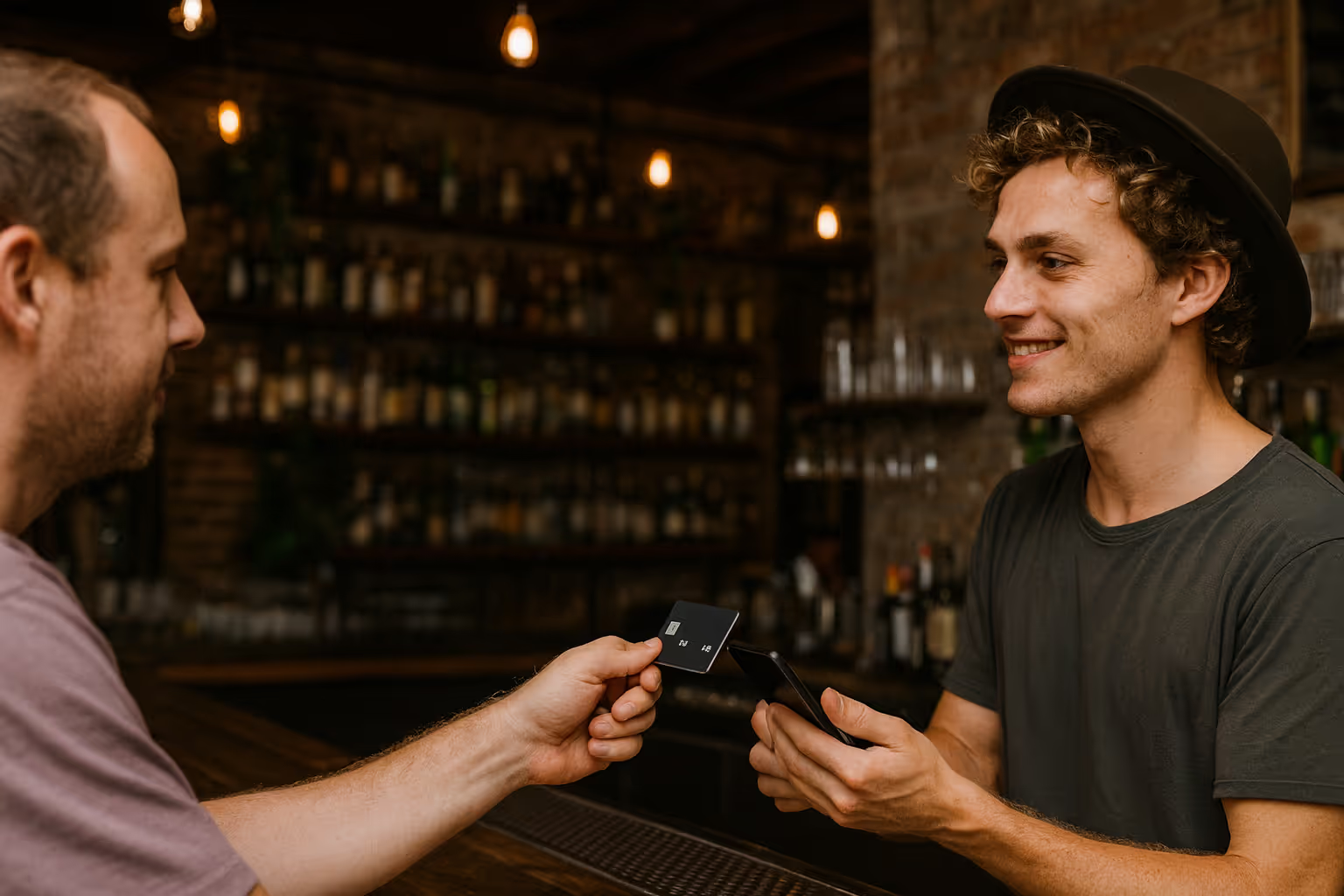
Accept major card brands and digital wallets for payments


Simplify bar payments with JIM
Turn your phone into a POS system
JIM turns your phone into a POS system without extra hardware. Accept credit, debit, and wallets like Apple Pay and Google Pay. Perfect for table service or busy nights at the bar.
.avif)
.avif)
Access your bar's earnings right away
Your money is available instantly* on your JIM Visa® Prepaid card. No bank transfers are needed, just add it to a digital wallet. Use it for contactless payments to restock your bar or pay staff.
Pay one rate. Just 1.99%.
JIM charges a flat 1.99% fee on every single transaction. There are no hidden costs, setup fees, or card penalties. You always pay the same predictable amount on every single sale.

One tap and done:
you just made a sale
Download the JIM app for free, set up your account, and you're ready. Your phone becomes a pocketable POS that can take payments anytime, anywhere.
Type the sale amount in the JIM app and let your customer add a tip.

Tap sell and have your customer tap their card or device on your phone.

Your funds are ready to use on your JIM Visa® Prepaid Card seconds* after a sale.

Type the sale amount in the JIM app and let your customer add a tip.

Tap sell and have your customer tap their card or device on your phone.

Your funds are ready to use on your JIM Visa® Prepaid Card seconds* after a sale.


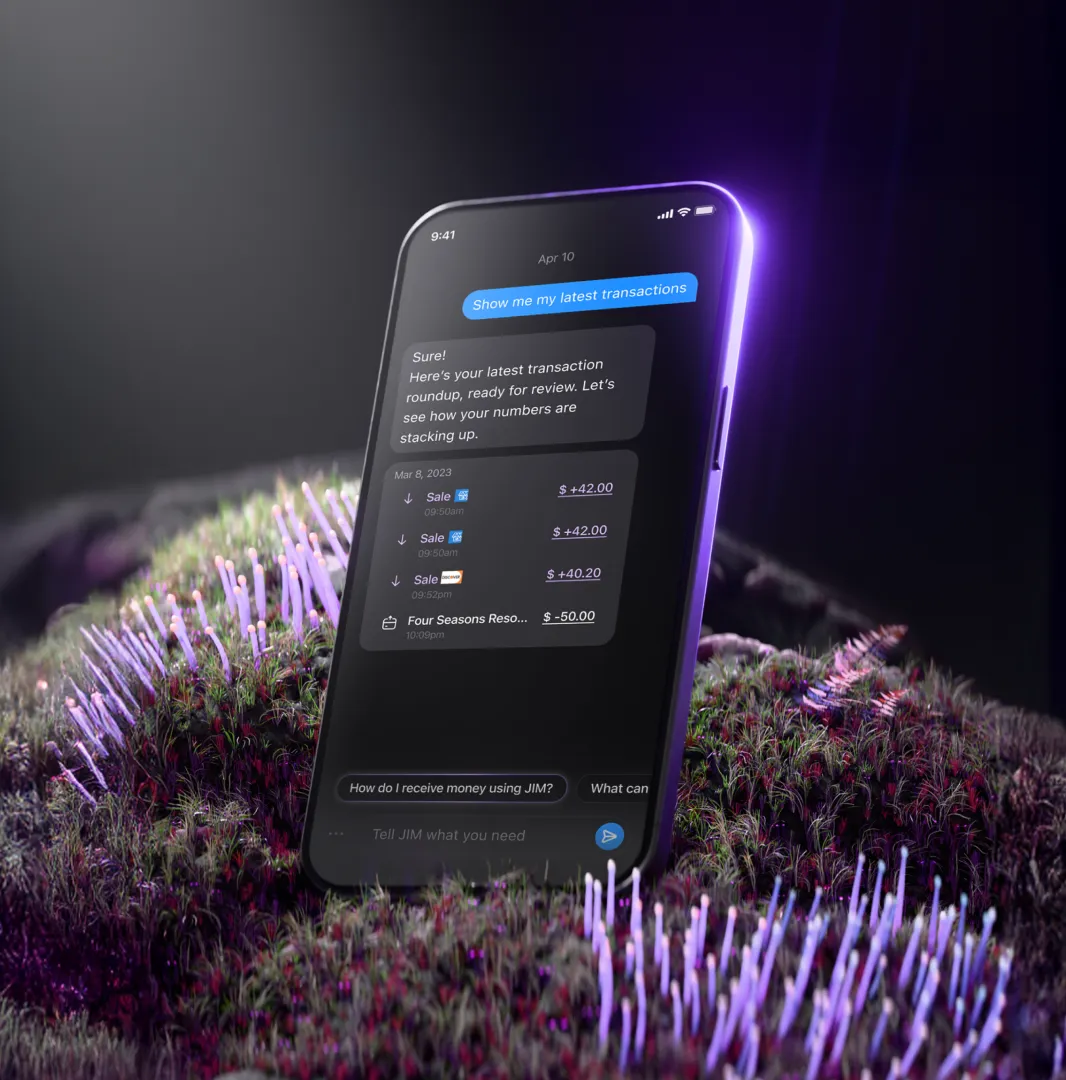
Accept payments on the floor.
You know the happy hour rush. Take payments at the table or for the cover charge at the door. JIM works on your phone to keep lines short and drinks poured.
.avif)
Get paid before last call
You pour drinks, serve customers, and call last orders. Now you get paid instantly*. JIM is made for the bar's rhythm, so you can focus on your patrons, not a complex POS.
.avif)
One flat fee for every tab
Whether you pour a single draft or close a large party tab, the fee is always 1.99%. With JIM, you get no complex math and no surprise costs, just simple, predictable prices for every sale.
.avif)
FAQ
Payments in seconds are our standard. So, whenever you get paid, your money is available in seconds in your account. No more waiting 1-2 business days.
Who is eligible?
JIM welcomes bars and lounges that serve alcoholic beverages at a physical location. Your business must:
- Operate from a verified physical address (P.O. Boxes are not accepted)
- Hold a valid state and local liquor license
- Comply with all applicable age-verification and alcohol service regulations
Please note: All required licenses for the service of alcoholic beverages must be current and valid. JIM reserves the right to request additional documentation during the application process.
How does Tap to Pay on iPhone work with JIM?
Enter the sale amount on your iPhone and present it to the customer. They tap their contactless card or digital wallet near the top of your iPhone to pay. The transaction completes in seconds*.
How quickly do I receive my money?
Funds from every sale appear in your JIM account instantly*. There are no settlement periods or delays.
How can I use the money I earn?
Your earnings are available on your JIM Visa Prepaid Card. You can use this card anywhere Visa is accepted. Add the card to your Apple Wallet for easy, contactless spending.
What are the fees?
JIM has a flat fee of 1.99% for every transaction. There are no hidden charges or monthly costs. A minimum sale of $1 is required.
How does JIM handle tips?
You can show a tip screen to your customer before they pay. Customers can select a preset percentage or enter a custom tip amount. The tip is added to the total before the final payment.
How can JIM help my bar speed up checkout?
JIM lets you accept payments directly on your iPhone, which removes the need for a separate card reader. Customers just tap to pay, making the process quicker and helping you serve more people.
Is JIM a good fit for a mobile bar or event service?
Yes, JIM works anywhere you have a cellular or Wi-Fi connection, subject to local alcohol service regulations. This is ideal for pop-up events, catering, or outdoor service areas.
---
