Starting a streaming business is a rewarding venture that combines content creation and technical know-how with smart business savvy. The industry is worth billions, with steady demand for content across entertainment, education, and corporate training.
This guide will take you through the practical steps of validating your business concept, securing funding, acquiring the right equipment, and building content partnerships to help you launch a successful streaming business in the U.S.
Step 1: Plan and validate your business
First, define your niche. Use Google Trends to gauge audience interest in specific topics over time. You can also explore platforms like YouTube or Twitch to see what content formats and subjects already get traction. This helps you find a gap in the market.
Once you have a niche, identify your competitors. A frequent misstep is to only watch the biggest names. Instead, use a platform like Similarweb to analyze the traffic and audience of smaller, successful creators in your specific area. This gives you a more realistic benchmark.
Estimate your startup costs
A realistic startup budget can range from $2,000 to $10,000. Your initial equipment, including a quality camera, microphone, and lighting, will likely fall between $1,000 and $5,000. Many new owners overspend on gear, so start with what you need and upgrade later.
Beyond hardware, account for recurring software and platform fees. While OBS Studio is a great free streaming application, video hosting platforms can cost $100 to $500 monthly. Also, set aside an initial marketing budget of $500 to $2,000 to attract your first viewers.
Here are 4 immediate steps to take:
- Use Google Trends to compare audience interest in three potential content niches.
- List three direct competitors and note their primary content strengths.
- Create a startup budget with line items for equipment, software, and marketing.
- Research two video hosting platforms and compare their monthly fees for your expected usage.
Step 2: Establish your legal and licensing framework
Choose your business structure
You might want to consider forming a Limited Liability Company (LLC). It separates your personal assets from business debts, a protection you do not get as a sole proprietor. An LLC usually costs $50 to $500 to file with your state and offers pass-through taxation.
This means business profits pass to your personal tax return, which avoids the double taxation that corporations face. Many new streamers make the mistake of skipping this step, leaving their personal finances vulnerable if the business is sued.
Secure the right licenses and permits
For online streaming, you typically do not need a federal broadcast license from the FCC. Your focus will be local. You will need a general business license from your city or county, which can cost between $50 and $150 and takes one to two weeks to process.
Also, if you use copyrighted music, you must obtain public performance licenses. Look into organizations like ASCAP and BMI. Failing to secure these licenses can lead to significant fines for copyright infringement, a costly oversight for a new business.
Here are 4 immediate steps to take:
- Select a business name and register it with your state’s Secretary of State.
- File the articles of organization to form your LLC.
- Apply for a general business license with your city or county clerk.
- Research the fee structures for music licenses on the ASCAP and BMI websites.
Step 3: Secure your insurance and manage risk
Your next move is to protect your business. Start with general liability insurance. A standard $1 million policy, which covers third-party injury or property damage, typically runs between $400 and $900 annually. This is your foundational coverage.
Also, get professional liability insurance, often called errors and omissions (E&O). This protects you from claims of defamation or copyright infringement. For $1 million in coverage, expect annual premiums of $600 to $1,200. Many new streamers overlook this, exposing them to costly legal battles.
Find a specialized provider
You might want to consider an insurer that understands media businesses. General agents may not grasp the specific risks you face. Look into providers like Hiscox, The Hartford, or Chubb, as they offer policies tailored to content creators.
As your business grows, you may need more coverage. If you hire employees, you will need workers’ compensation. If you use a vehicle for business travel, you will need a commercial auto policy. Also, remember to insure your gear with property or equipment insurance.
Here are 4 immediate steps to take:
- Request a quote for a $1 million general liability policy.
- Compare professional liability insurance to cover content-related claims.
- Contact a specialized provider like Hiscox or The Hartford for a quote.
- List your business equipment and estimate its value for a property insurance quote.
Step 4: Set up your location and equipment
You can start your streaming business from a home office. A dedicated room or even a quiet corner of about 100-150 square feet is enough. Check your local city or county website for home-based business ordinances, but a simple streaming setup rarely faces zoning issues.
If you outgrow your home and lease a commercial space, try to negotiate a shorter term, like one or two years. You can also ask for a tenant improvement allowance to help cover costs for soundproofing, which landlords sometimes provide for a longer commitment.
Gather your streaming gear
Many new streamers overspend on video but neglect audio. Your audience will forgive video glitches more than poor sound. Prioritize a quality USB microphone like a Blue Yeti, which costs around $130. For your camera, a webcam like the Logitech C922 Pro for about $100 is a great start.
Good lighting also makes a huge difference. A three-point lighting kit from a brand like Neewer can be found for $150 to $250. If you plan to stream from a gaming console, you will also need a capture card, such as an Elgato HD60 S+, which runs about $180.
Here are 4 immediate steps to take:
- Designate a 100-150 square foot space for your studio.
- Research the cost of a Blue Yeti microphone and a Logitech C922 Pro webcam.
- Compare prices for a three-point lighting kit on B&H Photo Video or Amazon.
- Check your local government’s website for home-based business rules.
Step 5: Set up your payment processing
Your streaming business will likely rely on recurring revenue. You should look at payment gateways like Stripe or Patreon that specialize in subscriptions. When you compare them, focus on transaction fees, which are typically around 2.9% plus $0.30 per transaction, and how well they integrate with your chosen streaming platform.
Many streamers focus only on online revenue and miss out on in-person sales. If you plan to sell merchandise at events or offer paid workshops, you will need a way to accept payments on the go. This is where a mobile payment solution becomes valuable.
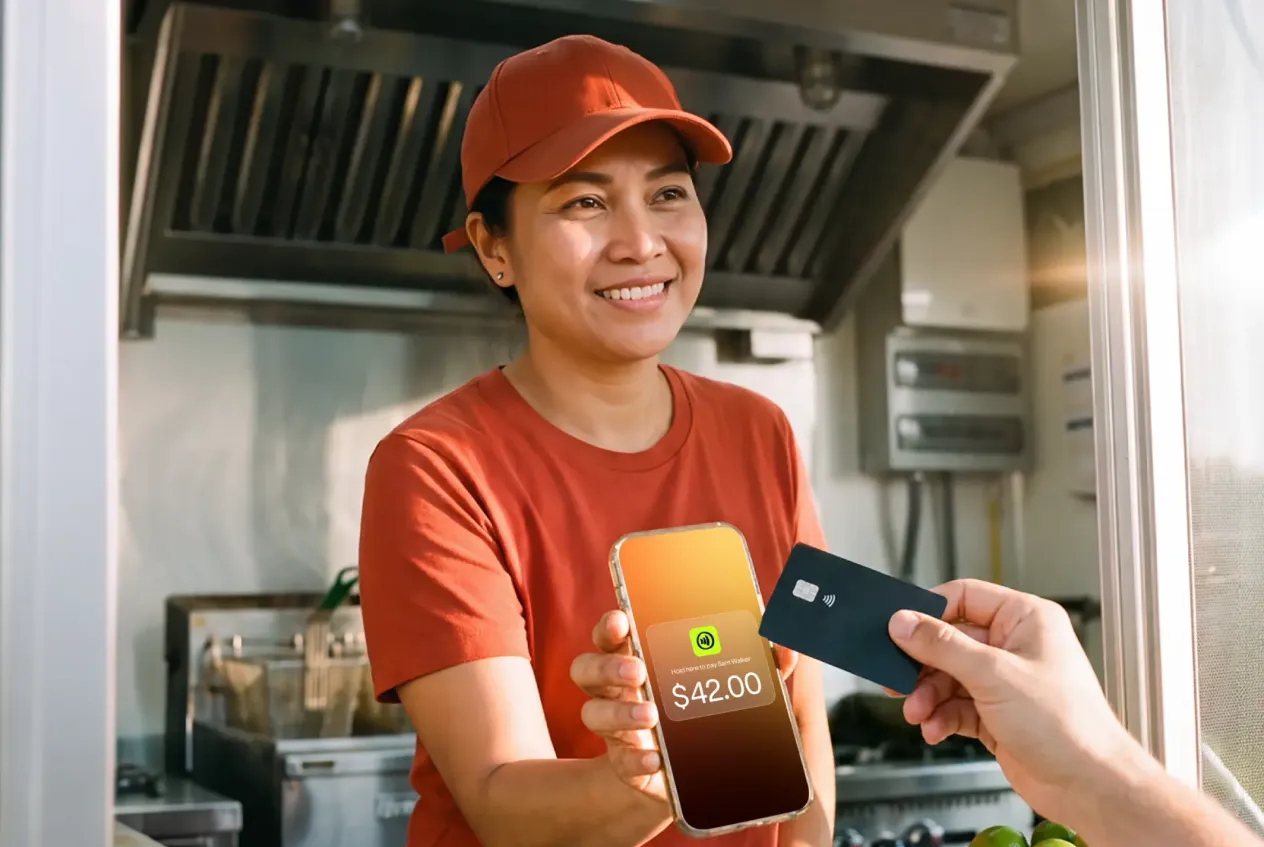
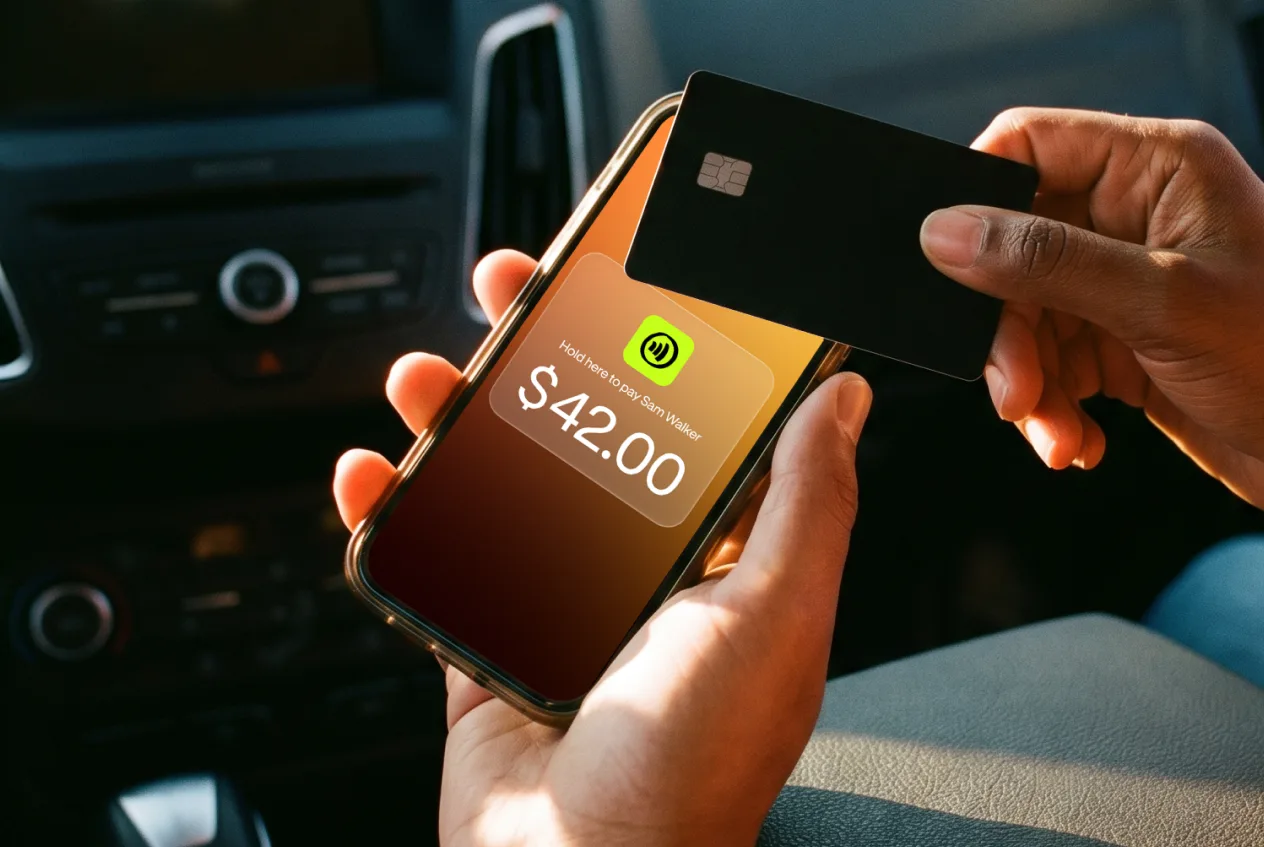
For these situations, JIM offers a streamlined solution. With JIM, you can accept debit, credit, and digital wallets directly through your smartphone—just tap and done. At just 1.99% per transaction with no hidden costs or extra hardware needed, it is particularly useful for selling merchandise at conventions.
Other providers often charge nearly 3% plus a fixed fee, so the savings add up quickly. Getting started is simple:
- Get Started: Download the JIM app for iOS.
- Make a Sale: Type the sales amount, hit sell, and ask your customer to tap their card or device on your phone.
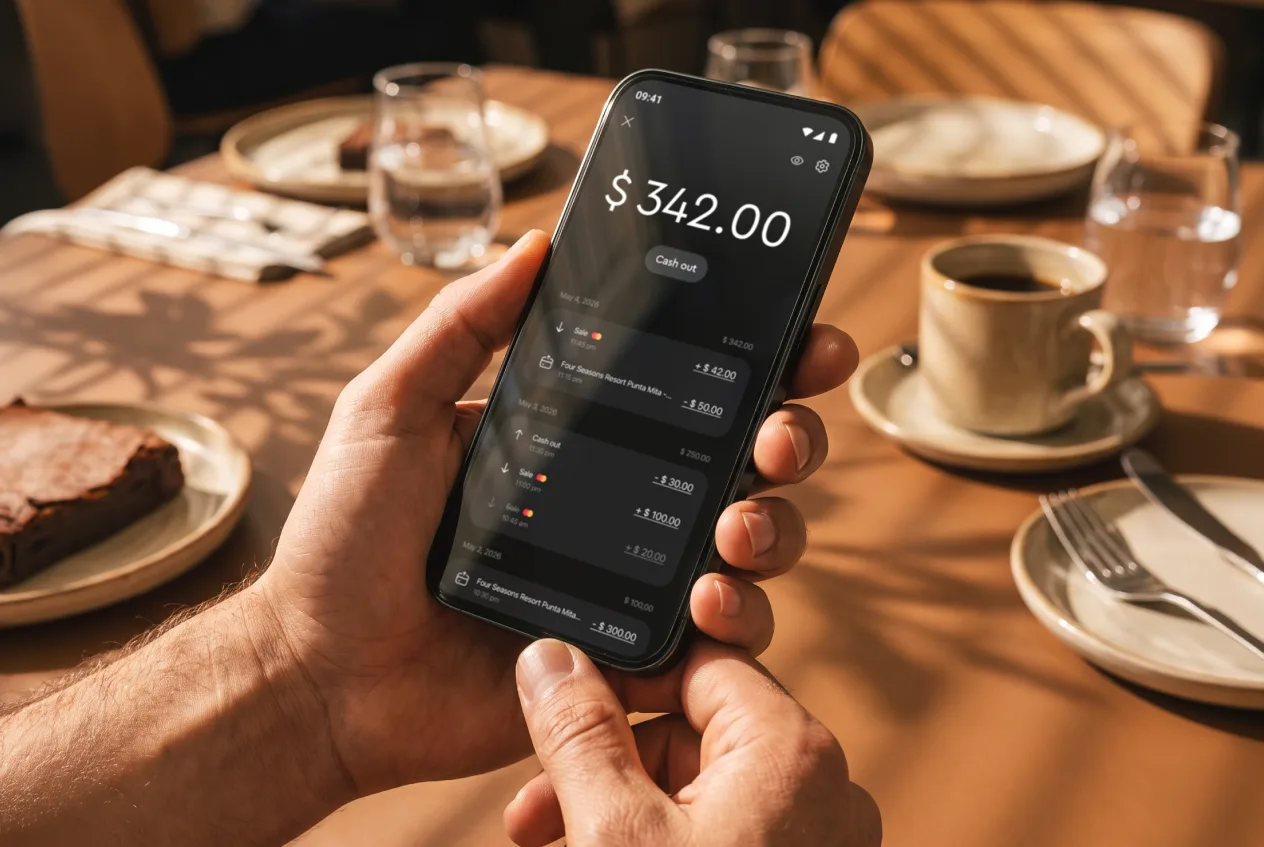
- Access Funds: Your money is available right on your JIM card as soon as the sale is done—no waiting for bank transfers.
Here are 4 immediate steps to take:
- Research two online payment gateways that support recurring subscriptions.
- Compare the transaction fees for both platforms.
- Download the JIM app to explore its features for in-person sales.
- List one potential use for in-person payments, like selling merchandise at an event.
Step 6: Secure funding and manage your finances
Find the right funding
You can fund your launch with personal savings, but other options exist. Consider an SBA Microloan, which offers up to $50,000. Interest rates typically range from 8% to 13%, and you will need a solid business plan and good credit to qualify.
Also, look for grants aimed at digital creators. You can search platforms like GrantStation for opportunities. Many new streamers fail to secure enough initial capital, so explore multiple avenues before you commit to one.
Manage your working capital
Plan to have $3,000 to $7,000 in working capital to cover your first six months. This budget should account for software subscriptions, marketing, and other operational costs, separate from your initial gear purchases. It gives you a runway before revenue becomes consistent.
From day one, open a dedicated business bank account. This keeps your personal and business finances separate, which simplifies tax time. You might also want to use accounting software like Wave (free) or QuickBooks Self-Employed to track every dollar in and out.
Here are 4 immediate steps to take:
- Research SBA microloan requirements on the SBA website.
- Open a dedicated business bank account to separate your finances.
- Calculate your estimated working capital needed for the first six months.
- Search for two digital media grants on a platform like GrantStation.
Step 7: Hire your team and set up operations
You will likely handle everything yourself at first. As your channel grows, however, outsourcing tasks frees you up to create more content. Your first hires will probably be freelancers, not full-time employees, which keeps your fixed costs low.
Key freelance roles to consider
A video editor can repurpose your live streams into clips for YouTube or TikTok. Expect to pay a freelance editor $25 to $50 per hour. They will need proficiency with software like Adobe Premiere Pro or DaVinci Resolve.
You might also hire a community manager to engage with your audience on platforms like Discord and moderate your chat. This role can cost $20 to $40 per hour. They often use management bots like Streamlabs Cloudbot or Nightbot to automate tasks.
Many new streamers make the mistake of hiring too early and straining their budget. A good benchmark is to consider your first part-time hire when your monthly revenue consistently tops $3,000 to $5,000. This ensures you can afford the help without financial stress.
Always use a simple independent contractor agreement, even for small projects. This document should outline the scope of work, payment terms, and deadlines. It protects both you and the freelancer from misunderstandings down the road.
Here are 4 immediate steps to take:
- Draft a job description for a freelance video editor.
- Research the features of Nightbot and Streamlabs Cloudbot.
- Set a monthly revenue goal for making your first hire.
- Find a basic independent contractor agreement template online.
Step 8: Market your business and acquire customers
Your content is ready, now you need an audience. Start by repurposing your long-form streams into short clips for platforms like TikTok, Instagram Reels, and YouTube Shorts. Post three to five clips weekly to build momentum and attract new viewers.
Many new streamers expect immediate results from this. A more realistic goal is a 1-2% conversion rate from your social media followers to live viewers. This is a solid benchmark as you build a loyal community from your initial marketing push.
Collaborate and advertise
Find other streamers in your niche with a similar audience size. You can propose a "raid," where you send your viewers to their channel, or plan a joint broadcast. This cross-promotion introduces you to an engaged audience that is likely to enjoy your content.
Once you have some traction, you might explore paid ads. A targeted campaign on Reddit or Facebook can be effective. With a budget of $100, you can test ads in specific subreddits or interest groups. Aim for a customer acquisition cost (CAC) below $5 per new subscriber.
Here are 4 immediate steps to take:
- Create a content calendar to post three clips weekly on TikTok or Reels.
- Identify five streamers with a similar audience size for a potential collaboration.
- Set up a test ad campaign on Reddit with a $100 budget.
- Track your social media follower to live viewer conversion rate for one week.
Step 9: Develop your pricing strategy
Your pricing model defines how you make money. Common options include subscriptions (SVOD), like a $9.99 monthly pass, or pay-per-view (TVOD) for single events. You can also offer free, ad-supported content (AVOD) to build a large audience first.
Set your prices
Look at competitors in your niche by checking their Patreon, YouTube Memberships, or custom website pricing pages. If they charge $15 a month, pricing at $40 will be a tough sell. Use their rates as a starting point. Many new streamers price too low, which hurts long-term growth.
For subscriptions, aim for a price between $5 and $20 per month. For one-off content, like a special workshop, $25 to $75 is a common range. Your gross profit margin on digital sales should be high, often over 80%, since there are no physical production costs per unit.
Create pricing tiers
You might want to create pricing tiers. For example, offer a free plan with ads, a $7/month plan for ad-free viewing, and a $15/month premium plan that includes exclusive content like behind-the-scenes access or monthly Q&A sessions. This lets you capture different customer types.
Here are 4 immediate steps to take:
- List the monthly subscription prices of three direct competitors.
- Outline two potential pricing tiers for your service, including price and features.
- Decide if you will use a subscription, pay-per-view, or hybrid model.
- Calculate a target price for a one-off workshop to achieve an 80% gross margin.
Step 10: Control quality and scale your business
Measure your stream's performance
It is easy to fixate on follower counts, but engagement metrics tell the real story. Track your average viewer retention. If you can keep 30-40% of your audience watching past the 10-minute mark, you have a strong foundation. This shows your content is compelling.
Also, monitor chat engagement. Use a dashboard from a service like Streamlabs to see messages per minute. A lively chat indicates an active community, which is more valuable than a large, silent audience. This data helps you see which content segments resonate most.
Know when to grow
With your metrics in hand, you can plan for growth. A good rule of thumb is to reinvest 10-20% of your monthly profit back into the business. Once you consistently earn $3,000 to $5,000 per month, you can consider a major equipment upgrade or your first part-time hire.
Many new owners expand too quickly and burn through their cash reserves. Avoid this by tying your growth investments directly to revenue milestones. This ensures your expansion is sustainable and does not put your business at risk before it is stable.
Here are 4 immediate steps to take:
- Track your viewer retention rate for your next three streams.
- Use the Streamlabs dashboard to check your chat messages per minute.
- Set a monthly revenue goal that will trigger your first major equipment upgrade.
- Outline one task you could delegate once you hit your hiring revenue target.
You have the steps to launch your streaming business. The key is consistency. Your audience values a reliable schedule and genuine connection more than perfect production. You have a solid plan, so trust the process and get started.
As you grow and sell merchandise, keep your payments simple. JIM turns your phone into a card reader for a flat 1.99% fee, with no extra hardware. Download JIM and be ready for that first sale.