Starting an e-business is an exciting venture that combines skills in product curation and digital marketing with solid business acumen. While the digital marketplace offers incredible reach and lower overhead than traditional retail, this accessibility also means competition is high.
This guide will take you through the practical steps of validating your business concept, securing funding, building supplier relationships, and acquiring inventory to help you launch a successful e-business in the U.S.
Step 1: Validate your business idea and plan
Start by confirming people want your product. Use Google Trends to see search interest over time. You can also explore niche communities, like specific subreddits, to understand customer problems and language. This helps you find an underserved audience instead of a broad, competitive one.
Next, size up the competition. Use a platform like SimilarWeb to see where your competitors get their website traffic. Ahrefs can show you what keywords they rank for. This analysis reveals their strengths and weaknesses, which helps you define your unique selling proposition.
Map out your startup costs
A realistic budget is vital. Many new owners underestimate initial costs, which can halt progress. Your budget should account for e-commerce platform fees, which can range from $30 to over $300 per month. You will also need funds for business registration and initial marketing.
Initial inventory is often the largest expense. A starting budget between $500 and $5,000 is typical, but this depends entirely on your product. A thoughtful approach to this expense can prevent early cash flow problems and set you up for sustainable growth.
Here are 3 immediate steps to take:
- Use Google Trends to compare search interest for your top three product ideas.
- Analyze two direct competitors with SimilarWeb to identify their main traffic sources.
- Create a startup budget that itemizes platform fees, initial inventory, and a marketing fund.
Step 2: Set up your legal structure and licensing
You might want to consider forming a Limited Liability Company (LLC). It separates your personal assets from business debts. While a sole proprietorship is simpler, it offers no such protection. An LLC also provides tax flexibility, letting profits pass directly to you without corporate taxes.
A frequent misstep is mixing personal and business finances, even with an LLC. Open a dedicated business bank account as soon as your LLC is approved. This simplifies accounting and reinforces your liability protection.
Secure your federal, state, and local permits
First, get a free Employer Identification Number (EIN) from the IRS website; it’s your business's social security number. Next, apply for a state seller's permit. This allows you to collect sales tax and is usually obtained through your state's department of revenue.
Seller's permit costs vary but are often under $50, with processing times from a few days to several weeks. Also, check with your city or county clerk for a general business license, which typically costs between $50 and $100 annually.
Keep in mind that regulatory bodies like the Federal Trade Commission (FTC) govern advertising claims. If you sell physical goods, you must also follow product safety rules set by the Consumer Product Safety Commission (CPSC).
Here are 4 immediate steps to take:
- Decide between a sole proprietorship and an LLC for your business structure.
- Apply for a free Employer Identification Number (EIN) directly from the IRS website.
- Find and apply for your state's seller's permit to handle sales tax.
- Contact your local city or county office to secure a general business license.
Step 3: Manage risk with the right insurance
Core coverage for e-commerce
Start with general liability insurance, which covers claims like property damage. For an e-business, this is your foundation. A typical policy offers $1 million in coverage, with annual premiums often between $400 and $700.
Next, add product liability insurance. This is separate and protects you if a product you sell causes injury. A frequent oversight is to assume general liability covers this, but it usually does not. This is especially important if you manufacture your own goods.
If you handle customer data, you should also get cyber liability insurance to cover costs from data breaches. If you have employees, you will need workers' compensation. Also, consider commercial property insurance if you store significant inventory.
Providers like Hiscox, The Hartford, and CoverWallet specialize in e-commerce. They understand risks from supply chain disruptions to online advertising claims. You might want to get quotes from at least three to compare rates and coverage details.
Here are 4 immediate steps to take:
- Get a quote for a $1 million general liability policy.
- Ask providers specifically about adding product liability coverage.
- Evaluate if you need cyber liability insurance based on your data practices.
- Check your state’s requirements for workers' compensation if you plan to hire.
Step 4: Secure your space and equipment
You can start your e-business from home. Check your local zoning ordinances for home-based business rules. Many people misjudge how much space inventory requires. A spare room of 100-150 square feet is a good start, but plan for growth.
If you need a commercial space, look for properties zoned for light industrial or commercial use. When you negotiate a lease, you might want to ask for a shorter term, like one or two years. This gives you flexibility if your space needs change quickly.
Stock your workspace
Your initial setup does not need to be expensive. You will need industrial shelving, which costs about $70 to $200 per unit. A thermal label printer, around $150, and a digital shipping scale, about $40, will make your fulfillment process much smoother.
With your space and equipment sorted, you can focus on inventory. Platforms like Alibaba connect you with global manufacturers, while Thomasnet is a resource for U.S. suppliers. Pay close attention to the Minimum Order Quantity (MOQ), which can range from 50 to 1,000+ units.
A frequent error is to place a large order without verification. Always order samples first to check quality. You can often negotiate a smaller initial test order, perhaps 100-250 units, to validate the product with customers before you commit to a larger purchase.
Here are 4 immediate steps to take:
- Review your local zoning laws for home-based business operations.
- Price out industrial shelving units for your planned inventory volume.
- Compare costs for a thermal label printer and a digital shipping scale.
- Request product samples from at least two potential suppliers.
Step 5: Set up your payment processing
Your e-commerce platform will integrate with payment processors like Stripe or Shopify Payments. Expect standard transaction fees around 2.9% + $0.30. Many new owners focus only on this rate, but you should also check for monthly fees, chargeback penalties, and payout schedules.
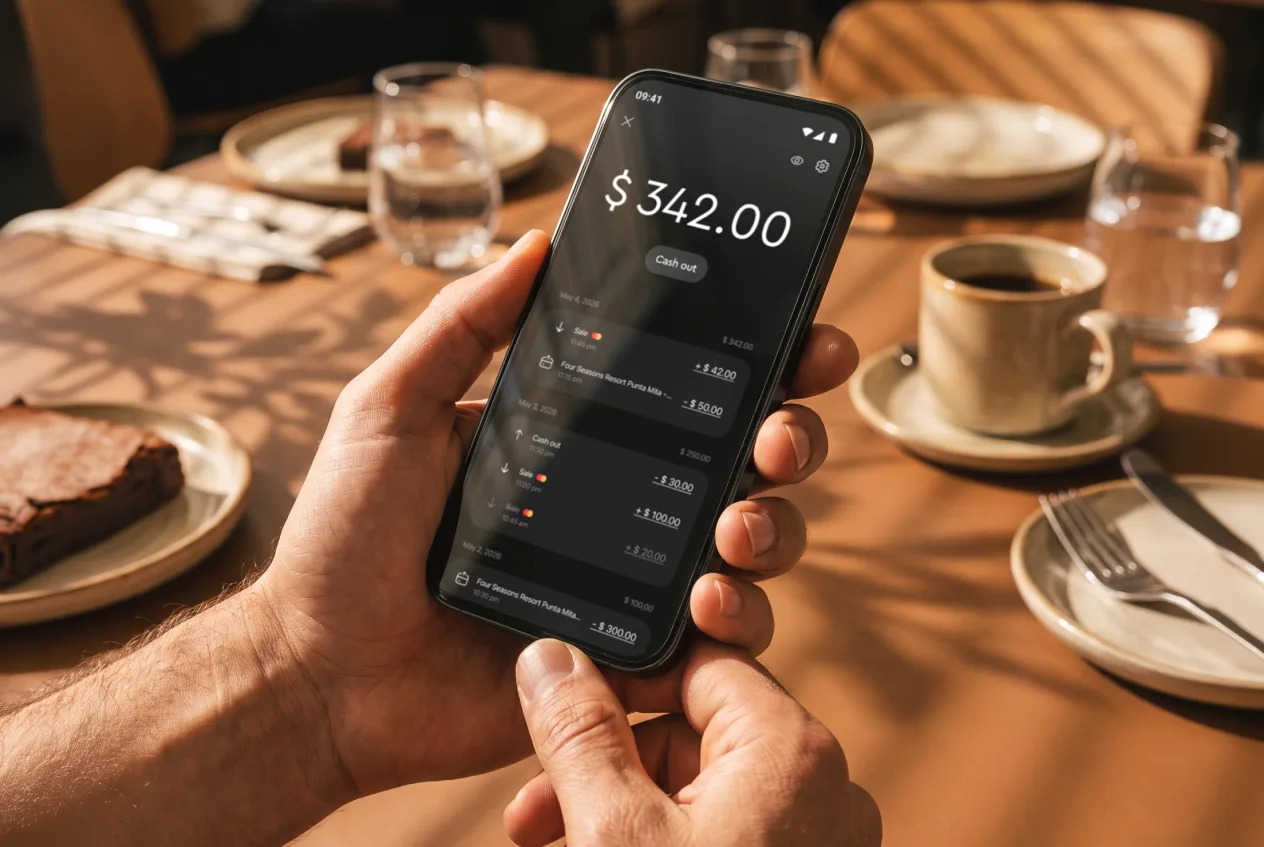
If your e-business also sells in person at markets or pop-ups, an on-the-go solution is a great addition. For this, JIM offers a streamlined way to accept payments. You can take debit, credit, and digital wallet payments directly through your smartphone.
At just 1.99% per transaction with no hidden costs or extra hardware, it's a cost-effective option. This rate is noticeably lower than the 2.5% to 3.5% that many other mobile payment solutions charge. It is particularly useful for processing payments during local deliveries or at events.
Getting started is straightforward:
- Get Started: Download the JIM app for iOS.
- Make a Sale: Type the sales amount, hit sell, and ask your customer to tap their card or device on your phone.
- Access Funds: Your money is available right on your JIM card as soon as the sale is done - no waiting for bank transfers.
Here are 3 immediate steps to take:
- Compare the full fee structures of two online payment processors, not just the transaction rate.
- Decide if you will sell products in person at events or local markets.
- Download the JIM app to see how it works for on-the-go sales.
Step 6: Secure funding and manage your finances
Explore your funding options
You might want to start with SBA Microloans. These government-backed loans offer up to $50,000. The average loan is around $13,000, with interest rates typically between 8% and 13%. They are a solid choice for new businesses without an extensive credit history.
For faster access to cash, online lenders like OnDeck can provide funds in a few days. Be aware that convenience comes with higher interest rates, sometimes over 30% APR. This option is best for short-term needs, not long-term financing.
Also, look into business grants. Programs like the FedEx Small Business Grant Contest or NASE Growth Grants offer funds you do not have to repay. While competitive, winning a grant can provide a significant boost without adding debt.
Calculate your working capital
With funding in mind, you need to calculate your working capital. This is the cash required to run your daily operations. For an e-business, this covers inventory, marketing, platform fees, and shipping supplies for at least six months.
Many new owners secure just enough cash for their first inventory order. This can stall your business right as it gains traction. A safe buffer for your first six months might be between $5,000 and $20,000, depending on your product costs and ad budget.
Here are 4 immediate steps to take:
- Research the requirements for an SBA Microloan through a local intermediary.
- Calculate your six-month working capital needs, including inventory and marketing.
- Check the deadline for the next FedEx Small Business Grant Contest.
- If you have not already, open a dedicated business checking account.
Step 7: Hire your team and set up operations
You will likely handle everything yourself at first. Your first hire is often needed when you hit 10-15 orders per day. This is when packing and shipping starts to consume time you could spend on marketing and growth.
Define key roles
A Fulfillment Specialist handles packing, shipping, and inventory counts. Pay typically ranges from $15 to $25 per hour. A frequent oversight is waiting too long to hire for this role, which can quickly lead to shipping delays and unhappy customers.
You might also consider a part-time Customer Service Representative to manage emails and returns. This role often pays between $16 and $22 per hour. You can use a simple project board in Asana or Trello to track inquiries.
Plan for growth
As you scale, a helpful metric is revenue per employee. Many established e-commerce companies generate around $150,000 to $200,000 in annual revenue per full-time employee. This figure can help you decide when to make your next hire.
Once you have hourly staff, scheduling software like Homebase or When I Work simplifies managing shifts and payroll. These platforms help you avoid manual scheduling errors as your team expands.
Here are 4 immediate steps to take:
- Determine the daily order volume that would require your first fulfillment hire.
- Write a brief job description for a part-time Fulfillment Specialist.
- Explore a project management app like Trello to organize customer service tasks.
- Review the features of scheduling software like Homebase for future needs.
Step 8: Market your business and acquire customers
Start with one paid channel, like Meta ads for Facebook and Instagram. A small daily budget of $20-$50 is enough to test different ad creatives. Your goal is a profitable Customer Acquisition Cost (CAC).
A frequent misstep is to spread a small budget across too many platforms. Master one channel first. A good benchmark for a healthy e-commerce conversion rate is 2-3%. If your CAC is too high, refine your audience or ad copy.
Build your email list from day one
Your email list is a direct line to your customers. You can build it by offering a 10% discount on the first order for new subscribers. Platforms like Klaviyo or Mailchimp can automate a welcome email series for you.
This automated series can introduce your brand story and highlight popular products. It keeps your business top-of-mind and nurtures potential customers toward their first purchase without constant manual effort.
Create content that helps, not just sells
Attract buyers with useful content. If you sell fitness gear, create short workout videos. This approach builds trust and showcases your products in a natural context. It positions you as an expert.
For instance, the brand Blendtec's "Will It Blend?" video series became a viral sensation. The videos were entertaining and proved the blender's power without a direct sales pitch, building a massive, loyal audience over time.
Here are 4 immediate steps to take:
- Set up a Meta Business account and plan a small test ad campaign.
- Choose an email marketing platform and create a 10% off signup offer.
- Brainstorm five blog or video topics that solve a customer problem.
- Use a keyword tool to find 10 search terms related to your main product.
Step 9: Set your pricing strategy
Your price must cover costs and generate profit. A simple start is cost-plus pricing, where you add a markup to your total cost per item. A standard e-commerce markup is often between 50% and 100%, which gives you a healthy gross margin.
Many new owners only factor in the product cost. You should also include shipping, packaging, and a portion of your marketing spend in your calculation. This protects your actual profit margin, which for many e-commerce stores is around 10-20% after all expenses.
Explore different models
Beyond a simple markup, you can use competitor-based pricing. Use Google Shopping to see what similar products sell for. This helps you position your product in the market without pricing yourself out of it. You can also use a dedicated tool like Prisync for deeper analysis.
Another approach is value-based pricing. If your product offers unique benefits or is of higher quality, you can charge more. This works well for niche items where customers are less price-sensitive and more focused on features or brand story.
Here are 4 immediate steps to take:
- Calculate the total landed cost for your main product, including shipping and fees.
- Apply a 50% markup to your landed cost to find a starting price.
- Research five competitors on Google Shopping to compare their prices.
- Determine if a value-based strategy fits your unique product benefits.
Step 10: Implement quality control and scale your operations
Establish a quality check for every new inventory shipment. A frequent oversight is to trust that supplier quality will remain constant. You might want to inspect 5-10% of each batch for defects. Aim for a defect rate below 2% to maintain customer satisfaction and reduce returns.
Measure what matters
To gauge customer perception, you can use the Net Promoter Score (NPS). Simply ask customers, "How likely are you to recommend us on a scale of 0-10?" This single metric gives you a clear benchmark for your product and service quality over time. Track it quarterly.
As your brand grows, you could pursue an ISO 9001 certification. This is a globally recognized standard for quality management systems. While not required at the start, it signals a strong commitment to quality that can attract larger B2B clients down the road.
Plan your growth triggers
With quality in hand, you can plan for growth. The $150,000 to $200,000 revenue-per-employee figure is a solid indicator for when to hire. Once you manage over 50 SKUs or 1,000 orders a month, spreadsheets become difficult. This is a good time to look at inventory management software like Cin7 or an ERP like NetSuite.
Here are 4 immediate steps to take:
- Define a quality check process, including a target defect rate, for new inventory.
- Create a one-question survey to calculate your Net Promoter Score (NPS).
- Set a revenue-per-employee goal to guide your hiring timeline.
- Research inventory management software for when you outgrow spreadsheets.
Starting an e-business is a journey of constant learning. The digital market moves fast, so your ability to adapt is your greatest asset. You have a solid plan now. Go ahead and take that first step with confidence.
As you grow, you might sell at local events. For those moments, JIM offers a simple way to accept card payments on your phone for a flat 1.99% fee, with no extra hardware. Download JIM to be ready for any sale.