How to Make Money on Your Phone in 2026: 3 Real Routes
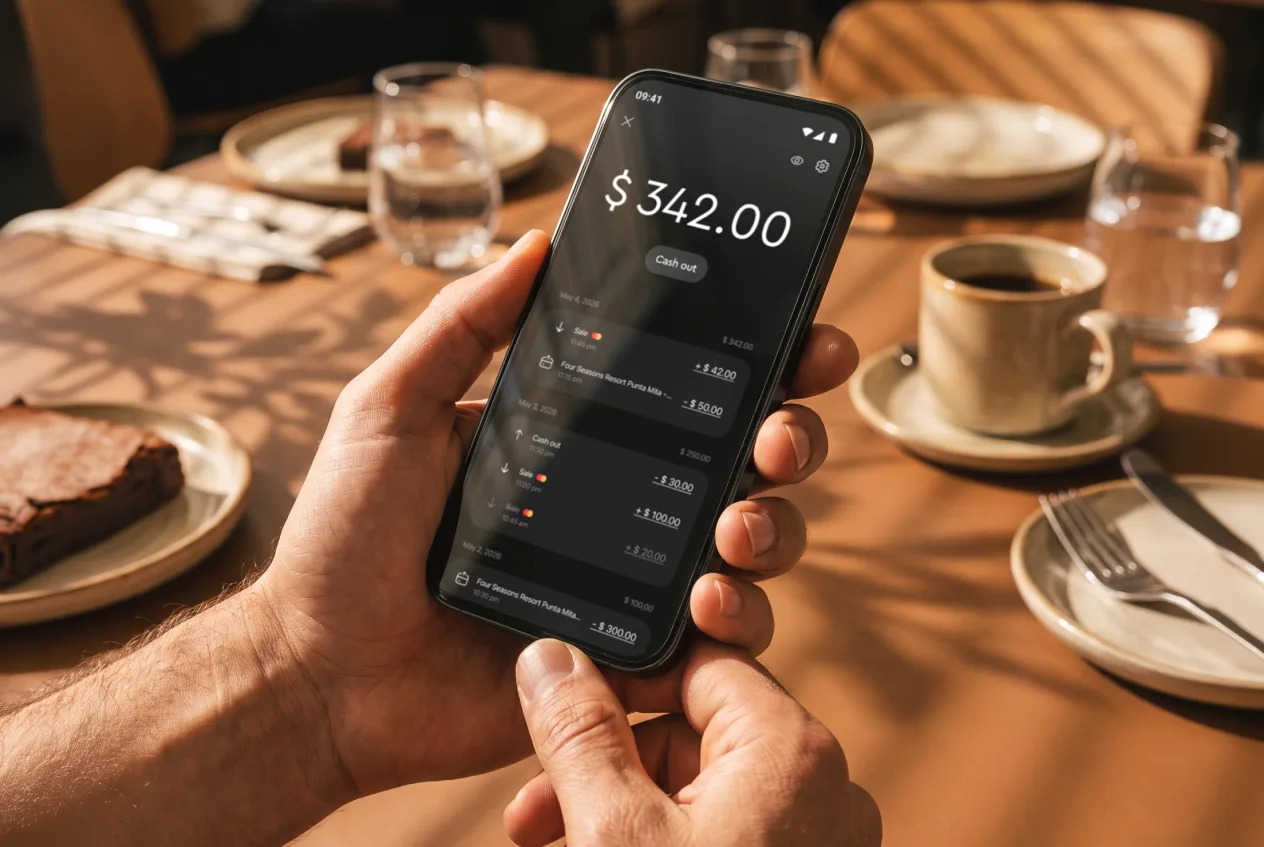
The most reliable way to make money on your phone is to sell a service or an item and collect payment on the same device. Reward apps for surveys, games, and cashback pay pocket money, not a paycheck.
About 91% of U.S. adults own a smartphone, according to Pew Research Center's 2025 mobile fact sheet. The phone is rarely the bottleneck. A buyer is.
What Are the Real Ways to Make Money on Your Phone?
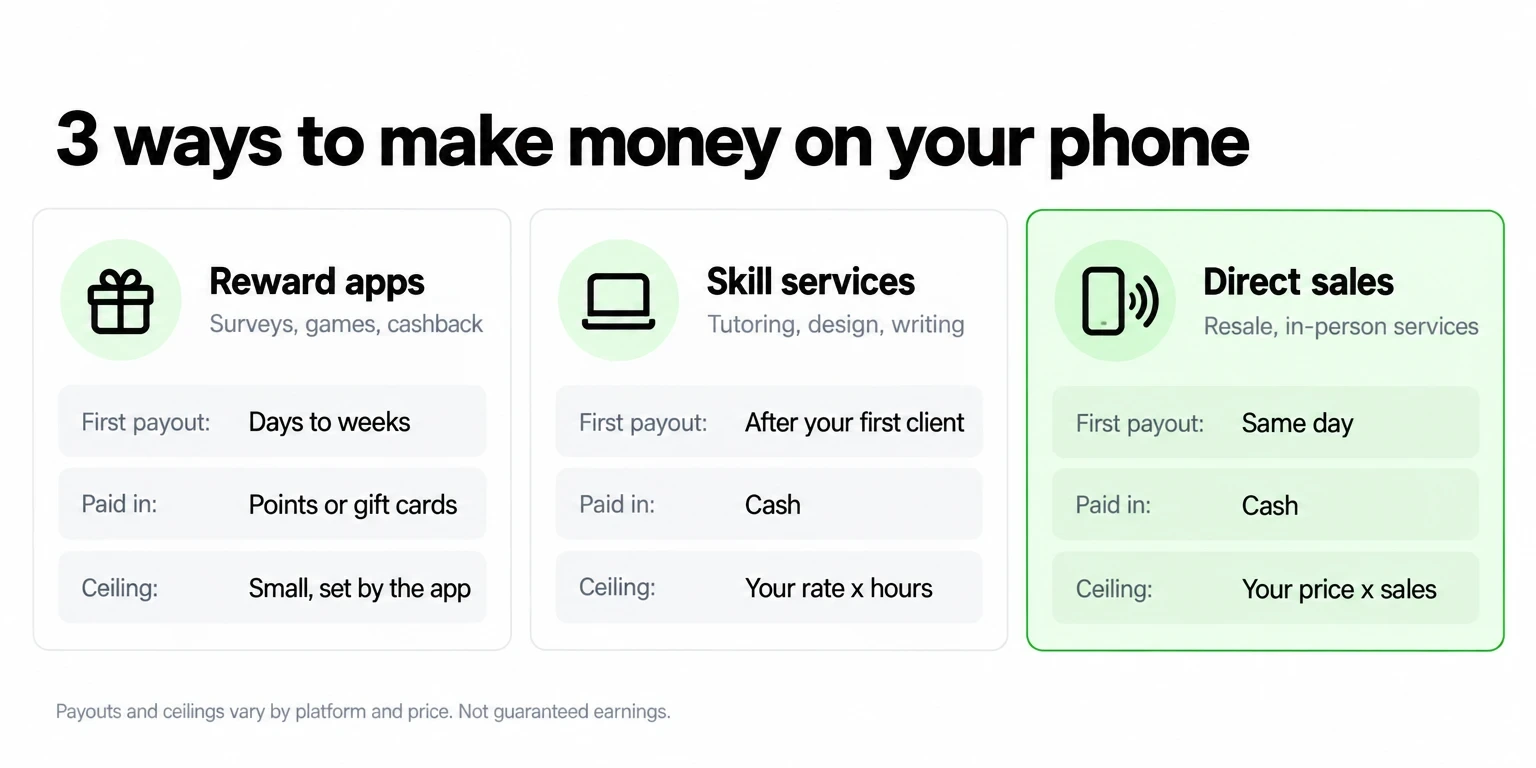
Pick one of three routes, and judge each by how fast it pays and whether it pays in cash. Reward apps start fastest but cap lowest. A service or a sale takes more effort to land, but the ceiling rises with your price and your volume.
| Route | First payout | Paid in | What limits earnings |
|---|---|---|---|
| Reward apps (surveys, games, cashback) | Days to weeks, after a cash-out threshold | Often points or gift cards | Small, variable rewards set by the platform |
| Skill-based service (tutoring, design, writing) | After your first paid client | Cash | Your rate and the hours you sell |
| Direct sale (resale, in-person service) | Same day | Cash | Your price and how many sales you close |
Phone-first work is common. The Bureau of Labor Statistics counted 11.9 million independent contractors in July 2023, or 7.4% of total employment. That figure covers the labor market, not any single app, so treat it as a sign that selling your own work is normal, not as a promise of income.
Which Phone-Earning Route Should You Pick?
Choose a service or a sale if you need cash this week. Choose reward apps only if you have spare minutes and can accept points or gift cards as payment. Mixing both is fine, but put your best hours into the route that pays cash.
Before you spend time on any free earning app, confirm four things:
How Much Can You Make on Your Phone?
Your price per job sets your income, and the payment method sets how much of it you keep. No route guarantees a daily amount, so run the numbers on one real job before you plan a week.
Suppose a dog walker charges $60 for a walk-and-groom visit and books four visits a week. That example grosses $240 a week. The table shows what stays in the balance per visit, depending on how the customer pays.
| $60 visit (example) | Fee | You keep |
|---|---|---|
| Tap to Pay on JIM (1.99%) | $1.19 | $58.81 |
| Payment Link on JIM (4.99% + $0.30) | $3.29 | $56.71 |
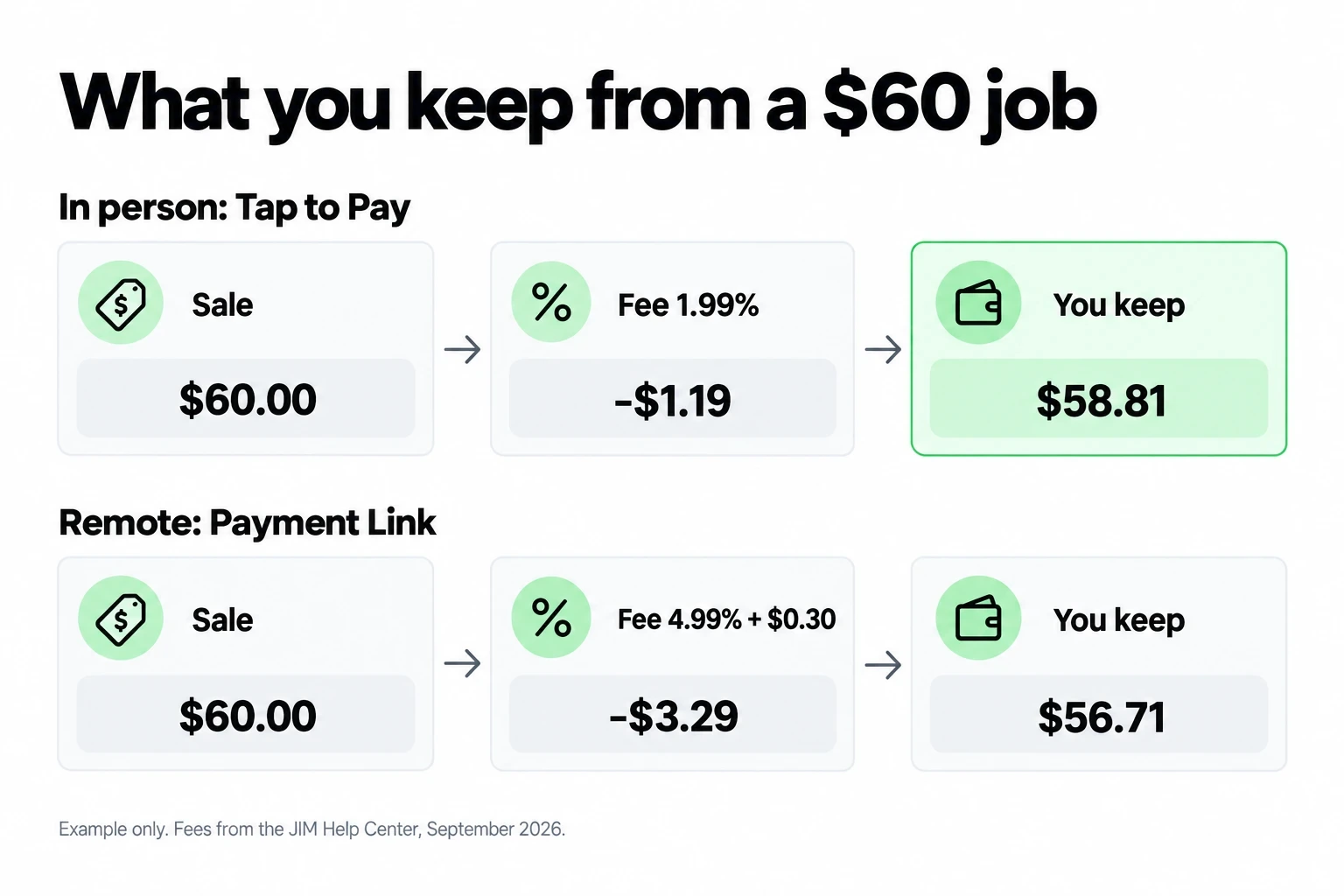
In practice, take the payment in person whenever you can. Across four visits, Tap to Pay leaves $235.24 of the $240, while a reward app would need weeks to reach its first cash-out.
Stretch that example to a month and the math looks like this.
Which Phone Side Hustles Can You Start This Week?
Start with work you can book by text and deliver with gear you already own. Each idea below runs on a phone-only setup, and the guide in the last column covers costs and licenses.
| Idea | Where the customer pays | Guide |
|---|---|---|
| Dog walking or house cleaning | Tap to Pay at the door | Side hustle guide |
| Mobile car detailing | Tap to Pay in the driveway | Car detailing guide |
| Mobile massage | Tap to Pay after the session | Mobile massage guide |
| Clothing resale | Payment Link in DMs or Tap to Pay at markets | Clothing resale guide |
| Selling on TikTok | Payment Link from your bio or DMs | TikTok selling guide |
| Baked goods or crafts | Tap to Pay at markets | Side hustle guide |
Licenses and permits change by city, county, and state, and home food sales follow cottage food rules. Check with your local government before your first paid job. When one idea sticks, turn it into a real side hustle business: the same phone books the job, sends the quote, and collects the payment.
How Do You Get Paid on Your Phone With JIM?
Use Tap to Pay when the customer stands in front of you and a Payment Link when they do not. Both run from the JIM app on the phone you already carry, and both land in the same balance.
Take an in-person payment with Tap to Pay
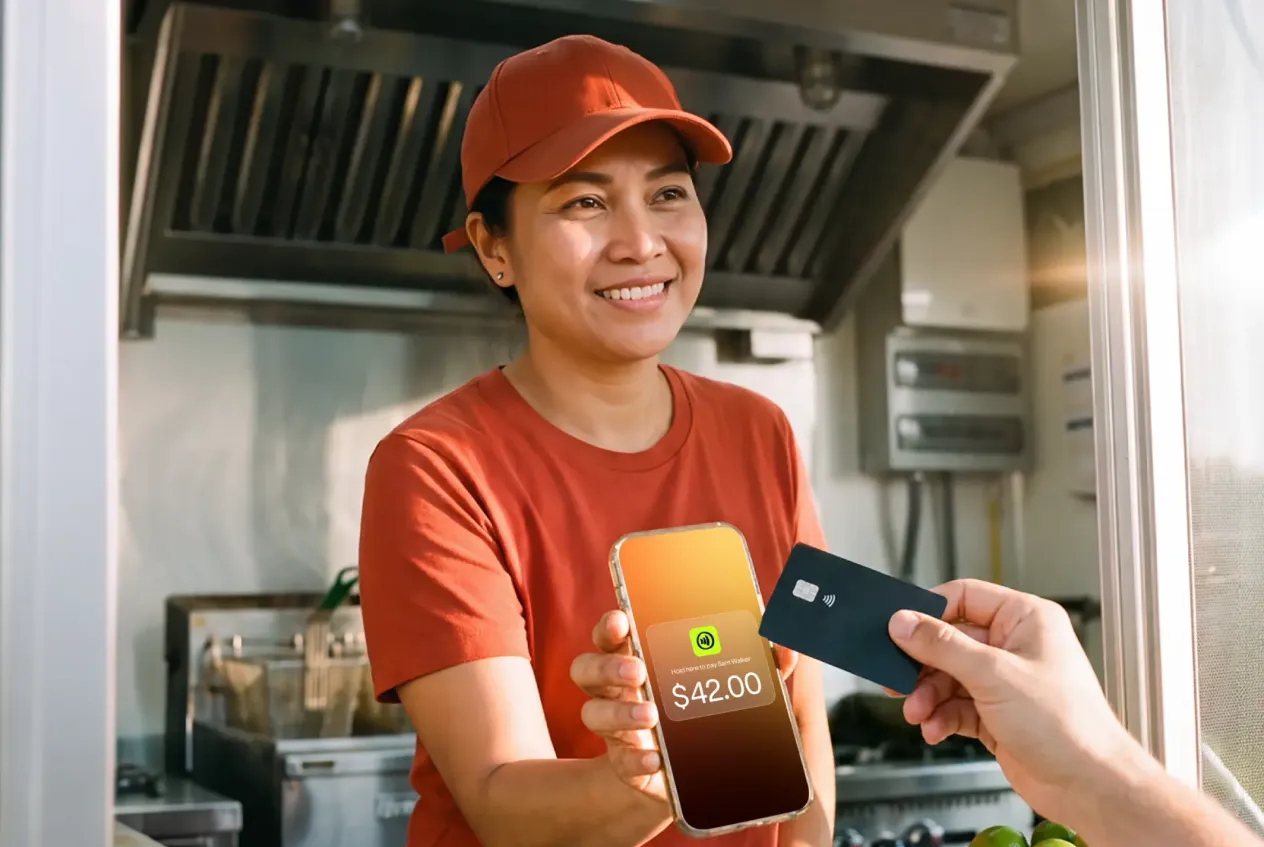
Tap to Pay on JIM turns your phone into the card reader through near-field communication, or NFC, the short-range signal that lets a card and a phone exchange data when they nearly touch.
Send a Payment Link to a remote customer
Create a Payment Link in the app and share it by text, email, or any messaging app. The customer pays on a secure page with no app to download, and 3D Secure may ask their bank for one extra verification step. The fee is 4.99% plus $0.30 per sale, so it costs more than a tap in exchange for reach.
For a deeper comparison of both methods, read how to take payments on your phone or how to accept contactless payments.
What Do You Need to Take Payments on Your Phone?
You need three things: a supported phone, an approved seller profile, and a business type JIM supports.
JIM does not run on tablets or computers. If you own an NFC phone, you already own the card reader, with no hardware to buy and no monthly fee. JIM serves solo sellers as well as single-member LLCs, and the guide on accepting card payments without a business covers what a solo seller needs.
How Do You Access the Money You Earn?
Spend on the JIM Card when you need supplies today, and transfer to your bank only when you need the money there. The card costs nothing to use, while a bank transfer carries a fee. You do not need a bank account to get approved on JIM. You need one only to cash out through the Automated Clearing House, or ACH, the network U.S. banks use to move money between accounts.
| Option | Cost | Speed | Rules |
|---|---|---|---|
| JIM Card (virtual Visa Prepaid Card) | Free | Instant | Spend in stores through a phone wallet or online. No ATM cash and no transfers to person-to-person apps. |
| Same Day ACH bank transfer | 1.99% + $0.99 | Same business day before 2:00 PM Central Time | Minimum $15, maximum $3,000 per transfer, $5,000 per day. |
Source: JIM Help Center, How can I use my balance?, accessed September 2026. Terms can change, so confirm them in the app before you transfer.
Do You Pay Taxes on Money You Make on Your Phone?
Yes. Report every dollar you earn from selling goods or services, whether or not a form arrives. The IRS says payment apps must send a Form 1099-K when payments top $20,000 across more than 200 transactions, but you owe tax on smaller amounts too. If customers pay you directly by credit or debit card, your card processor sends a Form 1099-K no matter the amount.
Once your net self-employment earnings reach $400 in a year, you also file Schedule SE and pay self-employment tax of 15.3%, which covers Social Security and Medicare. Track expenses from your first sale so you pay tax on profit, not on gross sales. The guide to Form 1099-K for payment app sellers covers the filing steps.
How Do You Spot Phone-Earning Scams?
Walk away from any offer that asks you to pay before you get paid. The Federal Trade Commission, or FTC, reports that job scam losses topped $220 million in the first half of 2024, driven by task scams that look like online games.
About 20,000 people reported task scams in that half year, up from about 5,000 in all of 2023. These red flags come from FTC consumer alerts on task scams:
If an offer matches any of these, stop and report it at ReportFraud.ftc.gov.
You saw that a $60 job keeps $58.81 with a tap, while reward apps pay in points on their own schedule. Once you have a service or an item to sell, JIM turns your phone into the card reader at 1.99% per Tap to Pay sale, with no hardware and funds in seconds. Set up my JIM and take your first payment today.
This article is updated every year with current JIM fees and IRS thresholds. Last reviewed: September 2026.
Sell and get paid in seconds with Jim






