Instant access to every sale you make.
When you sell with Jim, you can spend your money right after the sale – no waiting, no transfers, no payout delays.


No monthly fees · No extra hardware · No hidden costs
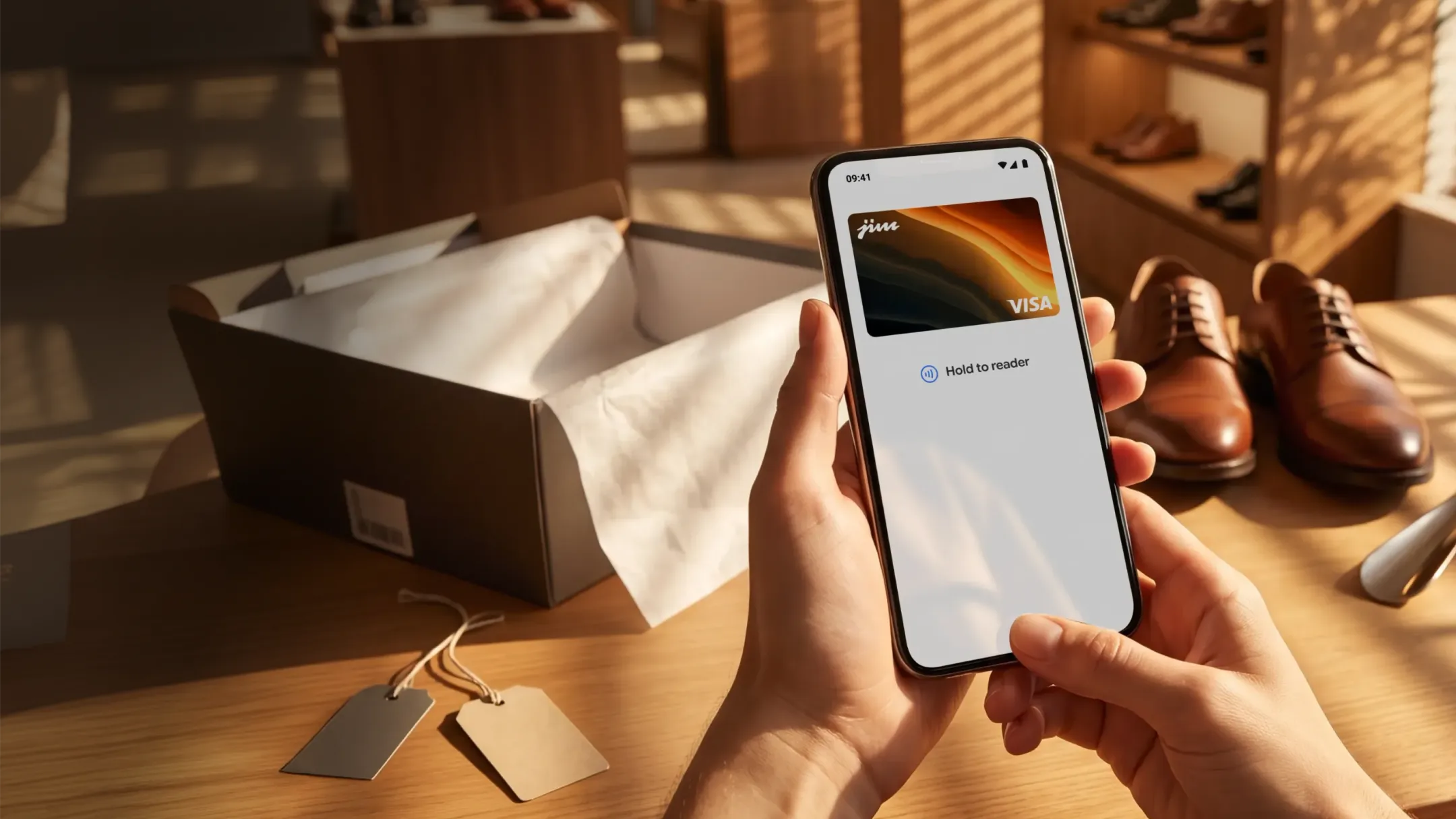
Accept payments from all major cards and digital wallets





Stay in control of your money
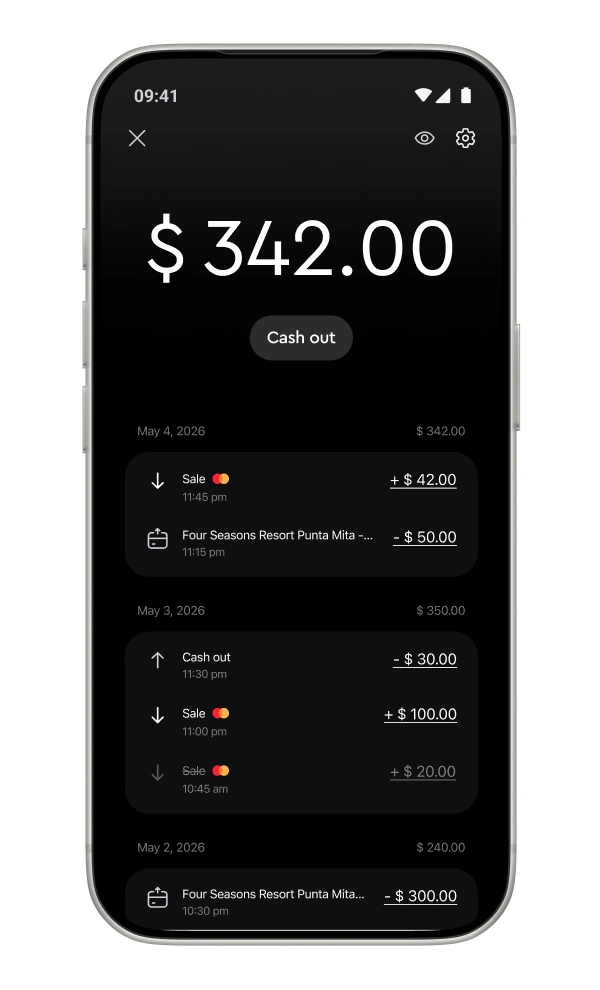
Know where your money’s going – and where it came from.
Jim keeps a full record of your sales, your spending and your balance. Want to cancel a sale? Share a receipt? Check your history? It’s all one tap away.
You’re always in control. No guesswork, no stress.
Jim keeps a full record of your sales, your spending and your balance. Want to cancel a sale? Share a receipt? Check your history? It’s all one tap away.
You’re always in control. No guesswork, no stress.

Make 3 more sales to keep up with last month.
Linen Blazer
+
$
Cotton Tee
+
$
One tap and done: you just got paid
One tap and done: you just got paid
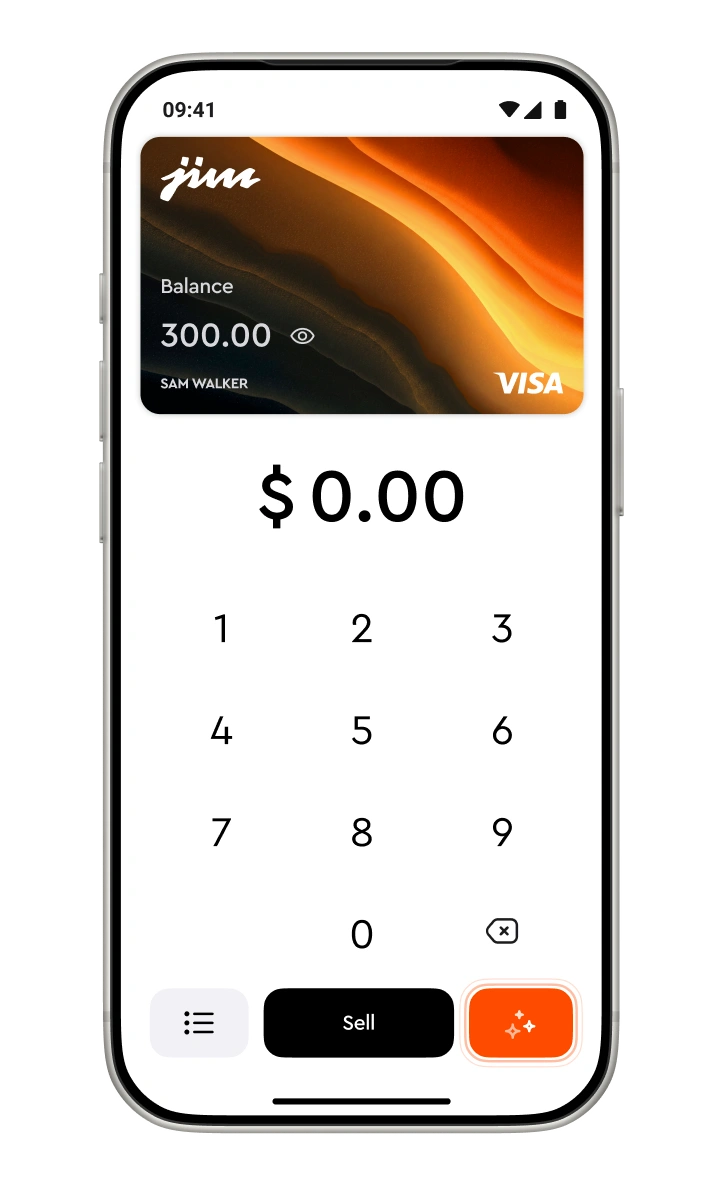
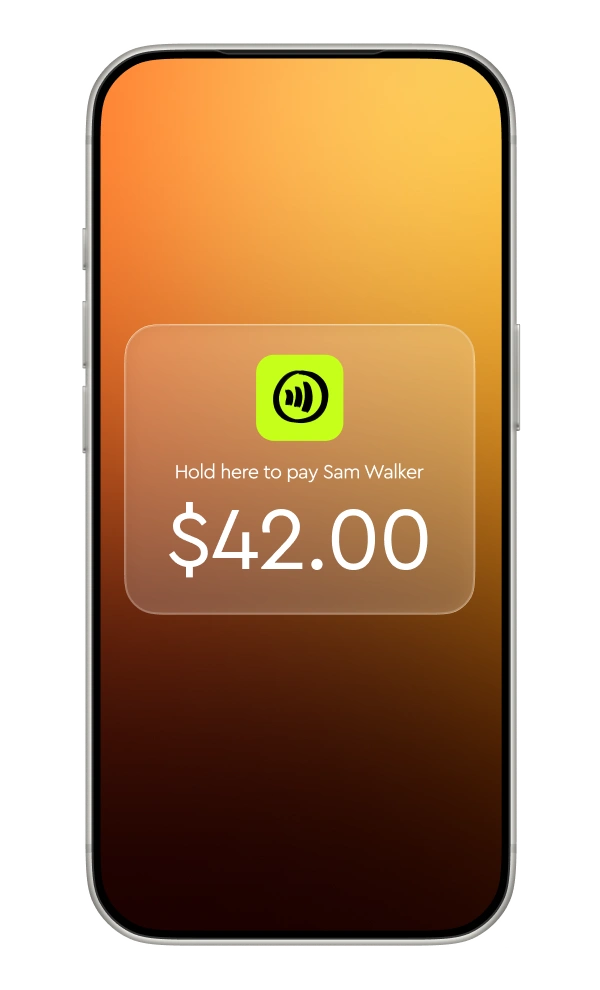
Enter the sale amount
Open the JIM App, type in the amount and add a tip if you want to.
Tap to sell
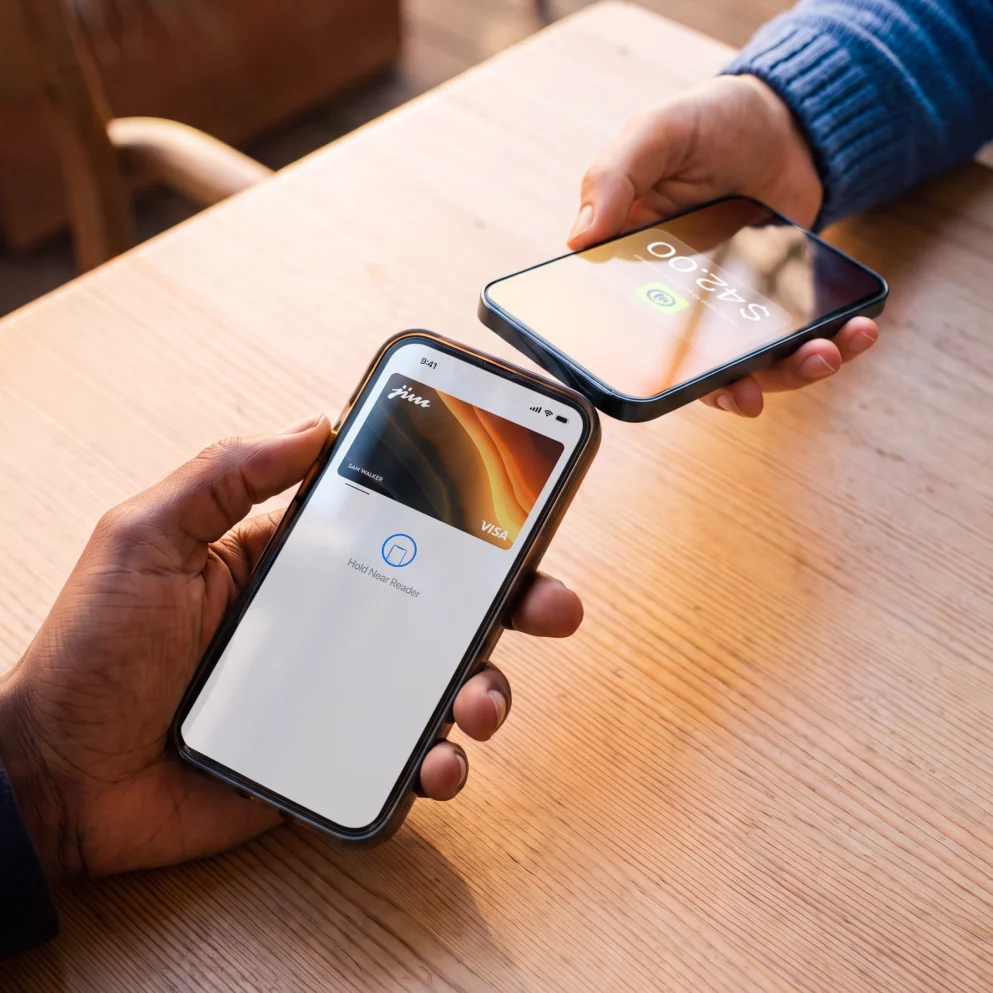
Hit sell and ask your customer to tap their card or device on your phone.
Get your money
Your funds are ready in your JIM Visa Prepaid Card – no waiting.
Trusted by thousands across all 50 states
Frequently Asked Questions
How do I receive the funds from my sales using Tap with Jim?
Payments in seconds are our standard. So, whenever you get paid, your money is available in seconds in your account. No more waiting 1-2 business days.
How do I use my money with Jim?
You have two easy ways to access your earnings—spend them instantly or transfer them to another account.
1. Spend instantly with the Jim Card (Free)
Every sale funds your Jim Visa Prepaid Card in seconds. It’s virtual, free, and ready to use immediately.
In stores: Add the card to your Apple Wallet and tap to pay anywhere Apple Pay is accepted.
Online: Use your card details (found in the app) to shop anywhere Visa is accepted.
2. Transfer to a bank account
If you need to move funds to an external bank account, you can use Same Day ACH.
Fee: 1.99% + $0.99 per transfer.
Speed: Funds arrive the same business day if initiated during business hours.
1. Spend instantly with the Jim Card (Free)
Every sale funds your Jim Visa Prepaid Card in seconds. It’s virtual, free, and ready to use immediately.
In stores: Add the card to your Apple Wallet and tap to pay anywhere Apple Pay is accepted.
Online: Use your card details (found in the app) to shop anywhere Visa is accepted.
2. Transfer to a bank account
If you need to move funds to an external bank account, you can use Same Day ACH.
Fee: 1.99% + $0.99 per transfer.
Speed: Funds arrive the same business day if initiated during business hours.
How do I use Tap with Jim?
Simply download the Jim app and enable contactless payments on your device. At the time of payment, ask the customer to hold their contactless credit or debit card, or any digital wallet-enabled device, near your phone. The payment will be securely completed using NFC technology, with the antenna located near the top of your device.
What payment methods does Tap with Jim accept?
Jim accepts all contactless payment methods, including contactless credit and debit cards, as well as digital wallets, using your NFC-enabled device with the Jim app.
What are the fees for Tap with Jim?
The fees are 1.99%. They’re always the same regardless of the merchant’s revenue.
What is the minimum payment amount I can receive using Tap with Jim?
The minimum sale amount for Tap with Jim is $1.
Is it safe to sell and pay using Tap with Jim?
Security is a priority for both sellers and buyers. Jim is designed to be fully fraud-resistant. When a payment is processed, card numbers or PINs are never stored on the device or servers, ensuring your transactions remain secure.