Jim QR code download badge
Download
JIM App
Download JIM App
JIM PAYMENT LINK

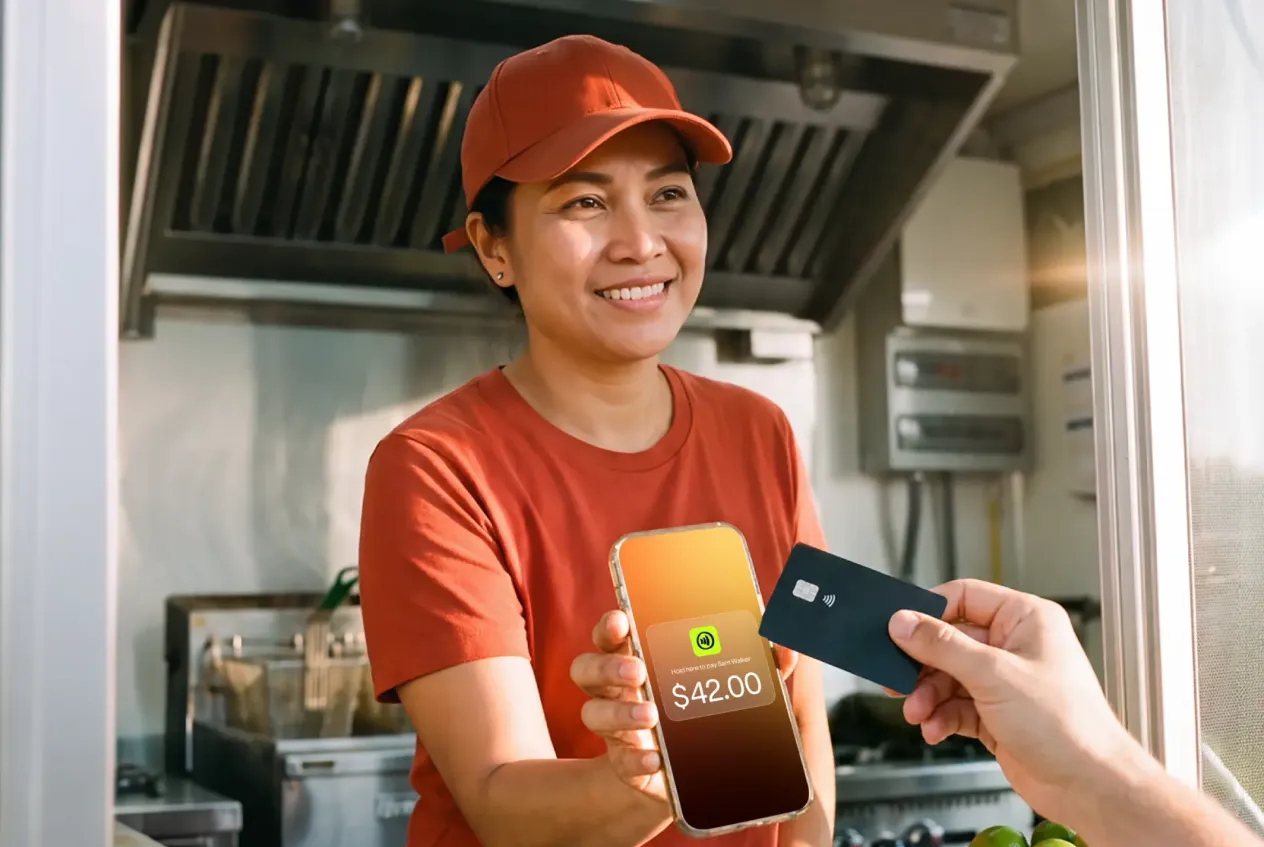
Sell from anywhere. Get paid instantly.

Create and send payment links with JIM. You get paid in seconds. No waiting, no hidden costs.

Get started

Sell remotely

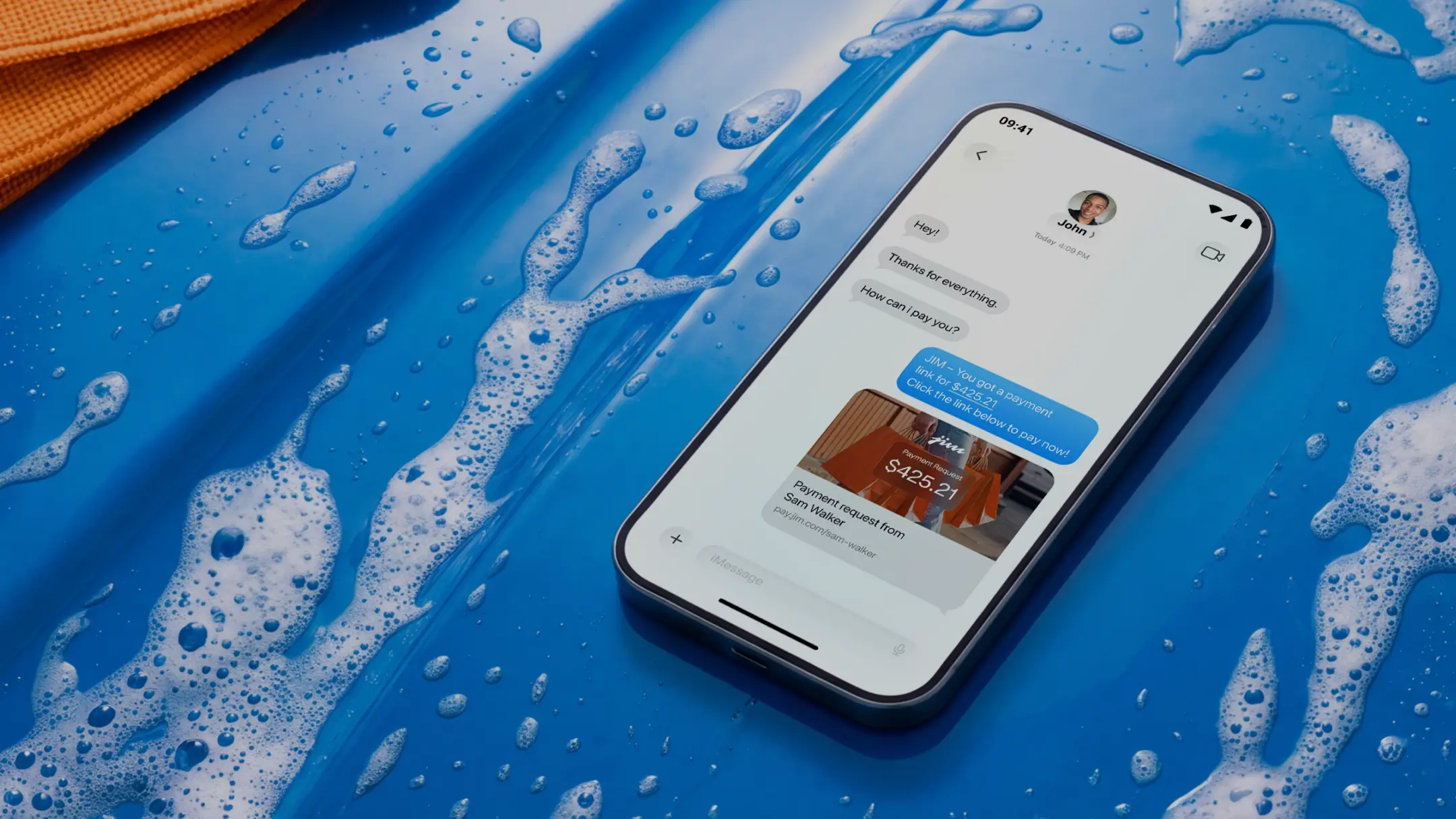
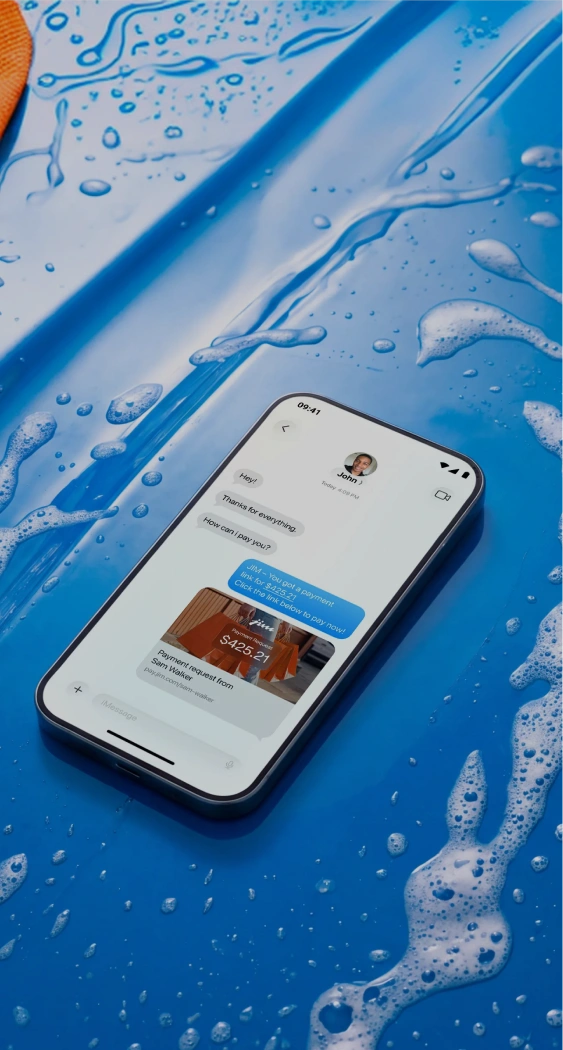
Send a link by text, DM, email. No apps or downloads needed

Instant payout

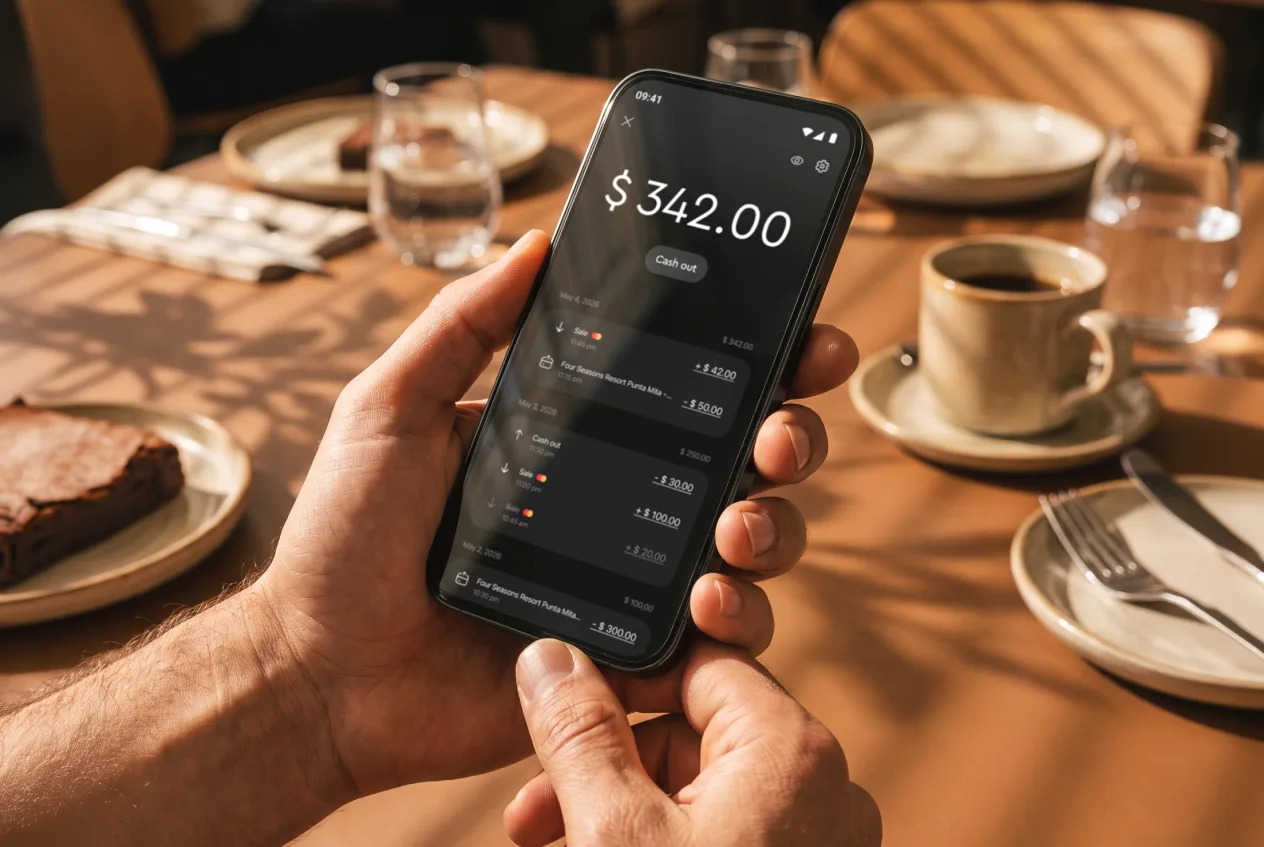
Get paid in seconds. Your money's ready to use on your JIM Card

Built-in security

Encrypted payments with smart fraud prevention on every sale

Crystal clear pricing

Just 4.99% + $0.30 per sale. No monthly fees, no surprises

Support major card brands and digital wallets for payments

Discover Flag LogoAmex Flag LogoJCB logo, featuring stylized white letters 'JCB' on three vertical stripes colored blue, red, and green."Diners Club International logo, featuring a blue circular emblem containing a stylized 'D' beside the words 'Diners Club INTERNATIONAL' in dark text, enclosed within a rectangular border with rounded corners.Visa logo, displaying bold blue capital letters spelling 'VISA' on a transparent background.Mastercard logo, consisting of two overlapping circles, one red and one yellow-orange, on a transparent background.Apple Pay LogoGoogle Pay LogoSamsung Pay Logo

Selling online?
Easier than ever.

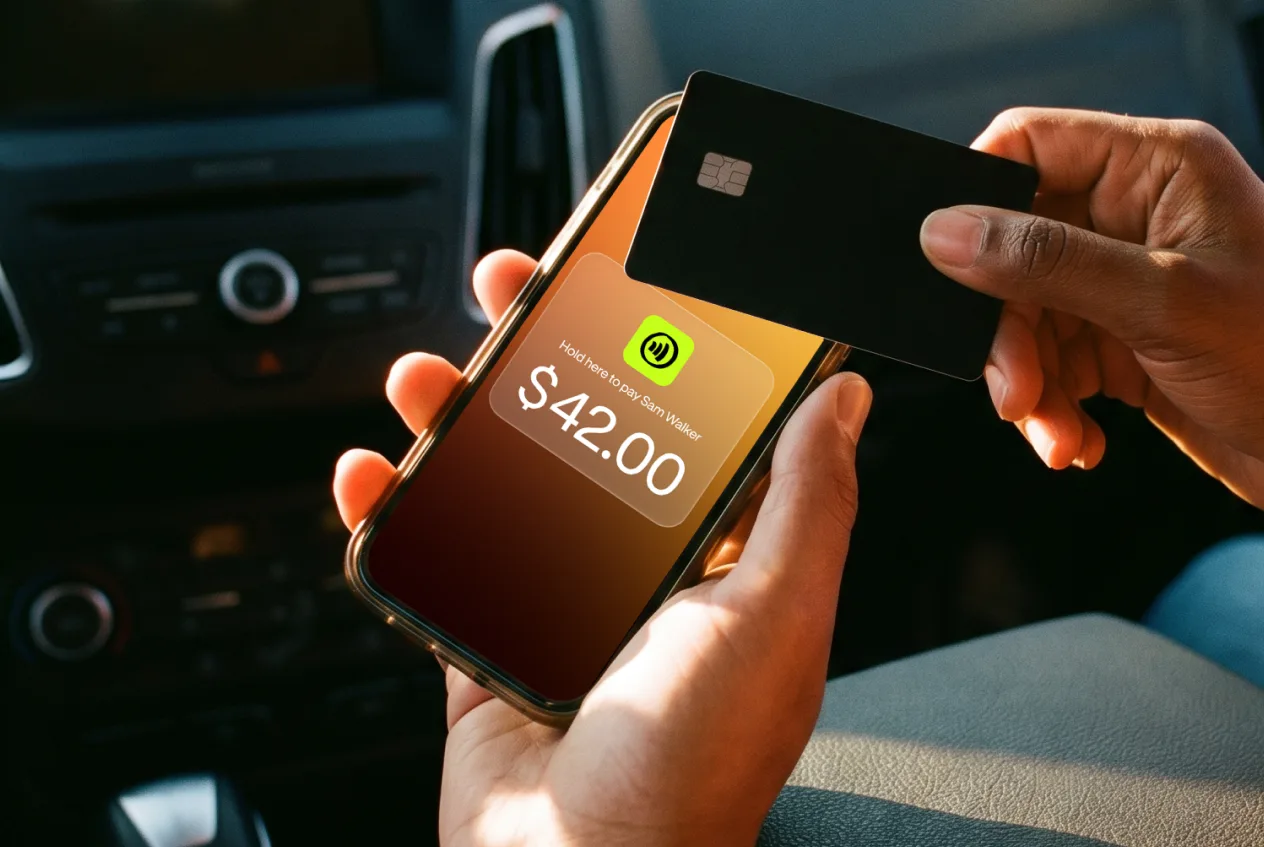
Create a payment link in seconds. Share it anywhere.

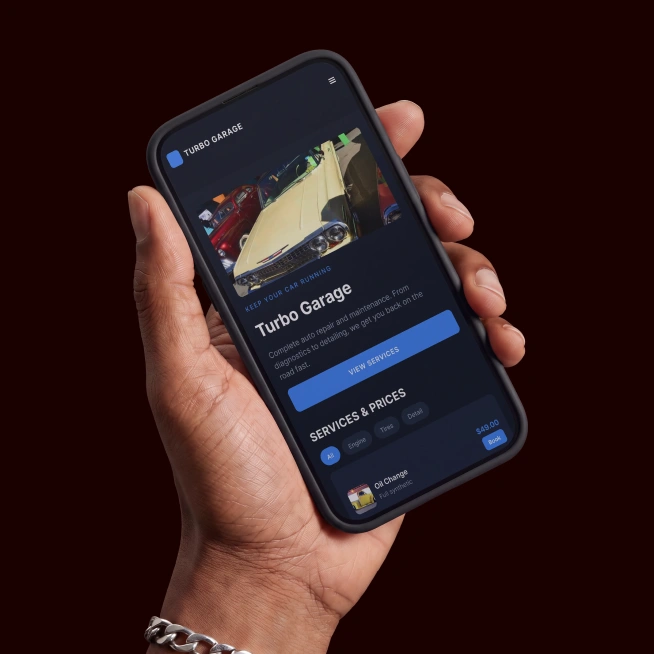
Your customer just clicks and pays: no apps or sign-ups required.

You get paid in seconds, straight to your JIM Card.

And they can pay however they like: debit, credit, Apple Pay, or any digital wallet.

Get started

Wherever you sell,
JIM pays you fast

JIM makes it easy to sell online: download the app, create your JIM payment link and get your money right after the sale.

1
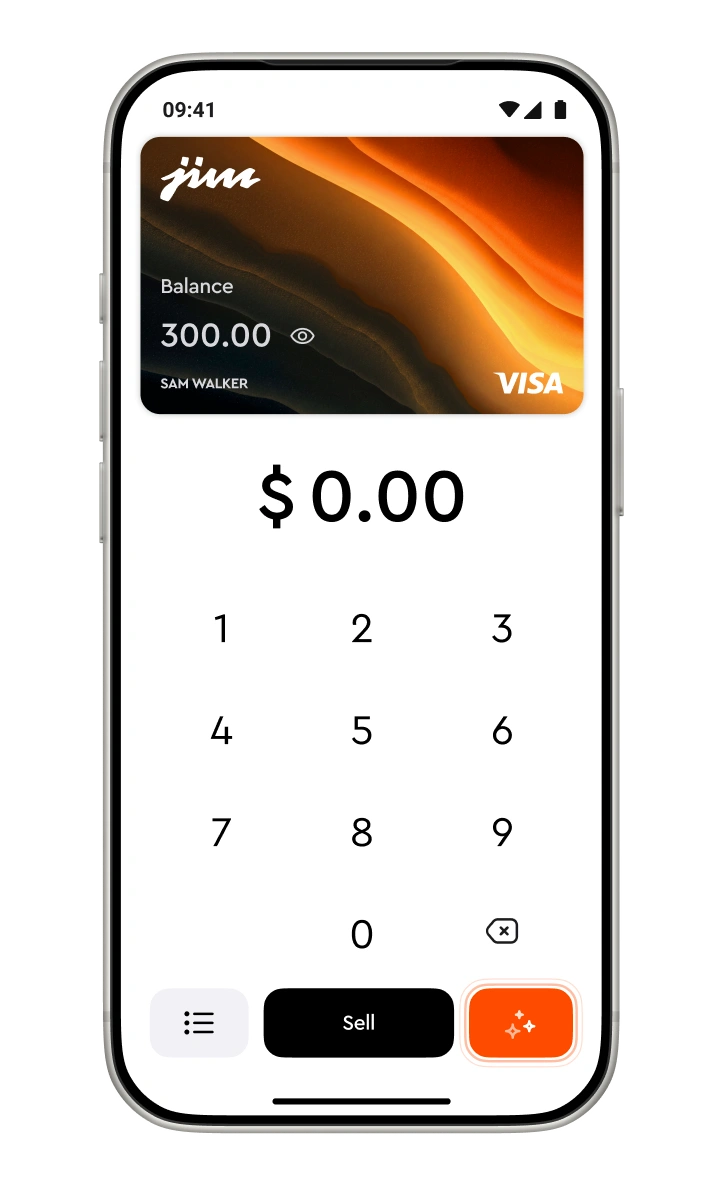
Enter the sale amount

Open the JIM App, type in the amount and add a tip if you want to.

2
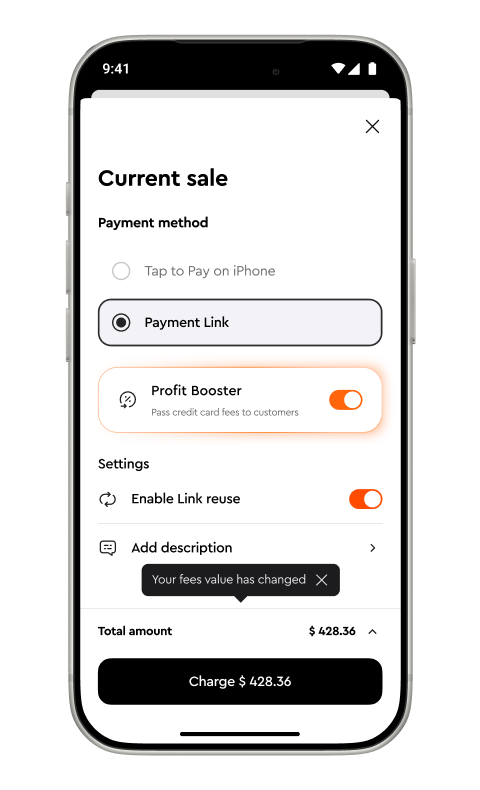
Create your payment link

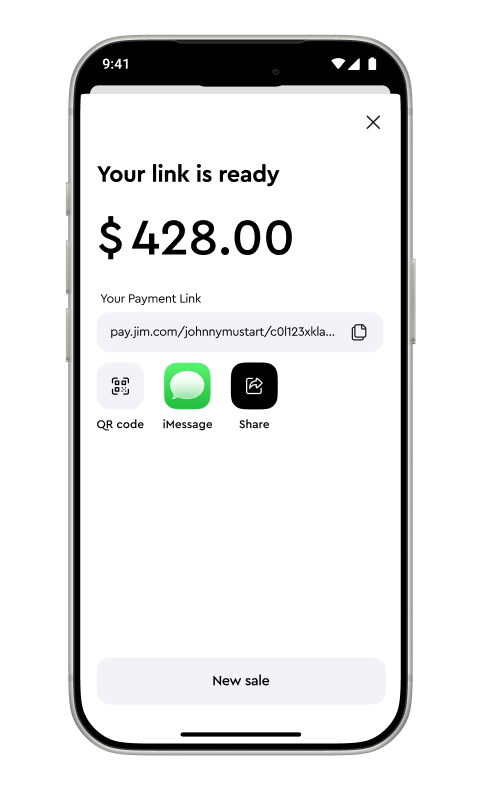
Tap Sell, choose Payment Link, adjust your settings, and hit Charge.

3
Share it anywhere

Send the link via text, email, DM: your customer opens a secure page to pay.

4
Get paid instantly

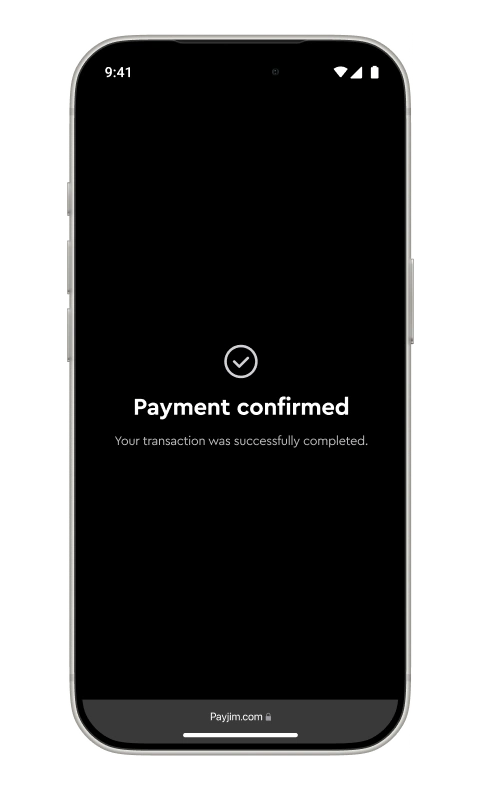
Once they pay, your money lands in seconds, ready to use with your JIM Visa Prepaid Card.

1
Enter the sale amount

Open the JIM App, type in the amount and add a tip if you want to.

2
Create your payment link

Tap Sell, choose Payment Link, adjust your settings, and hit Charge.

3
Share it anywhere

Send the link via text, email, DM: your customer opens a secure page to pay.

4
Get paid instantly

Once they pay, your money lands in seconds, ready to use with your JIM Visa Prepaid Card.

Crystal clear pricing:
4.99% + $0.30 per sale

One flat fee per sale, no matter how often you sell or how much your customer pays.

No monthly costs, no hidden charges, no surprises.

Whether you’re selling once a day or once a month, the price stays the same.

You get security, instant access to your money, and more profit with zero fine print.

Get started

Send a link and get your money instantly after the sale

Get started

Security you can count on

JIM Payment Links are encrypted end-to-end and fully PCI-compliant.

Every sale is protected by real-time fraud prevention that blocks shady activity before it gets near your money.

From the moment you start selling, your payments are secure and your data is protected, so you and your customers stay safe.

Get started

FAQ

How do I create a JIM Payment Link?

Open the JIM App, type in the sale amount, tap Sell, choose Payment Link, adjust your settings, and hit Charge. You'll get a link you can share instantly.

Where can I send my payment link?

Anywhere you want: text, email, DMs, messaging apps. Your customer doesn’t need to download anything or sign up.

How fast do I get paid?

As soon as your customer pays, your money is ready to use, instantly, on your JIM Visa Prepaid Card.

How much does it cost?

It’s a flat 4.99% + $0.30 per sale. No monthly fees. No hidden costs.

Is it safe?

Yes. Your customers can pay using secure wallets like Apple Pay and Google Pay, and all card payments go through 3D Secure (3DS) for added verification. Every transaction is encrypted, PCI-compliant, and protected by real-time fraud prevention.Your money’s safe, and so are your customers.

Can my customers pay however they want?

Absolutely. They can use debit, credit, Apple Pay, Google Pay, or any digital wallet.

Where can I use the money I earn?

Once you get paid, your balance is available instantly on your JIM Card. Add it to your Apple Wallet and use it anywhere Apple Pay is accepted.