More bookings. Less busywork.


No monthly fees · No hidden costs
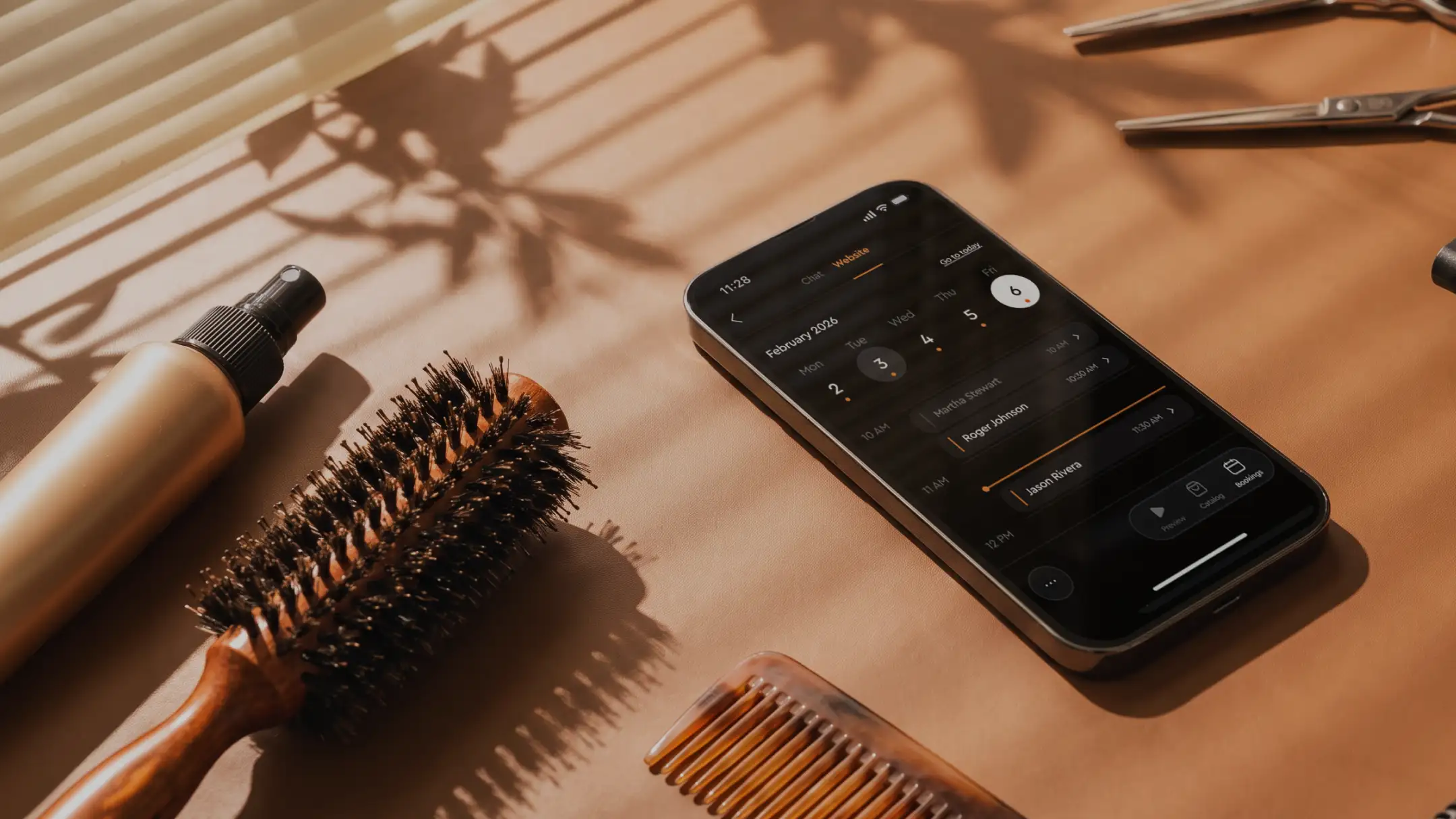
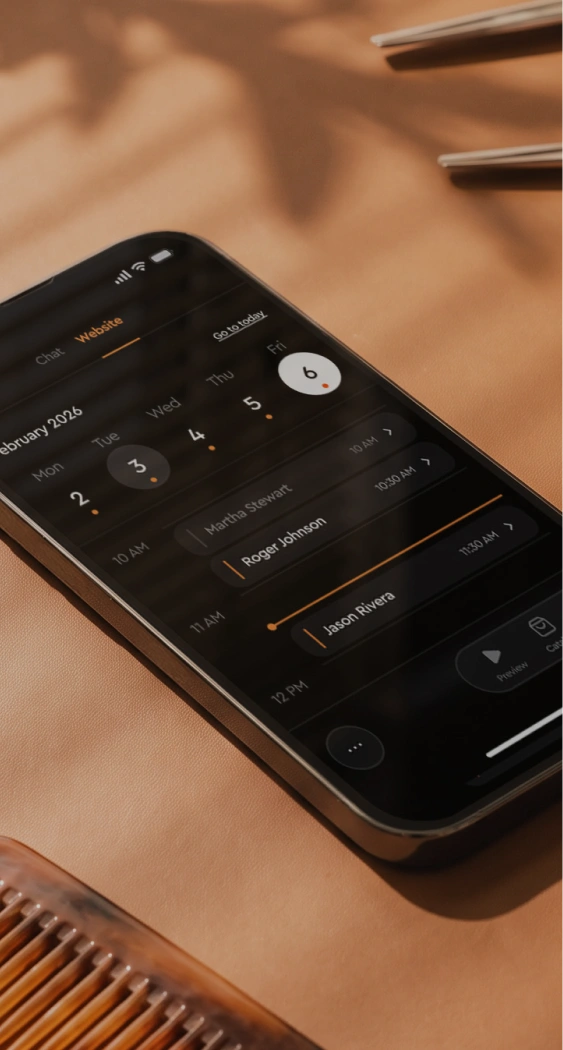
Clients book themselves
Share a link and let them pick a time without texting you first
Get paid upfront
Let clients pay when they book or when they arrive, you set the rules
Reminders on autopilot
No more "still on for tomorrow?" texts. Jim handles it for you
No monthly fees
Free to set up, free to use. Pay only 4.99% + $0.30 per payment
Let customers book you anytime
With Jim, your calendar is always open. Customers can see your availability and book instantly.
No calls, no back-and-forth.


You are Booked!
You choose how and when you get paid
Charge upfront to lock in bookings and avoid last-minute cancellations, or get paid after the service. Whatever fits your business best.


Pay when booking
Customers pay online using a payment link when booking.
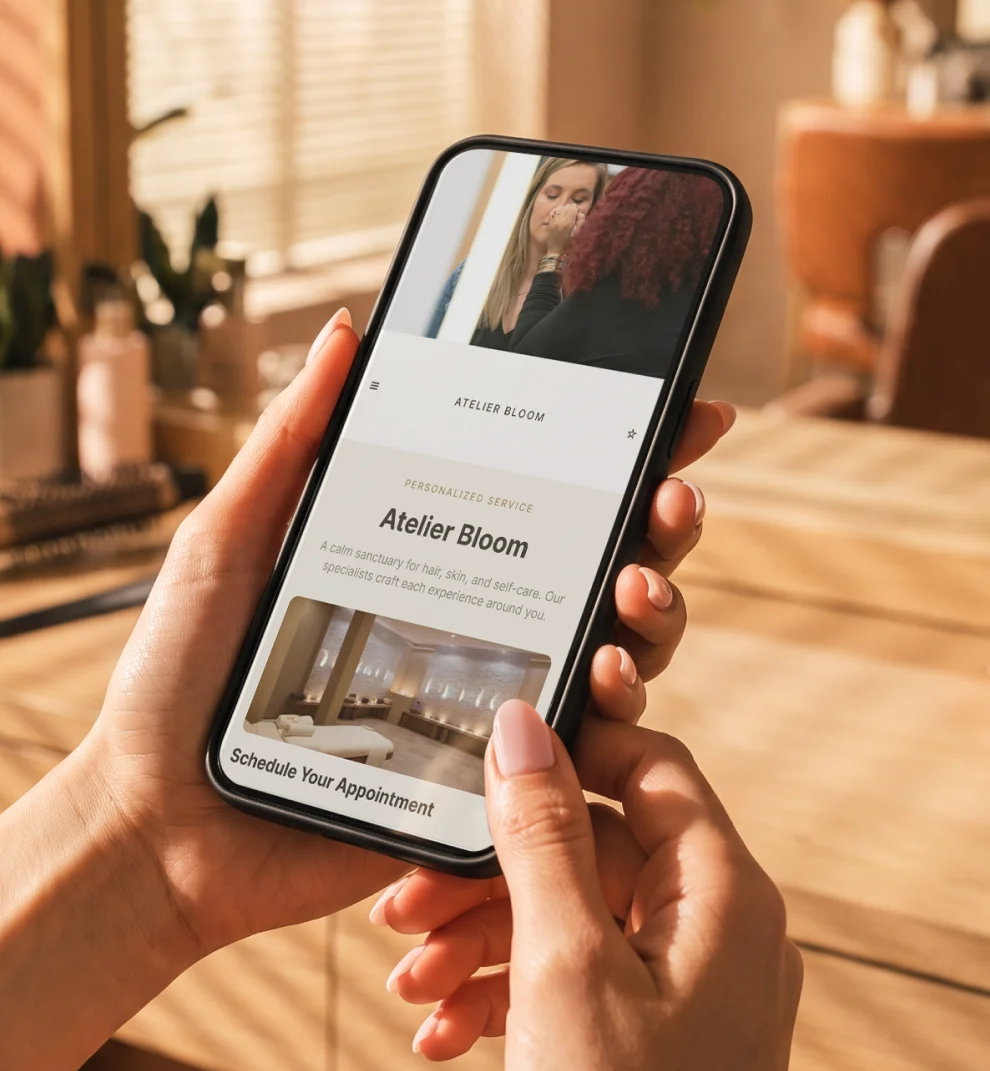
Jim builds your website. Clients book from it.
Add your services and available hours. Clients see everything on one page and book without leaving your site.
No separate tools, no monthly subscriptions, nothing to connect.


Set up your booking page in 3 simple steps
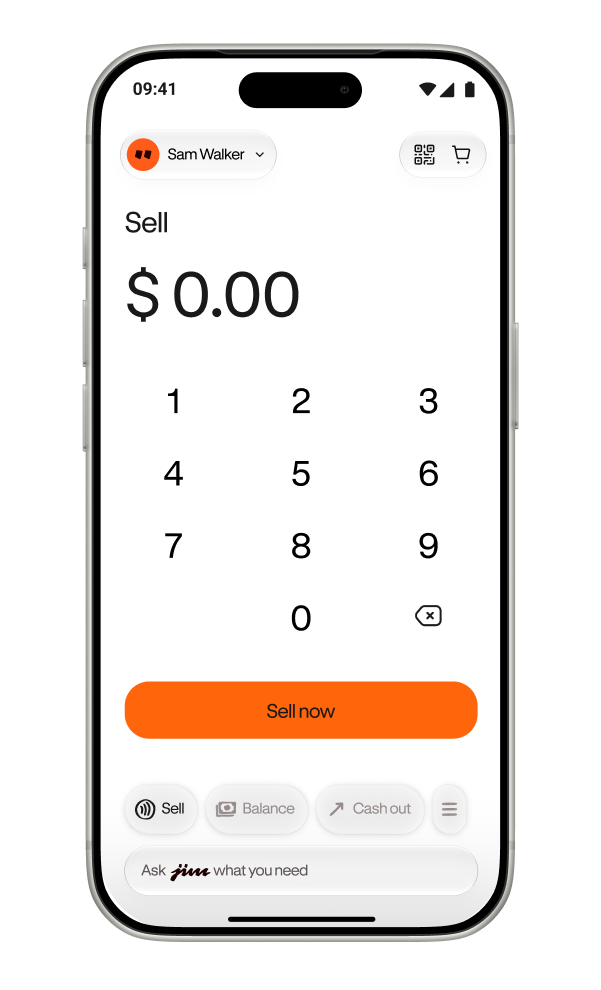
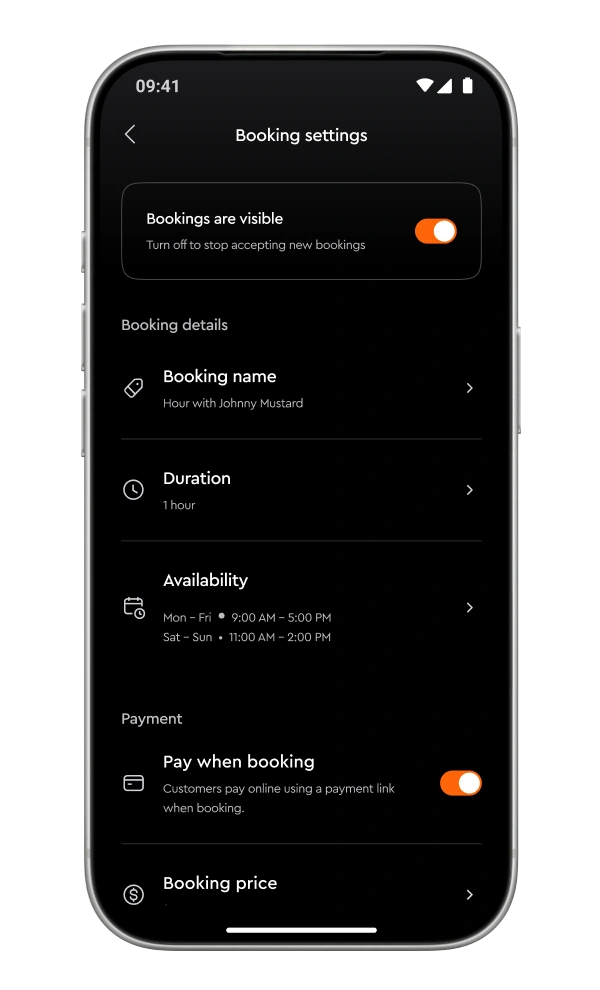
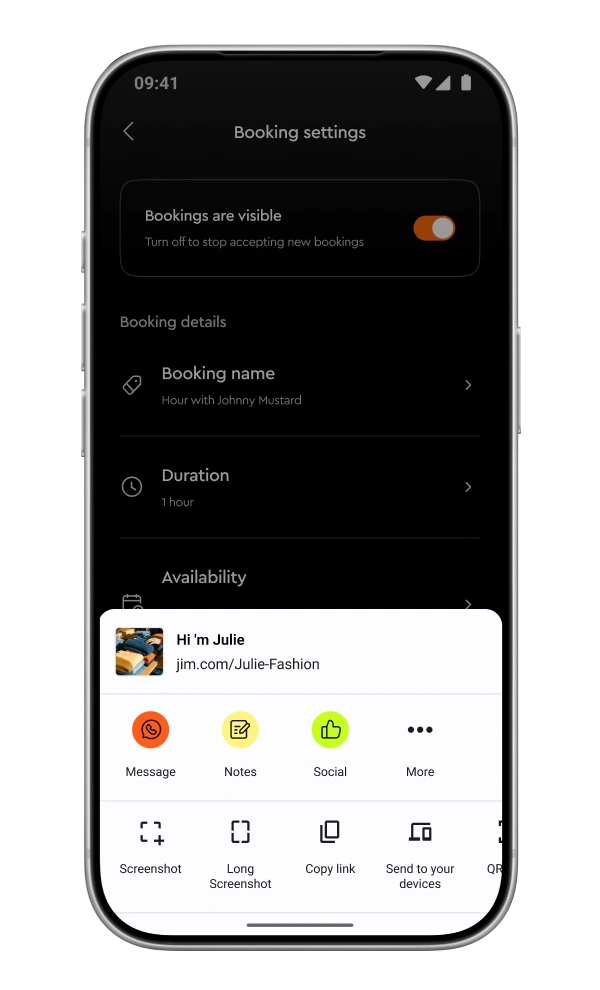
Download Jim and sign up
Check your website and set up bookings
Share your link and let clients book
Built to help your business grow

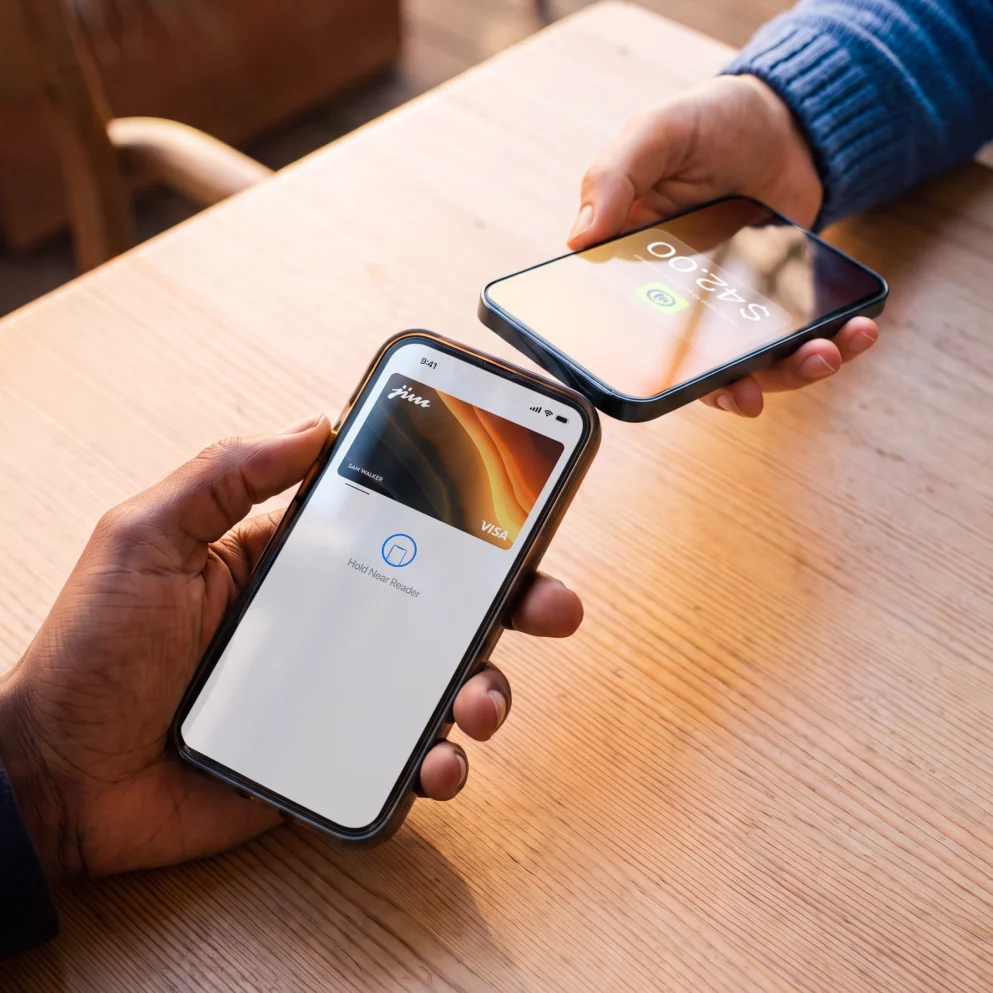
Accept payments in person
Turn your phone into a card reader with Tap to Pay. Customers tap their card or phone on yours and you get paid in seconds. Just 1.99% per sale.

Trusted by thousands across all 50 states
Frequently Asked Questions
Is Jim Bookings really free?
Yes. There's no subscription and no setup cost. You only pay when a client makes a payment through your booking page: 4.99% + $0.30 per online payment, or 1.99% per in-person payment with Tap to Pay.
Do my clients need to download an app to book?
No. They just open your link in any browser, pick a service, choose a time, and book. No app, no account, no sign-up required on their end.
Can I choose whether clients pay upfront or after the service?
Yes. You decide. Turn on online payments and clients pay when they book, or turn it off and charge them in person with Tap to Pay after the appointment. It's completely up to you.
How do clients know about their upcoming appointment?
Jim sends automatic reminders before the appointment so your clients don't forget. You don't need to send a single confirmation text.
How much does it cost?
Online payments at booking are 4.99% + $0.30 per payment. In-person payments after the service are 1.99% with Tap to Pay. No monthly fees, no hidden costs.
What if a client needs to cancel?
You set your own cancellation policy. If they paid upfront, the payment has already been made. It's your call whether to refund or not.
Do I need a Jim Website to use bookings?
Yes. Bookings are built into your Jim Website. If you don't have one yet, Jim creates it for you automatically from your business info, for free.