A website that gets you paid. Built in minutes, for free


No monthly fees · No hidden costs
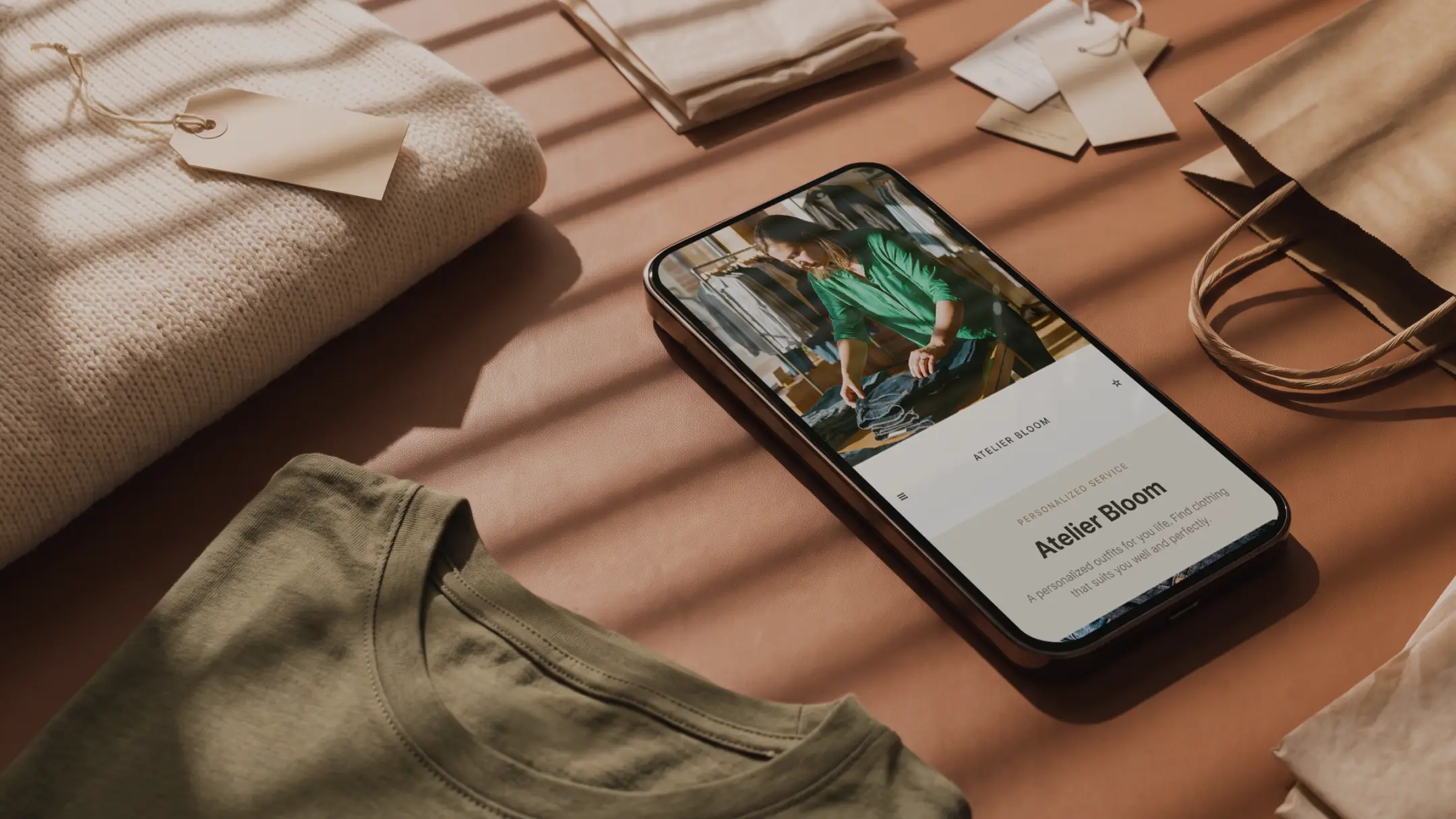
Totally free
No subscriptions, no hosting fees. Your website costs $0
Built by AI
Jim creates your page from your business info. No coding, no set up
Payments built in
Customers pay you directly on your page. Money hits in seconds
Fully customizable
Edit your site anytime by simply telling Jim what to change
The website you never had time to build? Done.
By the time you swipe inside the app, the page is already there: professional design, built-in checkout, custom URL.
No domain to buy. No hosting to figure out.
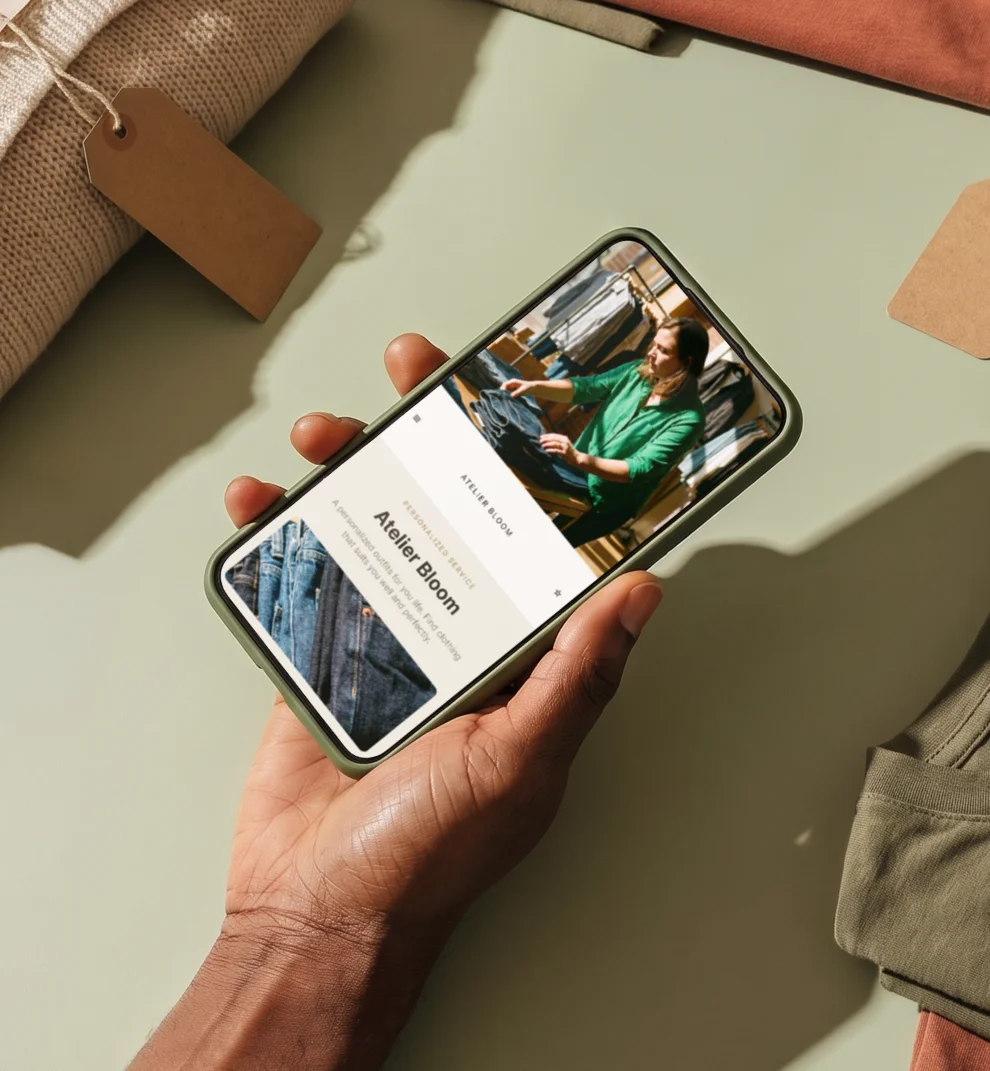
One swipe and you're looking at your new website. Share the link and let it work for you.
Zero skills required. Seriously.
You get a clean, modern page that makes your business look great from the start.
No picking templates. No dragging boxes around. No watching tutorials a midnight.
Just a professional website, ready to go.
And if you want something different, just say the word – Jim updates it instantly.


More than a website. A way to get paid.
No extra tools, no complicated checkout. You pay 4.99% + $0.30 per sale – and your money is ready to use on your Jim Card in seconds.
Not tomorrow. Not in 3 business days. Seconds.

Make 3 more sales to keep up with last month.
Create your business website in 3 simple steps
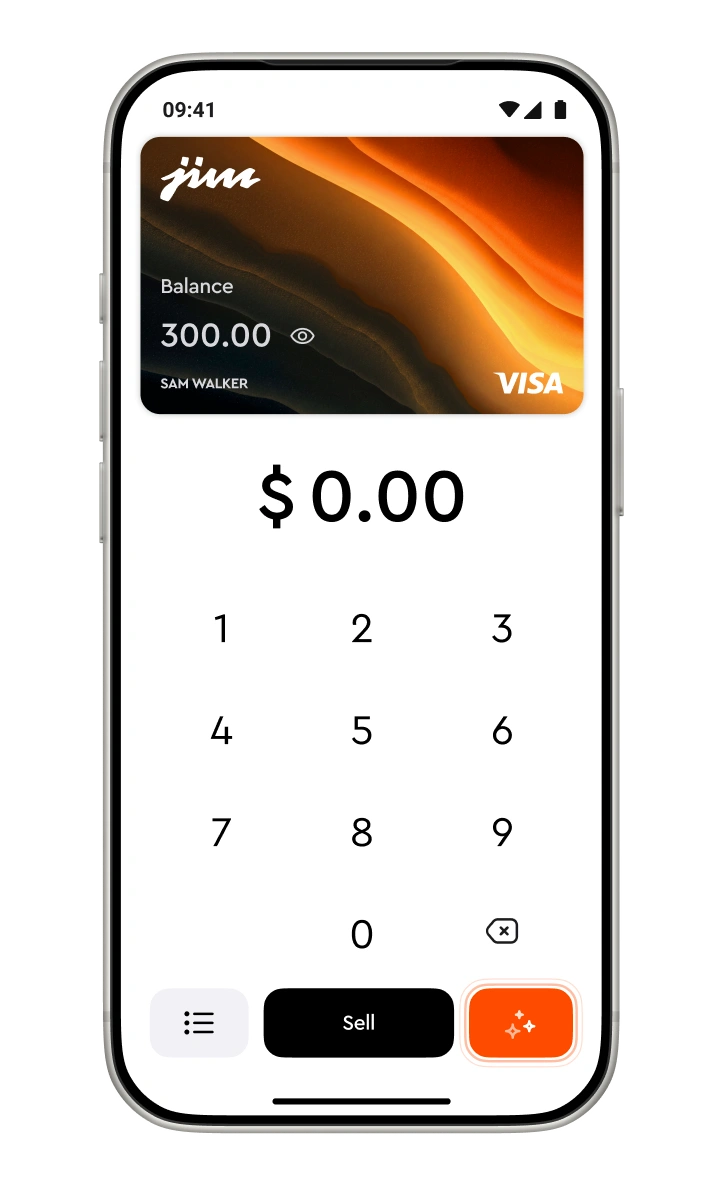
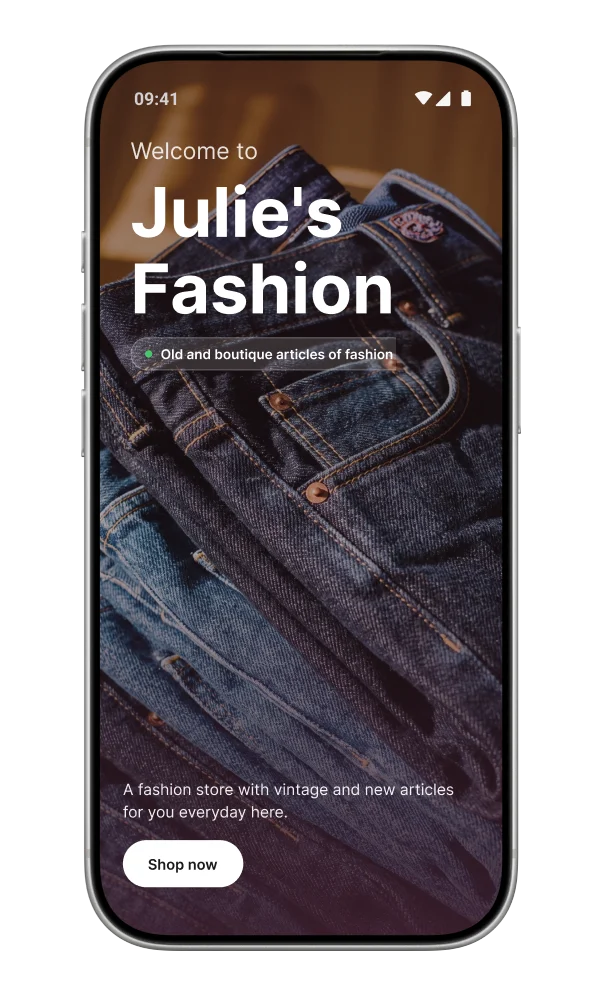
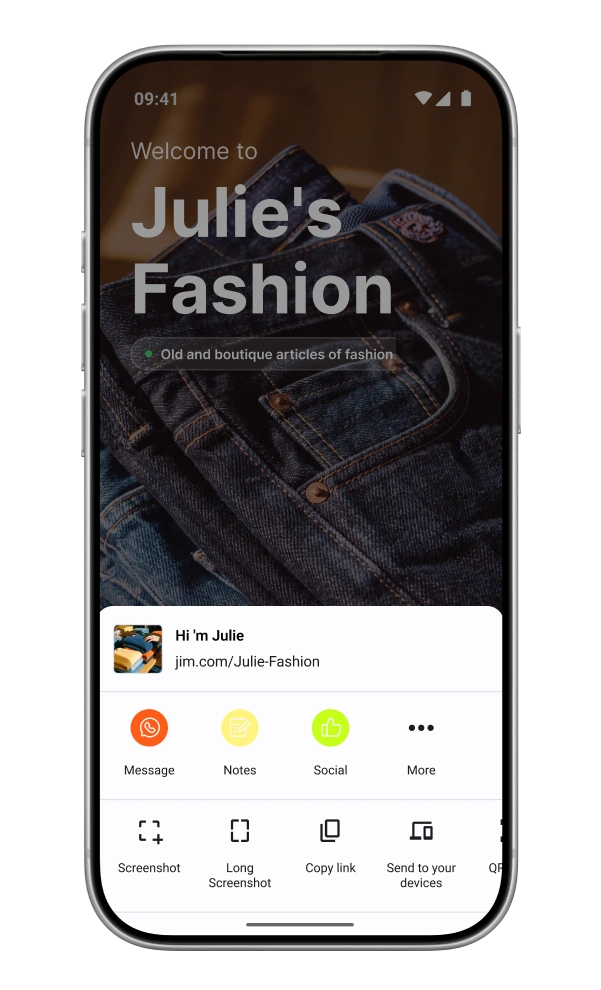
Download Jim and sign up
Check your new website
Share it everywhere, get paid instantly

Trusted by thousands across all 50 states
Frequently Asked Questions
Is it really free to create a website with Jim?
Yes. Jim creates and hosts your website at no cost – no subscription, no hosting fees, no setup charges. You only pay when a customer makes a payment through your site: 4.99% + $0.30 per sale, with instant payout to your Jim Card.
Do my customers need to download an app to pay?
No. Your customers just visit your link, see your business, and pay with their credit card, debit card, or digital wallet. No app download, no account creation – nothing on their end.
Can I customize my website?
Yes. You can update your business name, services, descriptions, contact info, and more – just send Jim a message with what you want to change and your site updates instantly. No design tools or tech skills needed.
How fast do I get my money from website sales?
In seconds. When a customer pays through your website, the money goes straight to your Jim Visa Prepaid Card – ready to spend immediately. No bank transfer wait, no hold periods.
What can I put on my website?
Your Jim website includes your business name, a description of your services, your contact information (phone, email, Instagram), and a built-in payment link so customers can pay you directly. Jim creates the content automatically from your business profile, and you can adjust anything through chat.
Do I need a Jim account to create a website?
Yes – and it's free. Download the Jim app, create your account, and fill in your business info. Jim uses your profile to build your website automatically. The whole process takes minutes.
Where can I use the money I earn?
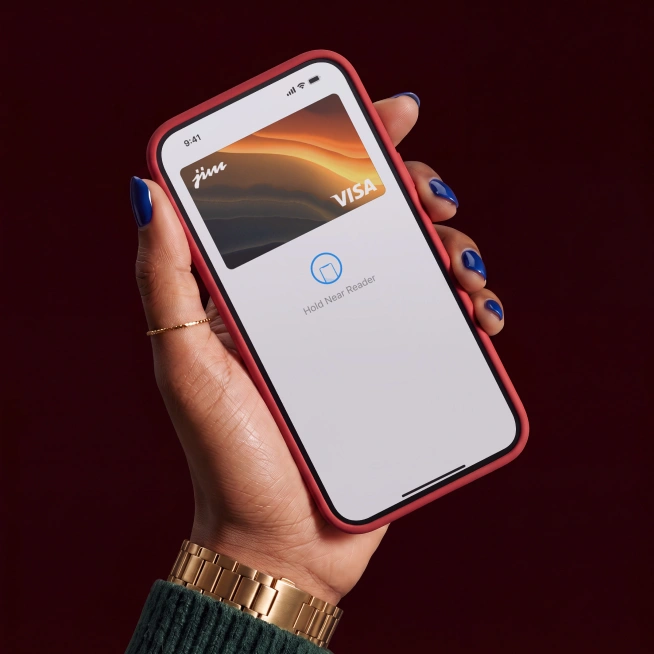
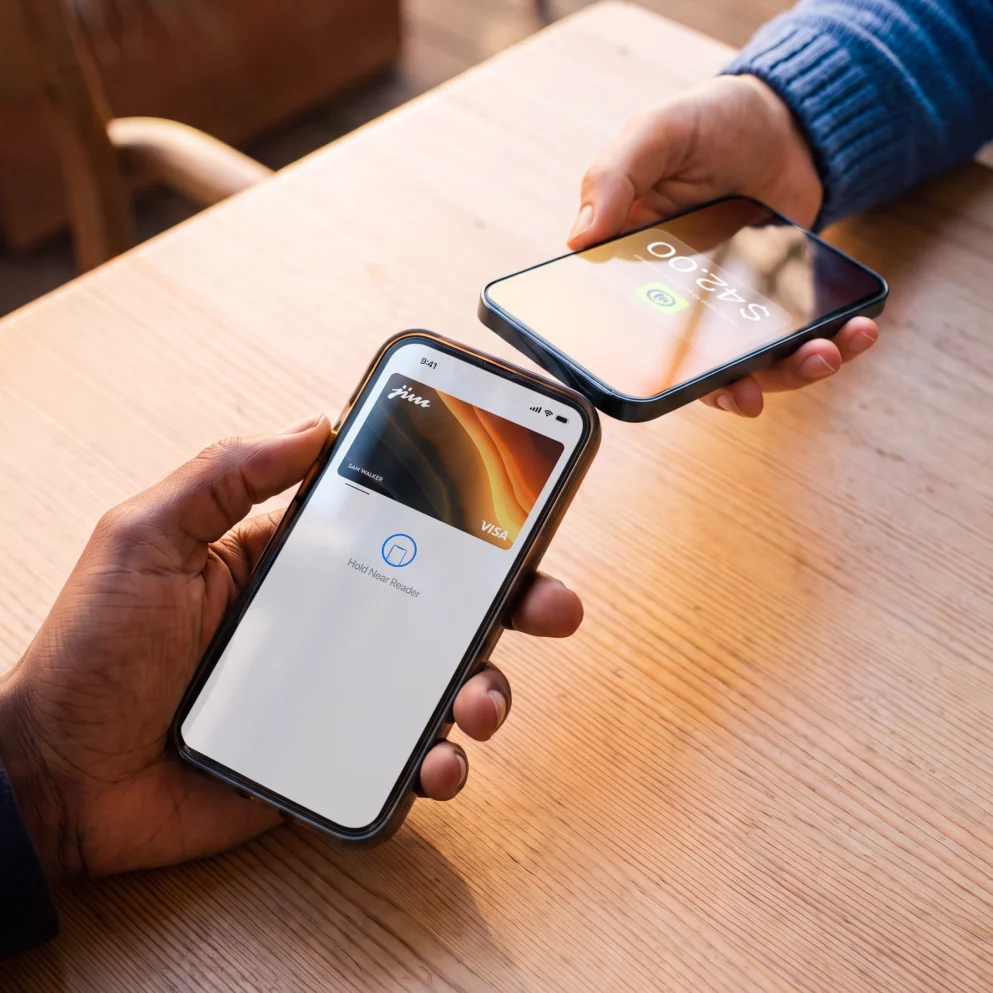
Once you get paid, your balance is available instantly on your Jim Card. Add it to your Apple Wallet and use it anywhere Apple Pay is accepted.