Keep more of every sale. Or keep all of it.
In person or online, JIM keeps it simple: low, flat fees with no monthly costs. Turn on Profit Booster and your customer covers the fee.

No monthly fees · No extra hardware · No hidden costs
Pricing
Transparent pricing for every move you make.
Low, flat fees in person and online, with no monthly costs. Or turn on Profit Booster and keep your full price on every sale.
Tap to Pay · In person
1.99% per sale
Your phone is the card reader. Your customer taps their card or phone, and the money hits your Jim Card in seconds. No hardware, no wait.
Charge $50, keep $49,01
Same flat fee on any card or digital wallet
Same fee whether you charge $2 or $2,000
Money on your Jim Card in seconds
Payment Link · Online
4.99% + $0.30 per sale
Not face-to-face? Send a link by text, email, or DM. They click, they pay, you're paid. Anywhere, anytime.
Charge $50, keep $47.21
No app or account needed on their end
Works over text, email, or social DM
Same fee on any card or digital wallet
Money on your Jim Card in seconds
Same Day ACH · To your bank
1.99% + $0.99 per transfer
Move money from your Jim Card to your bank account the same business day.
$15 minimum per transfer
Same business day during business hours
No transfer needed to spend your money. Use it for free on your Jim Card
Keep 100% of what you charge.
0% per sale
Turn on Profit Booster and no processing fee touches your side. Your full price lands on your JIM Card.
Charge $50, keep $50
Your customer pays
2.99% in person
4.99% + $0.30 online
A small processing amount is included in your customer's total, always shown before they pay.
With Jim, you’ll keep more of what you earn.
Calculate how much you could take home:
Thank you! Your submission has been received!
Oops! Something went wrong while submitting the form.
Profit Booster
With Jim Tap to Pay, you'd get:
$5,000.00
after 1.99% service charge
Profit Booster
Charge $50. Keep $50.
Turn on Profit Booster and the processing fee is added to your customer's total, so your full price lands on your Jim Card.
No surprises on either side: your customer sees the total amount before they pay.
Your price, your profit, untouched.
No surprises on either side: your customer sees the total amount before they pay.
Your price, your profit, untouched.
You keep 100%
One tap to turn on
Total transparency
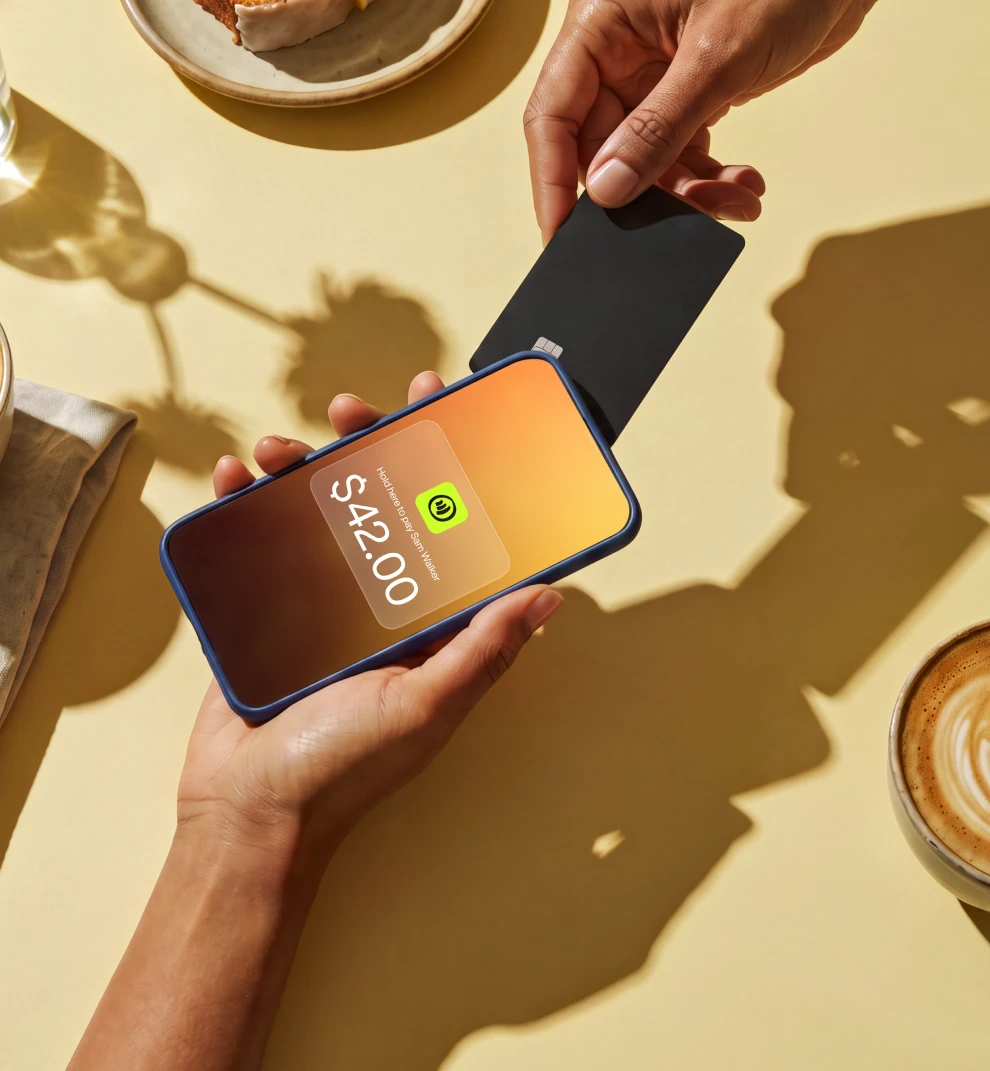
The list of things we charge for is short.
$0 to download
Free on iPhone and Android. Set up in under 2 minutes.
$0 monthly fees
No subscription, no extra costs. Ever.
$0 hidden fees
None, ever. What you see is what you pay.
$0 to use your money
Spend instantly using your Jim Card.
Your money, your move.
Instant when you want it. Flexible when you need it.
Spend instantly with your Jim Card for free
Same day ACH for 1.99% + $0.99






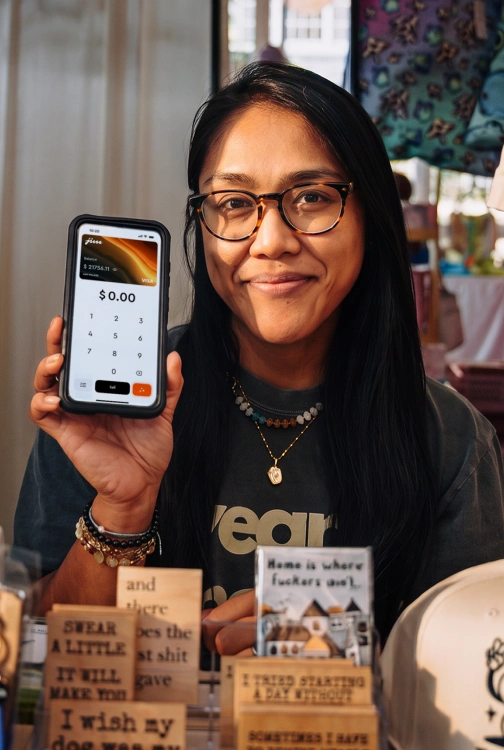



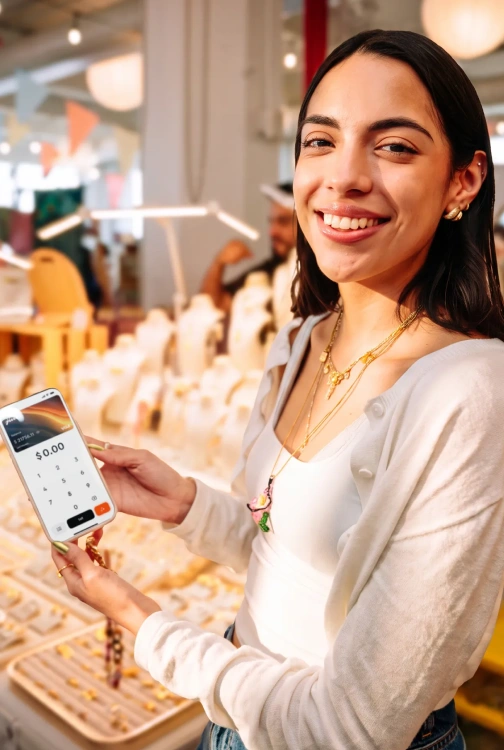







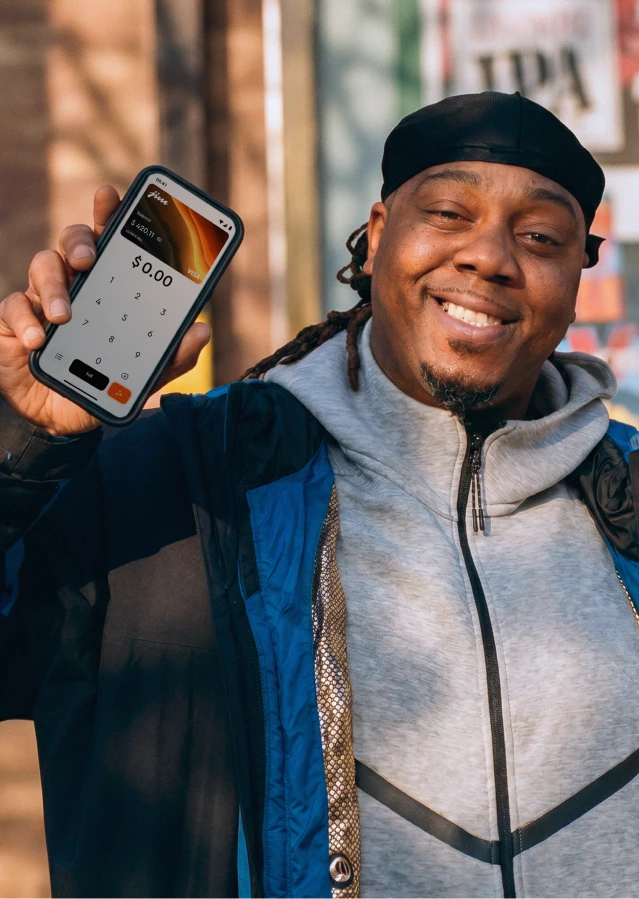
Trusted by thousands across all 50 states
Rating
4.8

Apple App Store and Google Play reviews
12K

Frequently Asked Questions
What are the fees for Tap to Pay with Jim?
Jim charges a flat 1.99% per tap to pay transaction. The rate is always the same regardless of your revenue, card type, or transaction size.
Are there any monthly fees for Tap to Pay on iPhone?
No. Jim's tap to pay has no monthly fees, no setup costs, and no hidden charges. You only pay 1.99% per contactless payment.
What's the minimum Tap to Pay transaction amount?
The minimum tap to pay sale amount with Jim is $1.
Does Jim charge extra for premium cards with Tap to Pay?
No. Whether customers use a regular credit card or a premium rewards card for tap to pay, you always pay the same 1.99% rate.
When do I get access to my money from Tap to Pay sales?
Your money from tap to pay transactions is available in seconds on your Jim Visa® Prepaid Card after each sale. No transfers needed, no wait for bank processing.
How does Jim's pricing compare to other Tap to Pay processors?
Most traditional tap-to-pay processors charge 2.6%–3.5%, plus additional fees, sometimes in the form of monthly costs or extra charges for premium cards. Jim's pricing is simple: just 1.99% with no extra costs.
How do Same-Day ACH transfers work?
You can transfer your Jim balance directly to your bank.
1. Go to your Balance screen
2. Tap Cash out
3. Choose ACH Bank Transfer
4. Enter the amount
5. Add the bank account details
6. Review the details and fee
7. Confirm with your Jim Card PIN
8. Done! You'll get a receipt right after
Transfers made after business hours, on weekends, or on holidays will be processed the next business day. There's a fee of 1.99% + $0.99 per transfer – and the minimum amount you can transfer is $15.00.
1. Go to your Balance screen
2. Tap Cash out
3. Choose ACH Bank Transfer
4. Enter the amount
5. Add the bank account details
6. Review the details and fee
7. Confirm with your Jim Card PIN
8. Done! You'll get a receipt right after
Transfers made after business hours, on weekends, or on holidays will be processed the next business day. There's a fee of 1.99% + $0.99 per transfer – and the minimum amount you can transfer is $15.00.
How does Profit Booster work?
When you turn on Profit Booster, JIM adds the credit card fee to your customer’s total instead of deducting it from your sale. The fee is 2.99% for Tap to Pay and 4.99% + $0.30 for Payment Links. Your customer sees the full total before paying, and you keep the full sale amount you entered. Profit Booster is optional, so you can turn it on whenever you want to give your profit a boost.