Your cell phone repair shop POS, upgraded


No monthly fees · No hidden costs
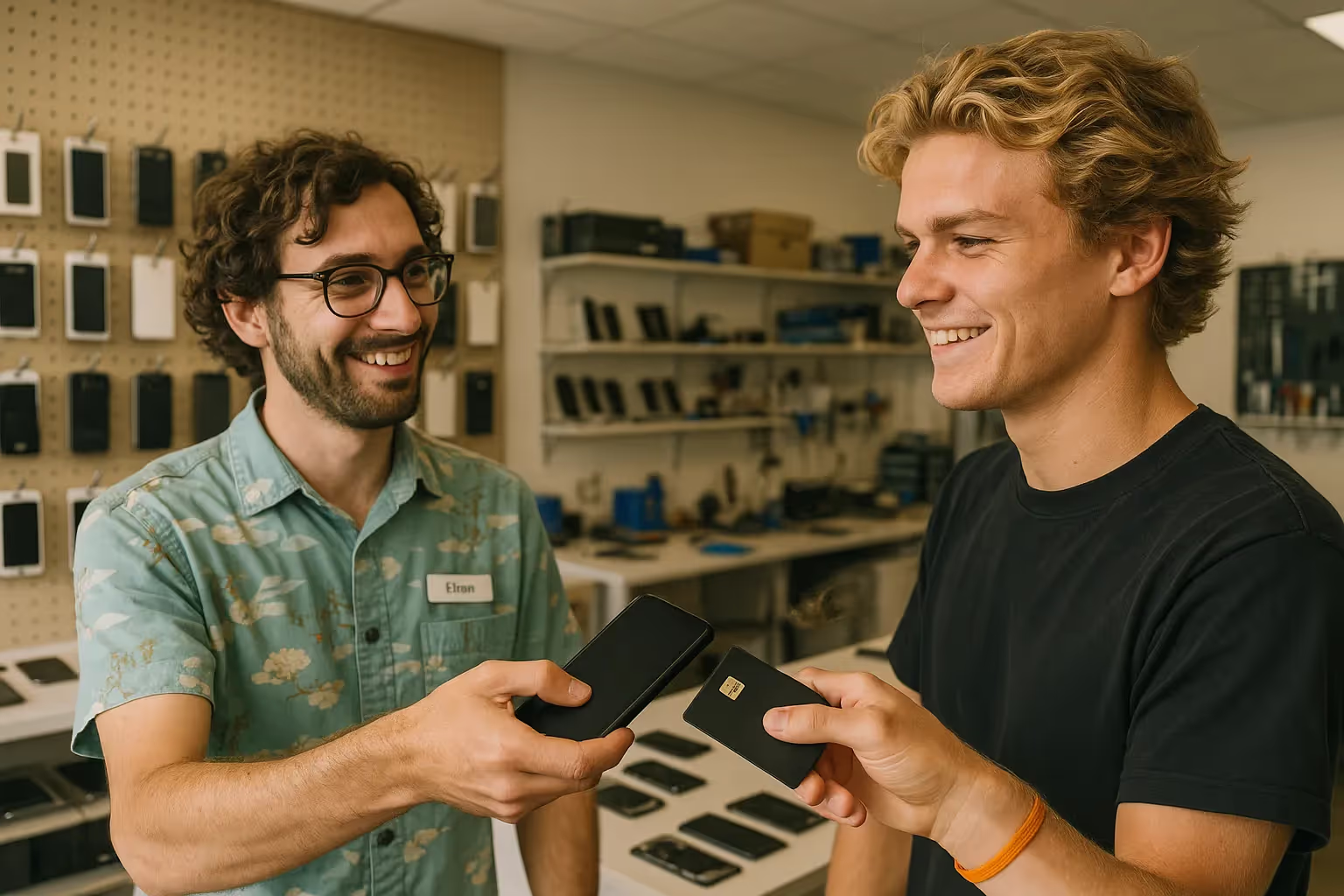
Accept payments from all major cards and digital wallets


Streamline repair shop sales with JIM
Your phone is now your POS system
JIM turns your phone into a card reader, no hardware required. Accept credit, debit, and mobile wallets like Apple and Google Pay. Get paid instantly* for repairs at the counter or on-site.
.avif)
.avif)
Order new parts after each repair
Your funds arrive on your JIM Visa® Prepaid card instantly*. Forget bank transfer delays when you must buy replacement parts or tools. You can add the card to a digital wallet for contactless payments.
Keep more with a 1.99% flat fee.
JIM charges a single flat rate of 1.99% per transaction. There are no hidden costs, setup fees, or premium card penalties. Your fee is always predictable for every sale you make.

Jim is the AI partner helping you get paid and grow your business.

Jim is the AI partner helping you get paid and grow your business.
Jim is the AI partner helping you get paid and grow your business.
One tap and done:
you just made a sale
Download the JIM app for free, set up your account, and you're ready. Your phone becomes a pocketable POS that can take payments anytime, anywhere.
Type the transaction total in the JIM app and include a prompt for a customer tip.

Tap sell, then have your customer tap their card or device on your phone.

Your money is ready to use on your JIM card seconds* after you complete a sale.

Type the transaction total in the JIM app and include a prompt for a customer tip.

Tap sell, then have your customer tap their card or device on your phone.

Your money is ready to use on your JIM card seconds* after you complete a sale.

Accept payments with a tap
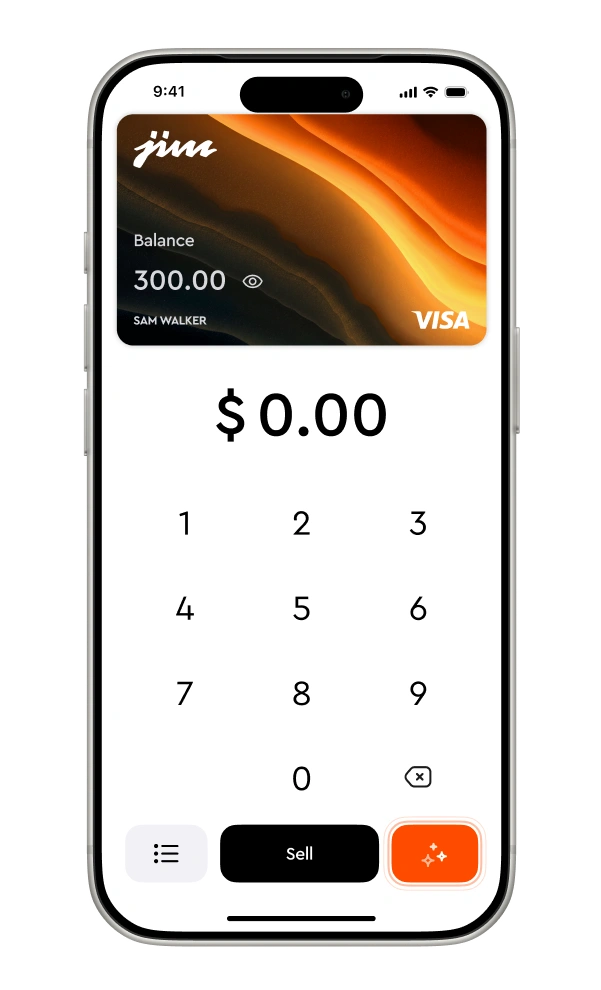
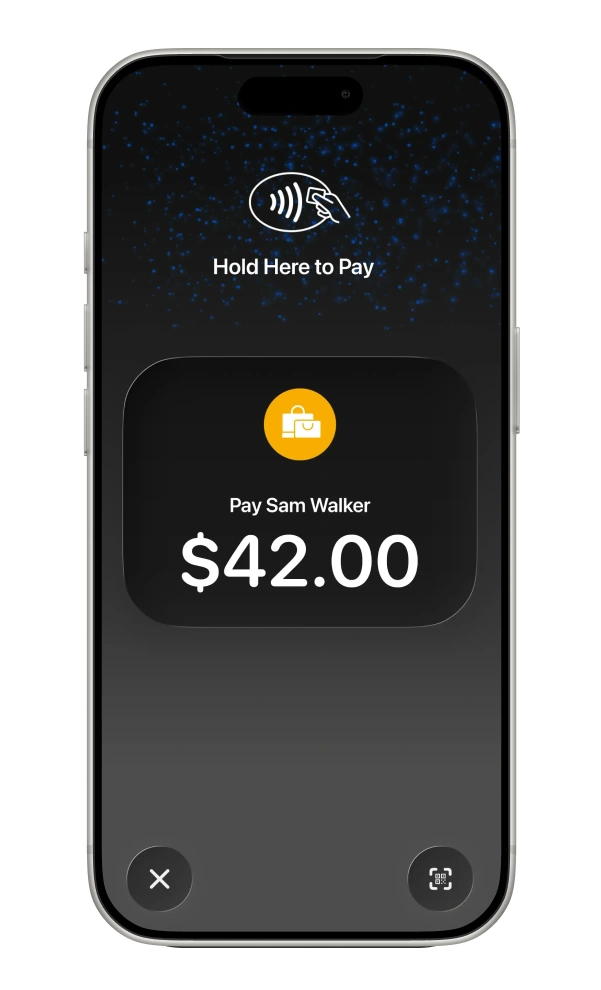
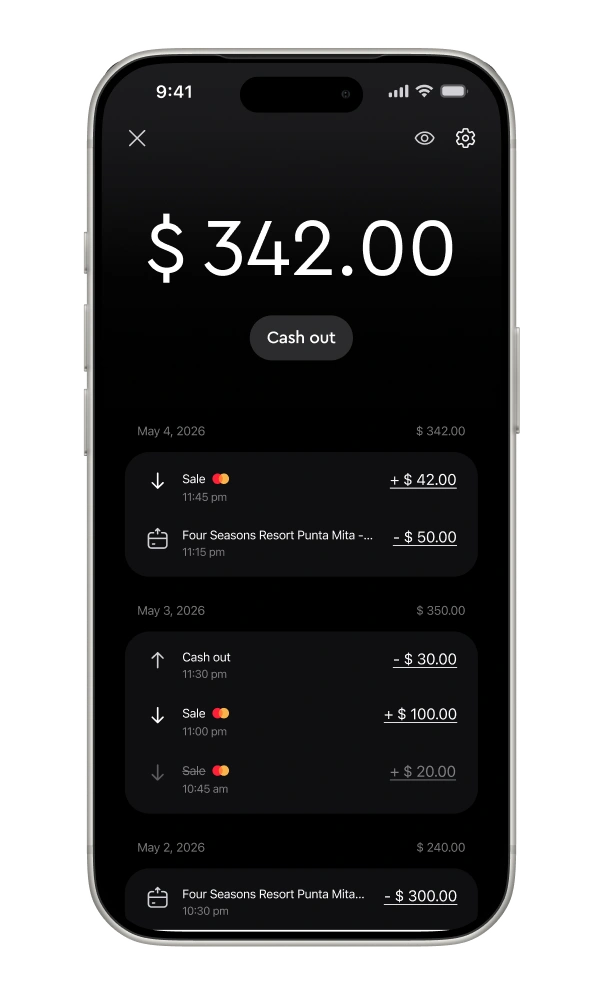
Enter the sale amount
They tap their card
You get paid

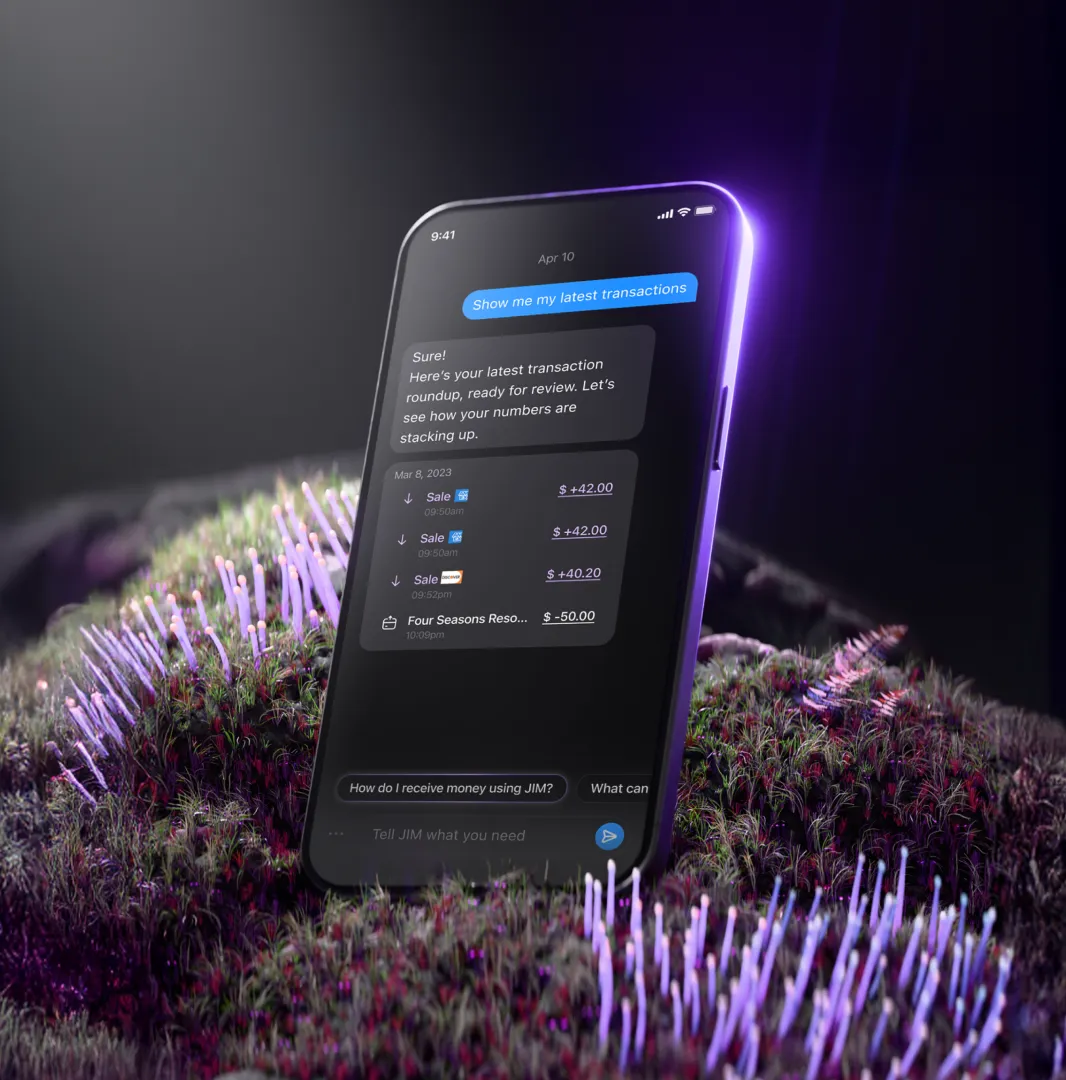
JIM's business assistant for your cell phone repair shop
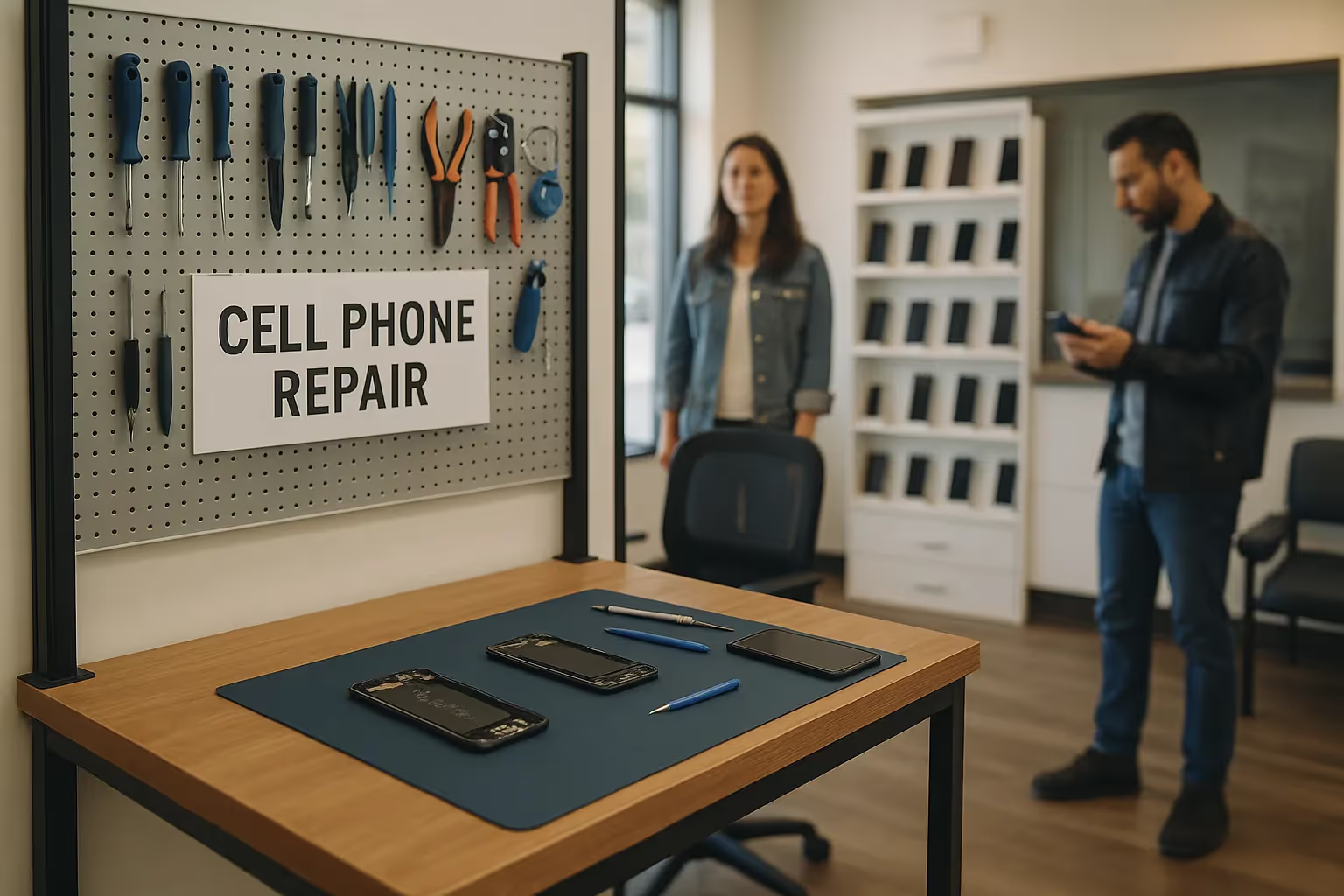
Take payments at the workbench.
The screen repair is finished. Your customer can pay right there at the workbench. Use your phone to accept the payment with JIM, without a trip to the front POS station.
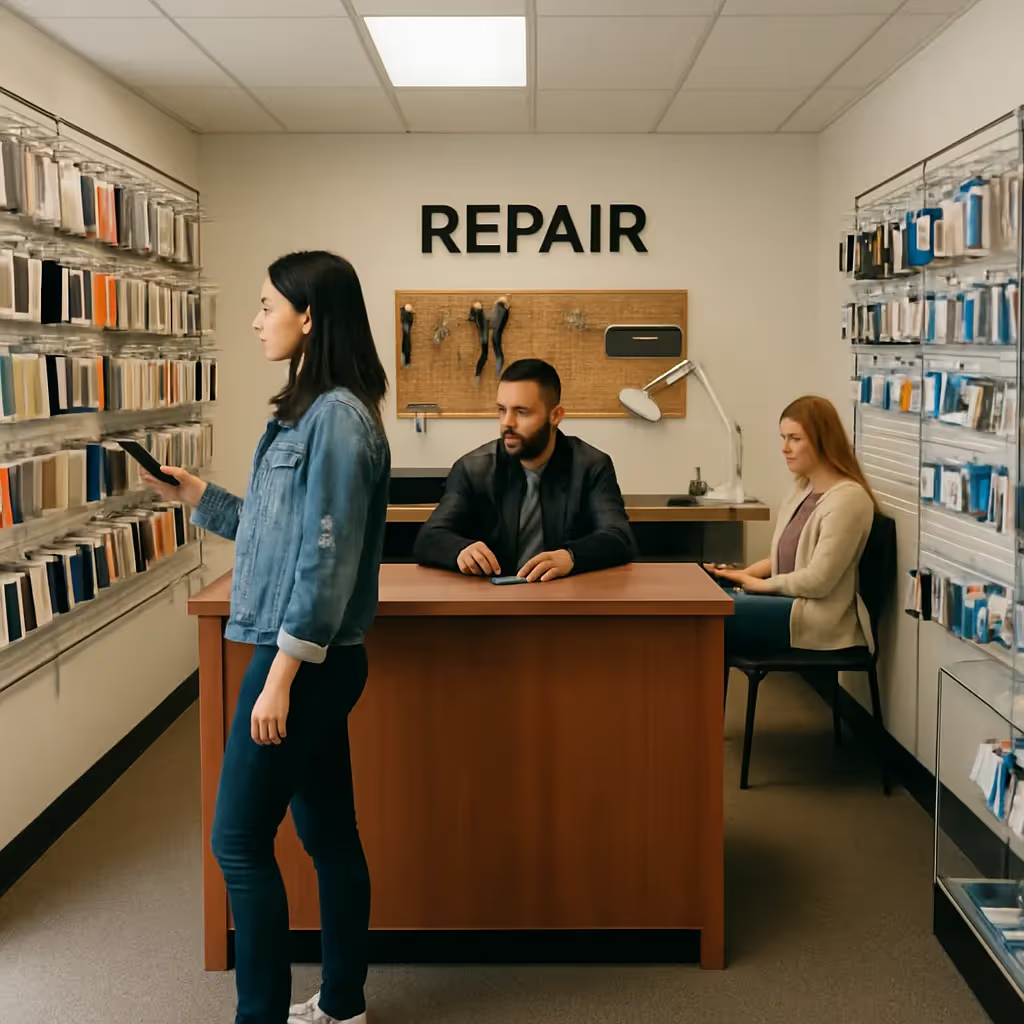
Built for the repair counter
You replace the screen, you run the diagnostic, you get paid instantly*. JIM is made for the repair shop rhythm, so you always have cash on hand for new parts and supplies.
One flat fee per transaction
Fix a cracked screen or do a full logic board repair? With JIM, every payment has the same 1.99% fee. No complex math, no surprise costs. Just simple pricing that lets you focus on phones, not fees.
FAQ
Payments in seconds are our standard. So, whenever you get paid, your money is available in seconds in your account. No more waiting 1-2 business days.
Who is eligible?
JIM welcomes cell phone repair shops that provide authorized repair services at a physical location. Your business must:
- Operate from a verified physical address (P.O. Boxes are not accepted)
- Hold any required state or local business licenses
- Provide legitimate repair services (screen replacement, battery replacement, diagnostics, etc.)
⚠️ Important: Phone unlocking services, jailbreaking services, and the sale of unlocked cell phones are not permitted. Only authorized repair services are eligible. JIM reserves the right to request additional documentation during the application process.
How does Tap to Pay on iPhone work with JIM?
Enter the amount in the JIM app. Present your iPhone to the customer so they can tap their contactless card or digital wallet. The transaction completes securely.
How and when do I receive my money?
Funds from a sale appear in your JIM account instantly\*. No multi-day bank settlements.
What are the fees?
JIM has a flat transaction fee of 1.99%. Minimum sale of $1. No hidden charges.
How secure are payments with JIM?
JIM uses tokenization. Customer card details are never stored on your device or JIM's servers.
How can JIM help my repair shop speed up checkout?
Take payments directly on the iPhone you already use for your business. No separate card reader needed.
My repair business is mobile. How does JIM support that?
JIM turns your iPhone into a payment terminal. Accept payments anywhere with a cell signal or Wi-Fi — ideal for on-site repairs.
---
Frequently Asked Questions
How quickly do I get paid?
Lorem ipsum dolor sit amet, consectetur adipiscing elit, sed do eiusmod tempor incididunt ut labore et dolore magna aliqua. Ut enim ad minim veniam, quis nostrud exercitation ullamco laboris nisi ut aliquip ex ea commodo consequat. Duis aute irure dolor in reprehenderit in voluptate velit esse cillum dolore eu fugiat nulla pariatur.
How quickly do I get paid?
Lorem ipsum dolor sit amet, consectetur adipiscing elit, sed do eiusmod tempor incididunt ut labore et dolore magna aliqua. Ut enim ad minim veniam, quis nostrud exercitation ullamco laboris nisi ut aliquip ex ea commodo consequat. Duis aute irure dolor in reprehenderit in voluptate velit esse cillum dolore eu fugiat nulla pariatur.
How quickly do I get paid?
Lorem ipsum dolor sit amet, consectetur adipiscing elit, sed do eiusmod tempor incididunt ut labore et dolore magna aliqua. Ut enim ad minim veniam, quis nostrud exercitation ullamco laboris nisi ut aliquip ex ea commodo consequat. Duis aute irure dolor in reprehenderit in voluptate velit esse cillum dolore eu fugiat nulla pariatur.
How quickly do I get paid?
Lorem ipsum dolor sit amet, consectetur adipiscing elit, sed do eiusmod tempor incididunt ut labore et dolore magna aliqua. Ut enim ad minim veniam, quis nostrud exercitation ullamco laboris nisi ut aliquip ex ea commodo consequat. Duis aute irure dolor in reprehenderit in voluptate velit esse cillum dolore eu fugiat nulla pariatur.
How quickly do I get paid?
Lorem ipsum dolor sit amet, consectetur adipiscing elit, sed do eiusmod tempor incididunt ut labore et dolore magna aliqua. Ut enim ad minim veniam, quis nostrud exercitation ullamco laboris nisi ut aliquip ex ea commodo consequat. Duis aute irure dolor in reprehenderit in voluptate velit esse cillum dolore eu fugiat nulla pariatur.
How quickly do I get paid?
Lorem ipsum dolor sit amet, consectetur adipiscing elit, sed do eiusmod tempor incididunt ut labore et dolore magna aliqua. Ut enim ad minim veniam, quis nostrud exercitation ullamco laboris nisi ut aliquip ex ea commodo consequat. Duis aute irure dolor in reprehenderit in voluptate velit esse cillum dolore eu fugiat nulla pariatur.
How quickly do I get paid?
Lorem ipsum dolor sit amet, consectetur adipiscing elit, sed do eiusmod tempor incididunt ut labore et dolore magna aliqua. Ut enim ad minim veniam, quis nostrud exercitation ullamco laboris nisi ut aliquip ex ea commodo consequat. Duis aute irure dolor in reprehenderit in voluptate velit esse cillum dolore eu fugiat nulla pariatur.
Frequently Asked Questions
Lorem ipsum dolor sit amet, consectetur adipiscing elit, sed do eiusmod tempor incididunt ut labore et dolore magna aliqua. Ut enim ad minim veniam, quis nostrud exercitation ullamco laboris nisi ut aliquip ex ea commodo consequat. Duis aute irure dolor in reprehenderit in voluptate velit esse cillum dolore eu fugiat nulla pariatur.