Your electronics store POS that just clicks


No monthly fees · No hidden costs
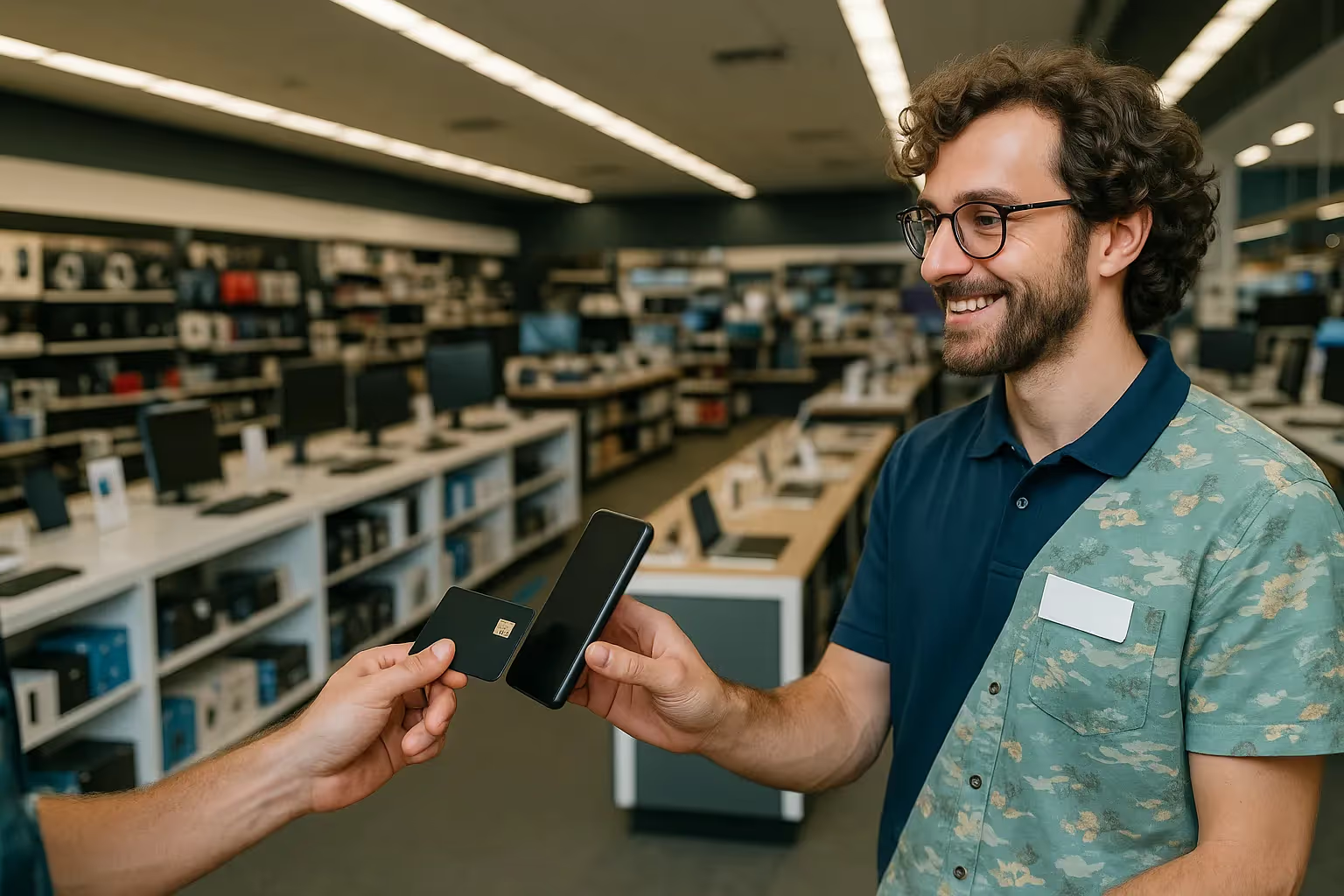
Accept payments from all major cards and digital wallets


Upgrade your electronics store with JIM
Your phone is your new POS
JIM turns your phone into a payment terminal, no hardware required. Accept credit, debit, and mobile wallets like Apple and Google Pay. Perfect for counter sales or on-site tech support calls.
.avif)
.avif)
Fund your next component order instantly
Your sales funds arrive on your JIM Visa® Prepaid card instantly*. Add the card to your digital wallet for quick supplier payments. Use it anywhere you can make a contactless payment for parts.
Lock in your flat 1.99% rate.
JIM has no hidden fees, setup costs, or maintenance charges. You pay a single flat rate of 1.99% on every transaction. It is the same predictable fee for all cards and sale sizes.

Jim is the AI partner helping you get paid and grow your business.

Jim is the AI partner helping you get paid and grow your business.
Jim is the AI partner helping you get paid and grow your business.
One tap and done:
you just made a sale
Download the JIM app for free, set up your account, and you're ready. Your phone becomes a pocketable POS that can take payments anytime, anywhere.
Enter the total sale in the JIM app. You can add a tip, too.

Press sell and have your customer tap their card or device on your phone.

Get your money in seconds* on your JIM Visa® Prepaid Card after every sale.

Enter the total sale in the JIM app. You can add a tip, too.

Press sell and have your customer tap their card or device on your phone.

Get your money in seconds* on your JIM Visa® Prepaid Card after every sale.

Accept payments with a tap
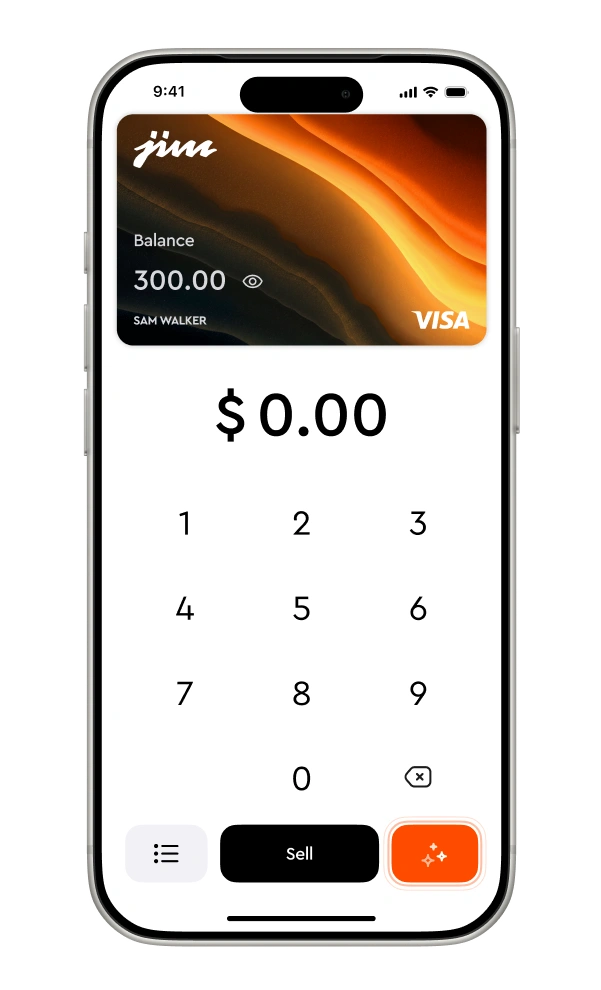
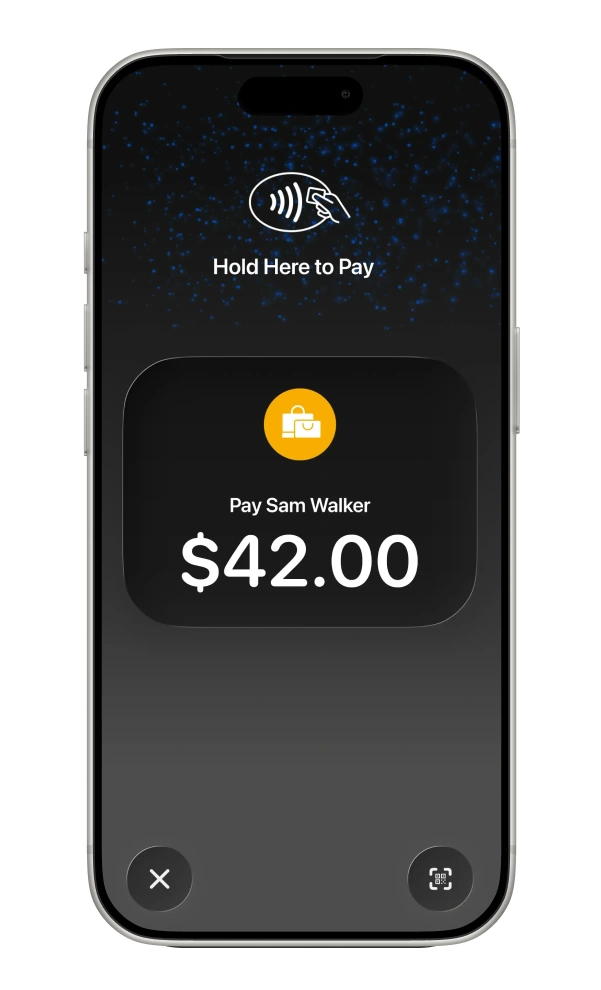
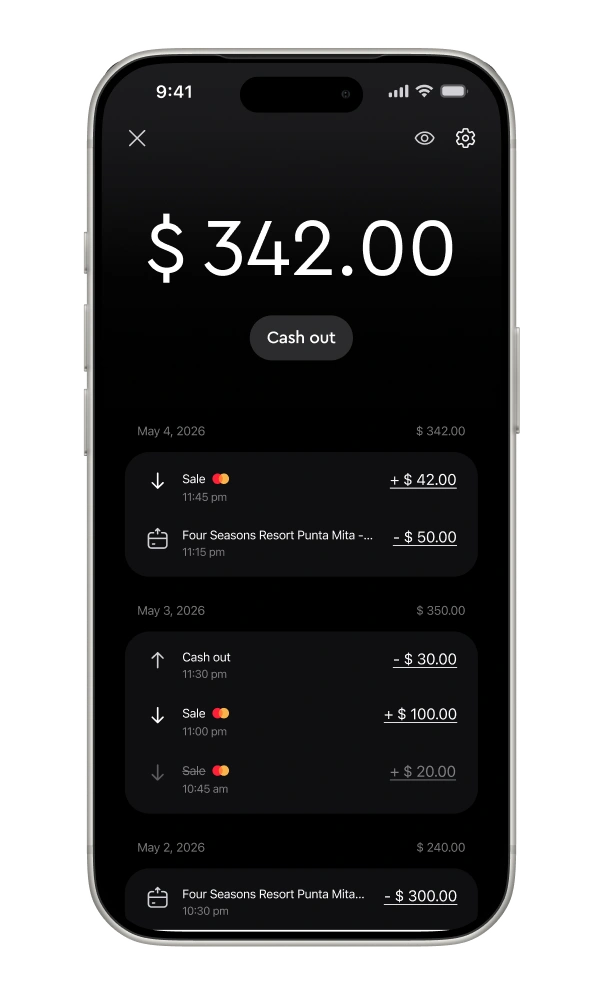
Enter the sale amount
They tap their card
You get paid

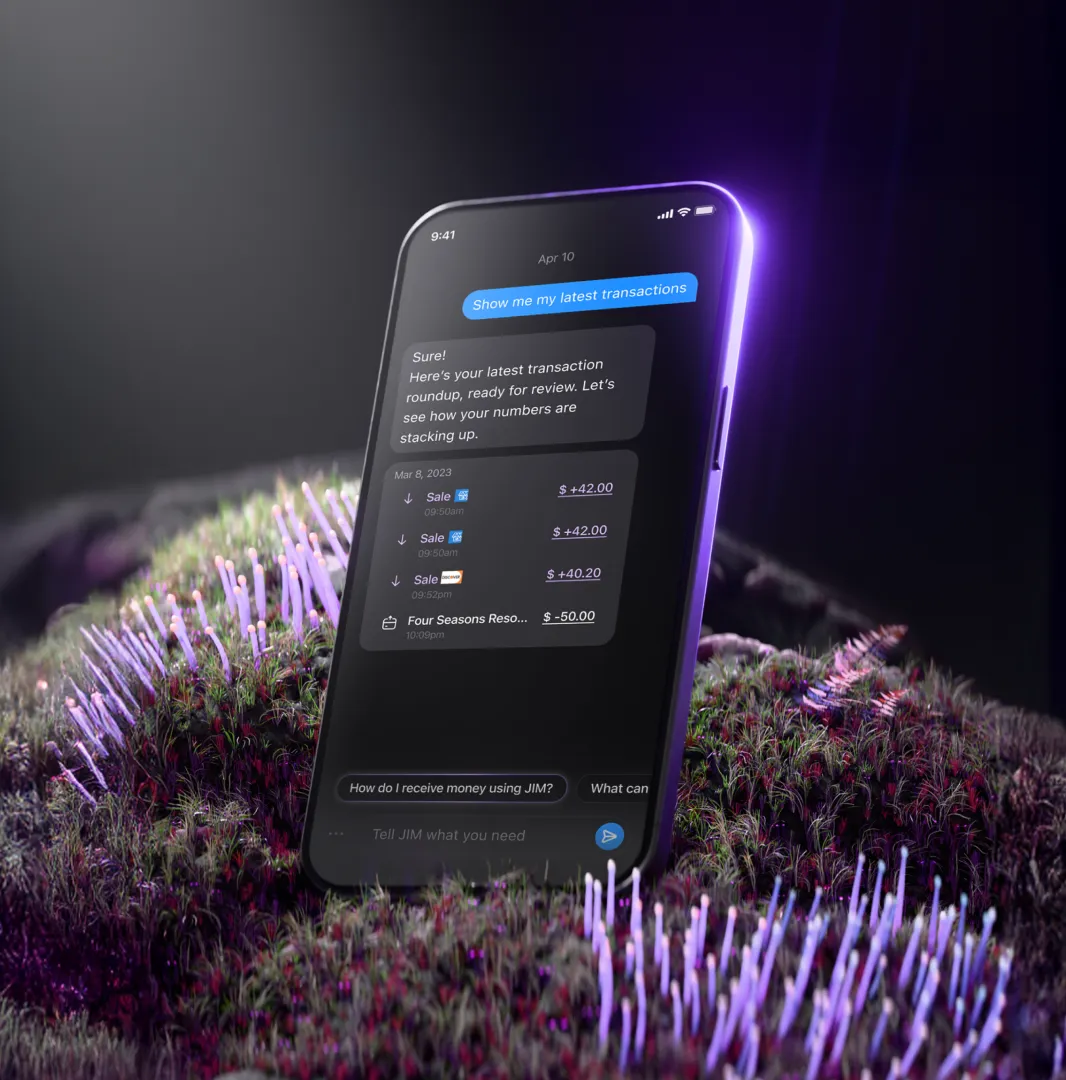
JIM's business assistant for your electronics store
Accept payments anywhere you work.
Your work goes beyond the sales counter. From on-site installations to tech expos, JIM lets you take payments anywhere. All you need is your phone to close a sale on the spot.
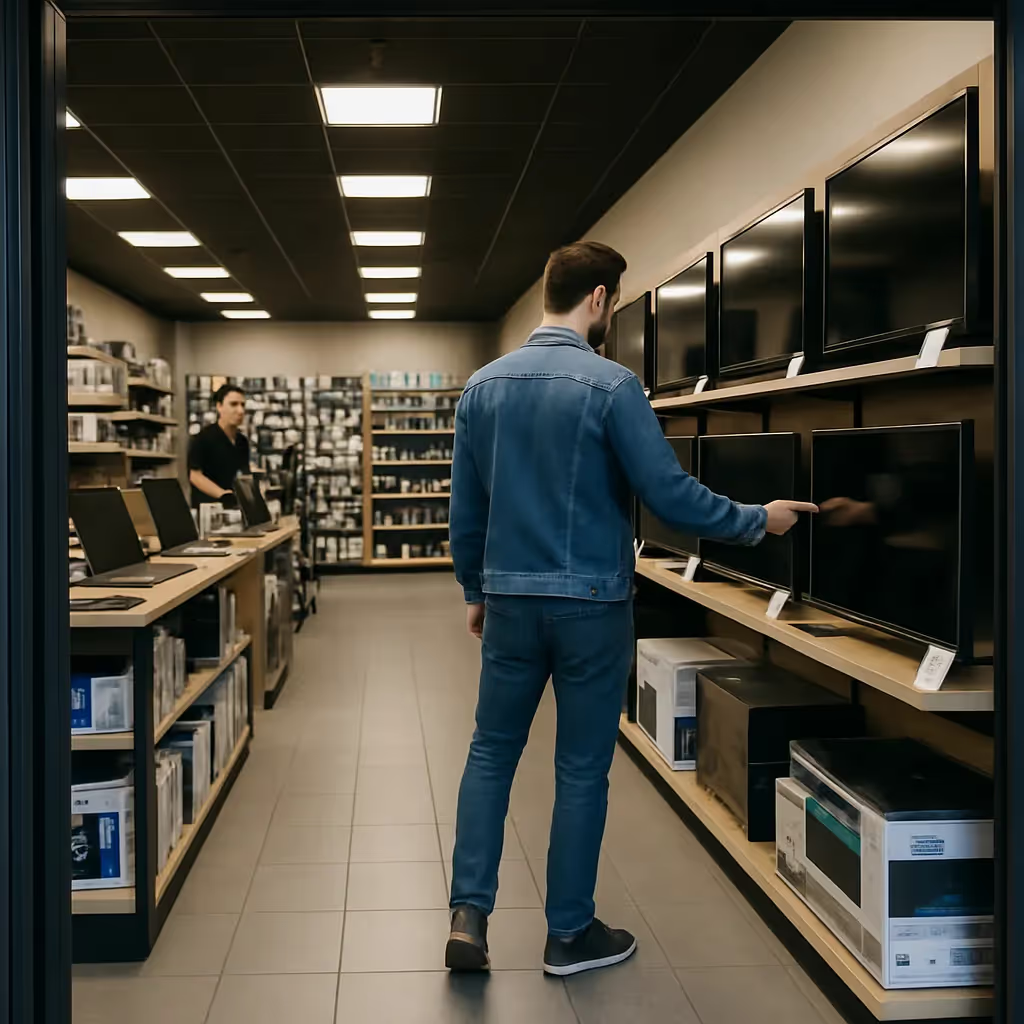
Turn sales into new stock
You unbox, you demo, you sell — and now you get paid instantly*. That cash flow means you can secure the newest gadgets for your shelves right away, without a complex POS system.
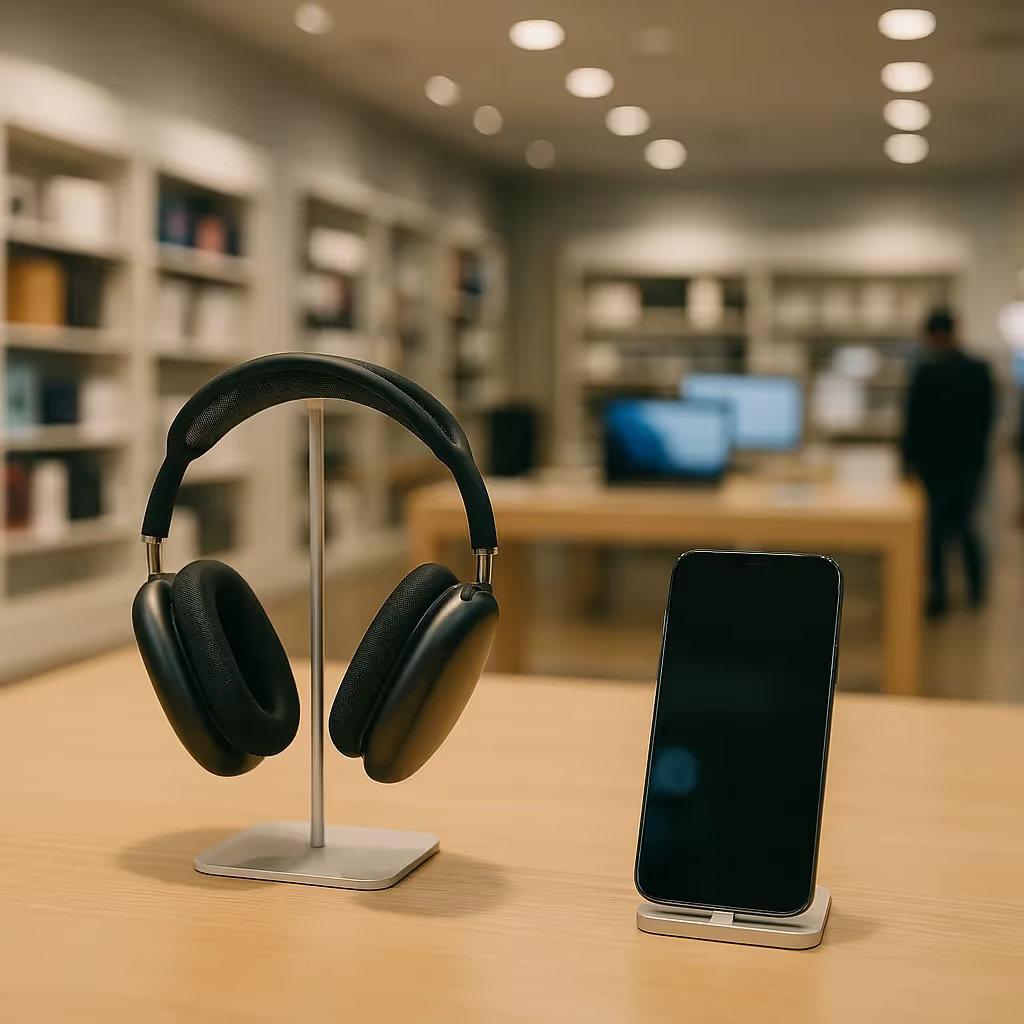
One flat fee for every sale
Sell a top-tier graphics card or a simple phone charger? With JIM, every payment gets the same low 1.99% fee. No complex math, no surprise costs—just predictable pricing so you can focus on components, not commissions.

FAQ
Payments in seconds are our standard. So, whenever you get paid, your money is available in seconds in your account. No more waiting 1-2 business days.
Who is eligible?
JIM welcomes electronics retailers that sell consumer electronics, accessories, and related products through a physical retail location. Your business must:
- Operate from a verified physical address (P.O. Boxes are not accepted)
- Hold any required state or local business licenses
- Sell primarily new, authorized consumer electronics and accessories to end consumers
Please note: Electronics retail is subject to enhanced due diligence due to higher chargeback risk. JIM reserves the right to request additional documentation during the application process.
How does Tap to Pay on iPhone work with JIM?
Open the JIM app and enter the sale amount. Present your iPhone to the customer. They hold their contactless card or digital wallet near your phone to complete the payment.
How quickly do I receive my money?
Funds from a sale appear in your JIM account instantly\*.
What are the fees?
JIM has a flat fee of 1.99% for each transaction. Minimum sale of $1. No monthly or hidden charges.
How does JIM keep payments secure?
JIM uses tokenization. Your customers' card numbers are never stored on your device.
How can JIM help my electronics store speed up checkout?
Accept payments anywhere in your store with just an iPhone. Ideal for quick sales of accessories or during busy periods.
How does JIM support mobile services?
If your business offers on-site installations or tech support, JIM lets you take payments anywhere with just your iPhone.
---
Frequently Asked Questions
How quickly do I get paid?
Lorem ipsum dolor sit amet, consectetur adipiscing elit, sed do eiusmod tempor incididunt ut labore et dolore magna aliqua. Ut enim ad minim veniam, quis nostrud exercitation ullamco laboris nisi ut aliquip ex ea commodo consequat. Duis aute irure dolor in reprehenderit in voluptate velit esse cillum dolore eu fugiat nulla pariatur.
How quickly do I get paid?
Lorem ipsum dolor sit amet, consectetur adipiscing elit, sed do eiusmod tempor incididunt ut labore et dolore magna aliqua. Ut enim ad minim veniam, quis nostrud exercitation ullamco laboris nisi ut aliquip ex ea commodo consequat. Duis aute irure dolor in reprehenderit in voluptate velit esse cillum dolore eu fugiat nulla pariatur.
How quickly do I get paid?
Lorem ipsum dolor sit amet, consectetur adipiscing elit, sed do eiusmod tempor incididunt ut labore et dolore magna aliqua. Ut enim ad minim veniam, quis nostrud exercitation ullamco laboris nisi ut aliquip ex ea commodo consequat. Duis aute irure dolor in reprehenderit in voluptate velit esse cillum dolore eu fugiat nulla pariatur.
How quickly do I get paid?
Lorem ipsum dolor sit amet, consectetur adipiscing elit, sed do eiusmod tempor incididunt ut labore et dolore magna aliqua. Ut enim ad minim veniam, quis nostrud exercitation ullamco laboris nisi ut aliquip ex ea commodo consequat. Duis aute irure dolor in reprehenderit in voluptate velit esse cillum dolore eu fugiat nulla pariatur.
How quickly do I get paid?
Lorem ipsum dolor sit amet, consectetur adipiscing elit, sed do eiusmod tempor incididunt ut labore et dolore magna aliqua. Ut enim ad minim veniam, quis nostrud exercitation ullamco laboris nisi ut aliquip ex ea commodo consequat. Duis aute irure dolor in reprehenderit in voluptate velit esse cillum dolore eu fugiat nulla pariatur.
How quickly do I get paid?
Lorem ipsum dolor sit amet, consectetur adipiscing elit, sed do eiusmod tempor incididunt ut labore et dolore magna aliqua. Ut enim ad minim veniam, quis nostrud exercitation ullamco laboris nisi ut aliquip ex ea commodo consequat. Duis aute irure dolor in reprehenderit in voluptate velit esse cillum dolore eu fugiat nulla pariatur.
How quickly do I get paid?
Lorem ipsum dolor sit amet, consectetur adipiscing elit, sed do eiusmod tempor incididunt ut labore et dolore magna aliqua. Ut enim ad minim veniam, quis nostrud exercitation ullamco laboris nisi ut aliquip ex ea commodo consequat. Duis aute irure dolor in reprehenderit in voluptate velit esse cillum dolore eu fugiat nulla pariatur.
Frequently Asked Questions
Lorem ipsum dolor sit amet, consectetur adipiscing elit, sed do eiusmod tempor incididunt ut labore et dolore magna aliqua. Ut enim ad minim veniam, quis nostrud exercitation ullamco laboris nisi ut aliquip ex ea commodo consequat. Duis aute irure dolor in reprehenderit in voluptate velit esse cillum dolore eu fugiat nulla pariatur.