A Simpler Payment App for Small Business
See article summary
- A full point-of-sale app only earns its complexity for chip-insert counters or large inventory; JIM runs contactless taps at 1.99%.
- Two payment channels carry different fees: in-person taps cost about $1.00 on $50, while remote links run $2.80.
- The smallest setup covering required tasks wins: a phone handles contactless taps and remote links, while counters need terminals.
- JIM settles instantly to the virtual JIM Visa Prepaid Card, spendable in Apple Wallet right away, with no card reader.
- A one-week sales test settles it: split taps and remote links, then run that flow on JIM before buying hardware.
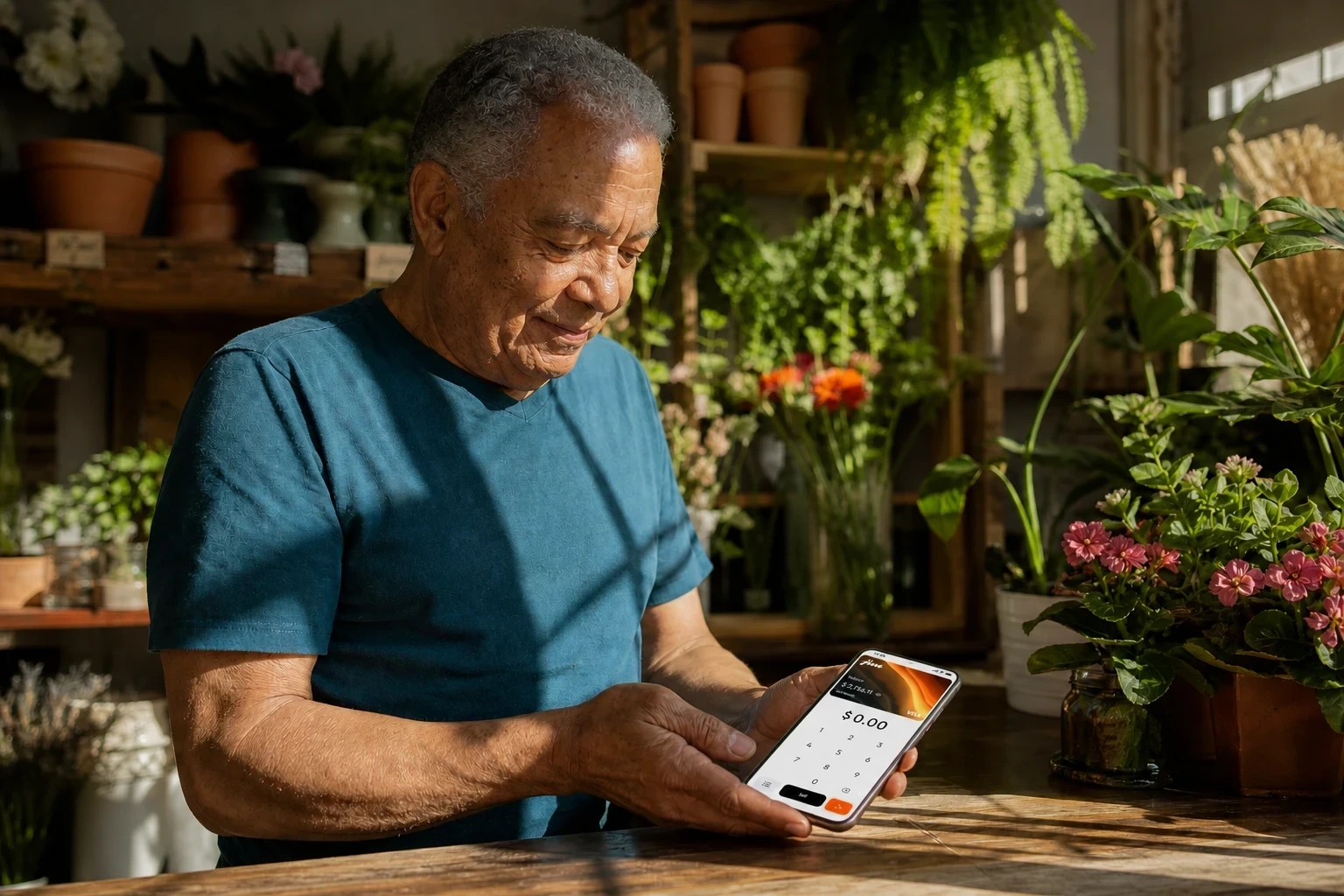
If your small business mostly takes payments in person and bills remotely only occasionally, JIM is the simpler choice: it turns your phone into the card reader with Tap to Pay.
A point-of-sale system (POS) is the software and hardware you use to collect a sale; Tap to Pay lets a card or phone pay by touching yours, no extra terminal.
Whether you need more comes down to your in-person versus remote sales mix, what each sale needs, and when the money can be used. JIM charges 1.99% per tap and settles instantly to your JIM Visa Prepaid Card.
Compare Payment Apps by Your Actual Sales Flow
Published rates only become comparable after you know which sale they apply to. Group your sales by channel first, then price each channel against the same amount and check what each one needs to run.
Step 1: Split In-Person and Remote Sales
List one week of sales in two columns: payments you take in person, with the customer and card in front of you, and remote payments, where you send a request and the customer pays from anywhere.
Near-field communication, or NFC, is the short-range wireless link that lets two devices talk when they touch, and it powers in-person Tap to Pay. Remote sales skip the tap and travel over a shared link instead.
A common example: an owner who takes contactless payments at appointments and collects an occasional deposit before the visit puts the appointment taps in one column and the deposit requests in the other, so no single rate hides inside the mix.
Step 2: Price Each Channel on the Same Sale Amount
Put both channels against one labeled figure so the math stays honest. On a $50 sale, JIM's in-person 1.99% per tap costs about $1.00, while JIM's remote payment links for business run 4.99% + $0.30, about $2.80 on the same sale.
Same amount, different flow, different fee. Rolling them into one blended effective processing rate hides that gap, so check how credit card processing fees break down before you average them.
On very small sales, a flat fee can outrun the margin, and federal guidance lets you set a credit card minimum up to $10 or offer a cash discount to protect it.
| Payment channel | Typical sale | Fee formula | Fee on the sale | Hardware needed | When proceeds are usable |
|---|---|---|---|---|---|
| In-person tap (Tap to Pay) | $50 | 1.99% | ~$1.00 | Your phone, no reader | Instantly on the JIM Visa Prepaid Card |
| Remote (JIM Payment Links) | $50 | 4.99% + $0.30 | ~$2.80 | None, just a shared link | Instantly on the JIM Visa Prepaid Card |
Step 3: Check Hardware and Fund Availability
Two questions settle the rest. First, does a channel need extra equipment, or does your phone already cover it? In-person Tap to Pay runs on a supported iPhone with no separate reader.
Second, when do you need the money? Settlement is the moment a processed payment becomes yours to spend, and with JIM those funds land instantly on your JIM Visa Prepaid Card instead of clearing to a bank over several days.
Once both channels are mapped, priced, and checked for equipment and timing, you can choose the smallest setup that meets every non-negotiable requirement.
Choose the Smallest Payment Setup That Covers Your Work
The smallest setup that covers every required task wins. Run each non-negotiable through one question: does a phone-based flow already handle it, or does the task genuinely need something a phone cannot do?
When a Phone-Based Flow Covers the Job
If your work is contactless in-person payments plus the occasional remote checkout, a phone-based flow covers it. JIM turns a supported iPhone into the card reader with Tap to Pay, so you accept the major card networks and Apple Pay with no extra hardware. Stacking a larger point-of-sale system on top adds steps without solving a task you still have.
When a Broader POS Capability Is a Real Requirement
Some jobs need more than a phone: chip-insert card acceptance at a fixed counter, extensive multi-item inventory workflows, or a staffed register with a dedicated terminal and cash drawer. Those signal that a broader capability earns its complexity.
JIM does not replace that countertop hardware. For the contactless taps behind most appointment and counter sales, though, it handles them on the phone you already carry, with proceeds usable right away.
Match each requirement against both paths before buying anything:
| Non-negotiable requirement | Lean phone workflow | Broader-capability signal |
|---|---|---|
| Contactless taps in person | Tap to Pay, no reader | Not needed |
| Occasional remote checkout | Shared link, no hardware | Not needed |
| Proceeds usable right away | Instant on the JIM Visa Prepaid Card | Not needed |
| Chip-insert cards at a counter | Not covered | Dedicated terminal |
| Large multi-item inventory | Not covered | Full POS modules |
When every non-negotiable lands in the lean column, a bigger setup only adds complexity, and the concrete phone workflow is all you need next.
Why JIM Works for a Lean Small-Business Payment Flow
For the lean path, JIM keeps a small business on one phone-based flow with a flat, lower per-tap fee and sale proceeds you can spend right away.
Compared on the same phone-based Tap to Pay setup, where neither app needs extra hardware, the difference is the fee formula:
| Phone-based Tap to Pay | JIM | Square |
|---|---|---|
| Extra hardware needed | None, your phone is the reader | None, Tap to Pay on iPhone or Android |
| In-person tap rate | Flat 1.99% per tap | 2.6% + 15 cents per tap on its free plan, lower on paid monthly plans |
Source for Square figures: Square's official website, accessed August 2026.
Take Contactless Payments Without a Reader
JIM runs in-person contactless payments through Tap to Pay on iPhone, using the same near-field communication chip behind Apple Pay. No separate reader ever enters the setup.
If you have wondered how to accept contactless payments without buying equipment, this is it: open JIM, hold the phone to the customer's card or phone, and finish at a flat 1.99% per tap.
Handle Remote Sales and Use Funds Without Waiting
When a sale happens remotely, JIM Payment Links handle it as a separate flow at 4.99% + $0.30. Checkout covers debit, credit, Apple Pay, and Google Pay, with nothing for your customer to install.
Either way, the money is usable right away. JIM settles instantly to your virtual JIM Visa Prepaid Card, which sits in Apple Wallet and spends anywhere Apple Pay works.
Use Jim Agent for the Work Around Each Sale
The follow-up work around a sale happens in JIM too. Take the owner from earlier: right after a contactless appointment payment, they ask Jim Agent for the day's sales, then text the customer a receipt. The balance lands on the JIM Card, business money kept separate without a second device or dashboard.
Jim Agent checks statements, tracks real-time sales history, sends receipts by SMS, and answers 24/7. JIM also builds a customizable business website the moment you register, a free ecommerce website builder for collecting remote payments, though it stays optional rather than required.
That combination, phone-based taps, an instant card balance, and an always-on assistant for the routine work, is the JIM advantage. The only step left is to test it against a real week of your own sales.
Test the Matching JIM Payment Flow Before You Switch
Group one week of your sales into in-person taps and remote requests, then run only that week's in-person flow on JIM before you buy any hardware or move every payment over.
Because Tap to Pay turns the iPhone you already carry into the card reader at a flat 1.99%, you can take a real contactless sale, watch the money land, and confirm the fit on your own numbers. Start that test at onboarding.jim.com.
Frequently Asked Questions
Can a Phone Accept Contactless Payments Without a Card Reader?
Why Does a Remote Payment Cost Differently From an In-Person Tap?
What Should I Check Before Relying on Sale Proceeds?




Sell and get paid in seconds with Jim






