epos system: test the workflow before you compare costs

An electronic point of sale (EPOS) system, also called a point-of-sale (POS) system, combines checkout hardware and software; whether it also connects a sale to inventory, reports, or other business tools depends on the product.
Test a typical sale to confirm it updates the records your business needs, then compare the full cost of that setup rather than a device or software price alone.
Choose by the workflow a sale must complete
Separate payment acceptance from operating software
Start with the records your business relies on, then use the table to check where each sale should appear.
| Scope | Check in the demo | Ask the vendor |
|---|---|---|
| Payment acceptance | The payment completes and appears in the transaction record or receipt. | Which device or software accepts payment, and where can staff find the completed sale? |
| Connected operations | That same sale updates the specific record you rely on, such as a stock count or daily report. | Which included component sends each field to its destination, and how can you confirm the update? |
The U.S. Chamber's small-business POS guide recommends testing transactions, integrations, and features for your industry. Its examples differ for retail, restaurants, and service businesses, so do not buy a longer feature list than your workflow requires.
Prove the handoff with one test sale
Choose a typical transaction. In an illustrative retail shop, ask the vendor to ring up a usual item, then check whether that sale appears in the inventory record and daily report the owner relies on. A takeaway business might test an order-to-kitchen handoff; a service business might check a customer or job record instead.
Follow the same sale. Open each required record or connected tool with the vendor. Confirm the expected fields and status appear, and ask whether the update happens automatically or requires an export or manual entry.
Write down every gap. Mark each handoff as demonstrated or missing, then list any extra device, software, integration, or manual step needed. Ask which system handles card data and which security responsibilities remain yours. The Payment Card Industry Data Security Standard guidance applies to merchants regardless of size; direct compliance-validation questions to your acquiring bank or payment brand.
For channel planning, see the in-person payment methods guide.
Compare the full cost of the setup you tested
Compare only quotes that cover the same workflow and equipment, then total 12 months using your own transaction count and sales by channel. A headline ePOS price cannot show whether processing, required tools, or contract costs fit your operation.
Build a 12-month, like-for-like estimate
Enter your expected annual transaction count and dollar sales for each channel you use. Use the vendor's written quote; for each unknown, ask for the amount or mark it unconfirmed instead of treating it as free.
| Cost line | Fill in for 12 months | Ask the vendor |
|---|---|---|
| Annual use | Transactions and sales dollars by channel | Which channel mix does this quote assume? |
| Setup and hardware | One-time setup plus each required device; note purchase or rental | Is anything required but not included? |
| Software | 12 × monthly platform fee plus required modules | Which recurring features or users cost extra? |
| Processing, each channel | Annual channel sales × quoted rate + transactions × per-transaction charge | What percentage and fixed charge apply to each channel? |
| Add-ons and support | Required add-ons, integrations, training, and support fees | Are charges one-time, monthly, or usage-based? |
| Contract | Term, renewal, cancellation, and exit charges | What notice and fees apply to leave or renew? |
| 12-month total cost of ownership | Add the lines above | Mark every unquoted item as unknown. |
Price processing by payment channel
The U.S. Chamber's small-business POS guide includes payment-processing fees among costs to assess; this small-business guide to credit card processing fees can help you identify the fee components to request.
Calculate each channel separately; do not apply an in-person rate to online or keyed sales. JIM Tap to Pay lists a 1.99% rate per in-person sale, with instant payouts subject to terms. That rate covers payment acceptance, not a full ePOS system.
Take your workflow test to the next demo
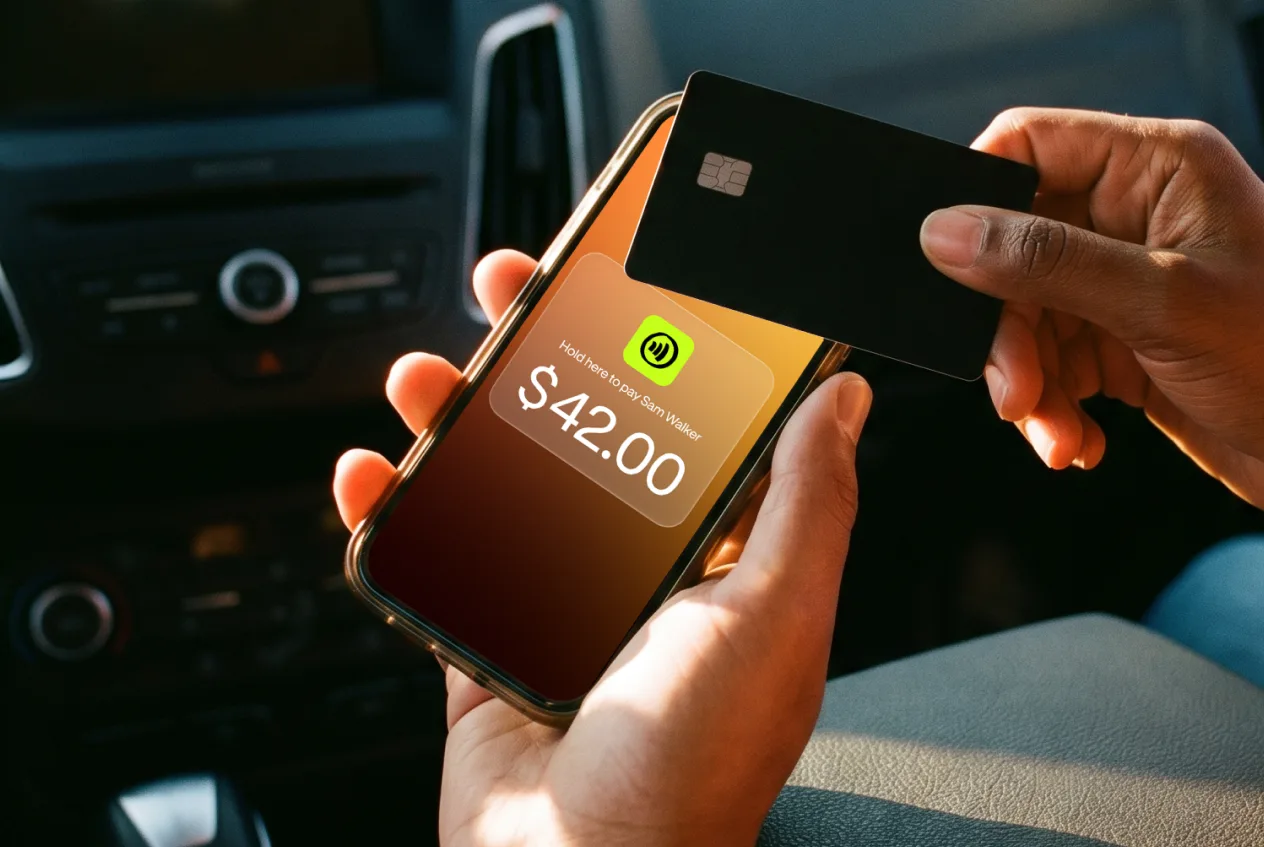
Take your sale checklist and 12-month estimate to a demo. Ask the provider to show each record update and confirm the quote covers that setup. If you need only in-person contactless payments, JIM Tap to Pay accepts cards and digital wallets on iPhone without a reader, but it is not inventory or back-office software; instant payouts are subject to terms.



Sell and get paid in seconds with Jim






