Starting a kiosk business is an exciting venture that combines a knack for sales and customer service with solid business savvy. With lower startup costs than a traditional retail store and the flexibility to test different locations, the barrier to entry can seem low, but that accessibility doesn't automatically lead to success.
This guide will walk you through the practical steps—from validating your concept and picking a great location to securing permits and equipment—to help you launch a successful kiosk business in the U.S.
Step 1: Plan your business and validate your idea
Find your product and market
Before you spend a dollar, confirm people want your product. Spend a weekend at a potential location like a mall or farmer's market. Observe what people buy and what is missing. This direct observation is more valuable than any report.
Many new owners choose a product they love without first checking for demand. You can also use local demographic data from the U.S. Census Bureau to understand the local customer base and their purchasing power.
Next, look at your competition. Physically visit other kiosks to see their products, prices, and customer interactions. For broader market data, you can explore industry reports on databases like IBISWorld or ReferenceUSA, often accessible through a local library.
Estimate your startup costs
Budgeting for your initial expenses will give you a clear financial target. While costs vary by location and product, here is a typical breakdown to get you started.
- Kiosk unit: $3,000 - $25,000
- Initial inventory: $2,000 - $10,000
- POS system: $500 - $2,000
- Permits and licenses: $100 - $500
- First month's rent: $500 - $4,000
This puts a realistic startup budget between $6,100 and $41,500. Having a clear financial picture from the start helps prevent surprises down the road.
Here are 3 immediate steps to take:
- Visit three potential locations and observe customer foot traffic and buying habits.
- Create a detailed budget spreadsheet with estimated costs for your specific concept.
- Identify five local competitors and document their product offerings and price points.
Step 2: Set up your legal structure and get licensed
Choose your business structure
You might consider forming a Limited Liability Company (LLC). It protects your personal assets if the business faces debt or lawsuits. A common mistake is to mix funds; always open a separate business bank account to maintain this protection.
Once your structure is set, get an Employer Identification Number (EIN) from the IRS. It is free and you will need it to open that bank account or hire employees. You can apply online and receive the number immediately.
Secure your permits and licenses
Next, you will need a seller's permit from your state's department of revenue to collect sales tax. Also, check with your city or county clerk for a general business license. These can cost between $50 and $400 and take a few weeks to process.
For a kiosk, you also need permission from the property owner, like a mall. They have their own operating agreements and fees. If you sell food, you must get a food handler's permit from your local health department, which involves a course and a fee.
Here are 3 immediate steps to take:
- File your LLC or chosen business structure with your state's secretary of state office.
- Apply for a free Employer Identification Number (EIN) on the IRS website.
- Contact your local city clerk to get a checklist of required business licenses.
Step 3: Protect your business with the right insurance
With your legal structure in place, the next move is to secure insurance. This protects you from accidents, theft, and other liabilities. For a kiosk, two policies are fundamental: General Liability and Commercial Property Insurance. Expect to need at least $1 million in liability coverage.
Many new owners make the mistake of buying a policy before they check with the property manager. Malls and event spaces have their own insurance requirements. Always confirm their minimums first so you only have to buy a policy once. This is a detail you cannot afford to miss.
Annual premiums for a combined policy typically run from $500 to $1,500. If you plan to hire staff, you will also need Workers' Compensation. You can get quotes from providers that specialize in small businesses, such as Hiscox, The Hartford, and Next Insurance.
Here are 3 immediate steps to take:
- Request the specific insurance requirements in writing from your property manager.
- Get quotes from at least three small business insurance providers.
- Review policy details to ensure they cover theft of inventory and damage to your kiosk.
Step 4: Secure your location and equipment
Find your spot
Kiosk spaces are typically small, around 50 to 100 square feet. You will not deal with city zoning but with the property manager's rules. Ask for a map of foot traffic. A spot near an entrance or food court costs more but delivers more customers.
Many new owners accept a bad location for a lower rent. This rarely pays off. When you negotiate your lease, push for a shorter term, like six months. You can also propose a percentage rent agreement, where your rent is a portion of your sales.
Outfit your kiosk
With your location secured, you need to equip it. Beyond the kiosk unit and POS system, you will need specific items for your product. This includes display cases, shelving, and lighting. Good lighting alone can make your products look much more appealing.
Here are some typical costs for additional equipment.
- Display cases: $200 - $1,500
- Security camera system: $150 - $500
- Professional lighting: $100 - $400
You can find used equipment from suppliers like RestaurantSupply.com or local classifieds to reduce initial costs. When you buy new, be aware that some suppliers have minimum order quantities, so confirm this before you commit.
Here are 3 immediate steps to take:
- Ask the property manager for a map of foot traffic patterns.
- Draft a list of ideal lease terms, including a six-month initial period.
- Price out your specific equipment needs from at least two suppliers.
Step 5: Set up your payment system
Now that your kiosk is equipped, you need a way to get paid. Most customers expect to pay with a card or digital wallet. A reliable payment system is a must for smooth transactions and accurate sales tracking.
Choose your payment processor
When you choose a payment solution, focus on transparent pricing. Many providers charge between 2.5% and 3.5% per transaction, plus monthly fees or hardware costs. These can add up quickly for a small operation.
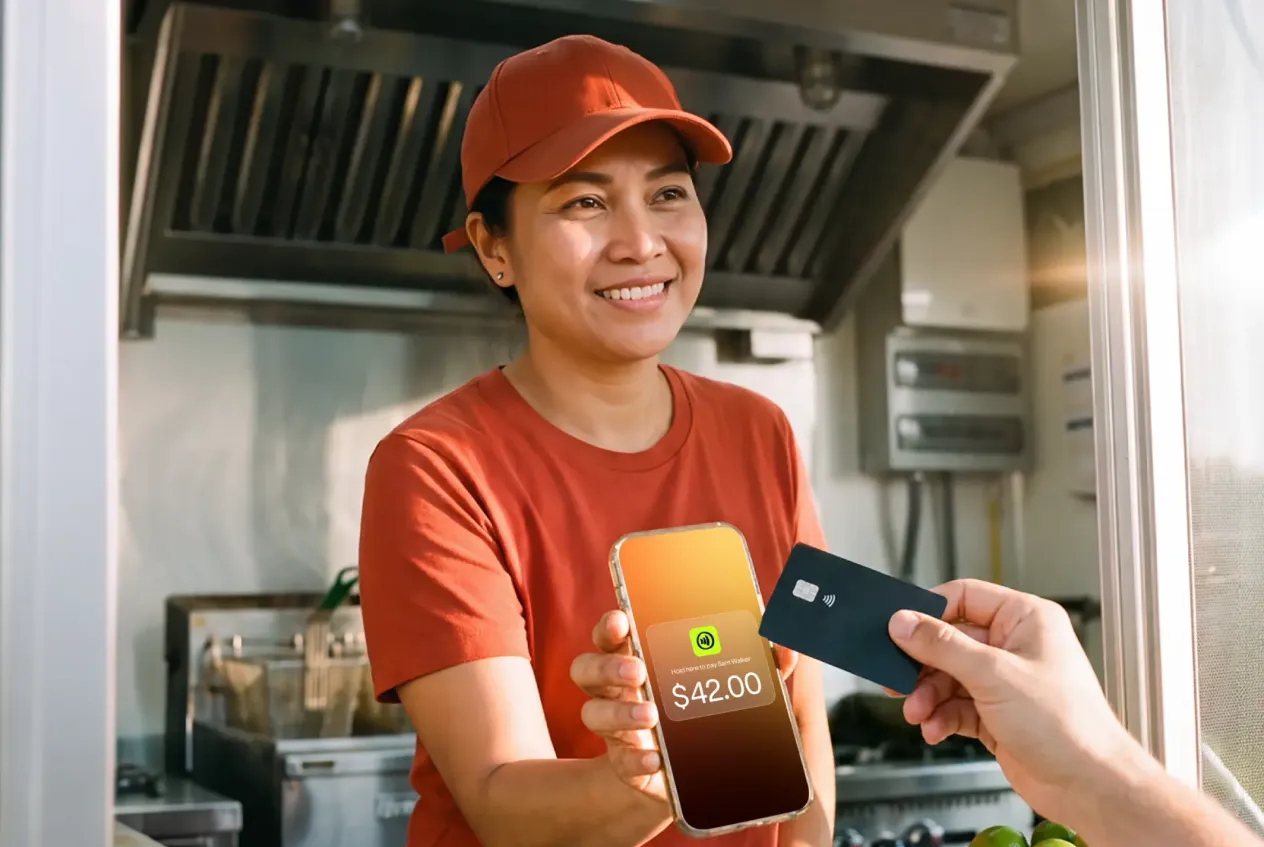
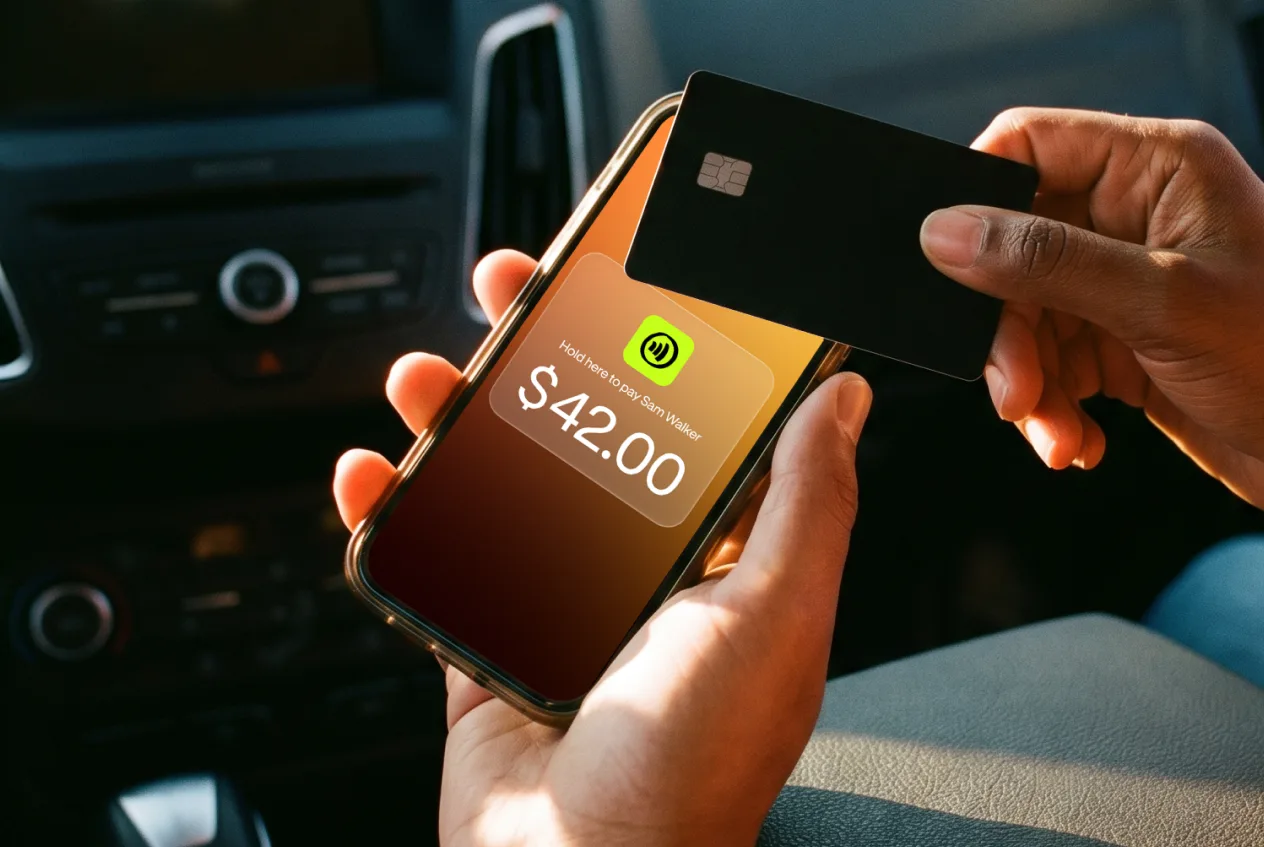
For kiosks that need to accept payments on-site, JIM offers a streamlined solution. With JIM, you can accept debit, credit and digital wallets directly through your smartphone. Just tap and done.
At just 1.99% per transaction with no hidden costs or extra hardware needed, it's particularly useful for managing cash flow at pop-up events or seasonal markets where every sale counts. Getting started is straightforward.
- Get Started: Download the JIM app for iOS.
- Make a Sale: Type the sales amount, hit sell, and ask your customer to tap their card or device on your phone.
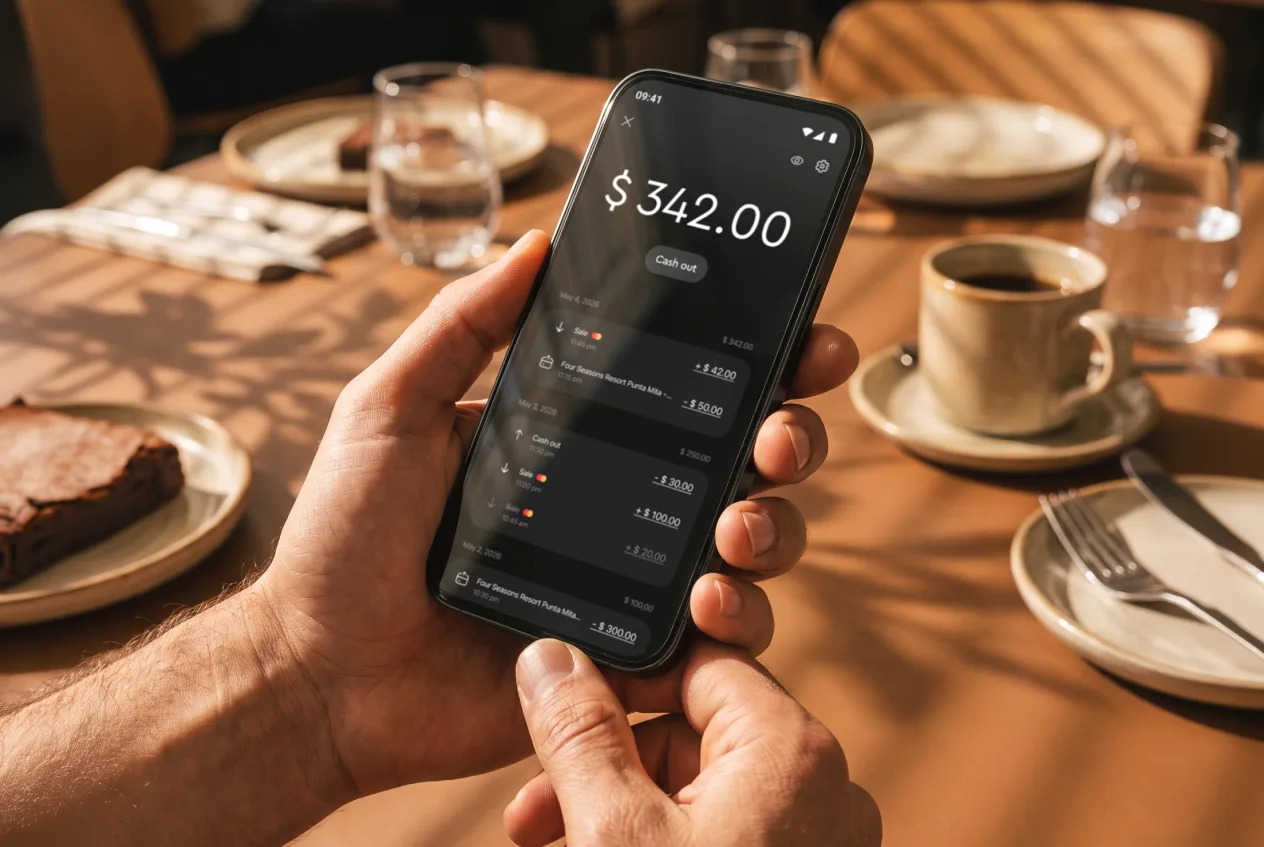
- Access Funds: Your money is available right on your JIM card as soon as the sale is done - no waiting for bank transfers.
Here are 3 immediate steps to take:
- Compare the transaction fees and monthly costs of three different payment processors.
- Download the JIM app to explore its interface and features.
- Decide if you need a system with instant fund access or if you can wait for bank transfers.
Step 6: Secure your funding and manage finances
Find your startup capital
To get funded, you need a strong business plan. Lenders want to see that you have done your homework. The SBA Microloan program is a great fit for kiosks, offering loans from $500 to $50,000. Interest rates typically range from 8% to 13%.
You can find an SBA intermediary lender in your area through the SBA website. In addition to SBA loans, you might consider a personal loan if you have good credit. Some owners also find success with crowdfunding platforms like Kickstarter to pre-sell products.
Calculate your working capital
Many new owners focus only on startup costs and run out of cash. You must also budget for working capital to cover daily operations for the first six months. This includes rent, inventory replenishment, and other recurring expenses before you turn a consistent profit.
Plan to have at least $15,000 to $30,000 set aside for this period. This buffer ensures you can handle slow sales days or unexpected costs without stress. A healthy cash reserve is your safety net while you build a customer base.
Here are 3 immediate steps to take:
- Draft a one-page business plan summary for loan applications.
- Use the SBA's website to find a local microloan intermediary lender.
- Calculate your working capital needs for the first six months of operation.
Step 7: Hire your team and manage operations
Hire your first employees
Your first hire will likely be a Kiosk Sales Associate. This person handles sales, restocks products, and provides customer service. Expect to pay between $15 and $20 per hour, depending on your location and the employee's experience.
Some new owners are tempted to hire friends to get started. This can work, but it is better to hold formal interviews and set clear expectations from day one. A professional relationship protects both your business and your friendship.
If you sell food, any employee who handles it must have a Food Handler's Permit. Make this a condition of employment. The training is usually a short online course that costs around $10 to $15.
Set up your daily operations
With staff ready, you need a system to manage them. You can use scheduling software like Homebase or When I Work to create schedules and track hours. Many offer free plans for businesses with a single location.
A good target for your labor cost is 15% to 30% of your total revenue. If your labor costs creep above this range, you may need to adjust your staffing levels or find ways to increase sales during those shifts.
Create simple checklists for opening and closing procedures. This ensures tasks like counting the cash drawer, cleaning the kiosk, and restocking displays are done consistently every day, no matter who is working.
Here are 3 immediate steps to take:
- Write a job description for a Kiosk Sales Associate, including responsibilities and pay range.
- Explore the features of scheduling apps like Homebase or When I Work.
- Draft a daily opening and closing checklist for your kiosk operations.
Step 8: Market your business and attract customers
Your best marketing is your physical presence. Use clear, bold signage that people can read from 20 feet away. Your product display should be attractive and well-lit. A professional look builds trust with passersby instantly.
Use digital tools to drive foot traffic
Create an Instagram profile for your kiosk and post high-quality photos of your products daily. You can run geo-targeted ads for as little as $5 a day, reaching people within a few miles of your location. Also, encourage customers to tag your business in their posts.
Set up a free Google Business Profile. This makes you appear in local search results and on Google Maps. Many people search for "phone cases near me" or "churros in the mall". You want your kiosk to be that result.
Create promotions that build loyalty
A simple "buy nine, get one free" punch card works well and costs very little to print. It gives customers a reason to return. You can also offer a 10% discount for customers who follow you on social media right at the counter.
Many new owners pour money into broad online ads. They forget their most important audience is the foot traffic right in front of them. Focus on converting those people first with great service and a clear offer before you spend big on advertising.
Here are 3 immediate steps to take:
- Set up a Google Business Profile and add photos of your products.
- Design a simple punch card for a customer loyalty program.
- Draft your first week of social media posts with a launch-day promotion.
Step 9: Price your products for profit
Set your pricing strategy
Your price sends a signal. Too low, and people might question the quality. Too high, and they walk away. A straightforward approach is cost-plus pricing. You calculate your total cost per item and add a markup percentage.
For retail items like phone cases or jewelry, a 50% to 100% markup is standard. This is often called keystone pricing. If a product costs you $10, you would sell it for $20. For food items, the markup on ingredients is typically higher, around 200-300%.
Some new owners make the mistake of only counting the product cost. You must also factor in a portion of your rent, transaction fees, and labor. This ensures every sale contributes to your overall profit, not just the cost of goods.
Analyze your competitors
With your base costs calculated, look at what others charge. Visit other kiosks or small shops in your area that sell similar products. Note their prices, quality, and any promotions they offer. Your price should be in the same ballpark unless your product is clearly superior.
You can also use psychological pricing. For example, pricing an item at $9.99 instead of $10.00 can make it seem more affordable. Consider bundle deals, like "buy two, get one 50% off," to increase the average transaction value.
Here are 3 immediate steps to take:
- Calculate the full cost-of-goods-sold for your top three products, including overhead.
- Visit three direct competitors and document their pricing for similar items.
- Create a price list with a standard markup and a promotional bundle offer.
Step 10: Maintain quality and scale your business
Keep your quality consistent
As your business grows, do not let standards slip. Track your customer return rate; a healthy kiosk should see 20-30% of customers come back. Also, monitor your average transaction value. If it drops, your upselling or product mix may need a refresh.
Set clear standards for your team. For example, all products must be restocked when displays are 50% empty. Or, every customer interaction should be completed in under two minutes. These small details maintain a professional image and keep people coming back.
Know when to grow
Growth should be data-driven, not based on a feeling. A good benchmark to hire another employee is when you find yourself working over 50 hours a week just to keep up. This frees you to focus on strategy instead of daily operations.
Consider a second location when your kiosk consistently hits $20,000 in monthly revenue with a profit margin over 15%. For managing inventory across multiple sites, you might look at software like Square for Retail or Lightspeed, which helps prevent stockouts.
Here are 3 immediate steps to take:
- Create a one-page quality checklist for daily opening and closing duties.
- Set a monthly revenue goal that, if met for three consecutive months, will trigger your expansion plan.
- Calculate your current customer return rate based on your loyalty program data.
Your kiosk's success hinges on foot traffic and quick, positive interactions. Remember that your physical setup does most of the selling for you. With a solid plan in hand, you are ready to turn those passersby into loyal customers. Go make it happen.
And when you make those first sales, a simple payment process helps. JIM turns your phone into a card reader, so you can take payments for a 1.99% fee without extra hardware. It keeps things simple as you grow. Download JIM.