MCC 1711: HVAC and Plumbing Contractor Payment Guide

Verify MCC 1711, prepare the records your processor needs, and choose a safer payment workflow for HVAC and plumbing jobs today.
Payments

Aug 17, 2026

Main topics

MCC 1711 is a merchant category code, the four-digit label card networks use to classify a business, that covers heating, plumbing, and air-conditioning contractors. Both Visa's merchant category codes guide and Mastercard's rules assign it to that trade under the ISO 18245 standard.

You cannot pick this code yourself. Your acquiring processor, the company that runs your merchant account and settles your card payments, assigns and can review the classification under its own process, so the code on your statement reflects how it reads your business.

How Do You Verify Whether MCC 1711 Fits Your Business?

You have a credible basis to ask for an MCC 1711 review only when your processor statement, business description, licenses, and invoices consistently show heating, plumbing, or air-conditioning work as your core revenue. Four steps turn that judgment into a request your acquiring processor can act on.

  1. Find the current merchant category code printed on your latest processor statement.
  2. Compare your core revenue activity against the MCC 1711 definition for heating, plumbing, and air-conditioning contractors.
  3. Collect your trade license, your public service descriptions or marketing, and a few representative job invoices.
  4. Contact your acquiring processor and request a classification review, then let the processor decide the outcome.

What should you check on your processor statement?

The code sits among your account details or fee summary as a four-digit number. Statement labels and wording vary by processor, so treat the number as the fact and the surrounding description as your processor's own phrasing, not a card-network rule.

Which records support an MCC 1711 review?

Send records that point to one story: heating, plumbing, or air-conditioning work as your main activity.

RecordWhat it shows about core revenueWhy it belongs in the review packet
Trade or contractor licenseYour business is authorized for heating, air-conditioning, or plumbing workTies your legal standing to the MCC 1711 trade
Service descriptions or marketingHow you present the jobs you actually sellConfirms your public-facing activity matches the code
Representative job invoicesThe work customers pay you for most oftenShows the revenue mix behind a classification

How do you request a classification review?

Send the packet to your acquiring processor and ask it to review whether the assigned code matches your activity. It applies the card-network standards from Visa and Mastercard and reaches its own decision, so a review is a request, not a guaranteed correction.

For example, an HVAC contractor who spots an unfamiliar category on the statement attaches a license, a service-page description, and one installation invoice before asking, which turns a hunch into a documented, processor-ready case.

Which Payment Workflow Fits a Field-Service Job?

Match the collection moment to the job: take payment on site when the customer can approve it in person, send a remote request when you collect away from the job, and keep the same contract, invoice, approval, and proof-of-work trail either way.

Two terms decide the route. A card-present sale means the customer taps a physical card or a phone wallet on your device at the job site. A card-not-present sale is a remote request, such as a deposit link you send before the work starts.

When should you take payment at the job site?

Collect on site when the customer is standing in front of you and the work is done or approved: a completed repair, a signed-off installation, or a final balance after a walkthrough.

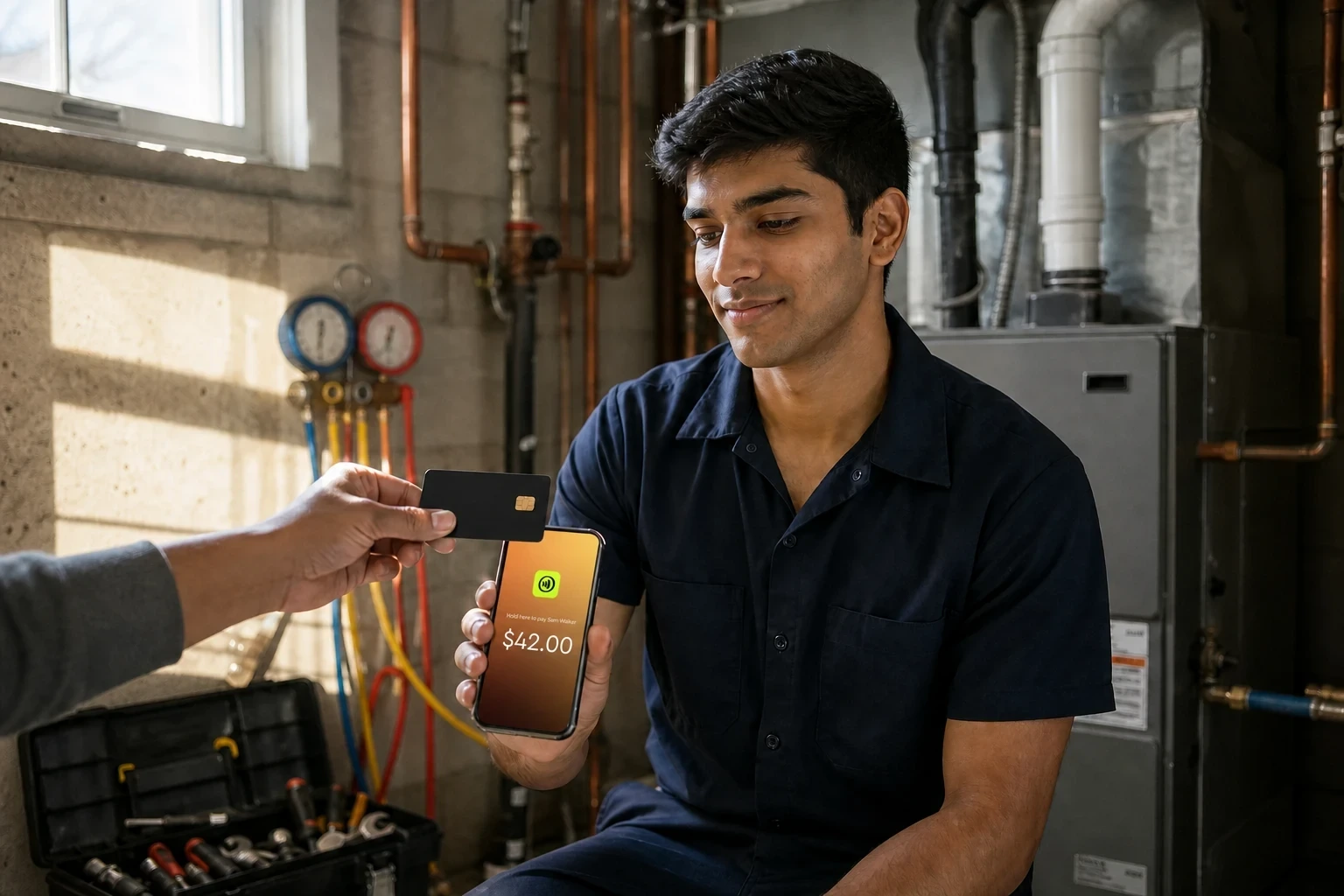
The customer taps, sees the amount, and confirms it in person, which ties the payment to a moment you can describe later. In-person contactless payment solutions fit this route because the sale happens where the approval happens.

When does a remote payment request make sense?

Use a remote request when you need money before you arrive or after you leave: a deposit that locks in a replacement job, or a final invoice sent once the customer is off site.

Payment links for business turn that into a request the customer opens and pays on their own device, so you are not keying a card number by phone.

A common example: a plumbing contractor sends a remote payment request with a clear written estimate to hold a replacement job, completes the work, then documents the finished installation and takes the final balance with the customer present. Each payment lines up with what the customer approved and what they received.

Which records should you retain for a high-ticket job?

Keep the same evidence for both routes, the records that also backed your MCC 1711 review, matched to when you collected.

Payment momentCustomer approval recordInvoice or contract evidenceRecord to retain
On-site final paymentIn-person sign-off on the completed workDetailed final invoice tied to the signed estimateProof of work: photos, service report, customer signature
Remote deposit requestWritten acceptance of the estimate before workSigned estimate or contract with the deposit termsThe paid deposit link and the agreed scope

That trail is what you submit if a customer files a dispute, so a signed estimate, a detailed invoice, and proof of work are your defense against credit card chargebacks on high-ticket jobs.

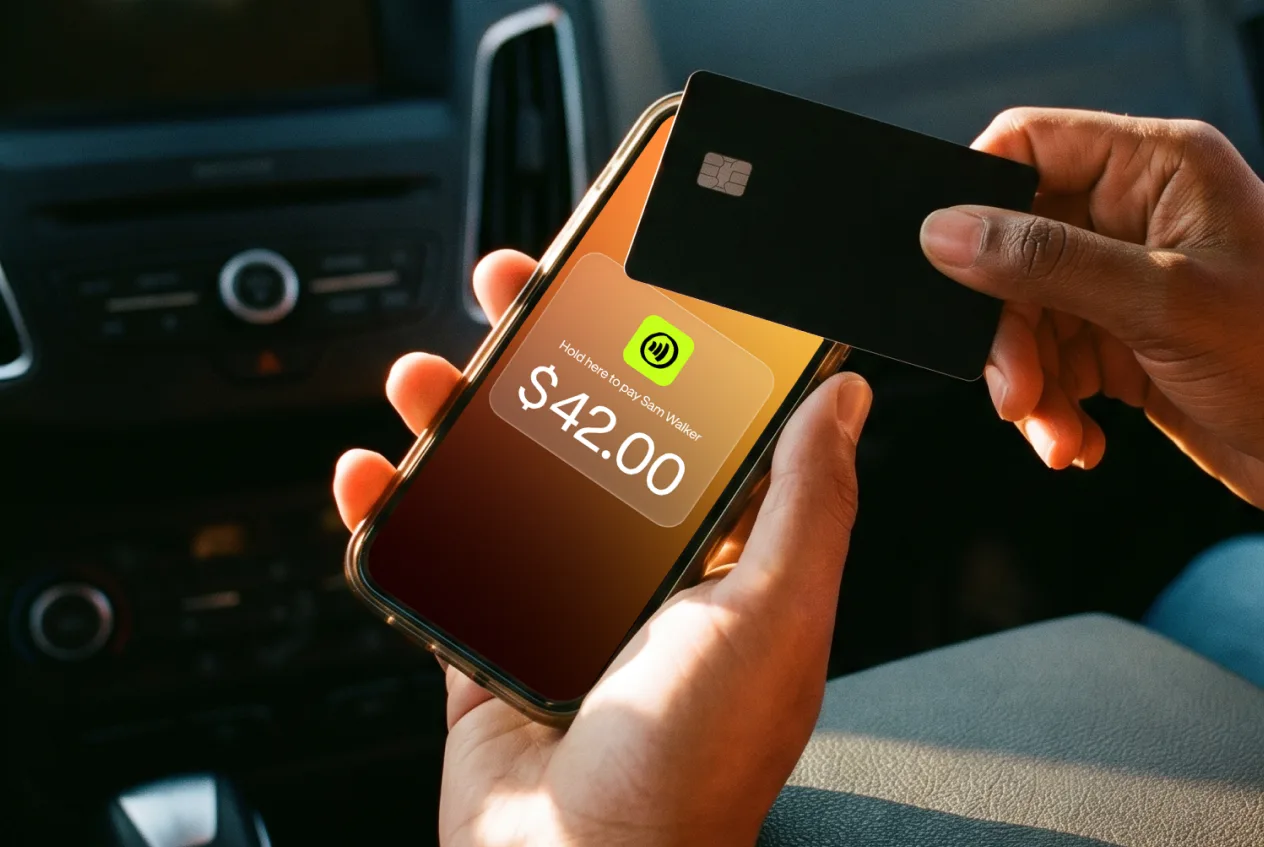
For the on-site route, JIM Tap to Pay runs an in-person contactless sale at 1.99% with no physical reader, since it works on your phone (rates as of August 2026). For the remote route, a JIM Payment Link handles a deposit or final request at 4.99% plus $0.30.

Pick the route the job calls for, then choose the tool that matches it.

Take Job-Site Payments Without a Separate Reader

You picked the on-site route: the customer approves the finished work in person and pays while you hold the signed estimate, detailed invoice, and proof of work. JIM Tap to Pay fits that moment.

It runs a card-present sale at 1.99% straight from your phone (rate as of August 2026), so you skip buying or renting a physical reader before your next completed install.

Set it up at https://onboarding.jim.com and start collecting on the job site today. JIM handles the tap, not your MCC review, so keep taking that request to your acquiring processor while your phone handles the payment.

Frequently Asked Questions

Question

What is Merchant Category Code 5999?

Merchant Category Code 5999 is a four-digit classification number assigned to miscellaneous and specialty retail stores by payment networks and the International Organization for Standardization (ISO). This code identifies transactions from businesses with niche offerings, such as antique shops, art suppliers, and pet stores. Payment processors use this code to set interchange fees, generate reports, and determine rewards program eligibility.

Is Merchant Category Code 5999 high-risk?

Payment processors classify MCC 5999 as a standard-risk category. This classification stems from the relatively low chargeback rates and fraud instances associated with specialty retail stores. Because the risk is not elevated, businesses under this code receive favorable interchange rates from payment networks, avoiding the higher fees common in high-risk industries.

Can a business have multiple MCC codes?

A business typically receives one MCC code that reflects its main revenue source. However, companies with diverse operations can maintain multiple merchant accounts, each with a distinct code. For example, a large garden center classified under MCC 5261 might operate a separate gift shop with its own merchant account under MCC 5999. This setup allows the business to properly categorize sales from the specialty retail portion of its operations, which keeps financial records clean and accurate.

What happens if my MCC code is wrong?

An incorrect MCC code can have several negative consequences for your business. Customers may not receive the credit card rewards they expect, which can influence their shopping preferences and reduce repeat business. Additionally, your business could face improper interchange rates, either resulting in higher processing fees or potential penalties from payment networks for underpayment. This misclassification creates financial and reputational risks that are best avoided.

Can merchants choose their MCC code?

Merchants do not have the ability to choose their own MCC code. Payment processors assign the code based on a business's main source of revenue, and they must adhere to established ISO and payment network guidelines. If a business owner believes the assigned code misrepresents their operations, they can contact their processor to request a review and reclassification to a code that more accurately reflects their business model.

How does MCC 5999 affect my payment processing costs?

MCC 5999 directly influences the interchange rates you pay on every transaction. Businesses in this category typically face moderate rates, which are lower than those in high-risk industries but often higher than what grocery stores or gas stations pay. The specific financial effect on your business, however, depends entirely on your payment processor's pricing structure.

Processors that use an interchange-plus model pass these variable rates directly to you, causing costs to fluctuate with each card type, while flat-rate processors like JIM absorb the variability and charge you a consistent fee regardless of card type.

Related content

Flexible Options

Start a business from scratch: step-by-step guide

Scaling Smart

How to accept credit card payment without machine and get paid anywhere

Payment interface showing Car Detailing $85, options Tap to Pay or Payment Link, with Charge $85 button.
Instant Access

Is Link Payment Safe? What to Know Before You Pay

Instant Access

Business credit card pre approval: Get approved with no credit score impact

Sell and get paid in seconds with Jim

Get Jim
This is a plain white button background with no text or meaningful visual content. Screen readers should skip it; the button’s label carries the meaning.
Barista in green apron holds pink and mango smoothies in clear cups with strawsLaughing fast-food worker holds phone showing $42.00 contactless payment to customer at drive-thruWoman in yellow sweatshirt dispenses frozen yogurt at topping bar in sunlit shopWoman in orange work shirt unloads cardboard boxes from white delivery van on sunny streetHairstylist Keisha trims client hair with scissors in busy sunlit salonPizza maker slides pizza into wood-fired brick oven in bright kitchen