MCC 5085 is a merchant category code that means Industrial Supplies Not Elsewhere Classified, and it classifies a merchant's principal business, not each item sold or the cardholder's choice. This four-digit code, assigned by the card network, comes from ISO 18245, the international standard for merchant category classifications.
That classification alone does not make a sale an office-supply purchase, earn a rewards category, set a processing rate, or decide a tax result. Each of those depends on separate rules you verify on their own terms.
How to verify whether MCC 5085 fits the merchant
The safe way to place a merchant is by its principal business and the code the processor actually assigned, not by the product in a cart or the card category a buyer wants. A cardholder cannot pick a merchant category code, and one item does not reset the merchant's code.
MCC 5085 vs. MCC 5111 and MCC 5311
Two nearby codes get confused with industrial supplies. The Visa Merchant Data Standards Manual defines each by the merchant's principal line, so read the rows by what the business mainly sells.
| Code and principal business | What it implies (and does not) for a buyer | Verification action |
|---|
| MCC 5085, Industrial Supplies Not Elsewhere Classified: a merchant that mainly sells bulk industrial or institutional consumables | Does not by itself earn an office-supply reward or set a processing rate | Confirm with the processor that 5085 matches the merchant's principal business |
|---|
| MCC 5111, Stationery and Office Supply Stores: a merchant whose main line is office and stationery goods | An office-supply card bonus keys off this category type, not off one product in a cart | Check that office supplies are the main line before expecting 5111 |
|---|
| MCC 5311, Department Stores: a general-merchandise retailer selling across many categories | A broad retail signal, a related classification and not a substitute for processor verification | Confirm the retailer's principal business rather than assuming 5311 covers a specialized supplier |
|---|
The 3 checks before you ask for a change
A common situation shows why this order matters. A commercial-supply distributor's bookkeeper hears from a buyer that a bulk industrial-consumables purchase missed an office-supply bonus, and the buyer asks the distributor to switch its code. The buyer's desired category cannot replace the distributor's principal-business classification, so the bookkeeper runs three checks instead of changing anything.
- Confirm the processor-assigned code. Ask your payment processor which merchant category code it reports for the account, and get that answer in writing before you act on it.
- Review the applicable Visa program terms with the processor. Ask which rules attach to that code, since the terms, not the code alone, govern what a card earns and how a transaction is handled.
- Route the accounting or procurement question to its proper source. A bookkeeping or contracting question belongs to records, tax guidance, or the relevant program, not to the merchant code.
Run these in order and the classification decision rests on the merchant's business and the processor's records, never on a single product or a buyer's preferred category.
Why buyer rewards and B2B card costs can point in different directions
Buyer rewards and merchant processing costs are two separate variables, and MCC 5085 does not control either one.
A rewards result on one side is not proof that the merchant should change the code on the other.
Two separate questions behind one card purchase
One card purchase hides two questions that answer to different rulebooks. First, one term: Level 2 and Level 3 transaction data are the extra detail a commercial card can carry beyond the sale amount, such as tax, a purchase-order or invoice number, and line-item product codes.
When the processor and the transaction support that detail, a business-to-business sale can qualify for different processing-cost treatment, but the Visa Merchant Data Standards Manual ties that path to the merchant and transaction, not to a buyer's card.
| The buyer's rewards question | The merchant's classification and cost question |
|---|
| A premium business rewards card pays whatever its own program sets for the category it reads, so the reward keys off the card, not the merchant code | The processor-assigned MCC and the merchant's principal business set how the sale is classified |
|---|
| MCC 5085 does not add an office-supply bonus; that category would key off MCC 5111 instead | Level 2 and Level 3 data can affect cost only when the processor and the transaction support them |
|---|
| The buyer verifies rewards in the card program's terms | The merchant verifies classification and cost with the processor |
|---|
Why a rewards-driven reclassification needs proof
Neither MCC 5085 nor a code change guarantees a reward rate or a lower fee, so a reclassification driven by a rewards result rests on nothing until it is documented.
Picture a purchasing manager who runs a bulk industrial-supply order on a business rewards card, sees a standard reward instead of an office-supply bonus, and asks the supplier to adopt an office-supply code.
The manager's reward result is not evidence about the supplier's business, so acting on it would risk the wrong classification with no proof it changes anything.
The rule is to get it in writing first. Before pursuing any coding change, ask the processor for a written review of the current MCC assignment, the data requirements for Level 2 and Level 3 handling, and the applicable commercial-card terms.
If that review does not show a concrete change in classification or cost, the reward result stays the buyer's question and the code stays as assigned.
Keep the MCC, bookkeeping, and procurement checks separate
An MCC check tells you who a merchant is to the card network. It does not decide how you record a purchase for taxes or whether you can bid on a government contract. Each question belongs to a different authority, so send it there.
One tax term matters before the table: capitalization means recording a high-value purchase as an asset you deduct over several years, instead of expensing the full amount in the year you buy it.
| Question | Who decides it | What to verify |
|---|
| The assigned MCC | Your processor and the card network | The reported code and the Visa program terms attached to it |
|---|
| How a purchase is recorded for taxes | Your books, IRS guidance, or a tax professional | Whether the materials and supplies are incidental or must be capitalized, per IRS Publication 334 |
|---|
| Whether you can bid on a government contract | The specific GSA or SBA program | The set-aside and schedule requirements in the GSA Multiple Award Schedule |
|---|
An MCC check cannot replace a records review for tax treatment or a program-specific review for procurement eligibility. MCC 5085 settles none of these on its own, so verify each with its own source before you decide anything downstream.
Choose payment acceptance after you verify the classification
Once you confirm the assigned code and its separate rewards, tax, and procurement rules, JIM handles the sale itself, not the classification. It never sets your merchant category code or any reward, interchange, or tax result. Match the tool to your channel:
| Sales channel | JIM option | Fee and settlement |
|---|
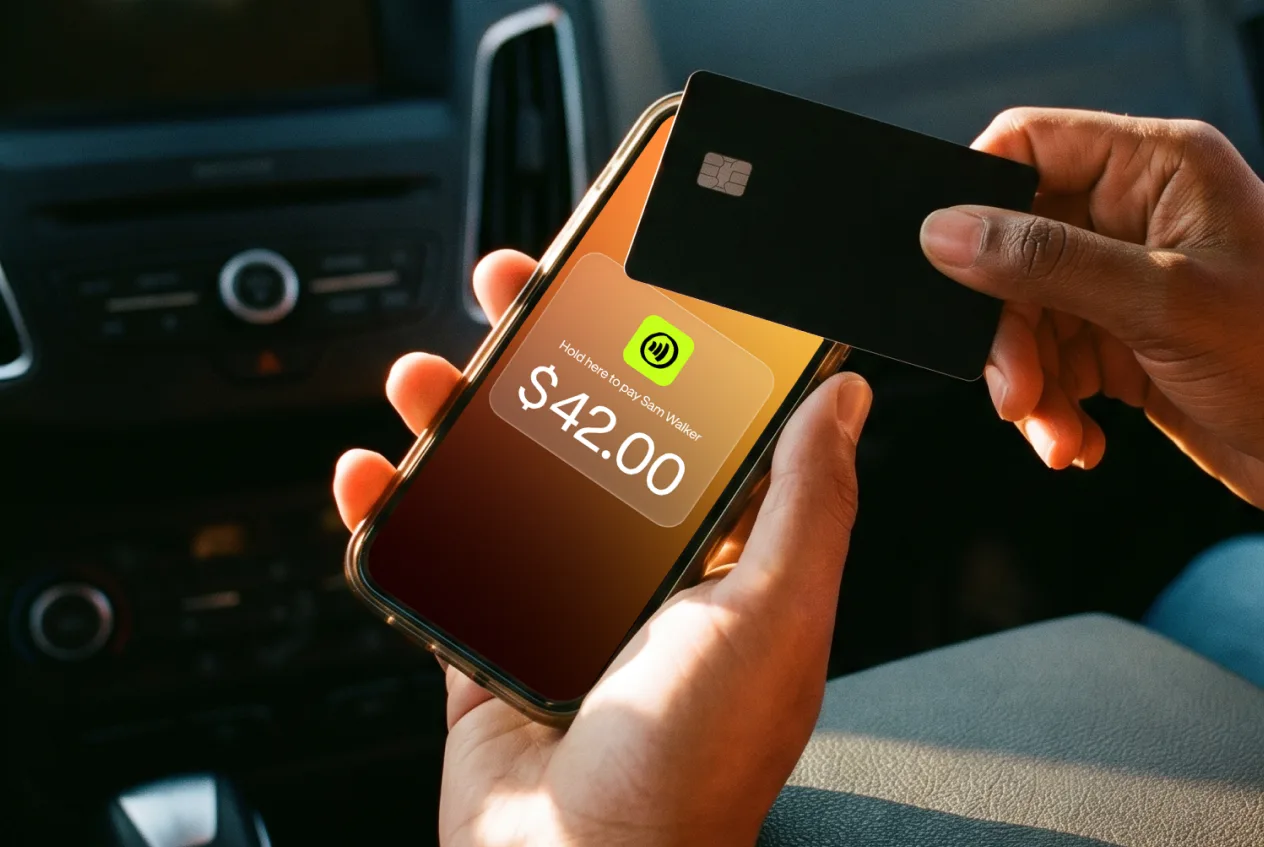
| In-person counter sale | Tap with JIM | 1.99% per Tap to Pay sale, with funds available in seconds on the JIM Visa Prepaid Card |
|---|
| Remote purchase order | Payment Links for business | 4.99% plus $0.30, with built-in 3D Secure verification |
|---|
Fee Pass-Through can move that processing cost to the customer at checkout; review it against your applicable rules first.
On Payment Links, 3D Secure adds an extra cardholder-authentication step for eligible remote card payments, so the buyer may confirm the purchase with a one-time code or bank-app prompt before it clears. The fees above were reviewed on JIM's pricing pages in August 2026.
Start payment acceptance at https://onboarding.jim.com.