Merchant Category Code (MCC) 5251 is a four-digit number used by the International Organization for Standardization (ISO) to classify hardware stores. This code applies to businesses that sell a general line of hardware products to consumers. Transactions at these establishments typically include the purchase of tools, building materials, plumbing supplies, and electrical equipment. It also covers retailers specializing in paint, wallpaper, and similar home improvement items.
Which businesses fall under MCC 5251?
MCC 5251 applies to a broad range of hardware retail establishments:
- Large-Format Home Improvement Stores: These are large warehouse-style retailers that offer a vast selection of home improvement products. Well-known examples include national chains like The Home Depot and Lowe's.
- Hardware Store Chains: This category includes franchise-based or cooperative hardware stores that operate under a recognized brand name. Ace Hardware and True Value are prominent examples of this model.
- Local Hardware Stores: These are typically smaller, independently owned shops that serve a specific community. They provide a general line of hardware and personalized service to local customers.
- Paint and Wallpaper Retailers: Stores that specialize in selling paint, primers, stains, and wallpaper use this code. Retail locations for brands like Sherwin-Williams and Benjamin Moore fall into this group.
- Lumber and Building Material Suppliers: This includes lumber yards and suppliers that sell building materials directly to consumers for home projects. Companies like 84 Lumber often process payments under this MCC.
- Plumbing Supply Stores: These retailers focus on selling plumbing fixtures, pipes, and related supplies to the public. They cater to both DIY enthusiasts and professional plumbers for smaller purchases.
Business implications of MCC 5251
Payment networks including Visa, Mastercard, American Express, and Discover use MCC 5251 to categorize transactions, which affects several aspects of business operations. These networks use the code to assess the risk associated with a business. For hardware stores under MCC 5251, this generally translates to standard interchange rates, as they are considered low-risk retail environments.
Beyond risk assessment and transaction fees, this code influences other operational functions. It provides a framework for expense management, financial analysis, and even customer loyalty programs.
Expense tracking
Companies use MCC codes to automatically sort purchases on credit card statements. For hardware stores, this simplifies tracking business-related expenses for tools or materials. This clear categorization can also support accurate tax deductions for qualifying business purchases.
Financial analysis
Businesses analyze spending patterns through MCC 5251 to monitor costs and manage budgets. By isolating hardware-related expenditures, finance teams can track project spending, forecast future material needs, and identify potential cost-saving opportunities with specific suppliers.
Compliance and auditing
Consistent application of MCC 5251 creates a clear audit trail. This allows companies to verify that expenses align with corporate policies and simplifies the process of internal or external financial reviews.
Rewards and customer behavior
Credit card issuers often tie rewards to specific MCCs. For example, a card might offer bonus points on home improvement purchases. This coding can influence where customers shop, encouraging them to choose stores that fall under MCC 5251.
How to verify your business's MCC
Hardware store owners should confirm their MCC classification to guarantee proper transaction processing and avoid customer confusion regarding rewards eligibility. If you find out that your business is incorrectly classified—for example, a hardware store coded as a general merchandise store—contact your payment processor immediately to request reclassification.
Here's how to verify your MCC classification is set up correctly:
- Contact Your Payment Processor: Your merchant services provider assigned the MCC during account setup. To verify your classification, you can contact their customer service department or review the details outlined in your original merchant agreement documents.
- Review Processing Statements: Your monthly merchant statements typically display the assigned MCC. Look for the four-digit number in the account information or business profile section of the document to find your code and confirm its accuracy.
- Check with Your Acquirer: The acquiring bank or financial institution that processes your transactions maintains the MCC in their system. Their merchant support team can access your account details and confirm your current business classification upon request.
- Test Transaction Method: Some merchants run a small test transaction and check how it appears on a personal credit card statement. This approach is less reliable than direct confirmation from your processor, as statement descriptions can sometimes be generic.
How to choose a reliable payment service provider
Your MCC 5251 classification influences interchange rates and processing needs. The right payment processor makes a substantial difference, as providers vary in pricing, settlement speeds, and support. These differences affect your bottom line. Consider these features when you choose a partner.
- Transparent pricing: Flat-rate models help you avoid complex fees. The JIM tap-to-pay app for iPhone and Android charges 1.99% per transaction with no setup costs, monthly fees, or premium card surcharges, which simplifies expense forecasting.
- Payment method support: Your processor should accept all major credit cards and digital wallets like Apple Pay and Google Pay to meet customer expectations.
- Fast fund access: Quick access to funds is necessary for healthy cash flow. It allows you to restock inventory, cover supplier payments, and make payroll without delay, a common need for hardware retailers.
- Security: A secure processor protects customer data with tokenization and end-to-end encryption. This process replaces sensitive card details with a unique token, so real information is never stored on your device.
- Reporting: Advanced analytics help you understand sales trends. JIM's AI assistant provides sales reports and transaction history through a chat interface for quick business insights.
Streamline payments with JIM
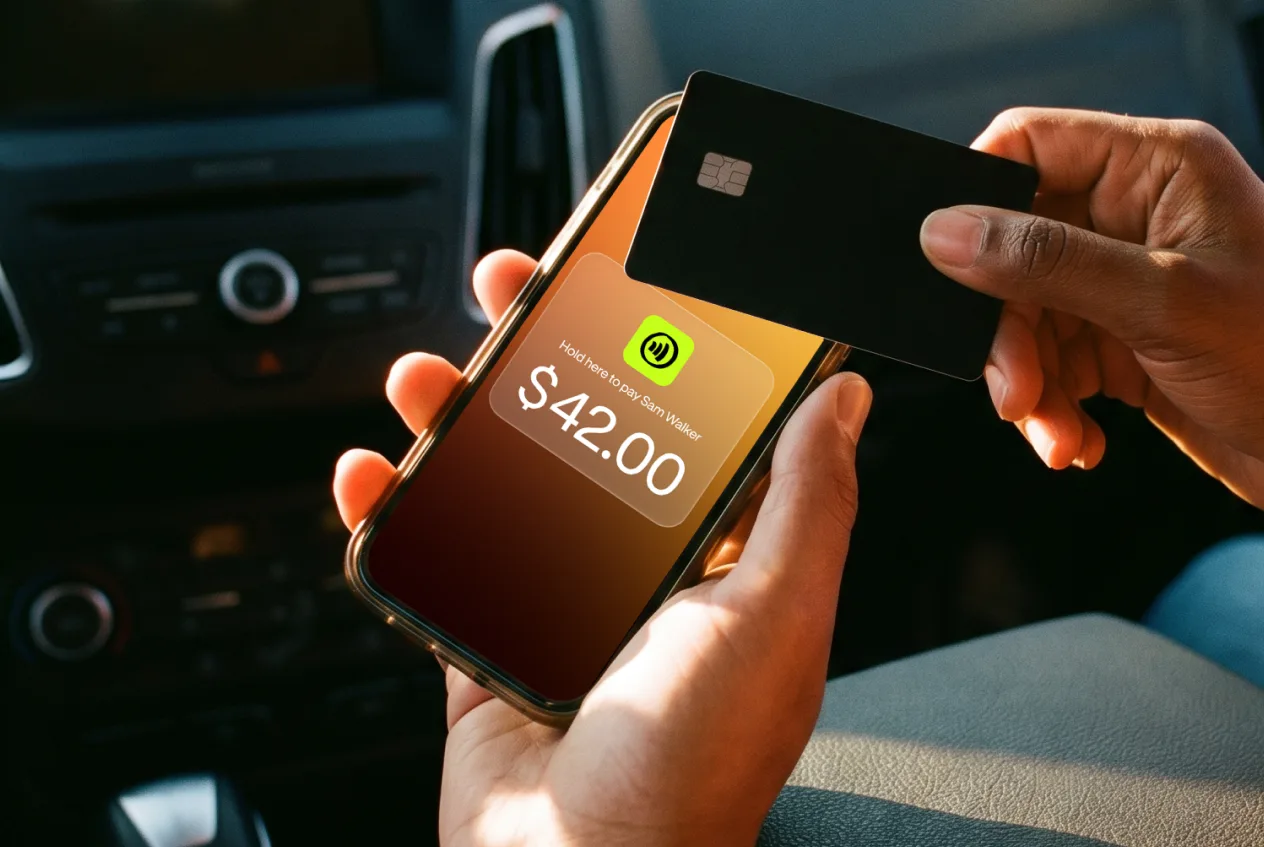
JIM offers hardware store owners a straightforward payment solution. The JIM tap-to-pay app converts your iPhone or Android phone into a payment terminal through NFC technology, which removes any need for extra hardware. You pay a flat 1.99% per transaction. This simple rate comes with no setup costs, monthly fees, or variable charges for premium cards, so you always know what your costs will be.
You can also accept remote payments with payment links at a rate of 4.99% + $0.30 per sale (a useful option for custom orders or deliveries). After each transaction, your funds become available instantly on a JIM Visa Prepaid Card. Add this card to Apple Pay or Google Pay, and you can use your money right away.