What is meta pay? A US seller's checkout guide

See article summary
- What is Meta Pay? It's a digital wallet that supplies payment details for eligible purchases, not your processor.
- Meta Pay may appear on Facebook, Instagram, or participating stores, but verify it in your seller account and buyer's checkout.
- Your sales channel and processor set merchant fees and fund timing; Meta Pay's wallet label sets neither.
- Before promising Meta Pay, confirm account support, see it in the customer's checkout, and check provider fees and fund timing.
- JIM Payment Link offers a separate checkout for 4.99% + $0.30 per sale, with funds in JIM balance in seconds.
Meta Pay is a digital wallet that stores or supplies payment details for eligible purchases, not a payment processor or a universal website checkout; promise acceptance only when it appears in your customer's actual checkout.
As of September 2026, Meta says the wallet works for eligible payments on Facebook, Messenger, Instagram, and participating online stores, while available use cases vary by country. For a U.S. seller, check the specific transaction path and confirm the buyer sees Meta Pay before promising it.
Can a customer use this wallet in the checkout?
Check that Meta Pay appears in the customer's specific checkout; availability varies by country, account, and supported use case.
| Sale path | What you can infer | What you still need to check |
|---|---|---|
| Facebook or Instagram, including a Marketplace order | Meta's eligible-use guidance covers eligible payments on its services, but a conversation or Marketplace listing does not prove Meta Pay is available for this order. | Confirm current support in your seller account and look for Meta Pay in the buyer's checkout. |
| Participating online store | Meta's guidance includes participating stores, not every online store. | Check that your store platform and account currently support Meta Pay, then confirm the option appears at checkout. |
| Another website | A site that accepts online payments is not automatically a supported Meta Pay checkout. | Offer it only if the specific site's checkout displays Meta Pay for this purchase. |
For a broader way to think about choosing payment methods for a small business, match each option to where customers complete their purchase. Meta says use cases vary by country, so verify support in your account and confirm Meta Pay appears in the customer's live checkout before offering it.
What the wallet does not decide about fees
Meta’s Help Center guidance on Meta Pay covers eligible customer payments.
- The customer chooses Meta Pay at checkout.
- The Consumer Financial Protection Bureau describes digital wallets as storing and transmitting payment credentials; here, the wallet supplies the customer's payment details to checkout.
- Your payment processor handles the transaction and applies the terms for fees and fund access.
The wallet label does not set your fee or fund timing; those terms come from your sales channel and processor.
Read Payment Acceptance in 2026: Fees, Cash Flow, and Fixes for more on how fees and cash flow fit together.
Verify the live checkout before promising acceptance
Before offering Meta Pay on a US sale, verify account support, visibility in the customer’s checkout, and the responsible provider’s fee and fund timing.
- Check support. Identify the sales channel and account, then confirm current support for that use case in Meta’s Help Center guidance on Meta Pay. Meta says eligible uses vary by country, so general availability is not proof.
- Check the customer’s checkout. Open the real checkout or a safe test checkout. Offer Meta Pay only if it appears; if absent, do not promise acceptance. A test does not guarantee future availability.
- Check provider terms. Confirm the applicable fee and fund timing with the payment processor or sales-channel provider for this setup. The Meta Pay label establishes neither.
An Instagram seller can tell a customer who ordered by message they are checking, then confirm acceptance only after Meta Pay appears in that checkout.
If the wallet is missing, use a separate remote checkout
If Meta Pay does not appear in your customer's actual checkout and you still need a remote way to collect payment, JIM Payment Link is an optional, separate checkout, not a Meta Pay integration.
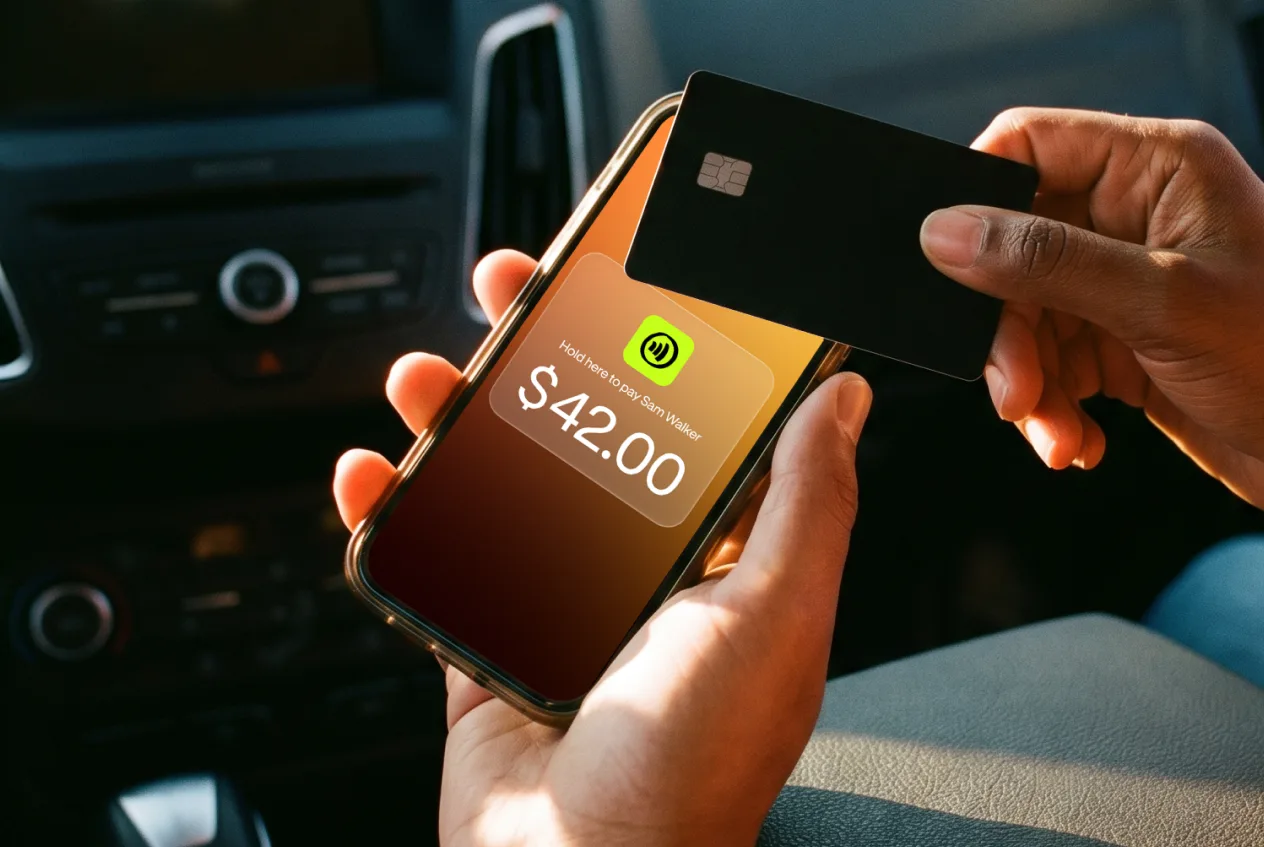
Create a link for a sale amount and share it by text, email, Instagram, WhatsApp, or another messaging app. Customers can pay without downloading the JIM app.
As of September 2026, JIM's Payment Link guide lists these terms:
- JIM payment methods: a card or Apple Pay, Google Pay, or Samsung Pay when available on the customer's device. These are JIM checkout options, not Meta Pay.
- JIM fee: 4.99% + $0.30 per sale.
- JIM balance timing: sale funds are available in your JIM balance in seconds.
These payment methods, fee, and balance timing are specific to JIM Payment Link; they do not establish Meta Pay availability, pricing, or payout timing. Consider it only if you need a separate remote checkout, then decide whether its terms suit the sale. For a broader look at this option, read JIM's payment link for business guide.
Check before you promise
Check the customer's actual checkout before promising Meta Pay. If you still need a separate remote checkout, review JIM Payment Link's terms, including its 4.99% + $0.30 per-sale fee and funds available in your JIM balance in seconds; if those terms fit, open the JIM app.
Frequently Asked Questions
Does Meta Pay replace a payment processor?
Can customers use Meta Pay on any website?
Does Meta Pay set the seller’s processing fee?
Is Meta Ads billing the same as a customer paying with Meta Pay?



Sell and get paid in seconds with Jim






