.png)
A customer walks up to your counter, coffee in hand, ready to pay. They reach for their phone instead of their wallet, hold it near the register, and wait. You've seen this moment play out more often lately: customers expecting to tap their iPhone or smartwatch and walk away with their purchase. When your setup only accepts cash or physical cards, you watch a sale hesitate, sometimes disappear entirely.
The shift toward mobile payments isn't a trend reserved for national chains or tech companies. Small business owners at farmers markets, food trucks, and neighborhood boutiques face this same expectation every day. Your customers already use Apple Pay at the grocery store and Google Pay at the coffee shop down the street. Meeting them where they are means understanding how mobile payments work and choosing the right way to accept them.
What Are Mobile Payments?
Before comparing your options, it helps to understand what mobile payments actually are and how they differ from traditional card transactions.
Mobile payments refer to any transaction where a mobile device (smartphone, tablet, or smartwatch) initiates or receives payment instead of cash or a physical card. Rather than swiping a credit card through a magnetic reader or inserting a chip, customers tap their phone or watch near an NFC-enabled device. The transaction completes wirelessly in seconds.
The technologies enabling mobile payments include:
- NFC (Near Field Communication): Short-range wireless communication that lets two devices exchange data when held close together
- Digital wallets: Apps like Apple Pay, Google Pay, and Samsung Pay that store card details securely on a mobile device
- Mobile payment apps: Standalone applications like PayPal and banking apps that facilitate money transfer between accounts
- QR codes: Scannable codes that link to payment platforms for transactions
Your customers already use these technologies daily. They tap their iPhone at the gas station, pay for lunch with their Android phone, or split dinner with friends through Venmo. Mobile payments have become the expected payment method for a growing portion of consumers.
Mobile Payments vs. Traditional Payment Methods
Understanding how mobile payment solutions compare to traditional options helps inform your decision.
- Speed: Mobile payments complete faster than chip card insertions or signature-based transactions. No swiping, no waiting for chip reads, no signing receipts.
- Cost: Smartphone-based acceptance eliminates hardware purchases. Transaction fees vary by provider, with some mobile options undercutting traditional POS terminal pricing.
- Customer preference: Younger consumers increasingly expect contactless payment options. Meeting this preference can influence where they choose to shop.
- Flexibility: Mobile payments work anywhere with cellular or wifi connectivity. Traditional POS terminals often require wired connections and fixed locations.
Traditional card readers still make sense for high-volume businesses processing thousands of transactions daily, or for businesses serving customers who primarily use chip and PIN cards. For mobile businesses, service providers, and small retailers, smartphone-based mobile payments offer a more practical starting point.
How Do Mobile Payments Work?
Understanding the technical process helps explain why mobile payments are both secure and practical for your business. Here's what happens during a typical mobile payment transaction:
Step 1: Customer Initiates Payment. At checkout, your customer opens their digital wallet or holds their NFC-enabled device near your payment terminal. Authentication happens instantly through Face ID, Touch ID, or a PIN on the customer's device.
Step 2: NFC Communication. Near field communication creates a secure wireless connection between the customer's mobile device and your payment system. This exchange happens in milliseconds when devices are within a few centimeters of each other.
Step 3: Tokenization Protects Data. Instead of transmitting actual credit card numbers, the customer's device sends a unique token representing their payment information. This token is useless to anyone who might intercept it, protecting the customer's card details throughout the transaction.
Step 4: Authorization. The token travels through the payment network to the customer's bank for approval. The bank verifies available funds and checks for fraud indicators before sending back an approval.
Step 5: Settlement. Approved funds move toward your account. Traditional processors settle in 1-3 business days, while solutions like JIM provide instant access to your earnings.
Types of Mobile Payment Systems
Not all mobile payments function the same way. Understanding the different types helps you serve customers who prefer different payment options and choose the right acceptance method for your business.
Mobile Wallets (Apple Pay, Google Pay, Samsung Pay)
Mobile wallets store debit card and credit card information digitally on a customer's smartphone or smartwatch. When paying, customers authenticate with biometrics or a PIN, then hold their device near an NFC-enabled terminal.
Apple Pay works on iPhone and Apple Watch. Google Pay and Google Wallet serve Android users. Samsung Pay offers similar functionality on Samsung devices, with the added capability of working with older magnetic stripe readers through MST technology.
For businesses, accepting these mobile wallets requires an NFC-enabled payment terminal or a smartphone with Tap to Pay capability. Learn more about the broader landscape in our guide to digital wallets.
Mobile Payment Apps (PayPal and Banking Apps)
Apps like PayPal, Venmo, and various banking apps handle payments differently. These mobile payment apps typically require both parties to have accounts on the same platform. Customers can send money using a phone number or email address, making them popular for one-time payments between individuals.
For business use, PayPal offers merchant payment services that work both in-store and for ecommerce. Banking apps increasingly include person-to-business payment features, though acceptance varies by institution.
Mobile Payment Systems for Businesses
When you're the one accepting payments, you have several mobile payment systems to consider:
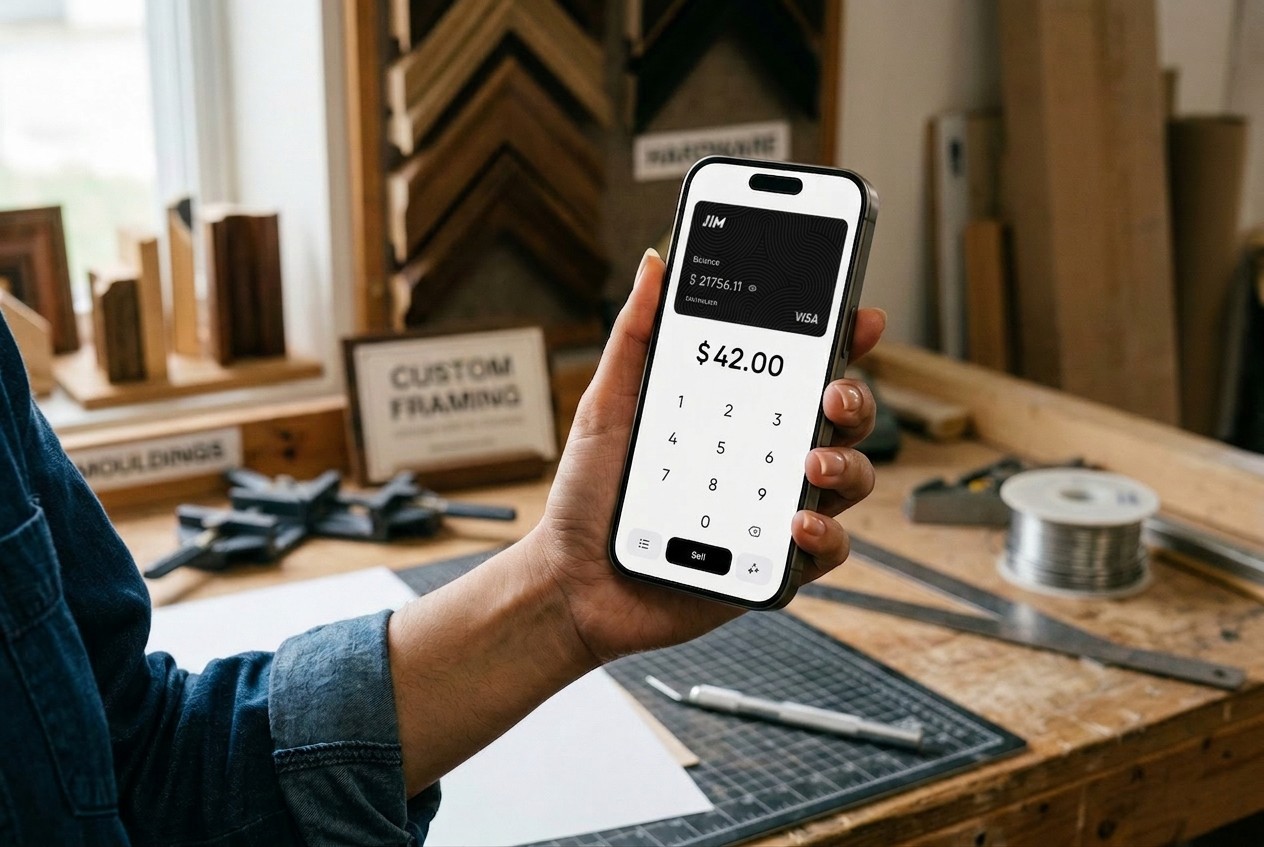
- Smartphone-based acceptance uses your existing mobile phone as a payment terminal. Apps like JIM use your iPhone's built-in NFC capability to accept contactless payments directly, no card reader needed.
- Traditional mobile card readers connect to your smartphone via Bluetooth or the headphone jack. These require hardware purchases but offer broader payment method acceptance, including chip and swipe transactions.
- Integrated mobile payment platforms combine payment processing with full POS features like inventory management and sales tracking on tablets or smartphones.
Contactless Card Payments via Mobile Device
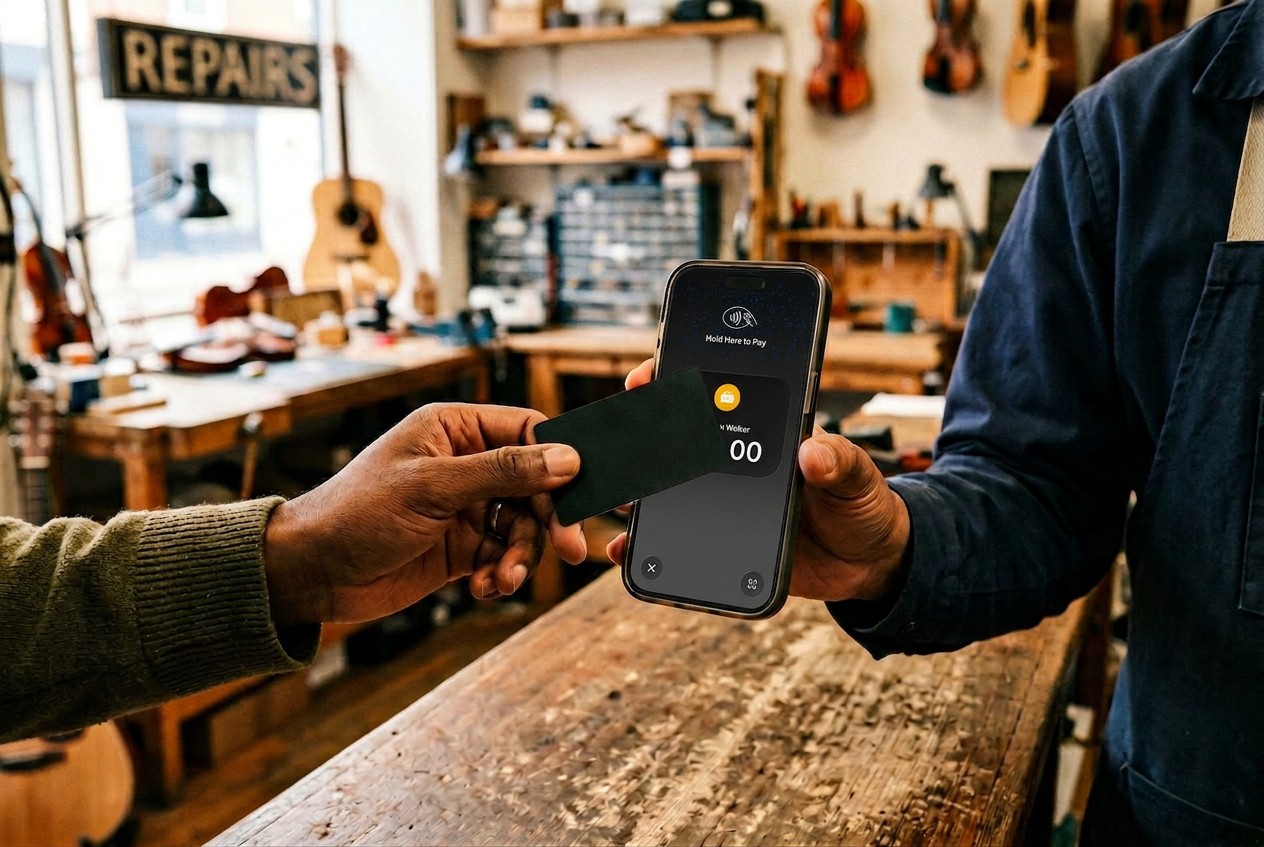
Contactless payments extend beyond digital wallets. Many customers carry NFC-enabled physical cards that work the same way as phone-based payments. When you accept mobile payments through your smartphone, you're also equipped to accept these contactless cards from customers who haven't adopted mobile wallets yet.
Benefits of Accepting Mobile Payments
The advantages of mobile payments extend well beyond simply offering another payment method. Here's why small business owners adopt them:
- Faster checkout speed: Mobile payments complete in seconds. Customers don't fumble for cards or count cash. Lines move faster, especially during rush periods.
- Improved customer experience: Meeting customers with their preferred payment method creates a smoother transaction. They leave satisfied rather than frustrated.
- Reduced hardware requirements: Smartphone-based acceptance eliminates the need for bulky POS terminals or expensive card readers in physical stores.
- Stronger security: Tokenization and biometric authentication make mobile payments more secure than traditional card swiping. The PCI Security Standards Council establishes requirements that protect both businesses and customers during card payments.
- Broader customer access: Accepting mobile payments means serving iOS and Android users, Samsung and Apple customers, people with debit cards, and those with credit cards.
- Faster access to funds: Some mobile payment solutions offer instant payouts rather than the standard 1-3 business day settlement period.
Mobile Payment Options for Small Businesses
Once you've decided to accept mobile payments, you face several implementation paths. Each approach has different costs, requirements, and benefits.
Using Your Smartphone as a Payment Terminal
Tap to Pay technology turns your iPhone into a full payment terminal. No additional hardware, no card reader purchase, no complex setup.
With JIM, the process is simple: download the app, create your account, and start accepting payments the same day. When a customer pays, you enter the amount, they tap their card or phone on your iPhone, and funds appear instantly on your JIM Visa® Prepaid Card. The flat 1.99% fee applies to every transaction regardless of card type or sale amount.
Traditional Mobile Card Readers
Hardware-based solutions from various providers connect to your smartphone via Bluetooth. These card readers accept chip insertions and magnetic swipes in addition to contactless payments.
Costs include hardware purchase ($30-$100 typically) plus per-transaction fees ranging from 2.6% to 3.5% plus a fixed per-transaction charge. Settlement usually takes 1-3 business days to reach your bank account.
Integrated Mobile Payment Platforms
Full POS systems on tablets or smartphones combine payment processing with inventory management, employee scheduling, and detailed reporting. These make sense for retailers and restaurants with complex operations, but add monthly subscription costs on top of transaction fees.
How to Set Up Mobile Payments for Your Business
Starting to accept mobile payments takes less time than you might expect. Here's how to get set up:
Mobile payments let customers pay using smartphones, tablets, or contactless devices, making checkout faster and more convenient across in-store, online, and on-the-go sales. Setting them up is usually straightforward, but following a clear process helps ensure everything works smoothly from day one.
- Choose a mobile payment provider: Select a provider that supports mobile wallets and contactless payments while aligning with your business model, transaction volume, and payout needs. Compare processing fees, settlement timelines, and whether mobile payments are included or require additional setup.
- Get compatible hardware or enable tap-to-pay: Depending on your setup, you may need a mobile card reader, an NFC-enabled POS terminal, or a smartphone that supports tap-to-pay. Many providers now allow businesses to accept payments directly on a phone without extra hardware.
- Set up your payment app or POS system: Download the provider’s app or enable mobile payments within your existing POS system. This typically involves linking your bank account, verifying business information, and turning on mobile wallet options in your settings.
- Test transactions before going live: Process a few test payments to confirm transactions go through correctly, receipts are issued properly, and funds settle into your account as expected. Testing helps identify issues before customers encounter them.
- Train staff and update customer signage: Ensure staff know how to accept mobile payments and handle basic troubleshooting. Clear signage at checkout also signals to customers that mobile payment options are available, encouraging faster, contactless transactions.
With the right setup, mobile payments streamline checkout, improve customer experience, and give your business the flexibility to accept payments wherever you sell.
Integration Considerations
Once mobile payments are processing smoothly, the real value emerges in how you connect them to your broader business. The best mobile payment solutions integrate naturally with your existing operations, turning each transaction into data that helps you manage your business expenses beyond the checkout line.
Consider how mobile payments fit your broader operations:
- Receipt management: Digital receipts are sent via email or text, reducing paper costs
- Sales tracking: Most mobile payment apps include transaction history and basic reporting
- Accounting integration: Export sales data for bookkeeping and tax preparation
When you choose a mobile payment solution that handles these details seamlessly, your cash flow becomes transparent, your record-keeping stays accurate, and tax season becomes manageable instead of overwhelming.
Mobile Payments Across Different Business Types
Not every business operates the same way, and your payment system shouldn't force you into a mold that doesn't fit. Understanding how various business models benefit from mobile payments helps you choose the right solution for your specific situation rather than settling for what works for someone else. Different business models benefit from different mobile payment approaches:
- Retailers and physical stores can supplement existing point-of-sale systems with mobile payment acceptance or transition entirely to smartphone-based solutions.
- Food trucks and mobile businesses benefit most from hardware-free solutions. When your location changes daily, your payment system needs to move with you.
- Service providers accepting payments at customer locations (electricians, tutors, delivery drivers) need portability above all. A smartphone in your pocket beats a payment terminal in a bag.
- Pop-up shops and market vendors face the same mobility requirements plus the need for quick setup and teardown.
- Ecommerce businesses can extend their online payment capabilities to in-person sales using mobile payment technology, creating a consistent experience across channels.
Whether you're stationary, mobile, seasonal, or hybrid, there's a mobile payment approach that matches how you actually operate—not how a traditional payment processor wants you to work.
Common Mobile Payment Challenges and Solutions
Mobile payment systems are designed for reliability, but like any technology, they occasionally stumble. The good news is that nearly all these challenges have simple solutions that either prevent problems or resolve them in seconds. Understanding what can go wrong, and why, helps you stay prepared without overthinking the rare hiccup.
- Connectivity problems: Mobile payments require internet access. Keep cellular data enabled as a backup when wifi is unreliable. Most transactions need minimal bandwidth.
- Device compatibility: Older phones may lack NFC capability. Verify your device meets requirements before committing to a specific solution.
- Customer unfamiliarity: Some customers haven't used mobile payments before. A brief explanation ("just tap your card or phone here") usually suffices.
- Transaction limits: Some providers impose daily or per-transaction limits. Understand these boundaries and plan accordingly for larger sales.
- Failed payments: When transactions fail, check connectivity first, then verify the customer's card or wallet is properly set up. Most failures resolve with a second attempt.
When you choose the right mobile payment platform for your business, these challenges become minor speed bumps rather than roadblocks. Solutions like JIM are built for stability and designed to work seamlessly across thousands of daily transactions, so the occasional technical hiccup shouldn't discourage you from accepting the payment methods your customers prefer.
The Future of Mobile Payment Technology
As mobile payment technology continues to advance, integration with loyalty programs, expense tools, and analytics will only grow. Understanding emerging trends helps you stay prepared:
- Continued adoption growth: Mobile payments are becoming standard rather than optional. Customer expectations will only increase.
- Expanded acceptance: More businesses across more industries will adopt mobile payments, normalizing the experience everywhere.
- Integration with other technologies: Payment functionality is merging with loyalty programs, inventory systems, and customer relationship tools.
- New payment methods: Wearables beyond smartwatches, biometric-only payments, and other innovations will expand how customers can pay.
Small businesses should prepare by choosing flexible payment solutions that can adapt as technology evolves. Starting with mobile payments now positions you ahead of competitors still relying solely on traditional methods.
Meet Your Customer’s Expectations With Mobile Payment Options
Mobile payments represent where customer preferences are heading. Understanding how mobile payments work, the types of mobile payment systems available, and your implementation options puts you in a position to make an informed choice.
The right solution depends on your specific business. A coffee shop has different needs than a mobile business or boutique. Consider your transaction volume, customer preferences, mobility requirements, and budget.
For many small businesses, smartphone-based acceptance offers the fastest path to accepting mobile payments with the lowest upfront cost.
.avif)