Payment Terminal: How to Choose the Right Card Reader

See article summary
- A payment terminal captures card data, authorizes the sale with the customer's bank, and moves the money to your account.
- Four shapes exist: countertop, portable, mobile reader, and hardware-free phone app.
- Terminals need power, a live internet connection, and a funded merchant account.
- Traditional processing fees run 2.6% to 3.5% plus $0.10 to $0.30 per transaction.
- JIM Tap to Pay turns an iPhone into a terminal at 1.99% with no hardware or monthly fees.
A payment terminal is the device that captures card information, authorizes the sale with the customer's bank, and moves the money into your account. Most small businesses choose between four shapes: a fixed countertop terminal, a portable reader, a mobile reader that pairs with a phone, or a hardware-free app that turns your phone itself into the terminal. The choice comes down to where you sell, how much volume you run, and how fast you need the money.
You don't always need dedicated hardware. JIM turns a compatible iPhone into a contactless payment terminal at a flat 1.99% per sale with instant payouts and no hardware to buy, which removes the upfront cost and the monthly fees that traditional terminals stack on top of processing rates.
What Is a Payment Terminal?
A payment terminal is a physical payment device that lets you accept credit card, debit card, and contactless payments at the point of sale. You'll hear it called a credit card terminal, card reader, POS terminal, or just a payment device; they all mean the same thing. The job is straightforward: capture card information when someone pays, authorize that transaction with their bank, and move the money from their account to yours. Cards now dominate how Americans pay: the Federal Reserve's 2025 Diary of Consumer Payment Choice found that credit cards accounted for 35% and debit cards for 30% of consumer payments in 2024, while cash fell to 14%.
Your terminal connects to POS systems, payment processing networks, and banks to handle everything from credit card and debit card payments to contactless payments and digital wallets like Apple Pay. When customers swipe their magnetic stripe card (the old-fashioned way), insert a chip card that uses EMV technology, or tap their phone for NFC payments, the terminal handles the secure card processing that makes it all work.
How do payment terminals differ from other solutions?
Traditional payment terminals are dedicated hardware, like a countertop terminal, portable device, or mobile card reader. Complete point-of-sale systems integrate payment terminals with inventory management and sales tracking. Standalone card readers focus only on card processing without broader POS functionality. Modern mobile payment solutions use software-based acceptance through smartphones, replacing physical terminals entirely. Each serves different business needs and in-store environments.
What types of payment terminals exist?
Payment terminal options range from basic standalone card readers to sophisticated all-in-one systems. The right payment device depends on your space, mobility needs, and transaction volume.
Countertop payment terminals
A countertop terminal is a fixed credit card terminal for permanent locations where checkout happens in one spot. These connect via Ethernet or Wi-Fi for reliable card processing. Standard features include a touchscreen interface, pin pad for secure PIN entry, an EMV chip card reader, and NFC capability for contactless payments. Many include built-in receipt printers.
Popular providers like Ingenico and Verifone manufacture these terminals for retail stores, restaurants, and established in-store retailers with stationary checkout areas. The tradeoff for stability is placement: these require Ethernet or Wi-Fi connection and don't move easily.
Mobile and portable payment terminals
Wireless payment devices come with built-in Wi-Fi, Bluetooth, or cellular connectivity. A portable credit card machine moves throughout your store or travels to customer locations. They accept the same payment methods: swipe, chip card, and contactless payments. Battery power enables in-person payment acceptance anywhere: tableside service, delivery, or field work. Major brands like Ingenico and Verifone manufacture portable versions for mobile businesses operating without fixed counters.
Simple card readers
Basic card reader devices connect to smartphones or tablets on iOS or Android, processing card payments through a mobile POS app. These accept magnetic stripe swipes and sometimes support chip card or contactless payment acceptance. Square's card reader popularized this category. This is typically the lowest-cost payment terminal option for small business owners starting out, though functionality remains limited compared to full POS terminals.
What features should a payment terminal have?
Modern payment terminals offer features beyond basic card processing. Understanding which functionality actually matters for your operation prevents you from overspending on bells and whistles you'll never use or missing the essentials that keep checkout running smoothly.
Essential payment acceptance features
EMV chip card support is required for secure chip card transactions and protects you from fraud liability when customers use chip-enabled cards.
NFC technology enables the contactless payments that customers increasingly prefer, letting you accept Apple Pay, Google Pay, and tap-to-pay cards without slowing down your line. You still need a magnetic stripe reader for the occasional customer with an older card, though this payment method continues its decline.
The pin pad must provide secure PIN entry for debit card transactions. Your terminal should handle multiple payment methods seamlessly: credit card, debit card, and digital wallets, all processed through the same device. Card brand compatibility matters because you need to accept Visa, Mastercard, American Express, and Discover without extra fees or hassle.
Connectivity and integration features
How your terminal connects to the internet directly affects both reliability and where you can place it. Ethernet provides the most rock-solid connection for countertop terminals that stay in one spot, while Wi-Fi gives you flexibility to position devices anywhere in your store with a decent signal. Bluetooth works for portable setups where your terminal pairs with a tablet, and cellular connectivity means true mobility even when Wi-Fi isn't available.
- Your terminal needs to play nice with your existing POS systems, whether that's a full point-of-sale setup with inventory management or just basic sales tracking.
- All-in-one POS terminals sync your card transactions directly to your stock levels so you know what's selling and what needs reordering. Some terminals include built-in receipt printers, while others require external hardware.
- A barcode scanner integration speeds up checkout when you're selling physical products.
- The touchscreen interface should feel intuitive enough that new staff can learn it quickly without constant hand-holding.
- Real-time reporting means you can see exactly what's happening with your card processing as transactions occur, not just at the end of the day.
Understanding how tap to pay works clarifies how NFC technology powers many of these modern features.
How do you set up and connect a payment terminal?
Setup depends on the terminal type, but every terminal needs three things to process a live sale: a power source, an internet connection, and a funded merchant account that links the terminal to a payment processor.
Countertop terminals plug into Ethernet or join your Wi-Fi network during a guided setup on the touchscreen. Portable and mobile readers pair with your phone or tablet over Bluetooth, then route transactions through a POS app. Hardware-free apps skip the pairing step: you download the app, complete your seller registration, and your phone's built-in NFC handles the contactless read.
All terminals need a live internet connection to authorize transactions in real time. Ethernet is the most stable for fixed counters, Wi-Fi covers most portable setups, and cellular connectivity keeps you running at markets, food trucks, and off-site jobs where Wi-Fi is unreliable. Most modern terminals store a small number of approved transactions offline and sync them once the connection returns, but you should confirm that capability before you rely on it.
Any business that accepts, stores, or transmits cardholder data must comply with the PCI Data Security Standard, the Payment Card Industry Data Security Standard maintained by the PCI Security Standards Council. Traditional terminals pass the compliance burden to you: you validate your setup, pay annual compliance fees, and keep your software current. Hardware-free apps like JIM shift that work to the provider, since card data is encrypted on the device and never stored, so you don't manage PCI validation yourself.
Choosing the Right Payment Terminal for Your Business
Selecting a payment terminal means matching functionality, cost, and customer experience to your operation. Here's what actually matters when you're making this decision:
- Business type and location: Retailers with fixed counters need countertop terminals, while mobile operations require portable payment devices
- Transaction volume: High-volume operations justify a premium POS terminal investment
- Payment methods: Ensure your payment terminal accepts contactless payments, chip cards, Apple Pay, and digital wallets that your customers use
- Mobility requirements: Determine whether you need stationary or portable payment devices
- Integration needs: Evaluate POS systems' compatibility and connectivity options
- User experience: Look for user-friendly touchscreen interfaces and responsive pin pads
- Budget: Balance payment terminal pricing against long-term costs rather than just initial expense
- Provider reputation: Research established brands like Ingenico, Verifone, and Square
- Support and service: Review support availability and maintenance terms
- Contract terms: Compare rental versus purchase options and cancellation policies
- Scalability: Choose solutions that can grow as your small business expands
Match your selling environment to the right terminal type:
| Profile | Deciding criterion | JIM when… | Consider an alternative if… |
|---|---|---|---|
| Fixed retail store, high daily volume | Stationary checkout with inventory tracking | You want a no-hardware backup lane | You need built-in receipt printing and barcode scanning at a counter |
| Food truck or market vendor | Cellular connectivity and rugged portability | You sell off-site and want instant payouts with no device to carry | You need a printed receipt printer in the field |
| Pop-up shop or event seller | Low upfront cost and zero monthly fees | You sell occasionally and want no recurring cost | You need a countertop terminal tethered to one spot |
| Mobile service provider (in-home, on-site) | Accept payment anywhere the job happens | You want your phone to be the terminal | You need POS inventory syncing across multiple staff |
Choosing the best credit card processing for your small business requires balancing these factors against your specific needs and growth plans.
Payment Terminal Costs and Pricing
Understanding payment terminal pricing requires looking past upfront costs to see the complete financial picture over time.
Hardware costs for payment terminals
Basic card readers cost roughly $50 to $100 for simple swipe functionality, and some providers offer a free magstripe reader to get you started. Portable payment terminals run $200 to $500 with built-in wireless connectivity. Countertop terminals typically cost $300 to $800, while all-in-one POS terminals with touchscreen, receipt printer, and barcode scanner start at $800 and can exceed $2,000. For reference, Square's contactless and chip reader sells for $59 and its Square Terminal for $299, while Clover's countertop POS starts at $799. Rental options around $20 to $50 monthly avoid upfront costs but accumulate over time. Ingenico and Verifone represent premium payment device brands at higher price points. Hardware-free alternatives like JIM require no payment terminal purchase.
Ongoing costs and payment processing fees
Traditional payment processing fees run 2.6% to 3.5% plus $0.10 to $0.30 per card transaction. Square, for example, charges 2.6% plus $0.15 for in-person payments and Clover lists 2.3% to 2.6% plus $0.10 (Source: Square's and Clover's official websites, accessed August 2026). Monthly fees for payment terminal service add $10 to $50. Gateway fees for payment processing connectivity cost $10 to $25 monthly. PCI compliance fees run $5 to $15 per month. Equipment rental, maintenance, and support increase the total cost of ownership over time.
JIM uses flat 1.99% pricing per transaction with no monthly fees or hardware costs. Transparent pricing removes the guesswork and hidden fees that plague traditional payment terminal arrangements.
Three-year total cost of ownership
The sticker price is only part of the cost. The table below compares the typical three-year total cost of ownership across three scenarios, assuming $5,000 in monthly card volume. Processing fees dominate the total, so the device with the lowest hardware cost is not always the cheapest over time. Figures reflect typical vendor pricing; verify current rates with each provider before you buy.
| Scenario | Upfront hardware | Monthly fees (excluding processing) | Processing rate | 3-year processing cost | 3-year total cost |
|---|---|---|---|---|---|
| Countertop terminal (e.g., Square Terminal) | $299 | $0 | 2.6% + $0.15 | $4,770 | $5,069 |
| Mobile card reader (e.g., Square contactless reader) | $59 | $0 | 2.6% + $0.15 | $4,770 | $4,829 |
| Hardware-free app (JIM Tap to Pay) | $0 | $0 | 1.99% flat | $3,582 | $3,582 |
Source: Square's and JIM's official websites, accessed August 2026. The $5,000 monthly volume is an illustrative example, not a factual average.
Modern Alternatives to Traditional Payment Terminals
While traditional credit card terminals remain common, newer payment solutions offer compelling alternatives that eliminate many of the headaches. Smartphone-based payment acceptance removes hardware costs and long-term contracts while maintaining full functionality for in-person card payments and contactless payments.
The hardware-free payment terminal
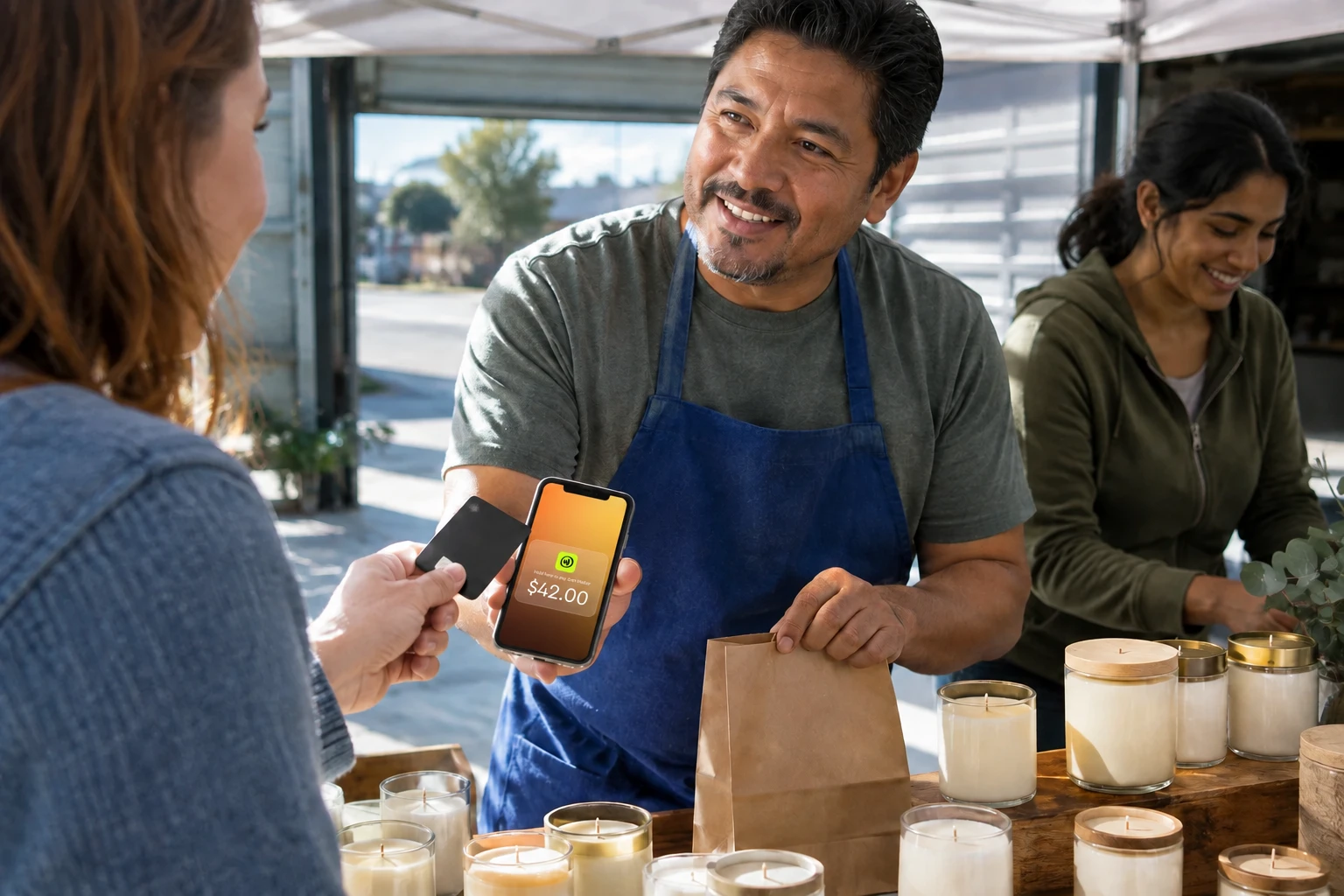
Modern payment acceptance technology transforms your iPhone into a complete payment terminal. You accept the same payment methods as traditional POS terminals: credit card, debit card, contactless payments, Apple Pay, and digital wallets. No card reader purchase, no countertop terminal, no separate pin pad device cluttering your counter. Built-in NFC enables secure contactless payments directly through your smartphone.
JIM's Tap to Pay solution works simply: download the app and start accepting card payments immediately. Flat 1.99% payment processing with no monthly fees or hidden costs. More than 20,000 sellers across all 50 states already use JIM to accept payments, and funds hit your JIM Visa Prepaid Card instantly, eliminating the settlement delays that traditional terminals impose. The user-friendly iOS interface provides full payment terminal functionality with EMV-compliant, secure payment processing. This setup is ideal for pop-up shops, service providers, and small business owners who need payment flexibility without committing to expensive hardware.
Is a hardware-free payment terminal right for your business?
Choosing the right payment terminal affects daily operations, customer experience, and profitability. Traditional options like countertop terminals, portable credit card machines, and all-in-one POS systems serve many businesses well, particularly those with high transaction volumes and complex integration needs. Modern alternatives eliminate hardware costs while maintaining full payment acceptance capabilities.
JIM transforms payment acceptance for small business owners and mobile operations. Turn your iPhone into a complete payment terminal without purchasing card reader hardware, countertop terminal equipment, or expensive POS systems. Accept credit card, debit card, and contactless payments anywhere your business operates. Flat 1.99% payment processing with instant access to funds on your JIM Visa Prepaid Card. No monthly fees, no pin pad device needed, no traditional credit card terminal complexity slowing you down. Explore JIM's Tap to Pay and streamline in-person payment processing today.
Reviewed by JIM's editorial team. Last reviewed August 2026. This article covers payment processing fees and hardware costs; verify current vendor pricing before you commit, since rates and device prices change.
Frequently Asked Questions
Do I need a payment terminal to accept cards?
What is the difference between a payment terminal and a POS system?
Can I use my phone as a payment terminal?
How much does a payment terminal cost?
Does a payment terminal need internet?



Sell and get paid in seconds with Jim






