Take Payments on Phone: Tap, Link, and Cash Out
See article summary
- A phone with near-field communication can take payments on phone by tapping contactless cards and wallets, no reader required.
- Customer presence sets the path: present buyers tap JIM Tap to Pay at 1.99%, remote buyers pay a link at 4.99% + $0.30.
- Pre-sale checks gate the sale: iPhone XS or later or Android with NFC, a U.S. location, and an approved profile.
- The virtual JIM Card offers free, instant spending, while an ACH bank transfer costs 1.99% + $0.99.
- One contactless test sale at the 1.99% rate proves the phone works before you depend on it in the field.
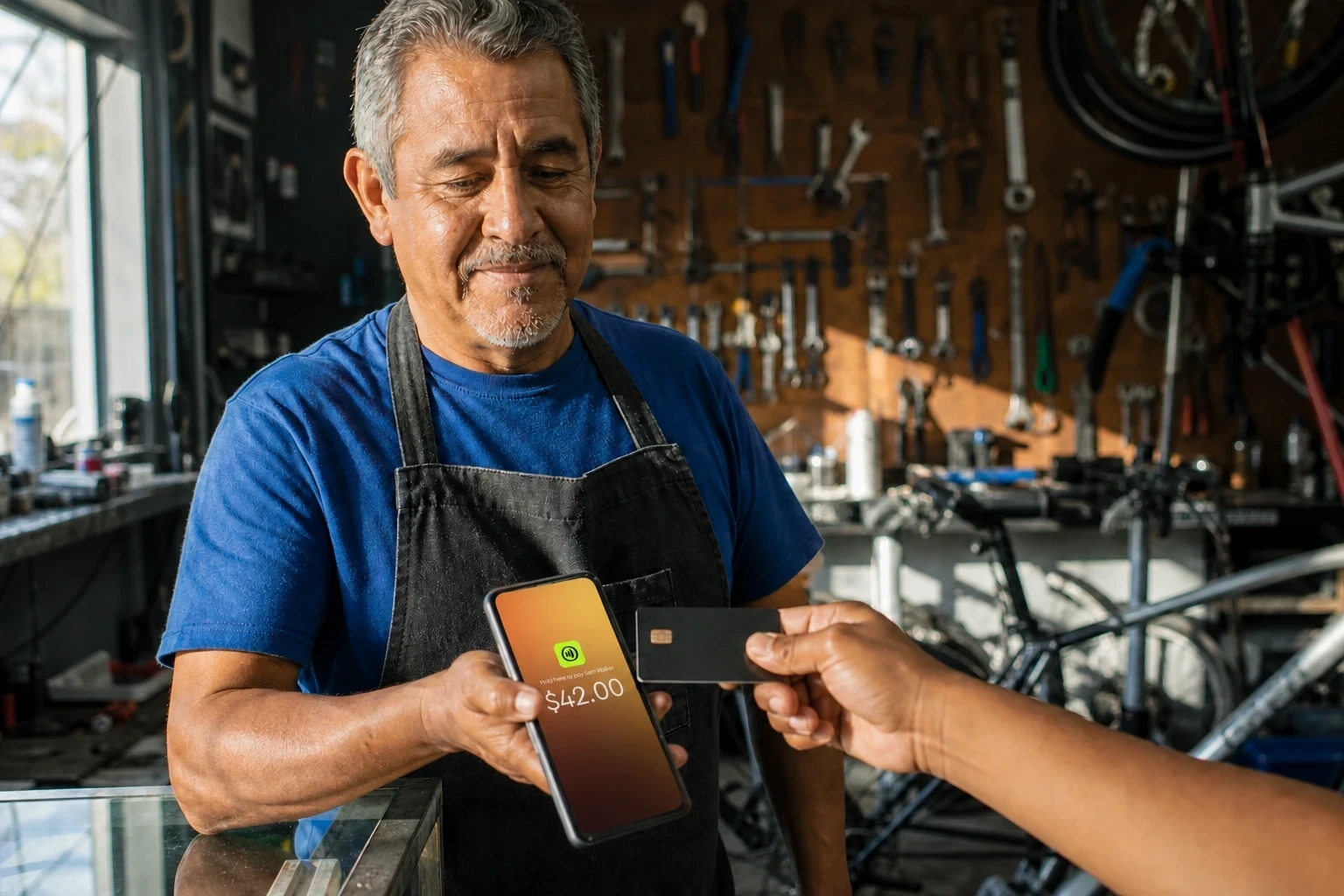
Yes, a compatible phone can take payments on its own: an iPhone or Android with near-field communication (NFC), the short-range wireless tech behind contactless taps, accepts card and mobile-wallet payments without a separate reader.
The setup depends on where the customer pays. When they stand in front of you, they tap a card or phone in person; when they are somewhere else, you send a link they pay from their own device. Eligibility, the processing cost, and how soon you need the money then decide which path to run.
Choose the Payment Path Before You Set Up
One question decides your setup: is the customer standing in front of you, or somewhere else? When they are present, you take an in-person contactless tap. When they are remote, you send a link they pay from their own device.
Make that call before you touch any settings, because it fixes the collection method behind payment acceptance in 2026 for a mobile seller.
| Customer setting | What the customer does | JIM path | Documented fee | Access to proceeds |
|---|---|---|---|---|
| In front of you | Taps a card or phone on your device | JIM Tap to Pay | 1.99% per sale | Spend now from the JIM Card or send to a bank |
| Somewhere else | Opens your link and pays on their own device | JIM Payment Link | 4.99% + $0.30 per sale, with optional fee pass-through | Spend now from the JIM Card or send to a bank |
The remote fee runs higher because it trades the tap for reach: you collect from a buyer you cannot hand a device to. Fee pass-through lets you decide whether you or the customer covers that 4.99% + $0.30, so a remote sale need not eat your margin.
These fees are current as of August 2026 and can change, so confirm the latest terms before selling. Sources: JIM's Tap to Pay pricing page for the 1.99% rate and JIM's Payment Link help article for the 4.99% + $0.30 fee, both accessed August 2026.
Customer Present: Take a Contactless Tap
When the buyer is with you, JIM Tap to Pay covers how to accept contactless payments straight from your phone. It accepts the main payment methods for small businesses: Visa, Mastercard, Amex, Discover, and JCB, plus wallets like Apple Pay, Google Pay, and Samsung Pay.
The flat 1.99% per sale carries no monthly fee and no reader to buy. The customer taps, the sale clears, and you move on.
Customer Remote: Send a Payment Link
When the buyer is not there, a tap is impossible, so JIM Payment Link does the collecting. You send a link by text, email, or chat, and the customer pays from their own device at 4.99% + $0.30. Reach for a link only when a tap cannot happen.
Consider a mobile detailer finishing a job in a driveway. The customer there taps a card on the phone at 1.99% and the detailer moves on to the next stop.
Later, a repeat client books a slot over the phone and owes a deposit. No one is present to tap, so the detailer sends a Payment Link at 4.99% + $0.30 rather than forcing that remote deposit into an in-person flow that needs the buyer's card at the device.
Check Your Phone and Cash Access Before the First Sale
Before your first sale, settle two things a card reader never asks about together: whether you and your device qualify, and how you will use the money once it lands. Run this order once and the field setup holds.
The Pre-Sale Readiness Check
- Confirm your location and seller profile. JIM Tap to Pay works only inside U.S. territory and only after JIM approves your seller profile, so start the profile early rather than at the counter.
- Check the phone in your pocket. You need an updated, non-jailbroken iPhone XS or later, or an Android phone with near-field communication (NFC) for contactless taps. An out-of-date or jailbroken device will not run the tap.
- Match the path to the customer. Use Tap to Pay when the buyer is present to tap, or a Payment Link when they pay from somewhere else, following the choice you already made.
- Decide how you will use the proceeds. Plan now whether you will spend straight from the virtual JIM Card or move the balance to your bank, because that choice carries different costs.
- Run a small contactless test sale before you depend on the phone at a job, market, or pop-up.
Spend From the JIM Card or Transfer by ACH
Taking a payment and using it are separate steps. Your earnings land instantly on the JIM Card, a virtual Visa Prepaid card you add to Apple Wallet or Google Pay, and you spend from it free in stores and online.
When you need the money in a bank, you send it by Automated Clearing House, or ACH, the U.S. system that moves funds between bank accounts.
| Access option | Cost | Timing | Limits |
|---|---|---|---|
| Spend from the JIM Card | Free | Available instantly | Use in stores and online |
| Transfer to your bank by ACH | 1.99% + $0.99 | Same-day if submitted before 2 PM Central | $15 minimum, $3,000 per transfer, $5,000 daily |
The ACH fee, same-day timing, and transfer limits shown are current as of August 2026 and can change; confirm them in JIM's Help Center guide on using your balance, accessed August 2026, before you transfer.
That ACH transfer fee is separate from whatever you paid to collect the sale, a distinction worth keeping straight alongside credit card processing fees for small businesses.
An in-person JIM Tap to Pay sale clears at the flat 1.99% rate, while a remote Payment Link sale carries its own 4.99% + $0.30. The JIM Card lets you skip the ACH fee entirely when you spend directly.
Run a Small Test Sale Before You Rely on It
Before you count on your phone at a field job, market, or pop-up, prove it works with one real tap. Set up JIM Tap to Pay, ring up a small amount you can refund, and complete a single contactless sale from your own device.
You confirm the phone reads a card or wallet, the sale clears at the flat 1.99% fee, and no separate reader ever enters the picture. Set up my JIM at https://onboarding.jim.com and run that first test payment today.
Frequently Asked Questions
Which Phones Can Take Contactless Payments?
What Can a Customer Tap to Pay?
A customer can tap a contactless credit or debit card from Visa, Mastercard, American Express, Discover, or JCB. They can also pay with a phone or watch loaded with Apple Pay, Google Pay, or Samsung Pay.
They hold the card or device near your phone and the sale clears at the flat 1.99% Tap to Pay rate. Keyed-in card numbers and cash sit outside this contactless flow.
When Should I Use a Payment Link Instead of a Tap?
Use a Payment Link whenever the customer is not in front of you to tap. A tap needs the card and your phone in the same spot, so a buyer who pays from home, by text, or after the visit goes through a link instead.
That choice is only about how the customer pays, not how you use the money afterward. Proceeds land on your balance, where the virtual JIM Card lets you spend right away and an ACH transfer moves that balance into your bank account. ACH is how you move your own money to a bank, never a way the customer pays you.



Sell and get paid in seconds with Jim






