.png)
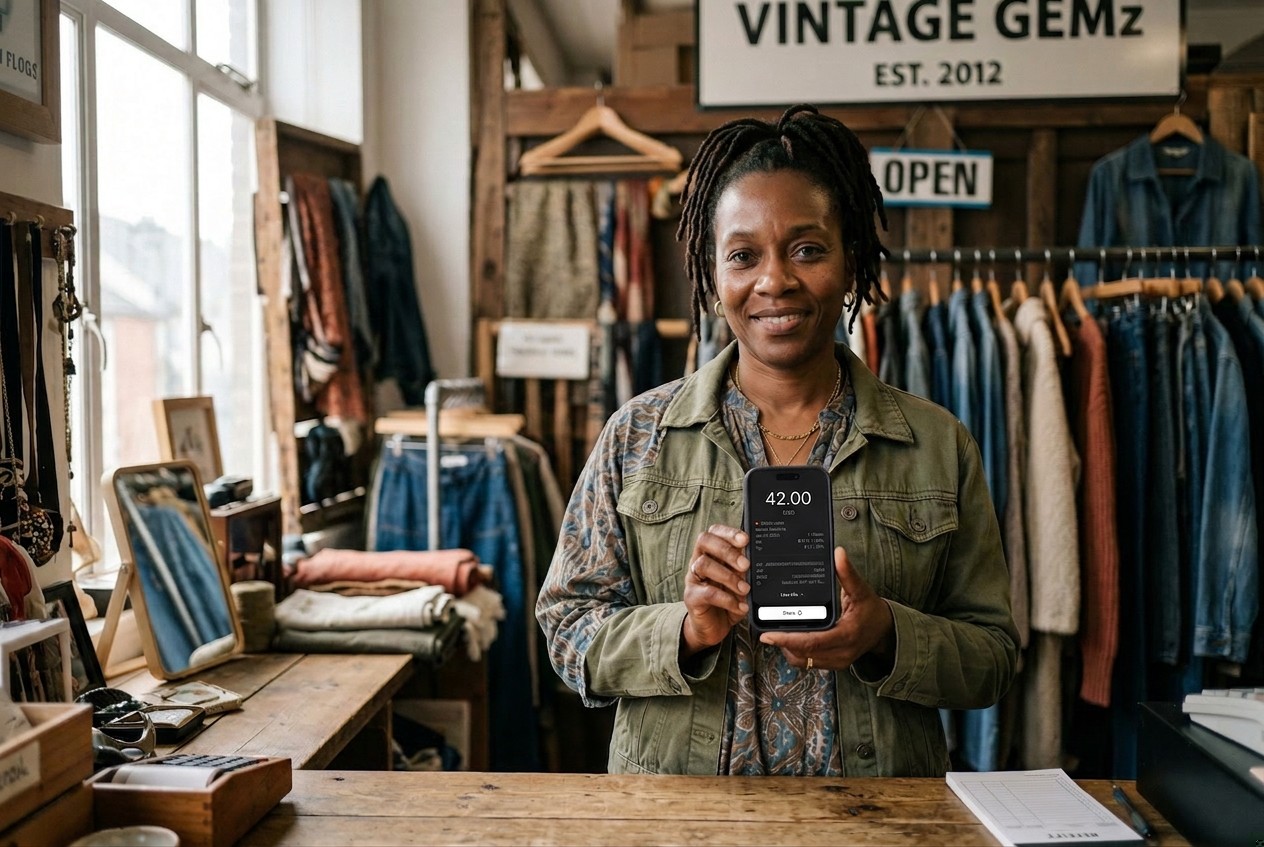
You're at the farmers market on a busy Saturday morning, and a customer wants to buy your handmade soaps. They reach for their wallet, only to realize they left their cash at home. "Do you take cards?" they ask hopefully. This scenario used to mean a lost sale, but today's mobile payment technology means you can accept their payment right on your phone.
Mobile payments have become essential for small businesses and retailers that need flexibility. From food truck operators to freelance photographers, entrepreneurs process transactions wherever business takes them. These payments rely on your mobile phone or tablet to process transactions securely and quickly.
What Are Mobile Payments?
Mobile payments are digital transactions processed through smartphones, tablets, or wearables instead of traditional cash or physical card readers. These payments use technologies like Near Field Communication (NFC), QR codes, or mobile apps to bridge the gap between customers and businesses, making checkout faster and more convenient for everyone involved.
So what is considered a mobile payment? It includes any transaction where a mobile device plays a central role: contactless card taps processed through your phone, in-app payments for goods or services, and digital wallet transactions like Apple Pay, Google Pay, or Samsung Pay.
Whether your customer taps their credit card on your smartphone or uses their smartwatch to pay, you're processing a mobile payment.
How Do Mobile Payments Work?
The process behind mobile payments involves sophisticated technology working seamlessly in seconds. Here's what happens during a typical contactless transaction:
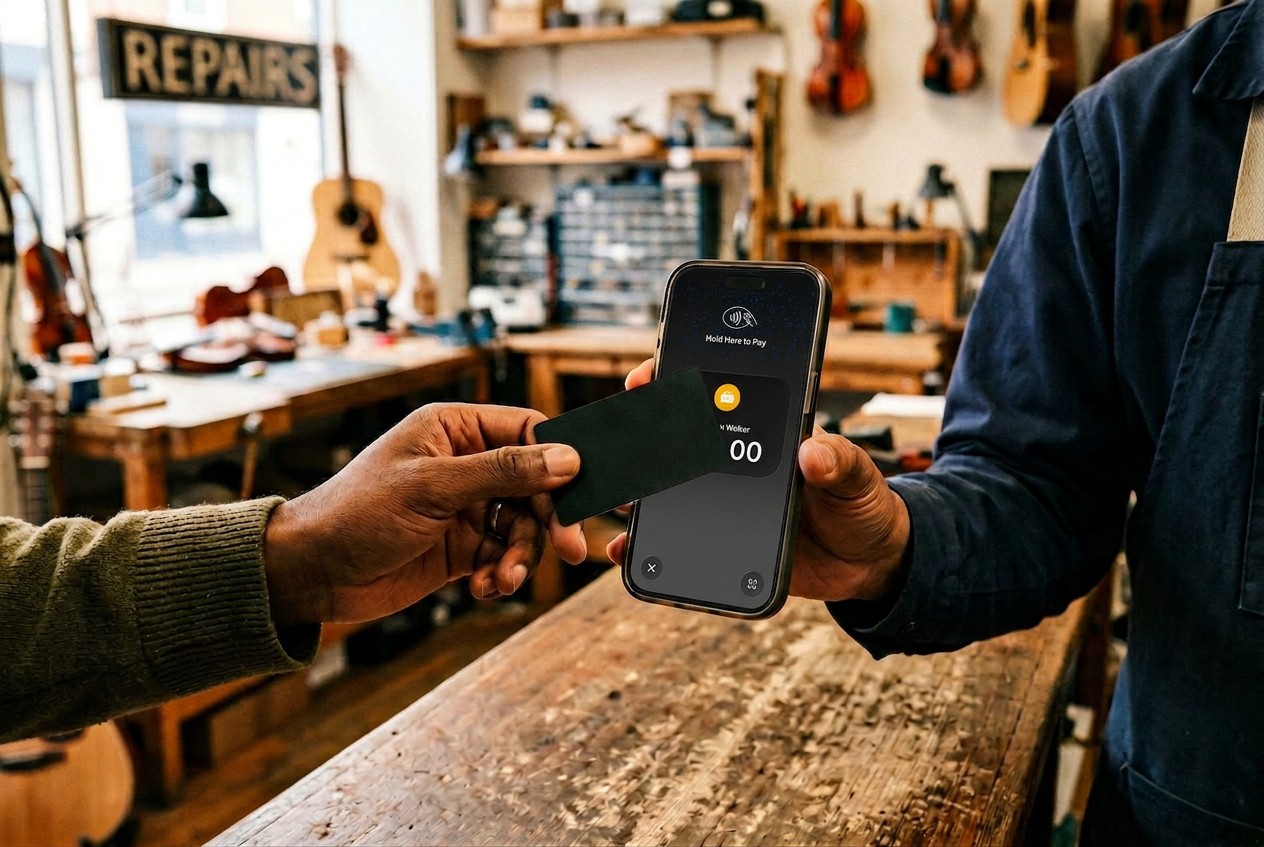
- The Tap: Your customer taps their card, phone, or smartwatch near your payment-enabled device
- Authorization: The payment information travels securely to the payment processor
- Encryption: All data gets encrypted using tokenization, replacing sensitive card details with unique codes
- Confirmation: The transaction completes, and both you and your customer receive confirmation
Mobile payments can be used for in-store transactions just as easily as for purchases on the go, letting you serve customers wherever they find you. Instead of swiping a physical card or inserting a chip, your customer simply taps and pays, no terminal needed.
The security behind these transactions relies on NFC technology and advanced encryption methods. Card numbers never get stored on your device, and each transaction uses a unique token that can't be reused. For a deeper understanding of this technology, check out how tap to pay works.
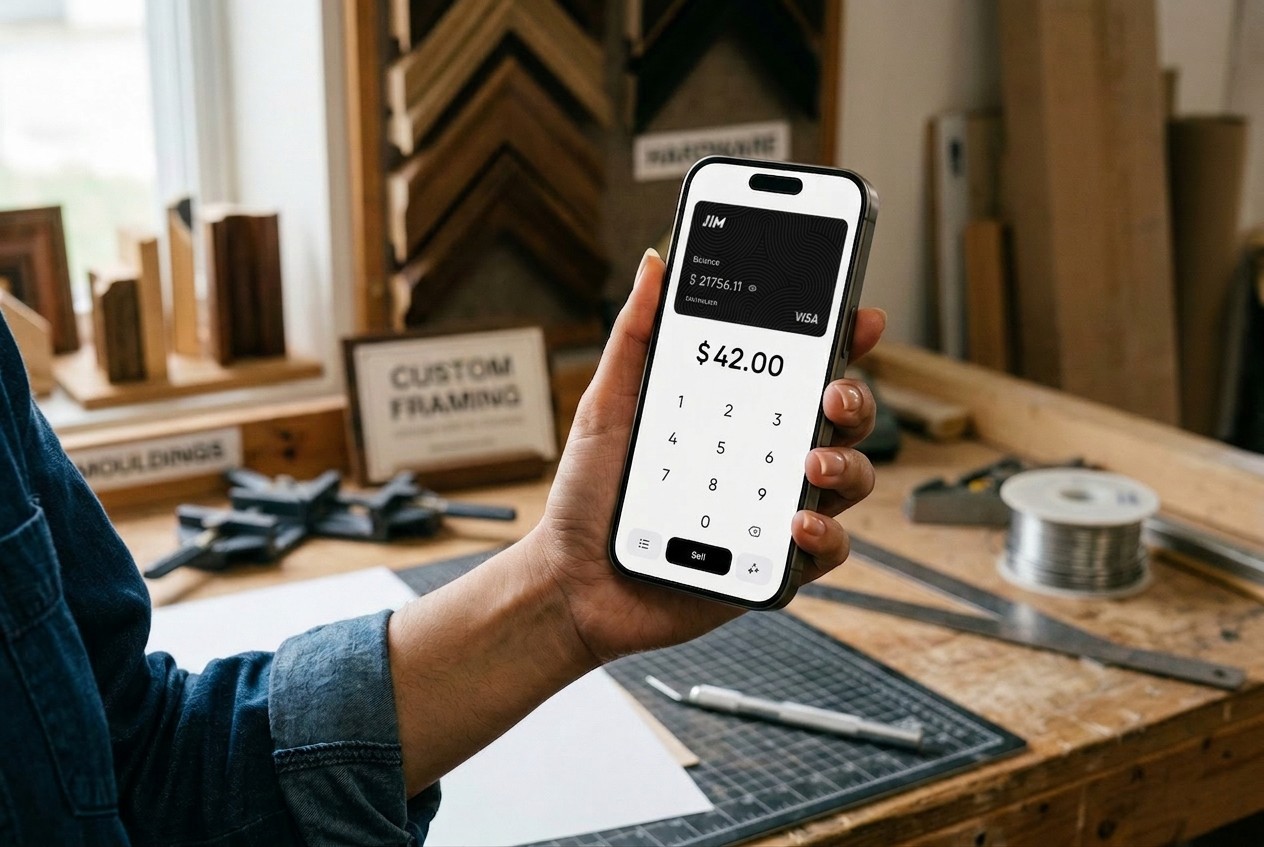
Consider this mobile payment example: You run a mobile detailing service and just finished cleaning a client's car. Instead of fumbling with a bulky card reader or writing up an invoice for later payment, you simply open your payment app, enter the amount, and have your client tap their phone on yours. The payment processes instantly, and your funds are available immediately.
What Are the Three Types of Mobile Payments?
Understanding the different categories of mobile payment systems helps you choose the right solution for your business. Here are the three main types:
1. NFC/Contactless Payments
These payments use Near Field Communication technology to enable quick, touch-free transactions. Examples include:
- Apple Pay and Google Pay on Android and iOS
- Contactless credit and debit cards
These payments use technologies like NFC, QR codes, or barcode scanning to transfer payment details quickly and securely.
2. Mobile Wallets and Payment Apps
These applications store payment information digitally and facilitate transfers between users or to businesses:
- Digital Wallets for Contactless Payments: Apps that let customers store their credit or debit card information and pay by tapping or scanning their phone at checkout.
- Peer-to-Peer Payment Platforms: Apps designed for personal money transfers between friends and family, though these typically lack the merchant features and fraud protections needed for business transactions.
- Banking Apps with Built-In Payment Features: Direct payment options offered by financial institutions, allowing customers to pay businesses from their checking or savings accounts.
3. Mobile Point-of-Sale (POS) Systems
These solutions transform mobile devices into complete checkout systems:
- Hardware-Based Systems: Traditional POS setups that require you to purchase and connect a separate card reader to your device. These often involve more upfront costs, ongoing hardware maintenance, and physical equipment to carry.
- Software-Only Solutions: Apps that use your phone's built-in NFC capabilities to process payments without any additional hardware. JIM is a leading example; it turns your existing iPhone into a complete payment terminal with no extra equipment needed, instant payouts, and a flat 1.99% fee structure.
- Full-Featured Enterprise Systems: Comprehensive platforms that bundle payment processing with inventory management, customer relationship tools, and advanced analytics—typically suited for larger retail operations.
For more details on mobile POS options, explore our mobile POS guide.
Benefits of Mobile Payments for Small Businesses
Mobile payment apps have made accepting credit card payments easier than ever, transforming how small businesses handle in-person transactions.
Mobile payment technology offers tangible advantages that directly impact your bottom line:
- Faster Checkout: Reduce transaction time from minutes to seconds, allowing you to serve more customers during peak hours.
- Instant Fund Access: Unlike traditional processors that hold funds for days, solutions like JIM deposit money directly to your JIM Visa® Prepaid Card within seconds of each sale. You can transfer those funds to your linked bank account whenever you prefer, keeping your cash flow flexible.
- No Bulky Equipment: Operate anywhere with just your smartphone. Your entire point-of-sale system fits in your pocket.
- Cost Predictability: JIM's flat 1.99% per transaction fee means you always know exactly what you'll pay. Sell $50 worth of products, pay less than $1 in fees.
- Improved Security: Every transaction uses bank-level encryption and tokenization. Card numbers never touch your device.
- Customer Convenience: Accept the payment options your customers prefer, from contactless cards to digital wallets and smartwatch payments.
Many mobile payment systems use biometric verification, like fingerprint or facial recognition, adding another layer of protection beyond passwords.
Are Mobile Payments Secure?
Security remains a top priority for both businesses and customers. Mobile payment platforms incorporate multiple layers of protection that often exceed traditional payment methods:
Tokenization: This process replaces sensitive card data with unique, one-time codes. Even if intercepted, these tokens are useless for future transactions. Each transaction also includes a step of authentication, such as Face ID, passcode, or fingerprint verification, ensuring that only authorized users can approve payments.
EMVCo Standards: Mobile payments follow the same security protocols as chip cards, meeting international standards for payment security.
PCI DSS Compliance: Payment processors maintain strict compliance with Payment Card Industry Data Security Standards, ensuring your business meets regulatory requirements without complex certification processes.
A common concern: "Does my phone store customer card numbers?" The answer is no. NFC technology transmits encrypted payment tokens, not actual card details. Your device never sees or stores the customer's real card information.
For technical details about payment security:
JIM meets all EMV security standards and uses the same encryption protocols trusted by major financial institutions. Your digital payment transactions are as secure as those processed by traditional terminals, with the added benefit of not handling physical cards that could be skimmed or copied.
Popular Mobile Payment Apps for Business
The mobile payment landscape includes various apps designed for different business needs:
Peer-to-Peer Apps: While personal transfer platforms work well for splitting bills among friends, they lack the merchant protections and business features you need for commercial transactions.
Business-Focused Solutions: Comprehensive payment platforms offer advanced features but often require purchasing separate hardware or charge tiered fee structures based on card type.
Hardware-Free Options: JIM stands out by turning your existing iPhone into a complete payment terminal without extra equipment, offering transparent pricing at just 1.99% per transaction.
When choosing mobile payment apps, consider:
- Fee transparency and total cost
- Payout speed (instant vs. multi-day delays)
- Hardware requirements
- Customer support availability
- Integration with your existing business tools
Do I Need Special Hardware for Mobile Payments?
The answer depends on your chosen solution. Traditional mobile POS systems typically require you to purchase and connect a separate card reader to your device. However, newer software-only solutions like JIM use your iPhone's built-in NFC capabilities, eliminating the need for any additional hardware. You simply download the app, set up your account, and start accepting payments immediately.
How Much Do Mobile Payment Apps Cost?
Mobile payments have reshaped how small businesses accept credit card transactions, from contactless taps at the farmers market to in-app purchases on the go. Understanding how mobile payments work, the different types available, and their security foundations helps business owners choose solutions that fit their daily operations.
JIM connects these concepts into a single payment experience by turning your iPhone into a point-of-sale, removing the need for card readers while providing instant access to funds. Its flat pricing and built-in security tools simplify payment processing for mobile sellers, service providers, and growing teams.
Ready to see how mobile payments can work for your business? Explore JIM and start accepting card and digital wallet payments anywhere.
.avif)