Free Ebook Templates for PowerPoint and Google Slides
An ebook template is a pre-designed file with cover, table of contents, and chapter layouts you customize with your own content. JIM's free pack includes 7 ebook templates for PowerPoint and Google Slides. Swap placeholder text, export to PDF, and share or sell without hiring a designer.
What you get with this download:
- 7 editable ebook templates (guide, manual, report, workbook, case studies, catalog, and sales formats)
- Cover page with space for title, subtitle, and logo
- Table of contents and chapter layout slides
- Marked areas for images, charts, icons, and CTAs
- Mobile-friendly font and spacing suggestions
- PowerPoint (.pptx) and Google Slides versions
- Free download with instant email delivery

What's inside JIM's 7 free ebook templates
When you download this ebook template pack, you get seven distinct layouts for common business use cases. Each file opens in PowerPoint or Google Slides so you can edit without design software.
The 7 template formats:
- Lead magnet guide: short educational ebook for list building (10–20 pages)
- How-to manual: step-by-step instructions with numbered sections
- Industry report: data-forward layout with chart placeholders
- Workbook: exercises and fill-in areas for workshops
- Case study collection: client stories with quote blocks
- Product catalog ebook: showcase services or product lines
- Ebook for sale: sales-oriented layout with pricing and CTA slides at the end
Every template includes:
- Cover with title, subtitle, and logo placement
- Table of contents linked to chapter slides
- Introduction and chapter hierarchy (H1/H2 visual structure)
- Image and icon placeholders with sizing guides
- CTA slides you can point to a landing page or checkout
- Export-ready formatting for PDF distribution
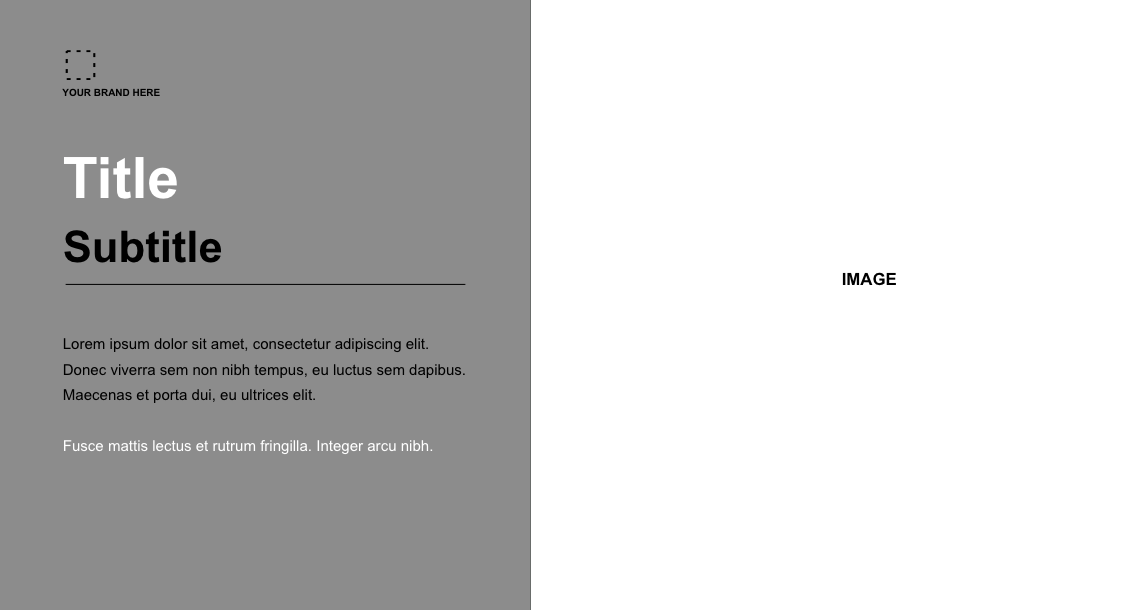
Use them as free ebook templates, ebook design templates, or starting points for ebook templates for PowerPoint and Google Slides. Duplicate any file to create unlimited projects.
Who should use these ebook templates?
These templates fit anyone who needs a polished digital book without a design budget.
Strong fit if you:
- Launch a lead magnet and want to sell digital products like ebooks with no upfront cost
- Run a coaching or service business and need a professional client guide (pair with our free service contract template)
- Build authority with blog content and lead magnets in your niche
- Need a workbook for workshops or client onboarding
- Plan to sell your ebook with JIM Payment Links and want layout done first
- Already use PowerPoint or Google Slides and want files you control offline
Not the best fit if you:
- Need print-ready InDesign layouts for physical books
- Want browser-only drag-and-drop (Canva or Adobe Express may fit better)
- Require fixed-layout EPUB for Kindle without a conversion step
How to use JIM's ebook templates
Most creators finish a branded ebook in under two hours.
1. Download the pack
Enter your name and email in the form below. You receive links for all 7 PowerPoint and Google Slides files by email.
2. Choose your format
Pick the template that matches your goal: lead magnet, manual, report, or sales ebook. Duplicate the slide deck before editing so you keep a master copy.
3. Replace placeholder content
Swap sample text, add your logo, insert images in marked areas, and adjust brand colors on the slide master.
4. Export to PDF
Save as PDF for email delivery, social sharing, or upload to your sales page. PDF preserves layout on phones and desktops.
Tip: Write your draft in Google Docs first, then paste into slides section by section. Editing layout before copy is ready slows you down.
Why use an ebook in your business?
Ebooks work as marketing assets and revenue products for small businesses.
The global ebook market is projected to reach $21.73 billion by 2029, according to Mordor Intelligence. Goldman Sachs estimates the creator economy could approach $480 billion by 2027.
What a structured ebook delivers:
- Lead capture: offer a free guide in exchange for an email address
- Authority: a structured guide shows expertise faster than scattered posts
- Buyer education: explain products or onboarding before the sales call
- Reach: share on social, email, and partner newsletters with zero print cost
- Revenue: sell specialized guides as digital products with near-zero marginal cost
For pricing and margin planning on paid ebooks, use our free cash flow spreadsheet template.
PowerPoint, Google Slides, or Canva: which should you use?
JIM's download works in PowerPoint and Google Slides. Here is how that compares to browser-only tools.
Searchers looking for a Canva ebook template alternative often want editable files they own. JIM's pack gives you seven layouts in PowerPoint and Google Slides with no monthly subscription.
How to create an ebook from scratch
Creating an ebook from scratch means choosing a topic, outlining chapters, writing clearly, and formatting for screen reading. A template handles formatting so you focus on content.
- Define the audience and one outcome the ebook delivers
- Outline 5–8 chapters with logical progression
- Write in plain language with examples and bullet summaries
- Apply brand colors, logo, and images in the template
- Proofread or ask a colleague to review before export
- Export PDF and test on phone and desktop
- Publish on your site, email list, or sales platform
Ideal length by goal:
- Lead magnet: 10–20 pages
- Paid ebook: 30–80+ pages depending on depth
- Workshop workbook: one section per exercise
Cover the informational intent "how to create an ebook" in this section without making it the page's primary keyword focus.
Which file format should you export?
JIM's templates export to PDF directly from PowerPoint or Google Slides. Convert to EPUB after layout review if you publish to Kindle or similar stores.
How to customize an ebook template
Customization means adapting colors, fonts, chapter count, and CTAs so the ebook matches your brand.
- Replace template colors with your brand hex codes on the slide master
- Swap fonts only if your brand guide requires it (defaults are screen-readable)
- Add your logo to the cover and footer slides
- Add or remove chapter slides to match your outline length
- Insert CTAs at chapter ends pointing to your next step (call booking, product page, or email signup)
- Remove unused template sections instead of leaving placeholder text
Reuse the same template for multiple projects: duplicate the file, change the cover title, and publish a new ebook without rebuilding layout.
Where to publish and sell your ebook
After you export PDF from your ebook template, choose a distribution path based on your business model.
- Free lead magnet: deliver via email automation after form signup, or host on a landing page with download link.
- Direct sales: sell from your website using JIM Payment Links. Customers pay by card and receive the file after purchase.
- Marketplaces: Amazon Kindle (EPUB/MOBI conversion may be needed), Gumroad, or Etsy for digital shops.
- Client delivery: send PDF by email after coaching sessions, workshops, or consulting engagements.
Always state the file format (PDF) and whether updates are included in the purchase.
Publish your ebook today
An ebook without structure loses credibility. Missing cover, table of contents, or clear chapters makes readers doubt the content, even when the writing is strong.
JIM offers 7 free ebook templates for PowerPoint and Google Slides. Fill out the form and get instant email access.
Get 7 free ebook templates by email
Cover, table of contents, and chapter layouts are ready to customize. Enter your details below and we will send all 7 PowerPoint and Google Slides files to your inbox instantly.
Frequently Asked Questions
What is an ebook template?
An ebook template is a pre-designed slide deck with cover, table of contents, chapter layouts, and CTA pages ready to customize. JIM's pack includes 7 formats for PowerPoint and Google Slides.
Are these ebook templates free?
Yes. JIM offers 7 free ebook templates with name and email download. No credit card required and no trial period.
Where can I find free ebook templates?
You can find free ebook templates on design platforms like Canva, Adobe Express, and Visme. JIM's pack is built for PowerPoint and Google Slides so you own editable files and can export PDF without a subscription.
Does this work as a PowerPoint ebook template?
Yes. Each layout downloads as a PowerPoint (.pptx) file. You can also open and edit the same designs in Google Slides.
Does Canva have ebook templates?
Canva offers browser-based ebook layouts. JIM's templates are for PowerPoint and Google Slides, which gives you offline files you own and can duplicate for unlimited projects.
What is the best ebook template format?
For most business ebooks, PDF exported from PowerPoint or Google Slides works on any device. Use EPUB or MOBI only if you publish to Kindle or other dedicated readers.
How many pages should an ebook be?
Lead magnets often run 10–20 pages. Ebooks for sale commonly range from 30 to 80+ pages depending on topic depth. Clarity matters more than page count.
Can I create my own ebook without a designer?
Yes. Replace placeholder text and images in JIM's templates, export to PDF, and publish. No design degree required if you follow the marked layout areas.
How do I sell an ebook online?
Write and export your ebook as PDF, set a price, and share a checkout link. JIM Payment Links let you accept card payments and deliver the file after purchase.
Can I use one template for multiple ebooks?
Yes. Duplicate the master file, change cover text and colors, and create as many ebooks as you need from the same layout.
Can ChatGPT write an ebook?
ChatGPT can draft outlines and chapter text, but it will not apply your brand layout or export a print-ready PDF. Use AI for brainstorming if you want, then paste content into JIM's slide templates and export PDF for delivery.
What is the best ebook template?
The best template matches your goal: lead magnet (short guide), workbook (exercises), or sales ebook (CTA slides). JIM's pack includes seven formats so you can pick one file instead of forcing a single generic layout.