Clover alternatives are worth a look if rising monthly fees and locked-in hardware have you rethinking your setup. Clover’s all-in-one approach is convenient, but it often comes with trade-offs in flexibility and long-term cost.
Several alternatives offer lower fees, more flexibility, or better features for specific business types. The U.S. point-of-sale (POS) software market continues growing as small businesses seek cloud-based solutions that match their actual needs. Clover's pricing can be confusing because third-party resellers set their own rates and contract terms, and the proprietary hardware can't be repurposed if you switch providers.
With that in mind, it’s worth taking a closer look at how other options stack up. Here’s how the top Clover alternatives compare on pricing, fees, and who they’re best for.
What is Clover?

Clover is a cloud-based POS developed by Clover Network, Inc. that helps businesses accept payments, manage sales, track inventory, and run day-to-day operations from a single platform. It combines hardware (like card readers and terminals) with software tools for reporting, employee management, and customer engagement, making it popular among small to mid-sized businesses.
Top Reasons Businesses Seek Clover Alternatives
Small businesses often discover that the all-in-one hardware appeal comes with trade-offs in pricing transparency and long-term flexibility. These common pain points drive the search for alternatives.
Start by ranking what matters most for your daily operations: cost predictability, cash flow timing, mobility, or feature depth. Weighing these factors against your specific situation helps you evaluate any POS solution, not just the ones listed here.
- Pricing complexity: Rates vary by reseller, and hidden fees often appear in contracts
- Hardware lock-in: Proprietary devices can't be repurposed if you switch to a different payment processor
- Processing restrictions: You must use Fiserv for payment processing with no flexibility
- Missing features: Advanced inventory management and vendor tools require upgrades or third-party apps
- Contract terms: Long-term commitments with some resellers limit your options
The right alternative depends on whether you prioritize cost, flexibility, specific functionality, or all three. Many business owners find that cloud-based solutions with flat-rate pricing offer more predictable costs. Learning your business needs helps narrow down which point of sale system works best.
Clover Alternatives: Quick Comparison
Here's a quick look on how the top Clover alternatives compare on pricing, processing fees, and best use cases. This overview helps identify which solutions align with different business models and budget requirements.
Each option serves different needs. Square and Loyverse offer free tiers for budget-conscious business owners, while JIM eliminates hardware costs entirely by turning your iPhone into a payment terminal.
Top Clover Alternatives
Here's a closer look at each alternative, including key features, pricing structures, and ideal use cases. Each platform serves different business needs, from cost-effective startups to established retail operations with complex inventory requirements. Understanding these differences helps you match your priorities with the right provider.
Square

Square offers a free POS plan with transparent flat-rate pricing and no long-term contracts. It works across retail businesses and service providers with a strong ecosystem of add-on products.
Key Features:
- Free basic POS software and card reader
- Vendor management and purchase orders included
- Offline payment processing capability
- Integrated online ordering and ecommerce store builder
- Ecosystem of add-on products
Pros:
- No monthly fee for basic plan makes it cost-effective for startups
- Hardware flexibility lets you use existing devices including iPad and Android tablets
- Clear, predictable pricing with no hidden fees
Cons:
- Advanced features require paid upgrades
- Customer support can be inconsistent based on user reviews
- 2.6% + 10¢ processing fees add up on high volume
Pricing: Free to $149+/month; 2.5% to 2.6% + 10¢ in-person
Lightspeed

Lightspeed is a cloud-based retail POS designed for established retail businesses that need robust inventory and multi-location capabilities.
Key Features:
- Advanced inventory management with automation
- Omnichannel order management and fulfillment
- Built-in vendor management and purchase orders
- Customizable reports and business management tools
- Integrations with WooCommerce and other ecommerce platforms
Pros:
- Powerful inventory features streamline operations for complex retail
- Strong multi-location support for growing businesses
- Extensive third-party integrations available
Cons:
- Higher monthly fees than competitors
- Learning curve for full functionality
- Processing rates on par with competitors
Pricing: $89 to $289+/month; 2.6% + 10¢ in-person
Shopify POS

Shopify combines in-store POS with a powerful ecommerce platform, ideal for boutiques and retail businesses selling both online and in person.
Key Features:
- Native online store builder with highly customizable themes
- Omnichannel inventory management with real-time sync
- Social media selling integrations
- Shipping discounts up to 88%
- Built-in CRM and customer loyalty programs through app marketplace
Pros:
- Unified online and in-store integration
- Extensive app marketplace with CRM and loyalty programs
- Strong multichannel capabilities for retail POS
Cons:
- No free POS-only plan available
- Advanced features require tier upgrades
- Processing rates vary by plan level
Pricing: $39 to $299+/month; 2.4% to 2.6% + 10¢ in-person
Loyverse

Loyverse offers completely free POS software with built-in loyalty programs, making it ideal for budget-conscious small businesses.
Key Features:
- Free EPOS software with loyalty program functionality
- Basic inventory management and barcode scanning
- Works on iOS and Android with no proprietary hardware
- Employee management and permissions controls
- Gift cards and customer loyalty tracking included
Pros:
Truly free core software with no monthly fees
Built-in customer loyalty and gift cards features
No contracts, lock-in, or onboarding fees
Cons:
- Must find your own payment processor separately
- Limited advanced features without paid add-ons
- No native online ordering integration
Pricing: $0 (add-ons $5 to $25/month); processing varies by provider
JIM as a Mobile Alternative

For businesses that need simple, mobile payment acceptance without traditional POS complexity, smartphone-based solutions offer a different approach entirely.
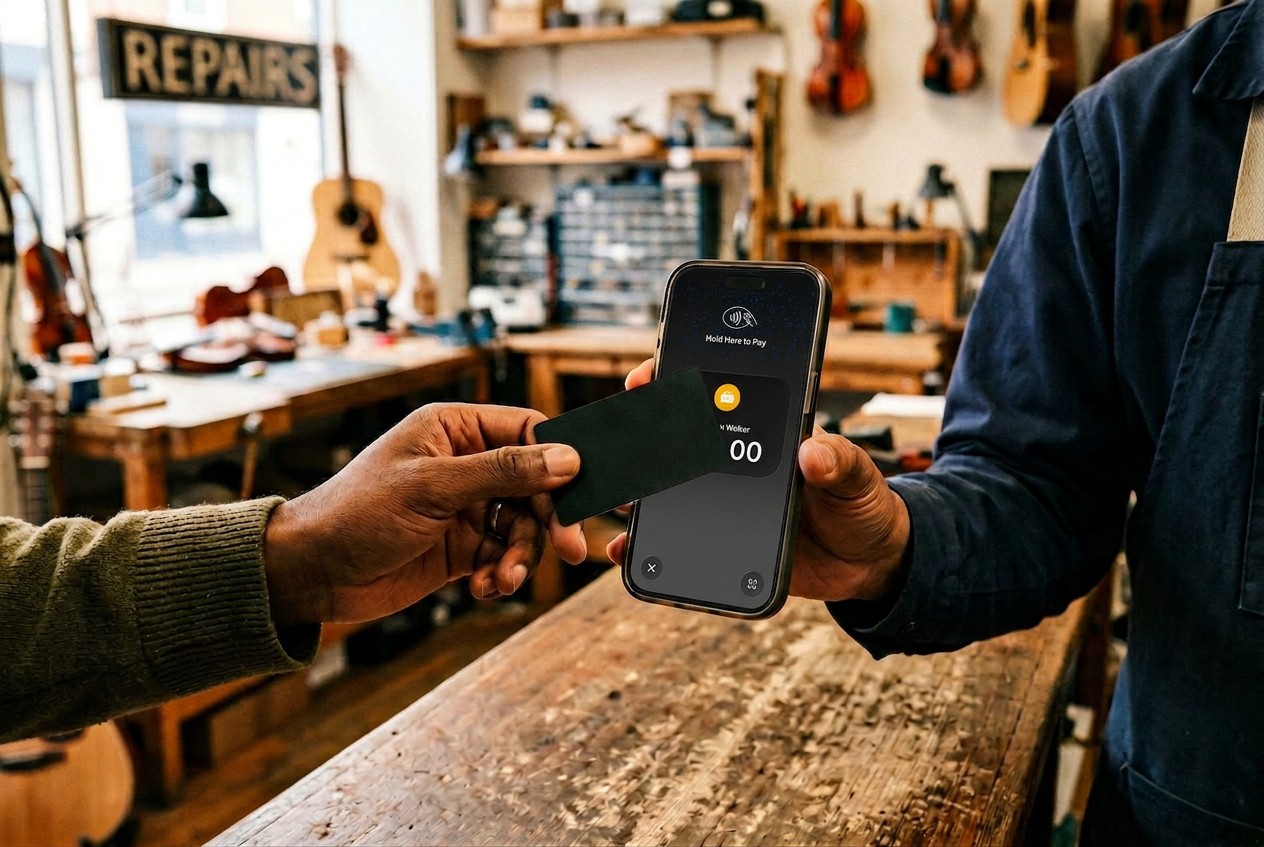
If your priority is accepting payments anywhere with minimal overhead, consider JIM. It turns your iPhone into a contactless payment terminal with no hardware purchase required. Accept cards and digital wallets at a flat 1.99% fee per transaction. Funds appear instantly on your JIM Visa® Prepaid Card, eliminating the 1 to 3 business day settlement wait common with traditional POS systems.
Best for:
- Mobile businesses
- Pop-up shops and markets
- Service providers on the go
- Business owners wanting instant fund access
This streamlined approach works when you need cost-effective payment processing without complex onboarding. JIM focuses on payment acceptance rather than full POS features like inventory management, making it ideal when simplicity and cash flow matter most.
How to Choose the Right Alternative
The right choice depends on matching your needs with each platform's strengths. Before committing to any provider, consider how each factor affects your daily operations and long-term costs. These criteria help you narrow down which solution fits your business model.
- Budget: Start by assessing how much can realistically be allocated to monthly fees, transaction costs, and hardware, both upfront and over time. Square and Loyverse offer free tiers, while JIM has no monthly fees or hardware costs.
- Business type: Consider the operational model such as retail, restaurant, or ecommerce, along with the complexity of daily workflows. Lightspeed suits established retail with complex inventory, Shopify is ideal for ecommerce integration, while Square works well for general retail.
- Hardware flexibility: Think about whether to reuse existing devices or invest in dedicated hardware for future scalability. Loyverse and JIM both work with existing devices and do not require proprietary equipment.
- Payout speed:Cash flow needs matter, especially for businesses that rely on daily liquidity. JIM provides instant access to funds, while most other providers settle within one to three business days.
- Feature depth:Determine whether advanced tools are necessary or if core payment functionality is enough. Clover. and Shopify excel in inventory management and automation, while JIM focuses purely on payments.
Weighing these factors against your specific situation makes the decision clearer. Reviewing how to accept credit card payments efficiently helps you evaluate which features actually matter for your daily operations.
Find the Right POS for Your Business
Clover works for some businesses, but alternatives often provide better value or flexibility. Free options exist through Square and Loyverse, while JIM eliminates hardware costs entirely.
Looking for the simplest way to accept payments without POS complexity? Download JIM and turn your iPhone into a payment terminal with a flat 1.99% fee and instant access to your money.
.avif)