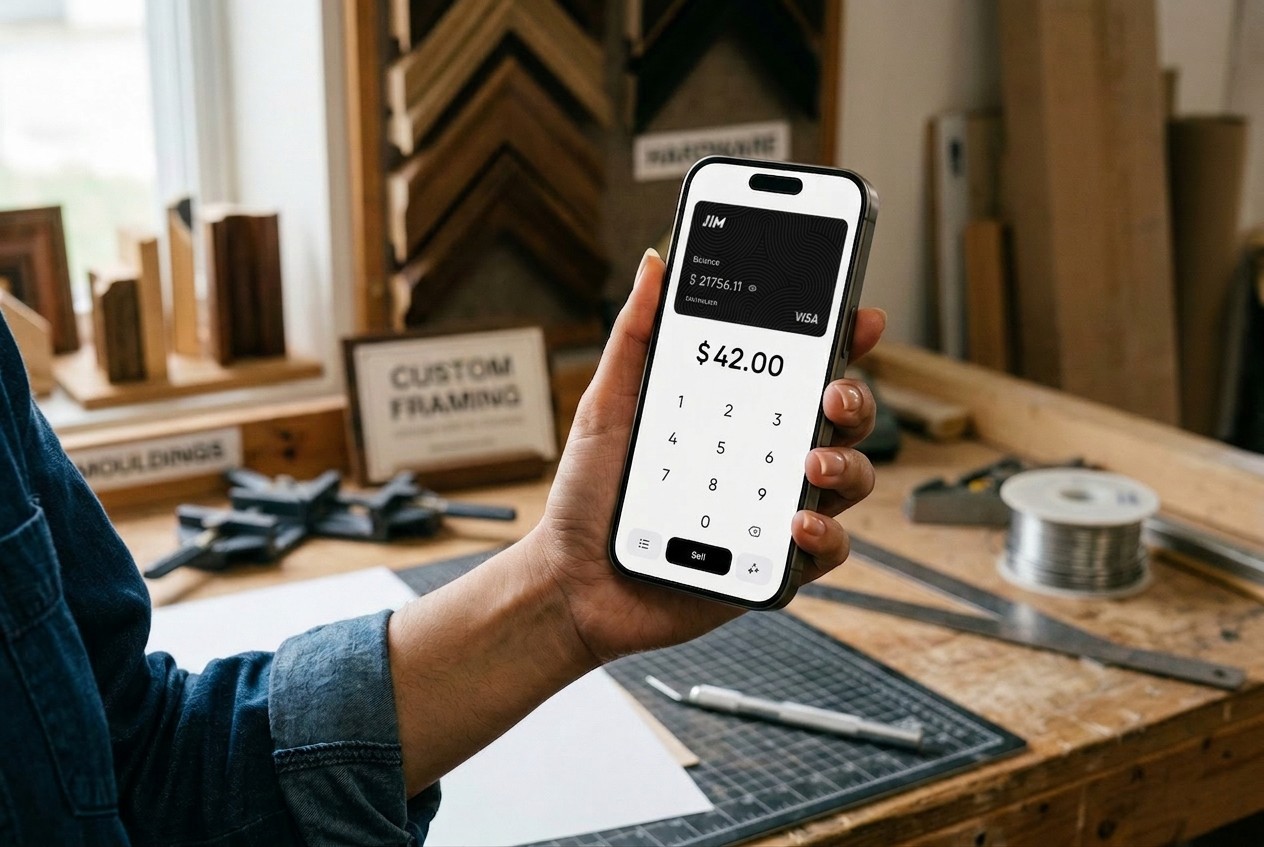
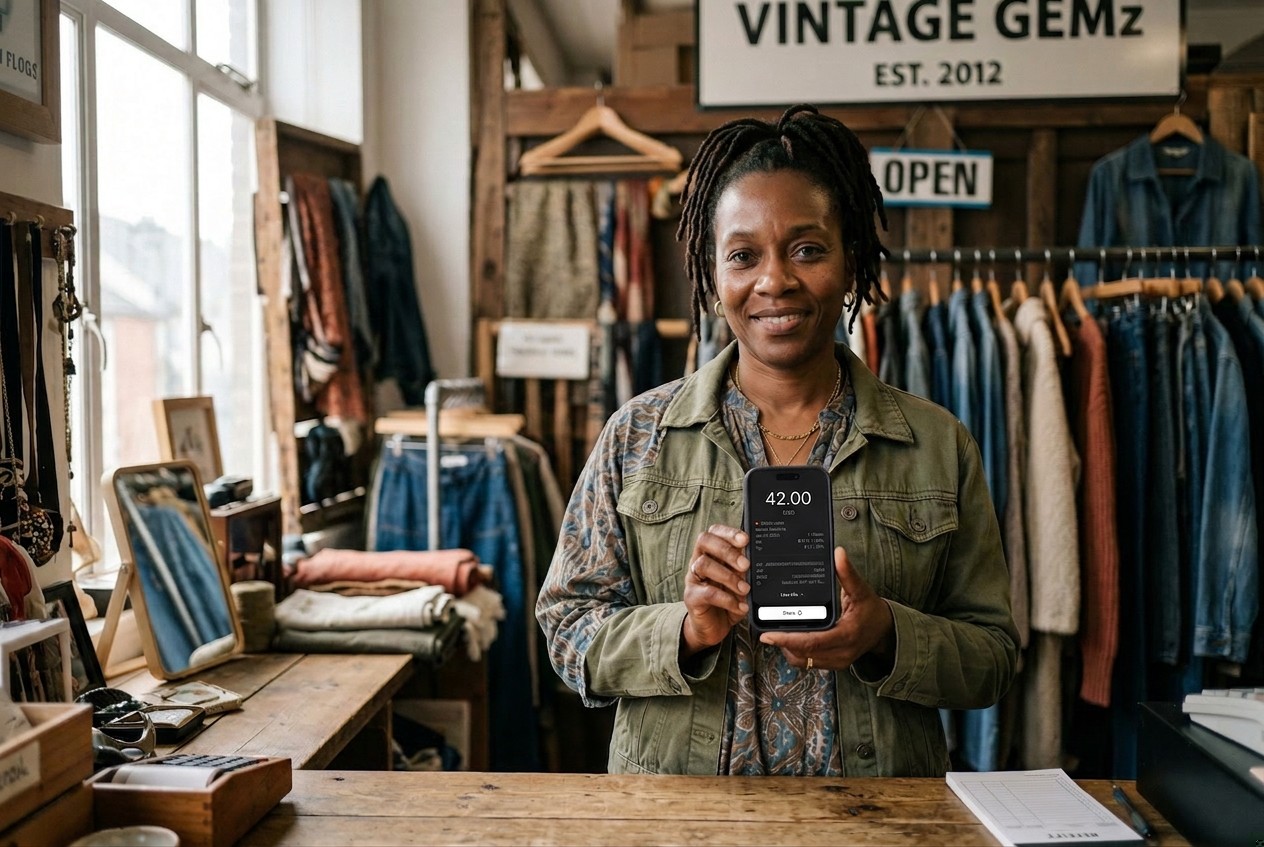
You just finished a job at a client's home, and they reach for their phone to pay. The old routine of chasing invoices or requesting bank transfers feels clunky compared to what they expect: a quick tap and a receipt in their inbox before you walk out the door.
In-person payment has shifted dramatically toward contactless. 70% of in-person transactions are now contactless, and about 85% of U.S. merchants now accept contactless payments. Your customers have already adapted, and your payment setup needs to keep pace.
Explore the top in-person payment options, find the setup that fits your small business, and start accepting cards and contactless payments today.
What Is In-Person Payment?
An in-person payment happens when the buyer and seller are physically present. You might hear this called a face-to-face payment or card-present transaction. Both parties are in the same place, whether at a retail counter, food truck window, or client's home. Utility offices, payment centers at retailers like Walmart and CVS, and walk-in bill payment locations where customers pay billers like Western Union also fall into this category.
This stands in contrast to online payments or phone orders, where the card is not physically present. Because in-person transactions allow verification of the card and cardholder, they carry lower fraud risk. Small business owners benefit from this reduced risk, which often translates to lower processing fees from payment services providers.
In-person payment methods range from traditional cash to card swipes, chip dips, tap-to-pay, mobile wallets like Apple Pay and Google Pay, and even QR code scans.
Knowing the distinction helps you choose the right point-of-sale (POS) setup for your business. Here’s a quick summary of the common POS businesses use:
Types of In-Person Payment Methods
Your customers arrive with different preferences. The more payment options you offer, the fewer sales slip away at checkout. That said, each method comes with its own trade-offs in speed, cost, and convenience. Here is how the main categories break down.
Cash
Cash remains familiar to every customer. Even with the digital shift, it still accounts for roughly 16% of transactions according to Federal Reserve research. A cash payment offers immediate settlement with no processing fees, though you must handle change and manage security.
Credit and Debit Cards
Card payments dominate retail transactions. Swipe, dip, or tap depending on your terminal. You need a card reader or POS terminal, and processing fees typically range from 1.5% to 3.5% depending on your provider.
Contactless and Tap to Pay
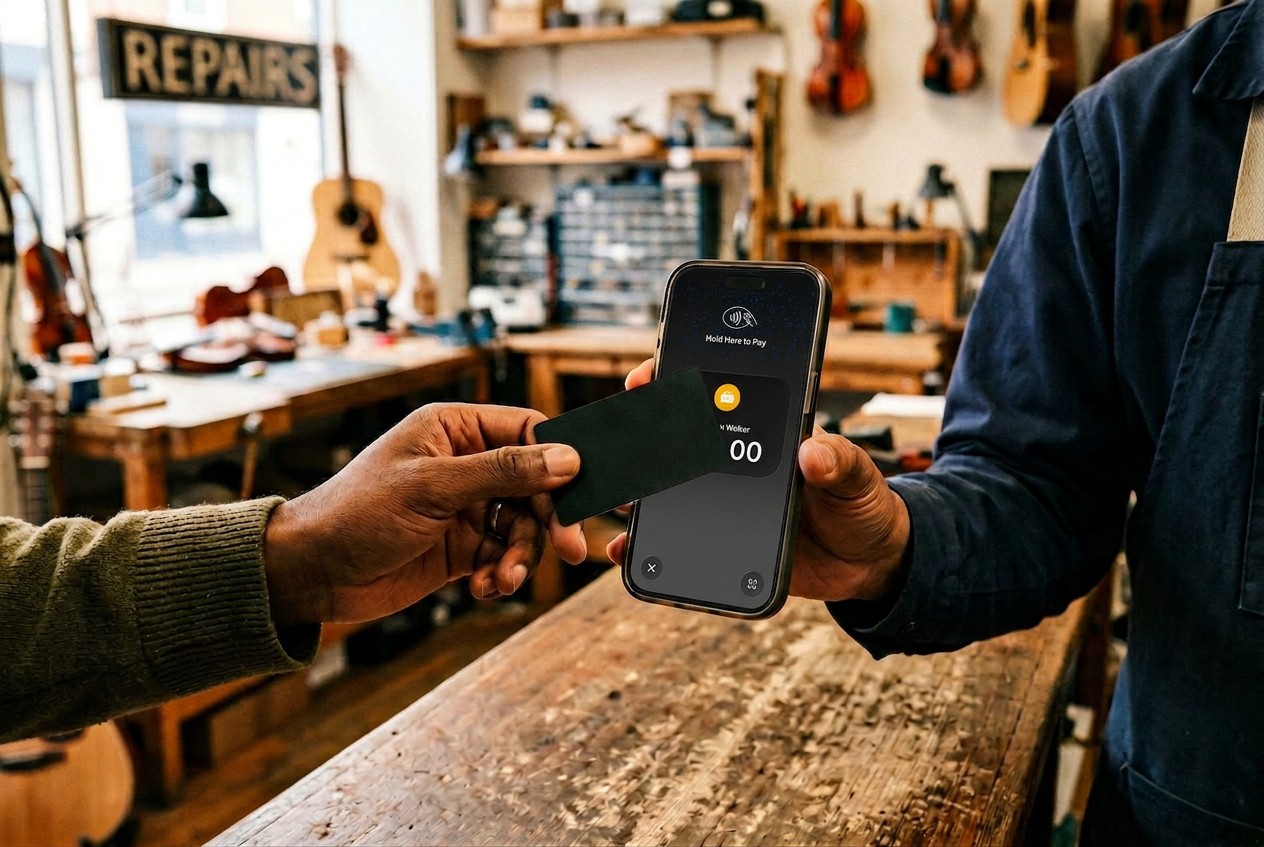
Contactless checkout has become the fastest method at payment locations from small retailers to major chains like Walmart, CVS, and Walgreens. Customers hold their NFC-enabled card, phone, or wearable near your terminal, and the transaction completes in seconds. About 63% of Americans have used contactless payments, and adoption continues to climb.
Mobile Wallets and Digital Wallets
Mobile wallet providers have made paying by phone routine for millions of customers. Apple Pay, Google Pay, and Samsung Pay store card information and use biometric authentication. Customers pay with their phone or watch. Accepting digital wallets requires an NFC-enabled reader or a tap-to-pay capable device.
QR Code Payments
QR codes offer an alternative when NFC hardware is unavailable. The customer scans a code you display and completes payment through their app. This method is more popular internationally but growing in the U.S.
In-Person vs. Online Payments: Which Is Better?
Business owners often ask whether they should prioritize in-person or online payment acceptance. Neither approach is universally superior; it depends on your customer base and operations. Here is how the two compare.
Retail shops, food service businesses, and salons thrive on in-person payment options where the face-to-face interaction builds relationships. E-commerce stores and subscription services need online checkout to reach customers anywhere. Many businesses benefit from offering both, capturing walk-in customers and online orders through a single payment processor when possible.
Best Ways to Accept In-Person Payments
Selecting the right payment system depends on your business model, transaction volume, and mobility needs. Major retailers handle thousands of transactions daily through integrated payment services, while a solo vendor needs portability above all. The table below compares common approaches.
How Payment Processing Works Behind the Scenes
When a customer taps their card or phone at your terminal, the transaction moves through several steps in a matter of seconds:
- Capture. Your payment processor collects the card details and encrypts them for transmission.
- Authorization request. The processor routes the request through the card network (Visa, Mastercard, or others) to the customer's issuing bank.
- Verification. The bank checks for available funds and fraud flags, then sends back an approval or decline.
- Settlement. Once approved, the funds are earmarked and eventually transferred to your account.
Settlement timing varies by provider. Traditional processors batch transactions at the end of each business day and transfer funds to your checking account within one to three business days. Some providers, like JIM, bypass this waiting period entirely by making funds available on a linked prepaid card immediately after approval.
Fees vary because card-present transactions carry lower fraud risk since the physical card is verified with the cardholder, so processors typically charge less than for online purchases. When choosing a payment method, consider transaction volume, portability if you work in multiple locations, and settlement speed, which affects how quickly you can access funds to reinvest or cover expenses.
How to Set Up In-Person Payment Acceptance
Once you decide which form of payment to accept, setting up your system is straightforward. Getting started does not require weeks of configuration or expensive equipment. Follow these steps.
- Decide on payment methods. Will you accept cards, cash, contactless, or all three? Your customer base and average transaction size should guide this decision.
- Choose your setup. Options include traditional POS terminals for fixed locations, mobile card readers for occasional card acceptance, or Tap to Pay on iPhone for hardware-free flexibility. Learn more about how to accept contactless payments.
- Select a payment processor. Compare fees, settlement speed, and contract terms. Watch for hidden monthly fees. Verify how funds reach your bank account and whether the provider needs your phone number or account number.
- Test your system. Run test transactions before serving real customers. Confirm that receipts generate correctly and funds settle as expected.
- Train your team. Everyone who handles checkout should know how to process payments, handle declined cards, and resolve common issues.
Start Accepting In-Person Payments Without the Hassle
In-person payment options have expanded far beyond the cash register and card swipe. Contactless transactions now dominate, and customers expect checkout to match the speed of tapping their phone. Whether you operate from a fixed location or travel to customers, the right payment services provider makes the difference between smooth transactions and frustrated buyers.
For mobile sellers and service providers who want simplicity, JIM turns your iPhone into a payment terminal with no hardware to purchase. At 1.99% per transaction with instant payouts to your JIM Visa® Prepaid Card, it removes the friction between making a sale and accessing your money.
Skip the hardware and start collecting payments in minutes. Download JIM and start accepting payments today.
.avif)