Mobile Payment Terminal: A Complete Guide for Small Business Owners

See article summary
- Mobile payment terminals turn your phone, tablet, or dedicated device into a portable card reader.
- Three main types exist: dedicated handhelds ($200 to $600), smartphone readers ($29 to $79), and Tap to Pay ($0).
- JIM charges a flat 1.99% per contactless sale with no monthly fees or hardware costs.
- Security comes from PCI DSS compliance, EMV chips, tokenization, and end-to-end encryption.
- Use the VMC Test to pick: score Volume, Mobility, and Card mix, then match the total to a terminal type.
A customer hands you cash at your pop-up booth, but you can't break a fifty. Another wants to tap their phone, but you're stuck fumbling with outdated hardware. These missed sales add up fast.
A mobile payment terminal, also called a wireless payment terminal, solves this by turning your smartphone, tablet, or dedicated device into a portable card reader that accepts payments anywhere. According to Federal Reserve Payments Study data released November 2024, 19.7% of in-person general-purpose card payments were contactless in 2022, up from single digits five years earlier. Statista projects the mobile POS market will reach $85.11 billion by 2030.
What Is a Mobile Payment Terminal?
A mobile payment terminal is a portable device that accepts card payments outside a fixed checkout counter. It functions as a credit card machine that travels with you instead of staying fixed to a counter. Options range from dedicated handheld hardware to smartphone apps that use your phone's built-in NFC chip for contactless transactions. They work across iPhone and Android platforms, connecting via WiFi, Bluetooth, or USB-C, depending on the hardware.
The core technology includes NFC for tap-to-pay transactions, EMV chip readers for card-present security, and cloud-based software for processing and reporting. Unlike traditional point of sale systems bolted to a countertop, mobile terminals travel with you to farmers' markets, client sites, trade shows, or anywhere your business operates.
In practice, your choice comes down to three questions: how many transactions you process daily, where you sell, and whether your customers pay by tap or insert. A seller processing 30 or more transactions a day at a fixed counter needs different hardware than a pop-up vendor who sells 10 items at a weekend market.
What Are the Types of Mobile Payment Terminals?
The three main types are dedicated handheld terminals ($200 to $600), smartphone card readers ($29 to $79), and Tap to Pay on iPhone ($0). Here's how they compare.
| Feature | Dedicated Handheld | Smartphone Card Reader | Tap to Pay on iPhone |
|---|---|---|---|
| Hardware cost | $200 to $600 | $29 to $79 | $0 |
| Best for | High-volume retail | Markets, services | Pop-ups, mobile sellers |
| Payment types | Chip, tap, swipe, PIN | Chip, tap, swipe | Contactless only |
| Setup complexity | Moderate | Low | Very low |
Dedicated handheld terminals
All-in-one handheld devices pack the most functionality into a single unit. These machines typically include built-in touchscreens, receipt printers, barcode scanners, and long-lasting batteries. They accept every payment method: EMV chip cards, contactless tap, magstripe swipe, and PIN entry for debit transactions.
The trade-off is cost and complexity. Expect to pay $200 to $600 upfront, plus potential monthly software fees. Setup involves merchant account configuration and staff training. For high-volume retail locations processing dozens of transactions daily, the investment makes sense. For occasional sellers, the hardware sits idle most of the time.
Smartphone card readers
Card readers plug into or pair with your existing smartphone via Bluetooth or USB-C, turning your mobile phone into a payment terminal. Popular options cost $29 to $79 and support chip insert, contactless tap, and magstripe swipe transactions.
This approach works well for service providers, market vendors, and businesses that already rely on their phones for operations. The reader handles the secure card interaction while the companion app manages receipts, reporting, and accounting integrations. Android device users and iPhone owners both have compatible options. The downside is carrying an extra piece of hardware and keeping it charged alongside your phone.
Tap to Pay on iPhone
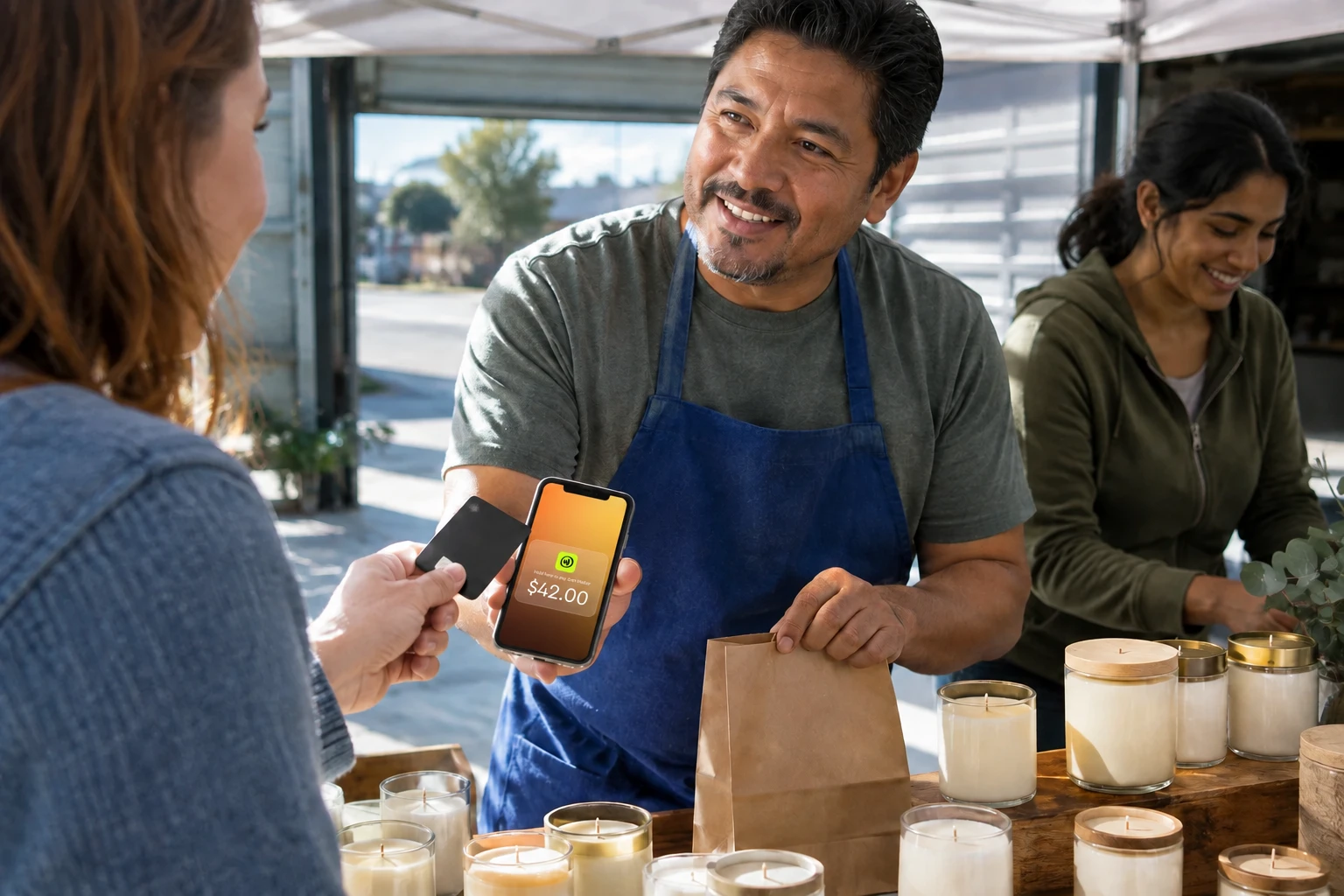
Tap to Pay solutions eliminate hardware costs entirely by using your iPhone's built-in NFC chip to accept contactless payments. Customers tap their card, Apple Pay, Google Pay, or Samsung Pay directly on your phone screen. No card reader, no terminal, no extra equipment.
This option requires an iPhone running iOS 16 or later with NFC capability. The limitation is payment type: you can only accept contactless transactions, not chip-insert or magstripe swipe. For businesses where most customers already tap to pay, this trade-off rarely matters. The simplicity and zero hardware investment make it ideal for pop-ups, mobile sellers, and anyone testing card acceptance before committing to dedicated equipment.
What are the best options for Android sellers?
Android sellers have two paths. For making payments, any Android phone with NFC and Android 9 or higher works with Google Wallet for contactless taps at terminals. For accepting payments, Android-based Tap to Pay apps turn your phone into a card reader using the same NFC hardware, so you can accept contactless cards and digital wallets without buying a reader. Setup takes under five minutes on most Pixel, Samsung Galaxy, and Xiaomi devices.
If your customers regularly need to insert chip cards or swipe magstripes, pair a Bluetooth card reader with your Android phone instead. The reader handles chip and swipe transactions while your phone runs the companion app for receipts and reporting.
What Features Should a Mobile Payment Terminal Have?
Choosing the right terminal means weighing hardware capabilities, software features, and connectivity options against your actual business needs. Not every seller requires the same feature set.
Payment acceptance
Look for EMV chip support for card-present security, NFC capability for contactless transactions, and compatibility with major card networks including Visa, Mastercard, and American Express. Also ensure compatibility with digital wallets like Apple Pay, Google Pay, and Samsung Pay. Some terminals still include magstripe readers for older cards, though chip and tap transactions now dominate.
Connectivity
WiFi works for indoor locations with reliable internet. Cellular (4G/5G) provides true mobility at farmers markets, festivals, and client sites. Bluetooth connects card readers to your smartphone. If you sell at events with unreliable connectivity, look for offline mode that stores transactions and processes them when you reconnect.
Software capabilities
Payment processing is just the start; the software behind your terminal can handle much more. Inventory tracking helps product-based businesses monitor stock levels. Sales reporting shows trends by time period, payment type, or product category. Integrations with accounting software like QuickBooks reduce manual bookkeeping. Some platforms include basic CRM features to track repeat customers. Barcode scanners and QR codes enhance capabilities for inventory management and contactless ordering.
How Much Does a Mobile Payment Terminal Cost?
Terminal costs extend beyond the sticker price. Knowing the full cost structure prevents surprises that eat into your margins over time.
Hardware costs
Upfront hardware investment varies by terminal type and provider.
Dedicated terminals from major providers typically run $200 to $600 upfront. These all-in-one devices include built-in printers, touchscreens, and durable batteries. Smartphone card readers cost much less, ranging from $29 to $79, but require pairing with your mobile phone and may lack features like receipt printing.
Tap to Pay solutions eliminate hardware costs entirely. Your iPhone handles everything, which makes this approach attractive for sellers testing mobile payments or operating with minimal capital.
Transaction fees
Processing fees vary widely depending on your provider and pricing model. Visa sets interchange reimbursement fees that processors pass through, and the processor adds a markup on top. Here's how common options compare:
| Provider Type | Typical Fee |
|---|---|
| Traditional processors | 2.6% to 2.9% + $0.10 to $0.30 |
| Flat-rate providers | 2.6% + $0.10 |
| JIM | 1.99% flat |
On a $50 sale, the difference between 2.9% + $0.30 and 1.99% flat amounts to about $0.76. That gap widens as your transaction volume grows. For a deeper breakdown of how credit card processing fees work across pricing models, the structure matters as much as the headline rate.
Suppose you process $5,000 a month at the higher rate. Over a year, switching to 1.99% flat saves roughly $906. At $25,000 a month, the annual savings reach about $4,530. At $100,000 a month, savings exceed $18,000.
| Monthly volume | Annual cost at 2.9% + $0.30 | Annual cost at 1.99% flat | Annual savings |
|---|---|---|---|
| $5,000 | $2,100 | $1,194 | $906 |
| $25,000 | $10,500 | $5,970 | $4,530 |
| $100,000 | $42,000 | $23,880 | $18,120 |
These figures assume a $50 average ticket and do not account for monthly fees or PCI charges that traditional processors often add.
Hidden costs
Watch for additional charges beyond headline pricing. Monthly software fees range from $0 to $50+ depending on features. PCI compliance fees add $5 to $20 monthly with some processors. Chargeback fees run $15 to $25 per disputed transaction. Equipment rental or lease payments, early termination fees, and batch processing fees can also appear on your statements. Some providers charge extra for warranty coverage or extended support plans.
Before signing with any provider, request a complete fee schedule and compare total monthly costs at your expected transaction volume. JIM's transparent pricing includes no monthly fees, no hidden charges, and no compliance fees on top of the flat 1.99% rate.
How Do You Choose the Right Mobile Payment Terminal?
The right terminal depends on your business model, not generic rankings. Matching your actual needs to terminal capabilities saves money and frustration.
The VMC Test: a 60-second decision framework
Score yourself 1 to 5 on three dimensions: Volume, Mobility, and Card mix.
| Score | Volume (daily transactions) | Mobility (where you sell) | Card mix (contactless share) |
|---|---|---|---|
| 1 | Fewer than 5 | Fixed counter, always | Mostly chip-insert |
| 2 | 5 to 15 | Fixed counter, occasional off-site | 25% contactless |
| 3 | 16 to 30 | Split between fixed and mobile | 50% contactless |
| 4 | 31 to 60 | Mostly mobile | 75% contactless |
| 5 | More than 60 | Always on the move | 90%+ contactless |
Add your three scores. A total of 3 to 7 points to a dedicated handheld terminal or countertop POS. A total of 8 to 12 points to a smartphone card reader. A total of 13 to 15 points to a Tap to Pay solution like JIM, where zero hardware and instant payouts matter more than built-in receipt printing.
Match terminal to use case
Different business types benefit from different terminal configurations. Match your selling environment to the right hardware.
- Food trucks and markets: Prioritize cellular connectivity, rugged build quality, and long battery life. You need equipment that survives outdoor conditions and keeps working through a full day of sales.
- Salons and service providers: Look for receipt printing capability and integration with appointment scheduling software. Fixed WiFi connectivity works fine for in-shop transactions.
- Pop-up shops and events: Focus on quick setup, no monthly fees, and maximum portability. You don't want recurring costs for a terminal that sits unused between events.
Smartphone-based options for mobile sellers
If your business falls into the pop-up or mobile category, a smartphone-based terminal often makes more sense than dedicated hardware. You avoid the upfront investment, skip monthly equipment fees, and carry one less device.
JIM fits this profile. It turns your iPhone into a contactless terminal through Tap to Pay, charging a flat 1.99% per transaction with no monthly fees or hardware costs. Funds appear instantly on your JIM Visa® Prepaid Card rather than settling in one to three business days. The trade-off is contactless-only acceptance, so if your customers regularly need to insert chip cards or swipe magstripes, a card reader add-on or dedicated terminal serves you better.
How Do You Set Up a Mobile Payment Terminal?
Most terminals are designed for quick setup, but the process varies by type. Dedicated hardware requires more configuration, while smartphone-based solutions get you selling faster.
Traditional terminal setup
Setting up a dedicated handheld terminal follows a predictable sequence. Plan for 15 to 30 minutes of initial configuration.
- Charge the device fully before your first use
- Connect to your WiFi network or activate the cellular plan
- Create your merchant account through the provider's onboarding process
- Configure business settings including tax rates, tip options, and receipt preferences
- Run a test transaction with your own card to confirm everything works
Tap to Pay with JIM
Smartphone-based setup takes minutes rather than hours. Here's the complete process from download to your first sale:
- Download the JIM app and create your account with basic business information
- Enter the sale amount in the app when you're ready to accept payment
- Ask your customer to tap their card, phone, or smartwatch on your iPhone
- Receive payment instantly on your JIM Visa® Prepaid Card
For more details on contactless payment acceptance, JIM's process works with any contactless card, Apple Pay, Google Pay, Samsung Pay, and other NFC-enabled payment methods.
Are Mobile Payment Terminals Secure?
Yes. Mobile payment terminals are secure when they combine PCI DSS compliance, EMV chip technology, tokenization, and end-to-end encryption. Here's what each layer does.
PCI DSS compliance is mandatory for any business accepting card payments. This set of security standards from the PCI Security Standards Council governs how you handle, store, and transmit cardholder data. Compliant terminals and processors manage these requirements behind the scenes.
Tokenization adds another layer of protection by replacing actual card numbers with unique tokens during transactions. Even if data were intercepted, the tokens hold no value outside that specific transaction context. End-to-end encryption secures payment data from the moment a card is read until the transaction completes.
EMV chip technology cuts counterfeit fraud. Visa reported an 87% drop in counterfeit fraud dollars at U.S. merchants that completed chip upgrades between September 2015 and March 2019. The chip generates a unique code for each transaction, making counterfeit cards nearly impossible to create. This is why most terminals prioritize chip and contactless acceptance over swipe.
What About Tax Reporting, Refunds, and International Cards?
Three operational questions come up once you start accepting mobile payments.
1099-K reporting
Payment processors issue Form 1099-K when your card volume crosses certain thresholds. For payment card processors (credit and debit cards), there is no minimum threshold: a 1099-K is issued regardless of amount. For third-party payment apps and networks, the IRS threshold reverted to $20,000 in gross payments and more than 200 transactions for tax year 2025 and beyond, after the One Big Beautiful Bill Act rolled back lower planned thresholds. Regardless of whether you receive a 1099-K, all business income is taxable.
Refunds and chargebacks
Refunds return money to the customer through the same processor that handled the original sale. Chargebacks are different: the cardholder's bank reverses the transaction after a dispute, and you may pay a $15 to $25 fee per disputed transaction even if you win. Keep clear records, signatures, and delivery confirmations to fight invalid chargebacks. Clear refund policies posted at checkout reduce disputes before they start. For a full breakdown of how the chargeback process works and how to protect your account, the dispute timeline matters as much as the fee itself.
International cards
Most U.S. mobile terminals accept internationally issued Visa, Mastercard, and American Express cards as long as the card has a chip or contactless symbol. Expect higher processing fees, often 1% to 3% above domestic rates, because cross-border interchange is higher. Currency conversion happens automatically at the network level, so you receive U.S. dollars. If you sell at airports, tourist districts, or events with international attendees, confirm your processor supports cross-border transactions before you commit.
Start Accepting Payments From Your Pocket
Mobile payment terminals range from dedicated hardware to smartphone solutions that cost nothing upfront. The right choice depends on your sales environment, transaction volume, and whether you need every payment type or just contactless. Card readers work well for occasional sellers. Tap to Pay turns your existing iPhone into a complete terminal.
For merchants who prioritize mobility, transparent costs, and immediate access to earnings, JIM offers a compelling option. Your iPhone becomes the terminal, payments process at a flat 1.99%, and funds hit your JIM Visa® Prepaid Card instantly. No hardware to buy, no monthly fees to track, no settlement delays to manage.
Ready to simplify your checkout? Download JIM and start accepting contactless payments in seconds.
Frequently Asked Questions
Can I accept payments without a card reader?
What's the difference between mobile and traditional POS?
Do mobile terminals work offline?



Sell and get paid in seconds with Jim






